







Digital Decal Printing – Die-Cut Labels to Your Design
Oct
Need digital decal printing for your products? Below is a guide to choosing materials, die-cut specifications, lead times and starting prices at the In Quảng Cáo Q7 workshop.
Digital decal printing – from product labels to decorative decals
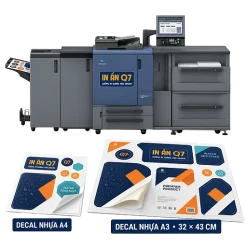
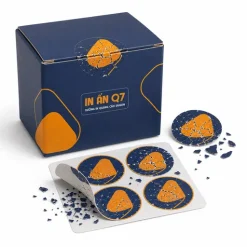
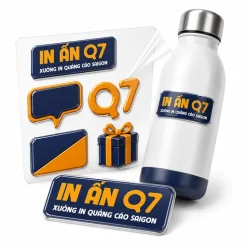
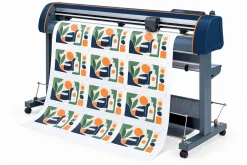
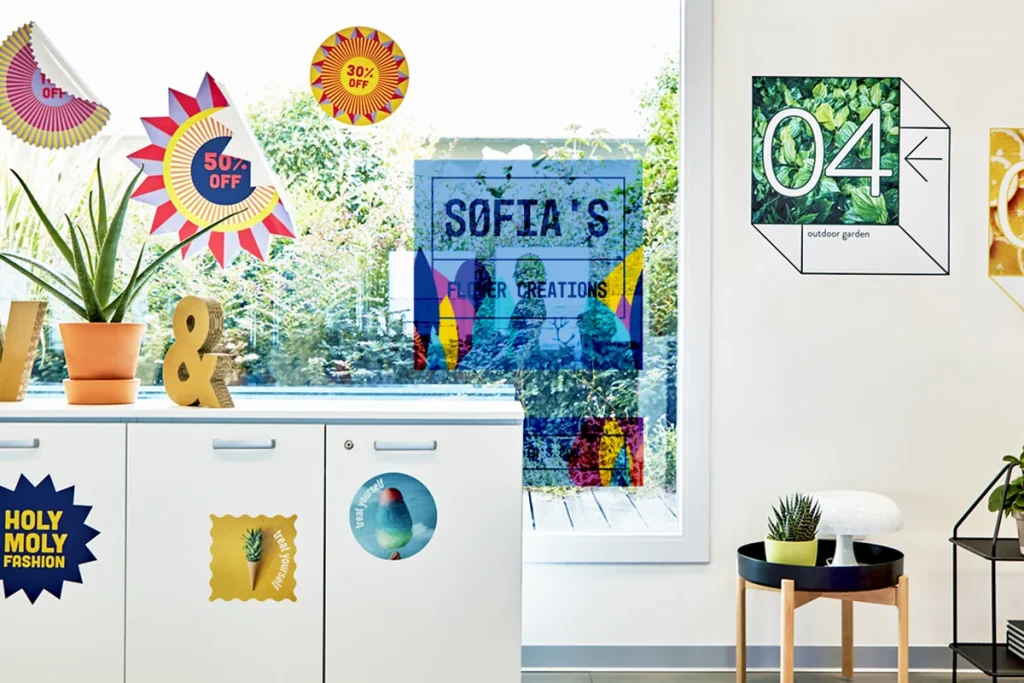
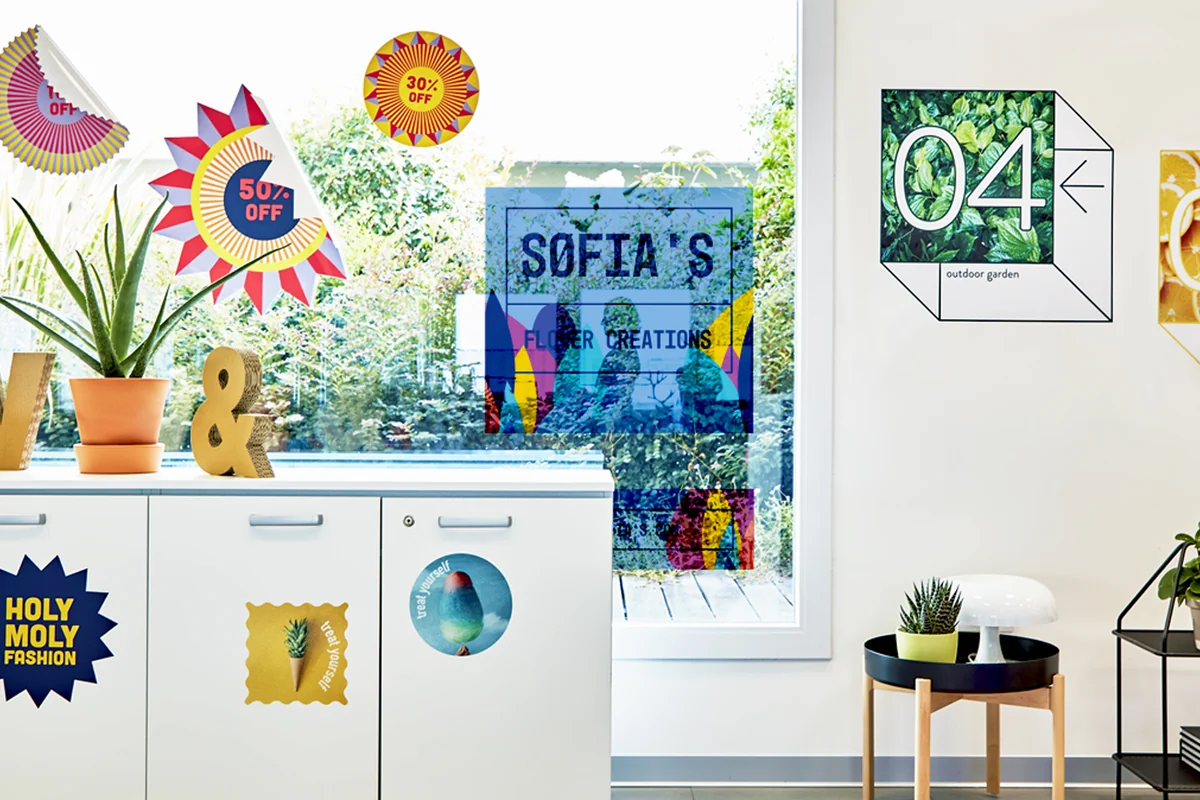
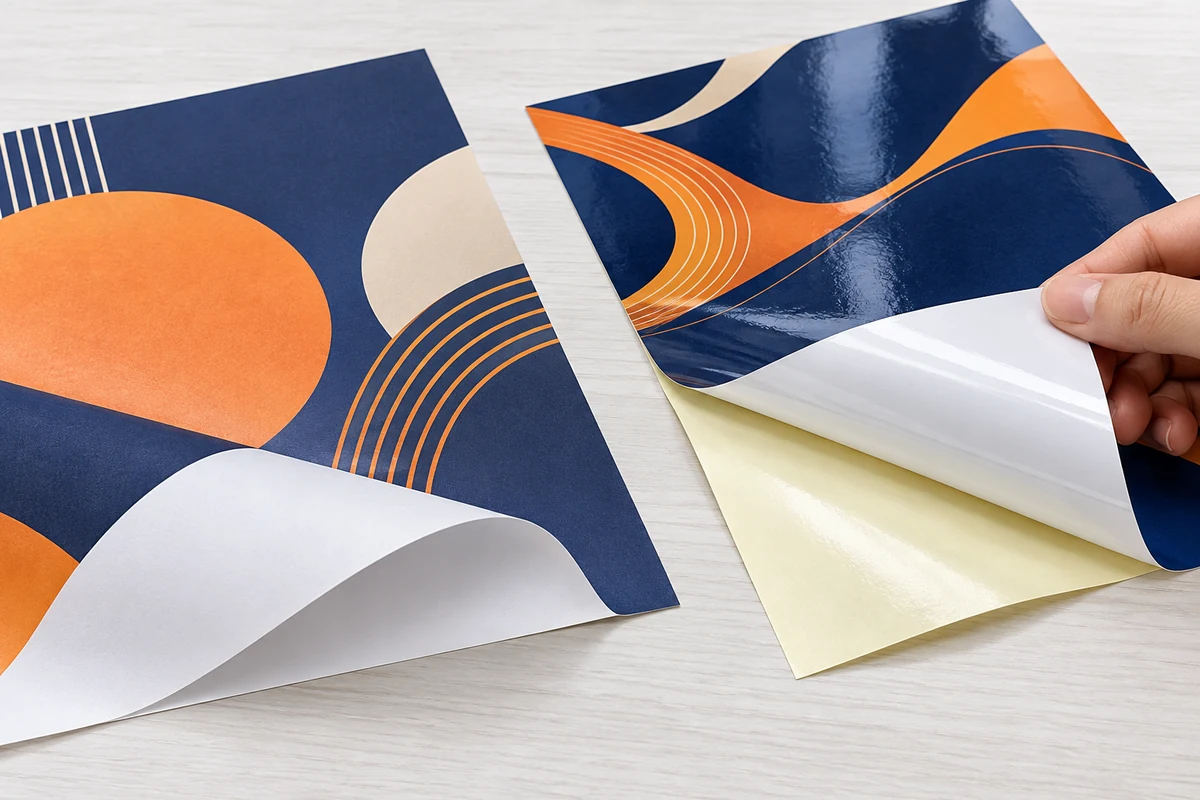
Digital decal printing is the technology behind most labels you see on products every day: bird's nest jars, cosmetics bottles, cake boxes, bubble tea cups. Printed straight from the file onto decal rolls, then die-cut with a blade exactly to the design shape – circles, ovals, rounded squares or the full logo outline are all possible.
The biggest advantage of this technology is that no minimum quantity is needed: 50 labels to test a new product or 50,000 labels for a large shipment can both be run, with consistent colour between print runs.
Choosing the decal type by purpose
Paper decal: cheapest, suits labels on paper boxes and dry indoor packaging. Plastic decal (PVC): waterproof, tough, suits cosmetics bottles and chilled food. Clear decal: see-through background, very elegant on glass bottles. Eggshell decal (warranty stickers): tears when peeled, preventing product swaps.
Gloss or matte lamination after printing makes labels many times more colourfast – almost a must for product labels that are handled often.
Related products
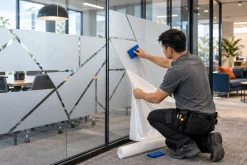
Decal application
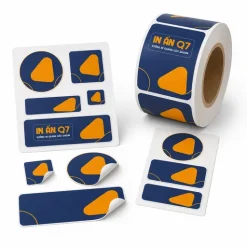
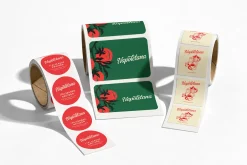
Labels & stickers
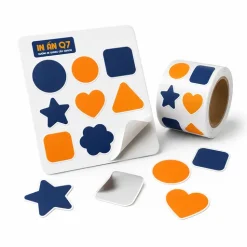
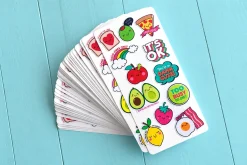
Sticker
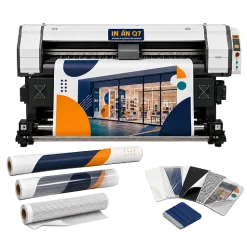
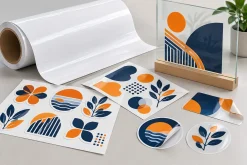
Decal
Die-cutting – the selling point of digital decals
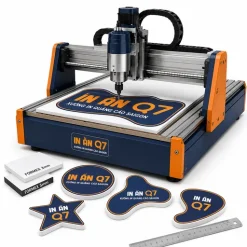
The programmed die-cutter cuts precisely along the path in the design file: perfectly even circles, and even complex logo shapes are cut cleanly. Labels are supplied as sheets for easy hand application, or as rolls for automatic labelling machines at large factories.
If the file has no die line yet, the workshop's designers build it and send it to the customer for approval before printing.
Lead times and how to order
Standard decal orders are ready the same day; urgent small-quantity orders can be collected in about an hour. Send file + label size + quantity via Zalo for a starting quote right away; if you are not sure which decal type to choose, just describe the product it will go on, and the workshop advises with real samples.
Specifications table for digital decal printing
Digital decal printing at the workshop has three decal types and three sizes, from 1 sheet.
| Item | Specification |
|---|---|
| Decal type | Paper decal · Plastic decal · Oil-based adhesive plastic decal |
| Size | A4 · A3 · 32x43cm |
| Price | From 17.000đ per sheet |
| Minimum quantity | From 1 sheet |
| Finishing | Straight cut, kiss cut, through cut, die-cut to shape, lettering cut, die-cut with a die |
The 32x43cm size is the largest, used when many labels need to be laid out on one sheet. Because prices are per sheet, digital decal printing on this size is usually more economical than printing many A4 sheets.
The three decal types and what to use them for
| Decal type | Features | Used for |
|---|---|---|
| Paper decal | Paper surface, lowest price, not water-resistant | Price labels, carton labels, indoor labels |
| Plastic decal | Water-resistant, more durable than paper decal | Cup labels, bottle labels, cosmetics box labels |
| Solvent-adhesive plastic decal | Strong adhesive grip, resists sun and water | Vehicle decals, outdoor glass, hard-to-stick surfaces |
Choosing the wrong type is the most common mistake: using paper decal for drink cup labels means they peel after a few hours. When ordering digital decal printing, say clearly where the labels will be applied so the workshop chooses the right material.
Three sizes and how to lay out labels
| Size | Use when | Notes |
|---|---|---|
| A4 | Small quantities, a few large labels | The smallest size |
| A3 | The most common level | Fits many labels |
| 32x43cm | Large quantities, small labels | The largest size, most economical per label |
Because prices are per sheet, not per label, laying out many labels on one large sheet is the clearest way to cut costs. Send the label size and quantity, and the workshop lays them out to fit the sheet.
Finishing after digital decal printing
| Style | Result | Used for |
|---|---|---|
| Straight cut | Square or rectangular labels | Price labels, box labels |
| Kiss-cut | Labels peel off but stay on the backing sheet | Bulk application at the counter |
| Through-cut | Labels separated piece by piece | Given away with products |
| Die-cutting to shape | Cut to follow the outline of the design | Logo stickers, shaped labels |
| Decal lettering cut | Loose letters without a background | Window decals, vehicle decals |
| Die-cutting with a die | Die-cut with a custom die | Large quantities, special shapes |
Details and prices of the six styles are at Label Decal Cutting — from 2.000đ. If the labels will be rubbed a lot or used outdoors, it is best to Laminated before die-cutting.
Preparing files for digital decal printing
- PDF or AI, CMYK, at least 150dpi.
- 3mm bleed on each edge, 3mm safe zone inside the cut line.
- Text converted to outlines so fonts aren't substituted on another computer.
- For die-cutting to shape and lettering cuts: separate the cut-line layer, drawn as a continuous path.
- Keep a minimum gap of 3mm between two cut lines and 5mm from the sheet edge.
- State clearly the decal type, size, finishing style and number of labels per design.
Common mistakes with digital decal printing
| Mistake | Consequence | How to avoid it |
|---|---|---|
| Choosing paper decal for cup labels | Peels after a few hours from contact with water | Use plastic decal |
| Using ordinary plastic decal outdoors | Fades and peels after a few weeks | Use oil-based adhesive plastic decal |
| Cut-line layer not separated | The machine does not know which line to cut along | Draw the cut line on a separate layer |
| Sharp corners under 2mm | The blade cannot get into the corner | Round off the corners a little |
| Labels placed right at the sheet edge | Areas right at the edge cannot be reached by the cutter | Leave 5mm from the edge |
| Low-resolution images | Pixelated image, most visible on large labels | Use original images at 300dpi |
Summary of digital decal printing
- Three decal types: paper, plastic, oil-based adhesive plastic — chosen by where they go.
- Three sizes: A4, A3 and 32x43cm; from 17.000đ per sheet, from 1 sheet.
- Prices are per sheet, so laying out many labels on one sheet is most economical.
- Six finishing styles, from 2.000đ, chosen by how the labels are used.
- Laminate before die-cutting if the labels will be rubbed a lot or used outdoors.
- Files need CMYK, 300dpi, with a separate cut-line layer if die-cut to shape.
Digital decal printing and offset printing
Decals are a product where the difference between the two technologies is very clear, because labels often need their content changed by round.
| Criterion | Digital printing | Offset printing |
|---|---|---|
| Plate cost | None | Yes |
| Minimum quantity | From 1 sheet | A few hundred sheets |
| Changing content each round | No extra cost | A new plate must be made |
| Time | Same day | A few days |
| Unit price at large quantities | Higher than offset | Lowest |
Therefore digital decal printing suits labels whose content changes often, such as price labels and promotional labels by round. For fixed labels in very large quantities, offset is more advantageous.
Laying out labels on the sheet to save money
Because prices are per sheet, the file layout decides most of the cost of digital decal printing.
| Sticker size | Pieces per A3 sheet (approx.) | Labels per 32x43cm sheet |
|---|---|---|
| 3 x 3 cm | 100 labels | 140 labels |
| 5 x 5 cm | 40 labels | 56 labels |
| 6 x 6 cm | 28 labels | 36 labels |
| 10 x 10 cm | 9 labels | 12 labels |
Label counts are approximate and also depend on the spacing between cut lines and the margin left at the sheet edge. Send the label size, and the workshop will recalculate the exact number of sheets to print.
What surface the labels go on
| Mounting surface | Recommended decal type | Reason |
|---|---|---|
| Cardboard boxes | Paper decal | Rough surface, no contact with water |
| Cosmetics paper boxes | Plastic decal | Needs durability and a clean look |
| Plastic cups, water bottles | Plastic decal | With condensation on the outside |
| Shop glass | Plastic decal | Indoors, smooth surface |
| Vehicle bodies, vehicle doors | Solvent-adhesive plastic decal | Withstands sun, water and car washing |
| Matte painted surfaces | Solvent-adhesive plastic decal | Stronger adhesive grip |
Stating the application surface when ordering digital decal printing is how to avoid the most costly mistake — because peeling labels must all be redone and cannot be fixed.
Storing labels after receipt
- Keep label sheets in a sealed bag or file clip, away from damp that reduces adhesion.
- Keep them in a cool, airy place, out of direct sunlight, because heat makes the adhesive run.
- For kiss-cut labels, store whole sheets flat; do not fold, because creases make labels peel early.
- For through-cut labels, put them in a zip bag so individual pieces do not get lost.
- Use them in the order received, older labels first.
Decals stored too long lose adhesion noticeably, so calculate an order quantity that is just enough for a few months rather than ordering a lot for a cheaper price and not using it all.
Who often orders digital decal printing
| Customer group | Label type | Decal often chosen |
|---|---|---|
| Cafés, milk tea shops | Cup lid labels, dish marker labels | Plastic decal |
| Bakeries | Box labels, expiry date labels | Paper or plastic decal |
| Clothing shops | Price labels, size labels | Paper decal |
| Cosmetics, handmade goods | Ingredient labels, round logo labels | Plastic decal |
| Phone shops | Warranty stickers, seal labels | Paper decal or eggshell stickers |
| Vehicle services, garages | Vehicle lettering, service labels | Solvent-adhesive plastic decal |
How to order digital decal printing
| Step | What to do | Time |
|---|---|---|
| 1 | Send the file with the decal type, size, label dimensions and quantity | As soon as you get in touch |
| 2 | The workshop checks the file and calculates the number of sheets to print | 10–20 minutes |
| 3 | Quote by number of sheets and finishing style | Right after calculating |
| 4 | Test print 1 sheet to check colour and try peeling a label | A few minutes |
| 5 | Run the full quantity | Depends on the number of sheets |
| 6 | Laminate if needed, then die-cut in the chosen style | Depends on the style |
| 7 | Drop by to collect or receive delivery | Same day |
The test print step is most worth doing for digital decal printing: peel a label and stick it on the exact surface it will be used on, to be sure the adhesive holds well before running the whole batch.
Frequently asked questions about digital decal printing
What is the minimum order for digital decal printing?
There is no minimum – digital printing can run from a single decal sheet, a few dozen labels. Small orders are usually the fastest, ready while you wait during working hours; when you need a large reprint, the unit price per label drops sharply by quantity tier.
Are decal labels waterproof?
It depends on the material: plastic (PVC) decal and clear decal are highly waterproof, suitable for bottles, drink cups and refrigerated goods; paper decal suits dry paper boxes and is the cheapest. Adding gloss or matte lamination makes labels far more colourfast and scratch-resistant.
How do delivery and invoicing work?
Customers can collect from the workshop or the workshop books Grab/Ahamove delivery as soon as the labels come off the press – within Ho Chi Minh City they usually arrive in 1–2 hours. Company orders get an electronic VAT invoice issued the same day.
How much does digital decal printing cost?
From 17.000đ per sheet, varying by decal type and size. Prices are per sheet, not per label.
Which decal type should I choose for digital decal printing?
Paper decal for indoor labels that do not get wet. Plastic decal for cup and bottle labels. Oil-based adhesive plastic decal for vehicles or outdoors.
When is the 32x43cm size used?
When many small labels are needed. Because prices are per sheet, laying out many labels on this large size is cheaper than counting label by label.
Can I order digital decal printing for 1 sheet?
Yes, the workshop accepts orders from 1 sheet. That way you can test print to check colour and adhesion before running the whole batch.
Is lamination needed for digital decal printing?
Laminate if the labels will be rubbed a lot or used outdoors. The film keeps the printed surface from flaking when labels are peeled and during transport.
Can I get round labels with digital decal printing?
Yes, with die-cutting to shape. The file needs a separate cut-line layer; if you do not have one, the workshop draws it for you and sends it back for approval.
How does oil-based adhesive plastic decal differ from ordinary plastic decal?
The adhesive grips more strongly and withstands sun, water and car washing. Used for vehicle decals and outdoor surfaces.
Can I order digital decal printing via Zalo?
Yes. Send the file with the decal type, size, finishing style, label dimensions and quantity.
Do labels stored for a long time still stick well?
Yes, if kept in a sealed bag in a dry, cool place. Kept for over a year or left exposed in a humid environment, adhesion drops noticeably.
Can I get digital decal printing urgently within the day?
The printing can be done for moderate quantities. Die-cutting to shape adds time; die-cutting with a die requires making the die first, so it cannot be done within the day.
Can I get digital decal printing on a Sunday?
On Sunday the workshop takes orders via Zalo/hotline from 14:00 to 19:00; orders are printed and delivered from Monday morning.
Do digital decal printing orders come with invoices?
Yes. Give your company details when ordering.
Can I test before ordering large quantities?
You should. The workshop accepts orders from 1 sheet, so you can test print, stick it on the exact surface you will use, and only then settle the quantity.
Order printing at In Quảng Cáo Q7
Labels are the face of your product – send your design or product photos via Zalo, and the workshop will advise the most suitable decal type with starting prices for each quantity level.
In Quảng Cáo Q7 direct printing workshop – 49 Mai Van Vinh, Tan Hung Ward, Ho Chi Minh City. Production and delivery hours: Monday – Saturday, 8:00–12:00 and 13:00–18:00 · Consultation & orders via Zalo/hotline: Monday – Saturday 8:00–12:00 and 13:00–20:00, Sunday 14:00–19:00.
See more printing services on the In Quảng Cáo Q7 home page or contact us quickly via the contact page; you can also get directions to the workshop on Google Maps.
Need printing or signage in Ho Chi Minh City?
In Quảng Cáo Q7 runs its own print workshop in Tân Hưng Ward (former District 7), Ho Chi Minh City, producing and installing signage, banners, window graphics, exhibition booths and event displays. Send us the size, material, quantity and a photo on WhatsApp and we will get back to you.

Phone: +84 866 511 099 · Also on WeChat
Workshop: 49 Mai Văn Vĩnh, Tân Hưng Ward, Ho Chi Minh City