





Our commitments
Printed directly in our workshop, no middlemen
Digital and offset presses right in our workshop. You deal directly with the people who make your order, so every request is understood and handled immediately.
Fast production, many orders ready the same day
Business cards, documents, decals, standees… printed and delivered the same day. See production times for each product group.
One point of contact, all-in-one from file to finished product
Quotes, orders, Zalo messages, delivery booking and invoicing run automatically on one system. Design – printing – finishing – installation all happen in-house, so you don't have to go anywhere else.
Full VAT invoices, issued fast
E-invoices issued right after delivery, with urgent support for businesses that need documents early for payment.
Digital Decal Printing
From 2.000 ₫ / sheetPrice incl. 8% VAT: from 2.160 ₫ / sheet
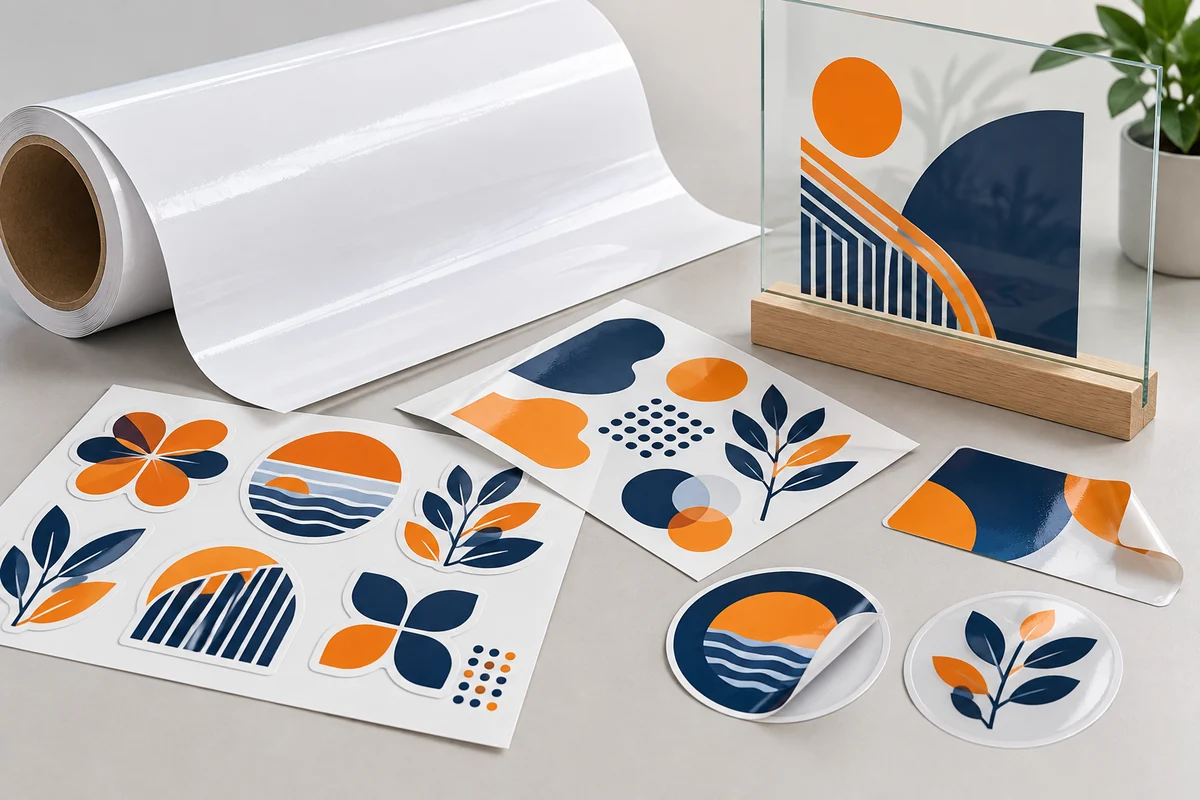
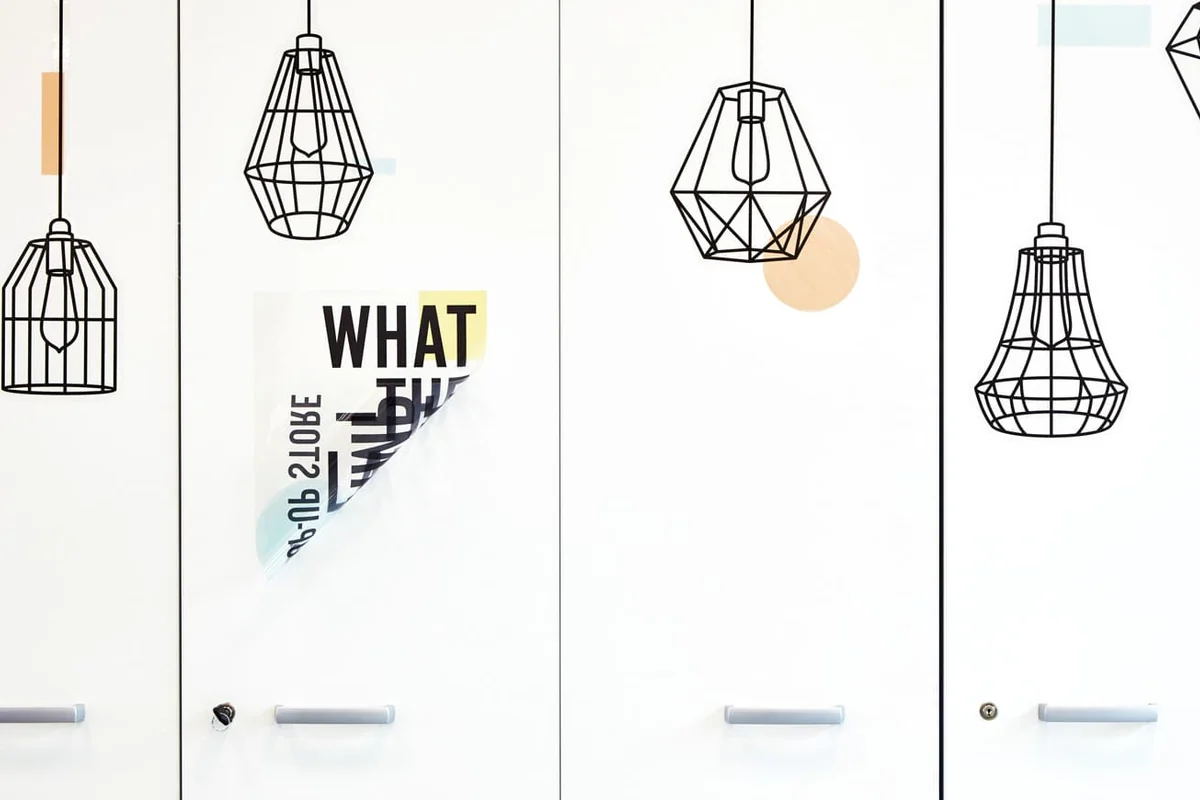
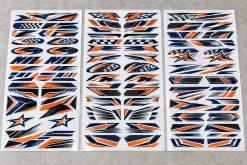
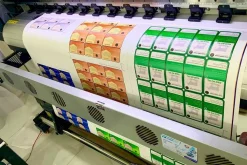
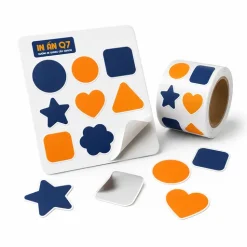
Fast A3+ decal printing: paper decal, plastic decal, solvent-adhesive decal. For product labels, box labels and stickers.
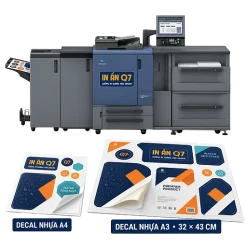
Digital Decal Printing A4, A3 – Fast Labels From a Single Sheet
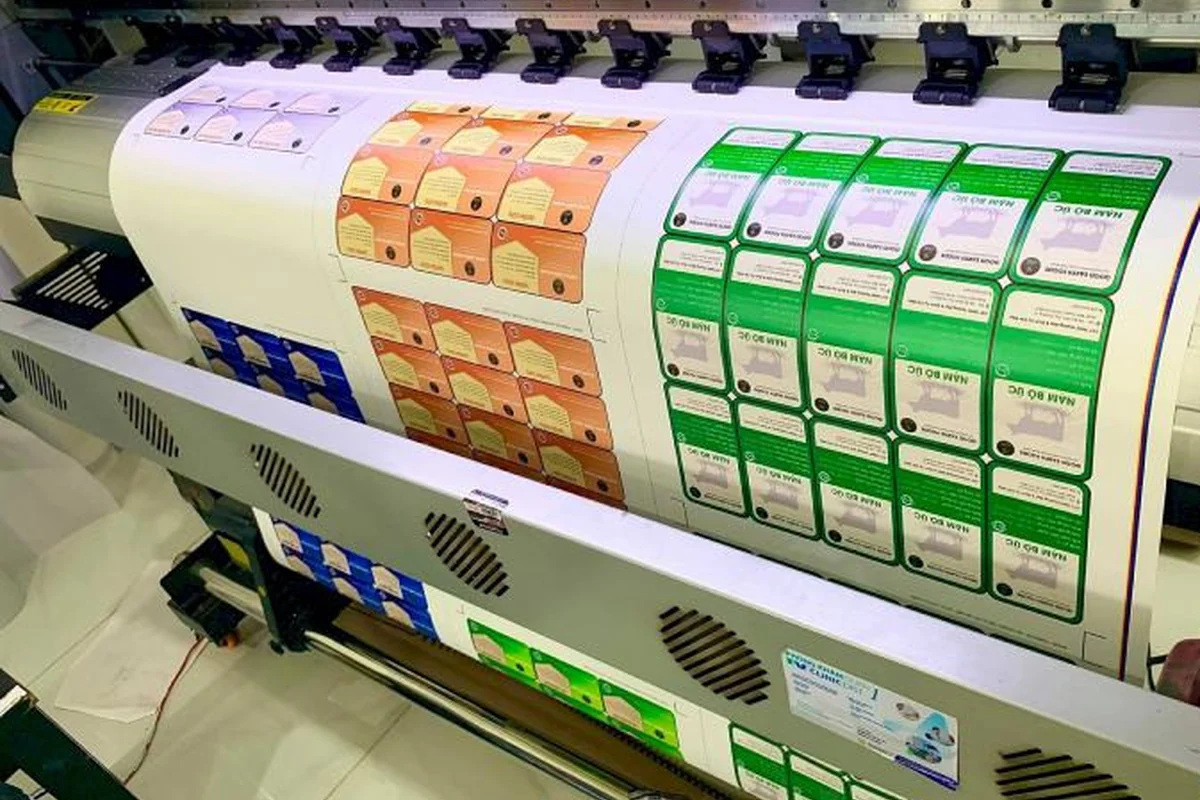
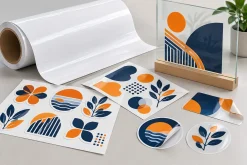
Digital decal prints labels directly from the file onto A4 or A3 decal sheets, without printing plates. That makes small quantities, frequent design changes and same-day pickup possible — very different from offset, which is only cheap for thousands of labels.
This page is for small labels and stickers. For prints larger than one square meter for glass, walls or vehicles, see Large-Format Decal. Some images on this page are illustrations.
Three types of digital decal on this page
Paper decal
Paper base with light adhesive, the lowest cost. Used indoors for seal stickers, box labels, carton labels and price stickers. Drawback: it softens and tears when wet, so it's not for bottles or refrigerated goods.
Plastic decal
PVC plastic base, waterproof and much tougher than paper. This is the most ordered type: bottle labels, cosmetic labels, product stickers, decorative stickers.
Solvent-adhesive plastic decal
Still a plastic base but with a stronger solvent-based adhesive that holds longer and leaves less residue when peeled. Use it when labels face friction, go outdoors or stick to slightly curved surfaces.
| Where the label goes | Recommended type |
|---|---|
| Paper boxes, cartons, indoor seals | Paper decal |
| Bottles, cosmetics, food, goods exposed to moisture | Plastic decal |
| Outdoors, curved surfaces, high-friction spots | Solvent-adhesive plastic decal |
Digital decal sizes and how labels are arranged on the sheet
This page has two print sizes:
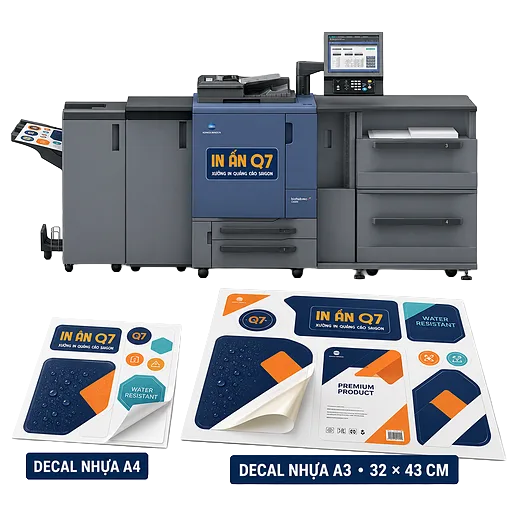
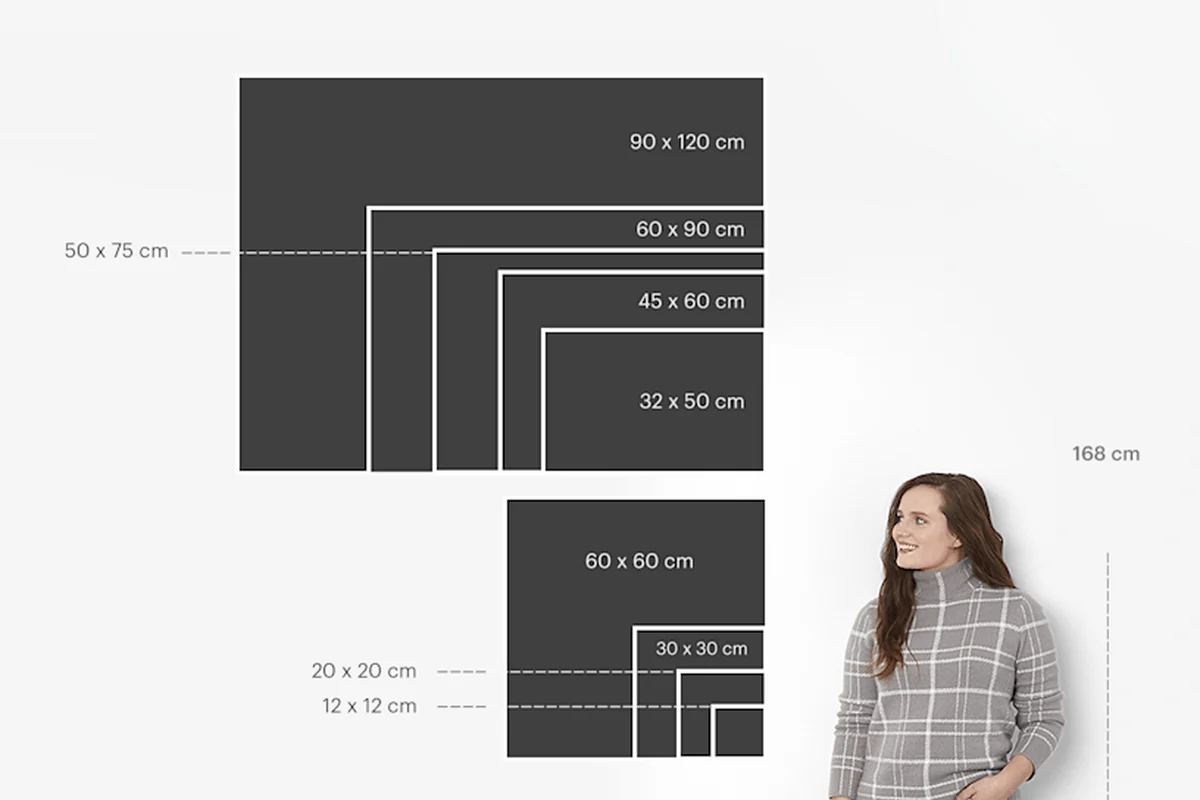
- A4 (21 × 29.7 cm) — suits orders of a few dozen labels or large labels.
- A3 | 32 × 43 cm — slightly larger than standard A3, fitting more labels on one sheet so it's cheaper per label.
Prices are per sheet, not per label, so what matters most is how many labels fit on a sheet. For example, 5cm round labels fit several dozen on a 32 × 43 cm sheet; the same quantity on A4 uses more sheets.
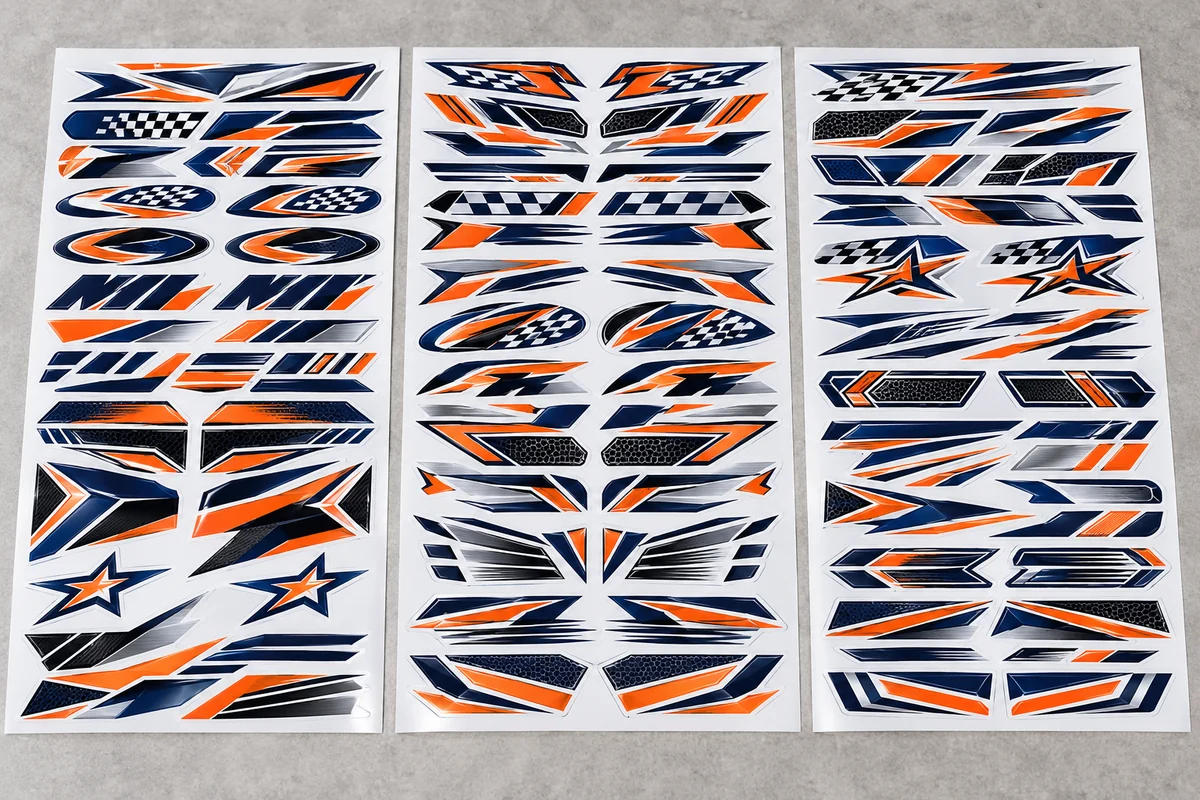
You don't need to arrange the labels on the sheet yourself. Just send one label at actual size with the quantity, and we'll arrange them to minimize waste and confirm the number of sheets.
One digital decal order can include several designs printed on the same sheet — for example three labels for three product flavors. This is cheaper than printing each design separately, as long as the designs share the same size and decal type. Send all the files and note the quantity of each design in the notes.
Finishing: straight cut or die-cut to shape
- Leave as a sheet — cheapest; you cut them yourself when using. Suits simple square labels in small quantities.
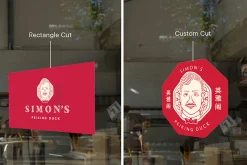
- Cut into individual labels — cut straight along a grid, peel and use right away. Suits square and rectangular labels.
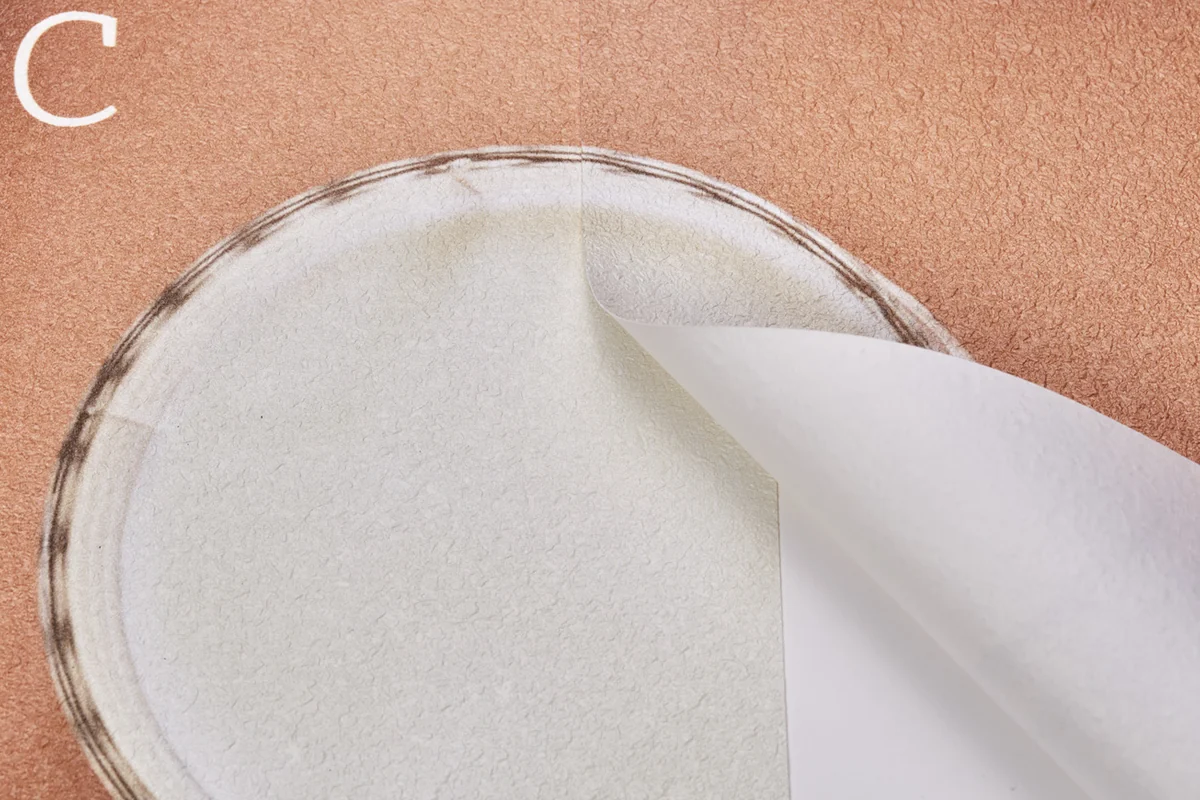
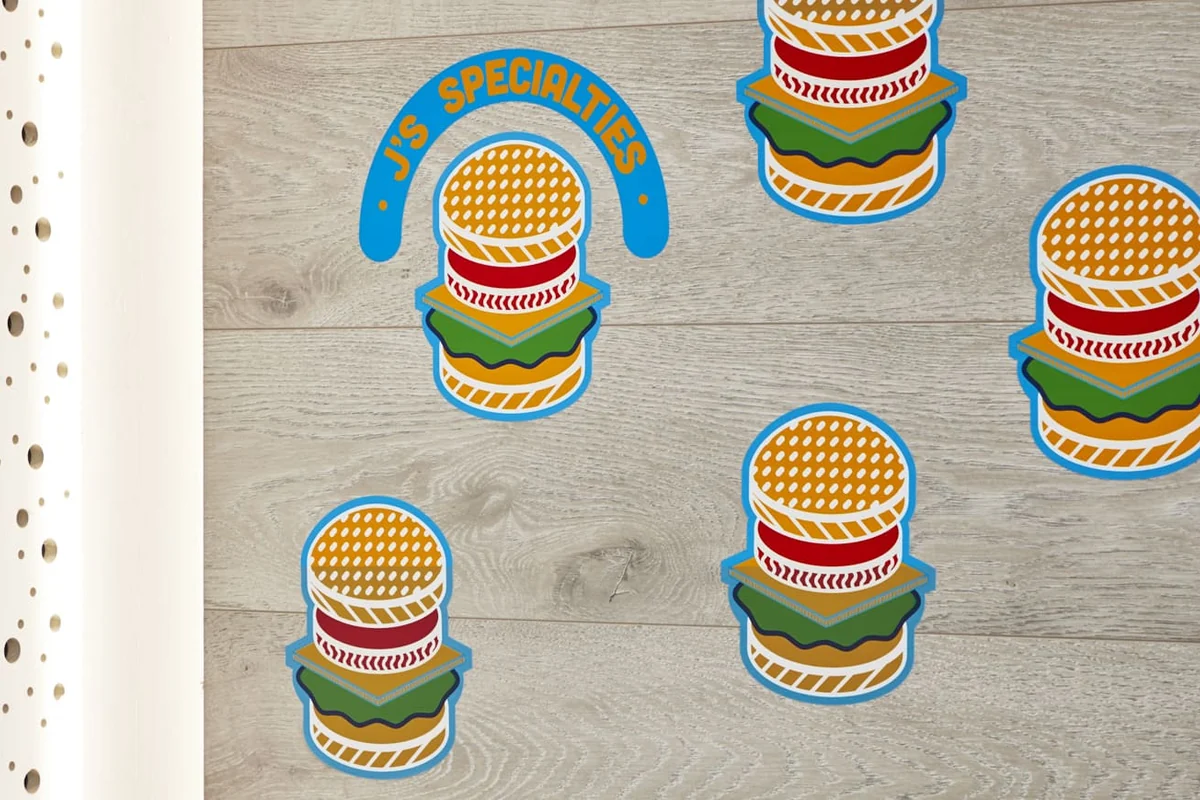
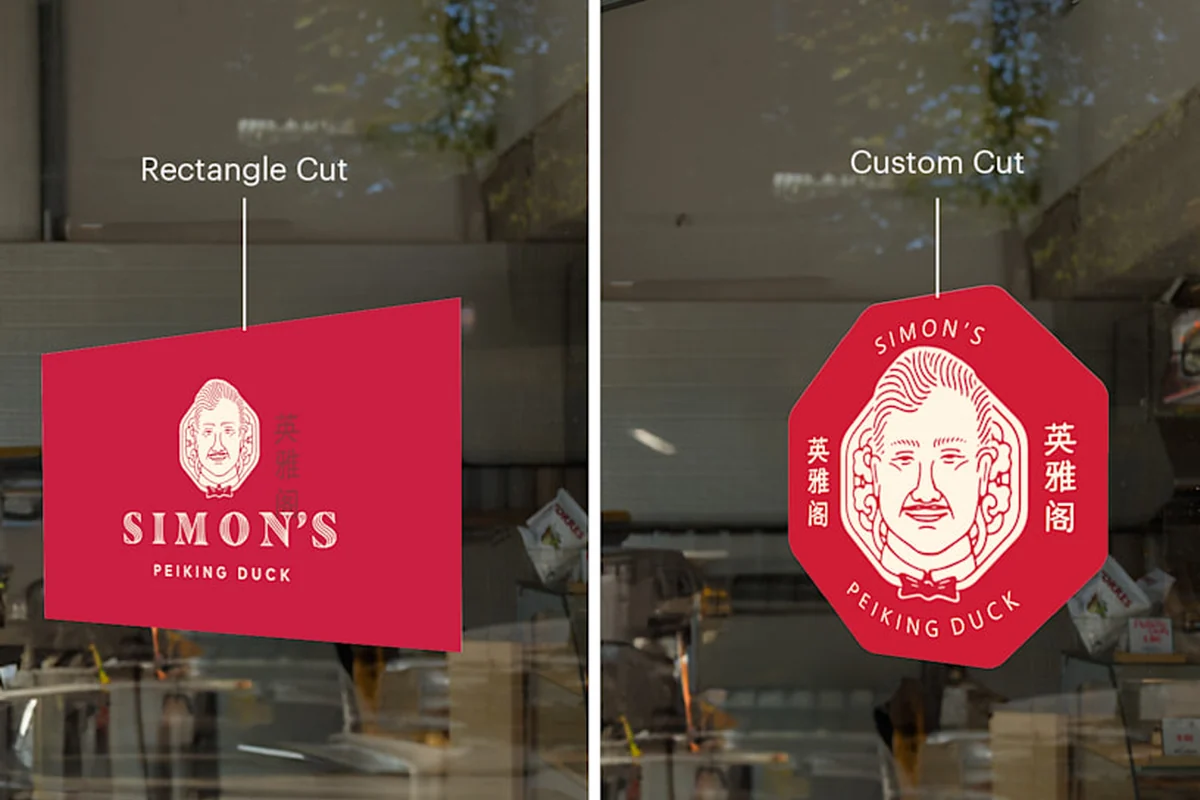
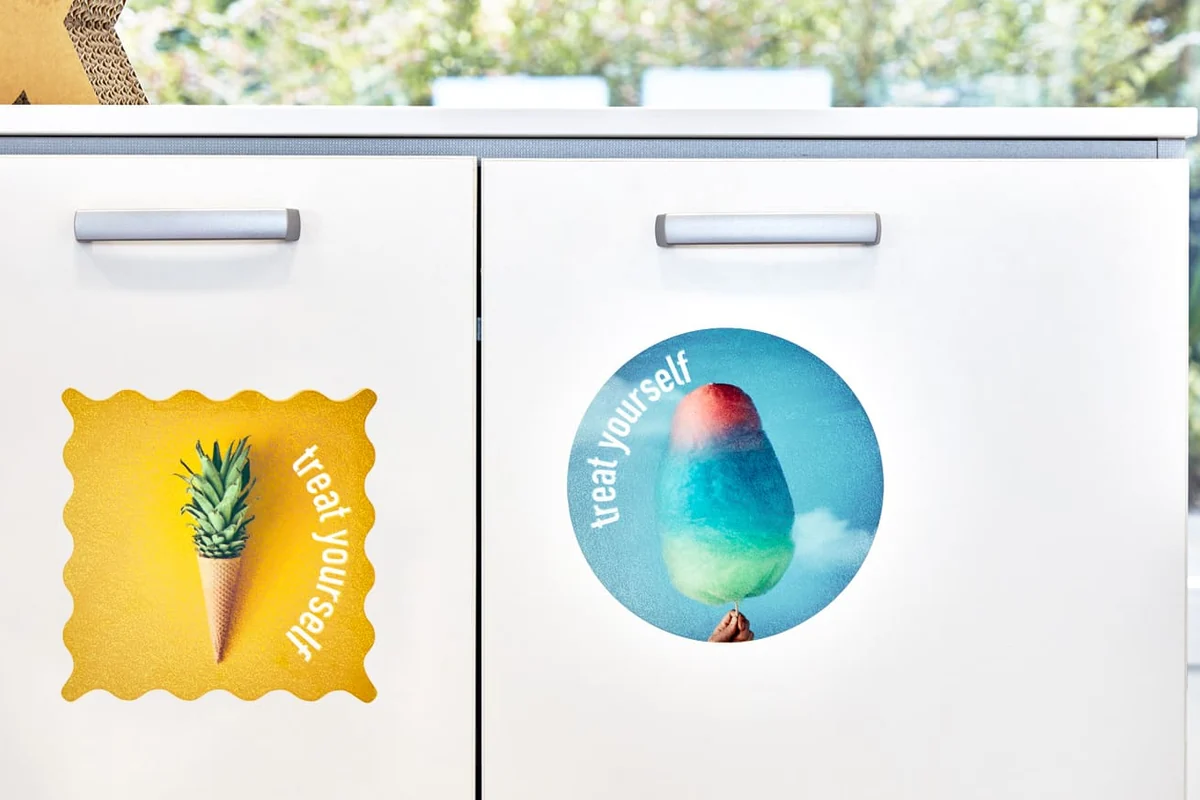
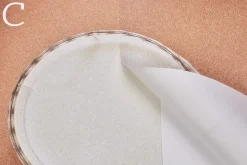
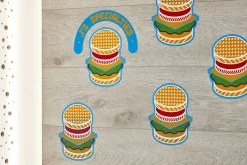
- Die-cut to shape — the blade follows the exact outline of the image while keeping the backing intact, so each label peels easily. This is the way for round, oval and free-form labels.
If you only need cut letters and logos without a background or color printing, ordering Label Decal Cutting is more economical.
What digital decal is used for
- Product labels — bottle labels, cosmetic jars, food bags, gift packaging.
- Seal and warranty stickers — on box lids and carton edges.
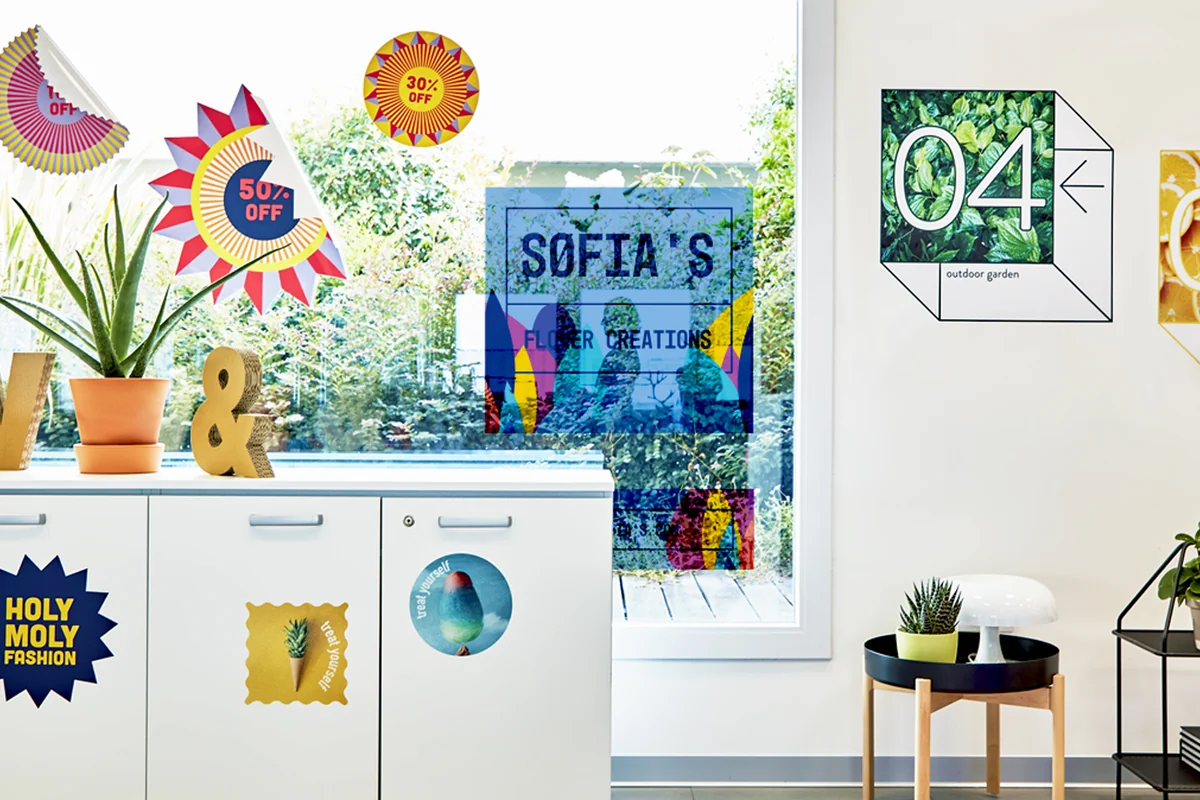
- Decorative stickers — brand stickers, gift stickers in orders, vehicle stickers.
- Price and promotional stickers — content changes by campaign, so print moderate quantities.
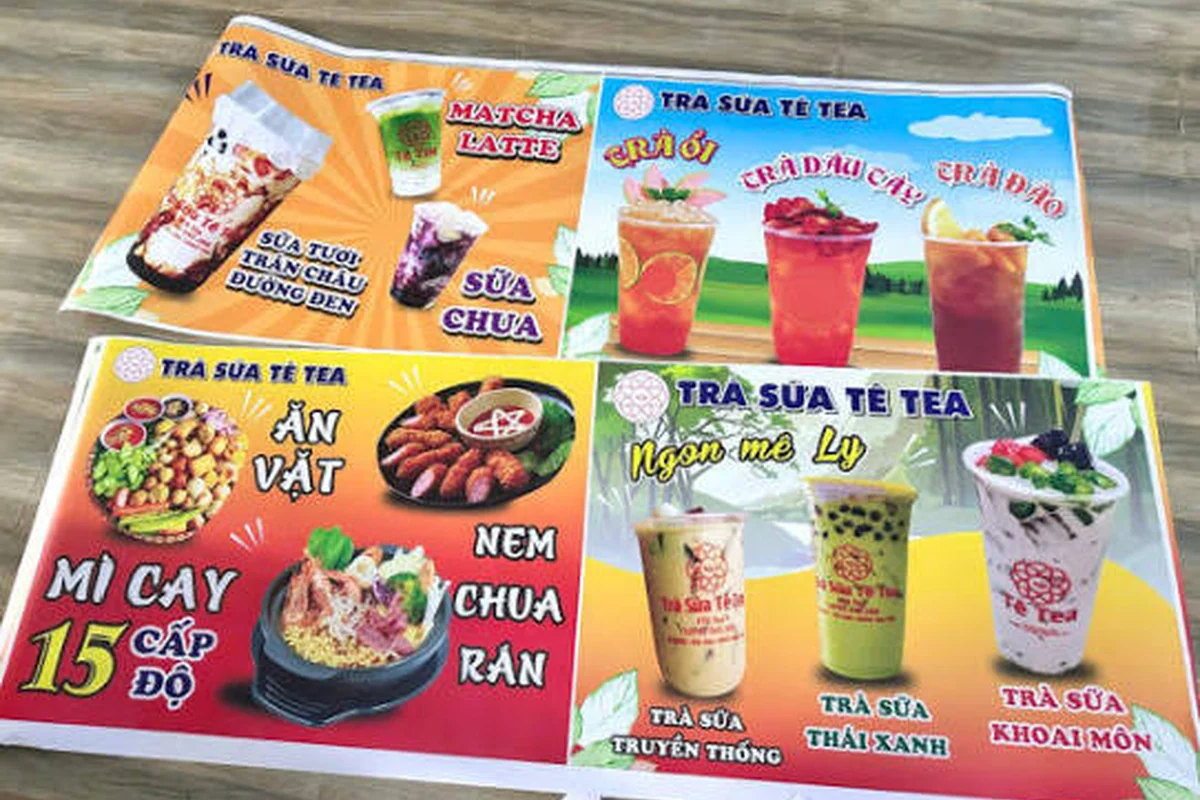
- Labels for menus, counters and shelves — adding new dishes, ingredient notes.
- Labels for equipment, cabinets and shelves — asset codes, usage instructions.
Choosing the label base: white, clear or silver
The label base decides how the label looks once applied, especially on colored bottles and boxes:
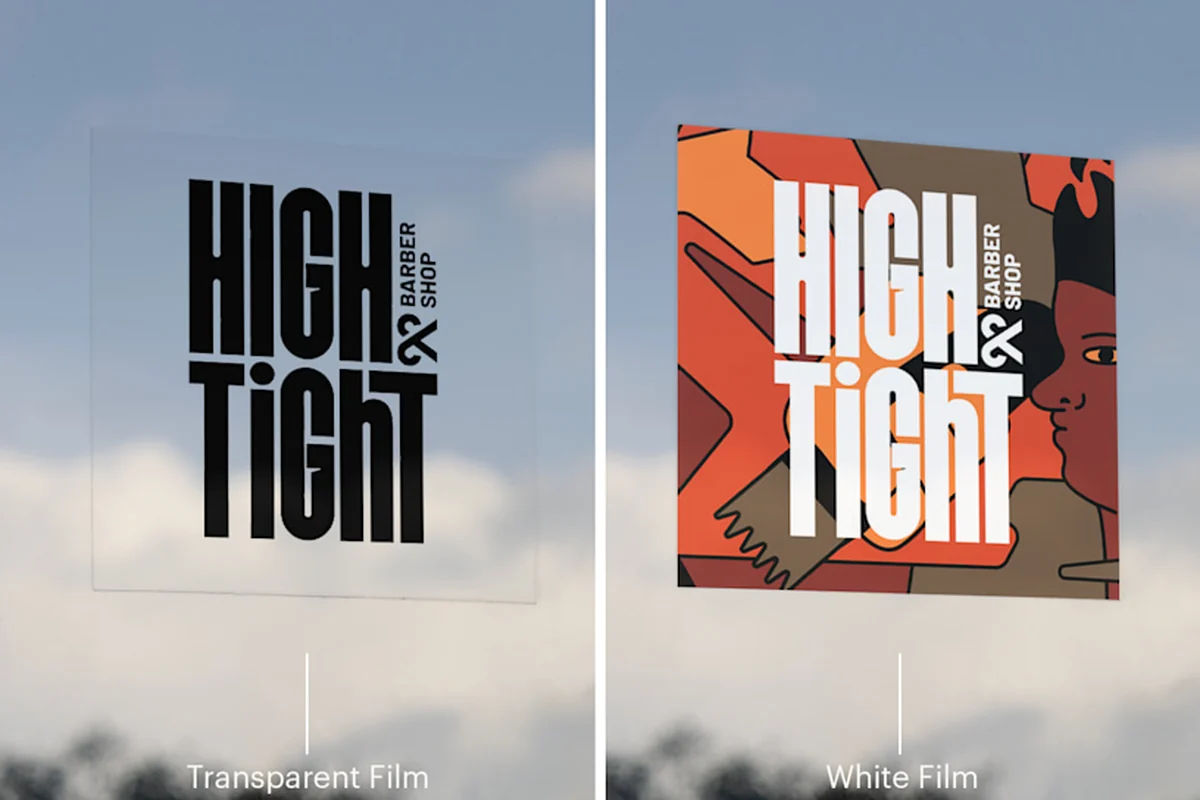
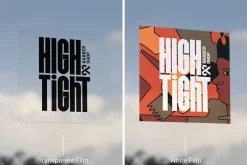
- White base — fully covers the surface behind, so colors print exactly as designed. The safe choice for most product labels.
- Clear base — only the inked areas show, as if printed straight on the bottle. Best on glass bottles and clear jars, but note that four-color printers can't print white, so white areas in the design become transparent.
- Silver, metallic base — gives a premium feel, often used for warranty stickers and gift labels; printed colors take on the base's sheen, so test first.
If the design must have white text on a clear base, the solution is UV printing with white ink at Large-Format Decal, or switch to a white-base label die-cut along the exact outline.
Suggestions by industry
- Food and drinks — bottle labels on plastic decal since they meet condensation; labels with ingredients and expiry dates should leave space for printing dates.
- Cosmetics, handmade — round die-cut labels for jar lids, thank-you stickers in orders. Small quantities and designs changing by batch suit digital decal perfectly.
- Eateries, cafés — takeaway cup stickers, bag seals, new-dish labels stuck on old menus.
- Retail shops — price stickers, seasonal discount stickers, product code labels.
- Companies, warehouses — asset tags, inspection labels, shelf labels.
Extra finishing for digital decal labels
- Lamination — matte or glossy film over the print, scratch-resistant and waterproof. Bottle labels almost always need this step.
- Spot UV — a raised glossy layer on part of the image that you can feel. Used for labels needing a premium feel.
- Eggshell stickers — breaks when peeled, used as tamper-proof warranty stickers.
- UV DTF Stickers — raised multi-layer stickers that stick even to curved and uneven surfaces.
Information to include on product labels
For product labels, beyond the design, some information should be pre-printed so you don't need to add secondary labels later:
- Product name and brand name, large enough to read from about one meter.
- Ingredients, weight or volume.
- Name and address of the manufacturer or responsible company.
- Usage and storage instructions, if the product needs them.
- Leave a blank box to print or stamp the production and expiry dates — these change by batch so they aren't printed permanently.
We print exactly the file you send and don't check the legal content of labels, so please consider the mandatory information required for your product category before ordering digital decal printing.
Compared with offset printing and decal cutting
| Digital decal | Offset printing | Decal cutting | |
|---|---|---|---|
| Sensible quantity | From 1 sheet to a few hundred labels | From thousands of labels | Any |
| Changing designs | Can change every print run | Costs plate-making | Can change |
| Color and photo printing | Full color, with photos | Full color, with photos | No printing, only solid-color cutting |
| Time | Same day | A few days | Same day |
In short: for small quantities, speed and changing designs, choose digital decal; for thousands of identical labels, offset is cheaper per label; for one-color letters and logos only, decal cutting is the neatest.
Production time and label storage
Digital decal orders go on the machine right away since no plates are needed. After receiving them:
- Store unused labels flat in a sealed bag away from direct sun — prolonged heat makes the adhesive ooze out at the edges.
- Don't keep labels somewhere too cold before applying; hardened adhesive sticks poorly for the first few hours.
- The surface must be dry and free of oil; wiping with alcohol and letting it dry is enough in most cases.
- After applying, press the labels again a few hours later, especially at the edges and on curved surfaces.
- Bottle labels should be applied when the bottle is completely dry, not right after washing while water remains.
How to order on this page
- Choose A4 or A3 | 32 × 43 cm.
- Choose the decal type: paper decal, plastic decal or solvent-adhesive plastic decal.
- Enter the number of sheets in the quantity box.
- Write the size of one label, the number of labels needed and the cut style in the order notes.
- Send the design file with the order.
If you don't know how many sheets you need, just write the number of labels in the notes and we'll calculate it and confirm before printing.
For a first order, print one test sheet: try it on the actual product, check the real colors under your shop lighting, and make sure the label sticks well to that surface. The cost of one digital decal sheet is negligible compared with discarding a whole batch because of wrong colors or the wrong base.
After the sample sheet is approved, reorders only need a message with the quantity, because we keep the laid-out file — no need to start from scratch.
Preparing files for digital decal orders
- Format — PDF or AI.
- Color mode — CMYK.
- Resolution — 300dpi at actual size, because labels are viewed very close.
- Bleed — 2–3mm on each edge if the background color runs to the label edge.
- Safe zone — text at least 2mm from the edge so it isn't cut.
- Cut line — for die-cut labels, add a separate path as the cut line on its own layer.
- Text — convert to outlines before sending.
Small labels should avoid text under 6pt and strokes under 0.25pt, which print broken. Barcodes should be 100% K black on white so scanners can read them.
If you have no file, add the design service; we lay it out and send it for approval before printing.
Common mistakes when ordering labels
- Sending a file already laid out with many labels on a sheet — usually differs from our optimal arrangement; send one label at actual size.
- Forgetting bleed — colored labels will show a white edge on one side after cutting.
- Choosing paper decal for bottles — labels soften and peel when they meet moisture.
- Not laminating labels that are handled often — within a few weeks the print fades and scratches.
- White elements on a clear decal base — four-color printers can't print white; switch to a white-base decal or order white-ink UV printing on the large-format decal page.
Decal types and digital decal print sizes
This page has three decal types and two sizes, making six specifications. The A3 size on this page is a 32 × 43 cm sheet, larger than regular A3 paper, so more labels fit on one sheet.
| Decal type | A4 | A3 size (32 × 43 cm) | Adhesive side |
|---|---|---|---|
| Paper decal | Available in the price calculator | A3 digital decal printing on paper | Water-based adhesive for paper and cartons, leaves adhesive residue when peeled |
| Plastic decal | Available in the price calculator | A3 digital decal printing on plastic | Water-based adhesive, moisture-resistant, for plastic boxes and bottles |
| Solvent-adhesive plastic decal | A4 plastic decal with solvent adhesive | A3 plastic decal with solvent adhesive | Solvent adhesive, holds more firmly on smooth and slightly oily surfaces |
Product stickers are usually ordered by the sheet, not by the piece. The two most ordered groups are small runs of A4 paper decal stickers for sample batches or trial sales, and small runs of A3 plastic decal stickers when labels go on packaging exposed to moisture. Both start from a single sheet.
Digital decal FAQs
What is the minimum order?
From a single sheet. This is the biggest advantage over offset printing — you can test a few dozen labels before running a large quantity.
How long do labels last outdoors?
Laminated solvent-adhesive plastic decal withstands outdoor use much better than paper decal. Tell us where the label goes and how long it needs to last so we choose the right type.
Can the labels be peeled off?
Paper decal and regular plastic decal peel off fairly easily if not applied for long. Solvent-adhesive decal holds more strongly and leaves less residue, but needs more force to remove.
Can you print round labels?
Yes. Round, oval or free-form labels are all die-cut along the outline; include the cut path in your file or describe the shape and we'll draw it for you.
How soon can I pick it up?
Standard digital decal orders are ready the same day if the file is ready and sent before noon. Orders with lamination or die-cutting need extra finishing time.
Should I choose A4 paper decal or A4 plastic decal?
A4 paper decal is cheaper, suited to paper box labels, indoor labels and single-use stickers. A4 plastic decal is water- and wash-resistant, suited to product labels, bottle stickers and short-term outdoor stickers.
Order digital decal printing at In Quảng Cáo Q7
Send a file of one label at actual size with the quantity and cut style, and we'll lay out the sheets, confirm the number of sheets and pickup time. Contact 0866.511.099 or drop by the workshop at 49 Mai Van Vinh, Tan Hung Ward, Ho Chi Minh City. Production & delivery: 8:00–12:00 & 13:00–18:00 Mon–Sat (closed Sun) · Consultation & orders: 8:00–12:00 & 13:00–20:00 Mon–Sat; 14:00–19:00 Sun.
View directions to the workshop on Google Maps
Quick order specifications
You can order the exact specifications we produce: Digital Decal A4 · Digital Decal A3 · Paper Decal · Plastic Decal · Solvent-Adhesive Plastic Decal. Prices follow quantity tiers as in the price table above — choose a specification and click Get a quote, or message us on Zalo 0866.511.099 for quick advice.
| Size | A4, A3 | 32x43cm, A5 |
|---|---|
| Decal type | Paper decal, Plastic decal, Solvent-adhesive plastic decal |
| Made at | In Quảng Cáo Q7 workshop – 49 Mai Van Vinh, Tan Hung Ward, Ho Chi Minh City |
| Origin | Vietnam |
| Status | Made to order |
| Warranty | 24 hours from receipt: if you find a printing error or a difference from the approved file, let us know and we will reprint free of charge. |
| Price excl. VAT | 8.500 ₫ – 36.000 ₫ |
| Price incl. 8% VAT | 9.180 ₫ – 38.880 ₫ |
Ordering
Three ways to order: choose the specifications and quantity on the website and click Place order; message us on Zalo or call 0866.511.099; or visit the workshop to see material samples at 49 Mai Van Vinh, Tan Hung Ward, Ho Chi Minh City. During working hours, In Quảng Cáo Q7 replies within about 30 minutes. Most products have listed prices by size, material and quantity – prices exclude 8% VAT.
→ Online ordering guide · Quick quote
Sending design files
PDF or AI preferred, CMYK color mode, 300dpi for small formats, 3mm bleed. Send via Zalo, email inquangcaoq7@gmail.com, the form on our website, or a Google Drive link for large files. We check your file for free before printing; if you have no file yet, In Quảng Cáo Q7 can help with the design.
→ Design file submission guide
Payment
Bank transfer, QR code or cash at the workshop. Orders are confirmed and scheduled for production after payment; after transferring, send a photo of the receipt with your phone number via Zalo. Transfer note: Your name – Phone number – Product.
→ Payment guide
Timing & delivery
Completion time is shown on each product, counted from receipt of a print-ready file and payment confirmation. Pick up at the workshop Monday – Saturday, 8:00–12:00 and 13:00–18:00; urgent orders within Ho Chi Minh City delivered within 2 hours; other provinces via bus courier or express delivery. On receipt, please check quantity, size, material and condition of the products.
Order tracking
Enter the phone number used when ordering to see your orders from the last 90 days and their status: Unpaid → Printing → Printed → Delivering → Invoiced → Completed. For orders placed via Zalo, send your name and phone number to get progress updates.
→ Order tracking
E-invoice (VAT)
In Quảng Cáo Q7 issues 8% VAT e-invoices. Provide the company name, tax code, address and email within 24 hours of ordering; the invoice is issued within 24 working hours and sent by email, and cannot be changed once issued.
→ E-invoice (VAT) details
Misprints – reprints
Products that differ from the order or the approved proof are reprinted free of charge – report within 24 hours with photos. Spelling mistakes in a file you approved are not covered by free reprints.
→ Frequently asked questions (FAQs)
Be the first to review “Digital Decal Printing”
Related products

Fast Printing
Fast Printing
Fast Printing

Fast Printing
Sticker
Fast Printing
Reviews
There are no reviews yet.