





Fast Printing With E-Invoices – Goods Delivered, Invoice by Email
Oct
Does your business need professional fast printing with e-invoices? This article sets out the full service, the cooperation process, invoice paperwork and the delivery-time commitments of the In Quảng Cáo Q7 workshop.
Fast printing with e-invoices – however urgent, the paperwork is complete
Urgent company print orders have a familiar paradox: the goods are needed the same day, but the invoice is promised “combined at the end of the month”. The accountant is unhappy, and the person ordering is stuck in the middle. In fact, with e-invoices there is no reason for delay.
In Quảng Cáo Q7 works on the principle that once the goods are delivered, the invoice is issued – fast print orders in the morning, the e-invoice in the accountant's email that same afternoon.
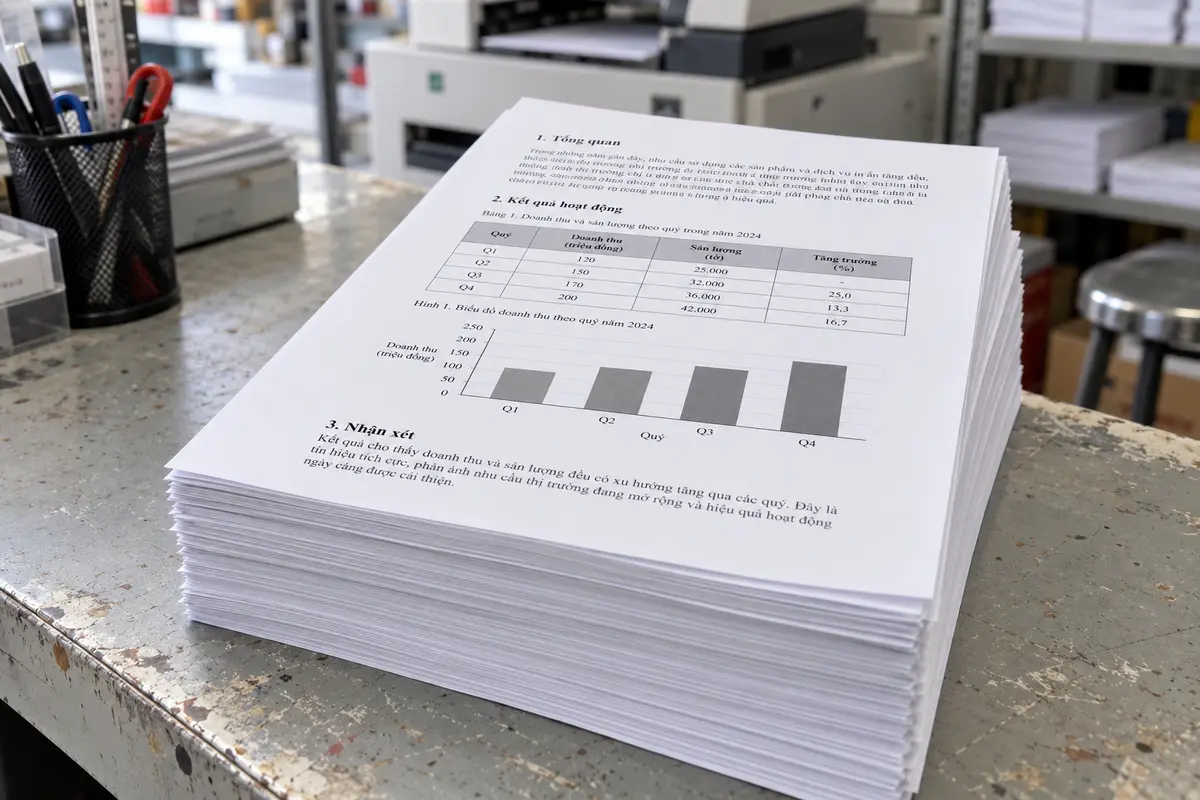
Fast at both stages: printing and paperwork
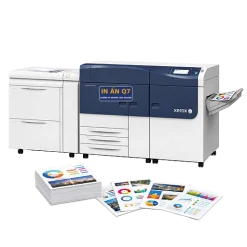
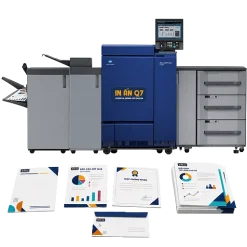
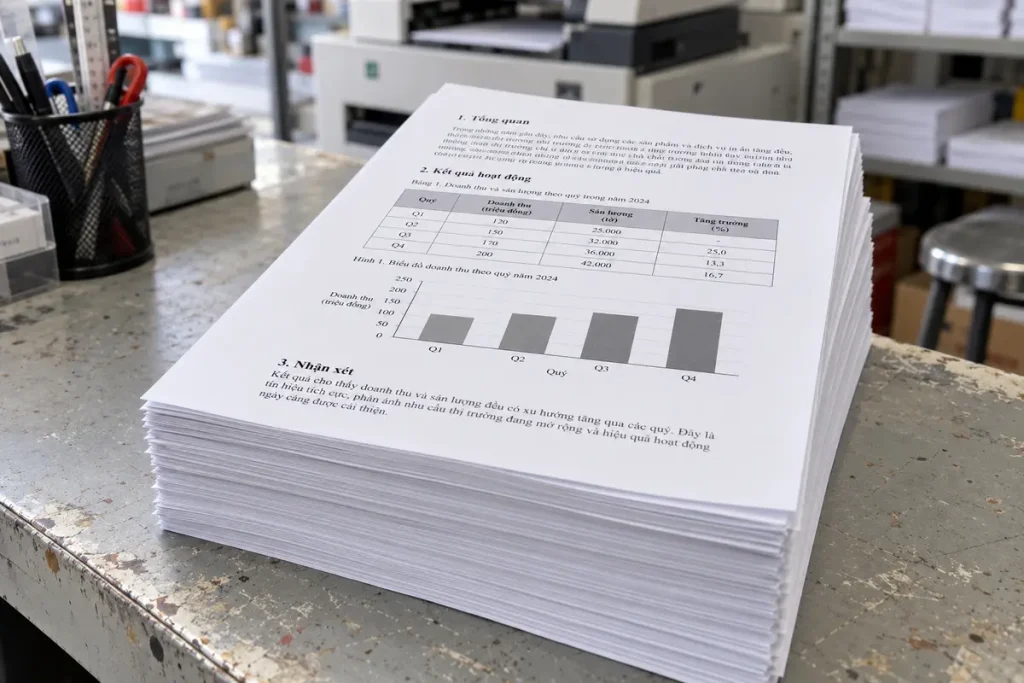
Printing: digital machines run as soon as the file is settled; documents, business cards and flyers are usually ready the same day, urgent orders ready right away in 30–60 minutes. Paperwork: invoicing details are saved in the company record, and issuing the e-invoice takes just a few minutes after the order is settled.
The person ordering does not have to remember to ask for an invoice – the workshop proactively sends it to the registered email, with the PDF file and lookup code.
Related products
Fast Printing

Leaflet / Brochure
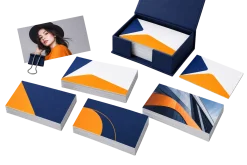
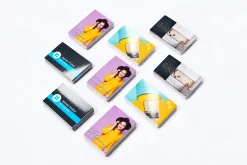
Business cards
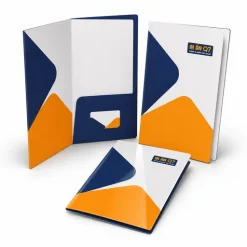
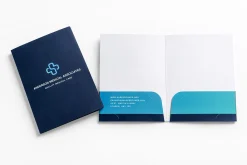
Folder
Which situations it suits
Meeting documents needed in the morning but the company requires an invoice for every expense; event merchandise orders that come up at the last minute; a branch office that needs urgent printing while the accountant at head office needs paperwork right away to close the month's books.
All of these can be handled because printing and invoicing are in the same process at the workshop.
How to order
Send file + quantity + invoicing details via Zalo; the workshop confirms the delivery time and starts printing right away. New customers only spend a minute entering company details the first time; from then on every order automatically comes with an invoice.
Information to send for fast printing with e-invoices
For fast printing with e-invoices, send all four of the following details as soon as you settle the order — no need to add anything later.
| Information | Notes |
|---|---|
| Company name | Exactly as on the business registration certificate |
| Tax code | Required to issue the invoice |
| Registered address | As registered, not the delivery address |
| Email to receive the invoice | The e-invoice is sent by email |
Sending all four details from the start is how your fast printing with e-invoices order avoids delays at the paperwork stage.
Starting prices
| Service | Size | From |
|---|---|---|
| B&W documents | A4, A3 | 2.000đ |
| Color document printing | A4, A3 | 7.000đ |
| Color Printing on Fort Paper | A4, A3 | 8.000đ |
| Color Printing on Couche Paper | A4, A3 | 9.800đ |
| Binding | A4 portrait, landscape | 2.000đ per book |
| Lamination | — | 300đ |
| Trimming | — | 15.000đ, free from 20 sheets |
Prices do not change between orders with and without an invoice. When you order fast printing with e-invoices you are not charged anything extra.
Business print products often ordered
| Item | Size | Should be printed in |
|---|---|---|
| Tender files | A4 | Black and white for text, colour for covers and charts |
| Company profile | A4 | Cover on Couche 300gsm, inner pages on Couche 200gsm |
| Meeting documents | A4 | Black & white, double-sided |
| Product catalogues | A4 | Colour, Couche 200gsm |
| Internal forms | A4 | Black and white, printed with extras for gradual use |
| Progress charts, diagrams | A3 | Black and white or colour |
Customers who need fast printing with e-invoices mostly order the print products above, because these are expenses that must be recorded in the company's books.
Process for ordering and receiving the invoice
| Step | What to do |
|---|---|
| 1 | Send the file with the size, number of sets and number of printed sides |
| 2 | Send the four invoicing details along with it |
| 3 | The workshop checks the file and quotes |
| 4 | Printing and finishing |
| 5 | Delivery, or you drop by to collect |
| 6 | The workshop issues the e-invoice and sends it by email |
The e-invoice is sent to the email you provide. That way your fast printing with e-invoices order does not wait for a paper invoice to come by post.
Preparing files
- PDF is best because it keeps the exact layout on any computer.
- CMYK colour mode for colour printing, at least 150dpi.
- Text converted to outlines or fonts embedded in the file.
- Export multi-page files in the correct order.
- Leave a 10–20mm spine margin if it will be bound.
- State clearly the number of sets, size, which pages are in colour and the binding style.
Summary of fast printing with e-invoices
- Send four details: company name, tax code, registered address, email.
- Prices are the same for orders with and without an invoice.
- From 1 sheet; black and white from 2.000đ, colour from 7.000đ.
- The e-invoice is sent by email, no waiting for the post.
- Workshop at 49 Mai Van Vinh, Tan Hung Ward, Ho Chi Minh City.
Times to send files for fast printing with e-invoices
Most fast printing with e-invoices orders at In Quảng Cáo Q7 are handled within the same working day. The time you send the file decides when you receive the prints and when you receive the paperwork by email. The table below shows reference times for A4 – A3 document orders under 500 sheets, with a file that meets the standard and does not need re-laying out.
| File sent | Prints ready at | Paperwork ready at |
|---|---|---|
| Before 9:00 | Around 11:00 – 12:00 the same day | Same day |
| 9:00 – 11:30 | Around 14:00 – 15:00 the same day | Same day |
| 11:30 – 14:00 | Around 16:00 – 17:00 the same day | Same day |
| 14:00 – 16:30 | Late afternoon the same day or the next morning | The same day or the next morning |
| After 16:30 | Next morning | Next morning |
For orders with extra finishing such as lamination, plastic pouch lamination or binding, add 45 minutes to 2 hours depending on quantity. For orders over 500 sheets or orders needing shaped trimming, the workshop gives a specific time as soon as it receives the file, so you can plan your meeting or courier schedule.
If you need the prints before a fixed time, state that time clearly in the message with the file. The workshop confirms straight away whether it can be done, instead of you waiting until the appointed time to find out. This keeps the fast printing with e-invoices process in step with the administration department's work schedule.
Delivery to the office for fast printing with e-invoices
After printing and finishing, In Quảng Cáo Q7 offers three ways to receive goods. Choose the one that suits your office location and when you need the documents.
- Collect in person at 49 Mai Van Vinh, Tan Hung Ward, Ho Chi Minh City during working hours.
- Ride-hailing delivery within the city, with the fee based on the operator's distance pricing, usually arriving within 30 – 60 minutes after the goods leave the workshop.
- Courier to the provinces, with timing per the carrier's schedule and a waybill number for you to track.
When ordering fast printing with e-invoices, put the delivery details in the message: recipient's name, phone number, full address with floor or room number, and the time window when security allows vehicles in. Office buildings often block delivery vehicles at lunchtime, so this time window helps avoid the driver arriving and being unable to hand over the goods.
| How to receive | Time | Ordering notes |
|---|---|---|
| Pick up at the workshop | As soon as the goods are ready | Call 10 minutes ahead so staff can have it ready |
| Ride-hailing within the city | 30 – 60 minutes | Recipient's phone must be switched on |
| Courier to other provinces | According to the carrier's schedule | Needs an address with a clear house number |
| Collection on a fixed schedule | On the agreed schedule | Suits weekly recurring orders |
Fast-printed documents are usually tender files, quotes or contracts, so the goods are wrapped in kraft paper or placed in rigid board before delivery to avoid bent edges and water damage. Check the quantity on receipt and respond the same day if you find missing sheets or colour shift.
Recurring orders and saved specifications for fast printing with e-invoices
Many administration departments reorder the same document set every week or every month. For these orders, In Quảng Cáo Q7 keeps the specifications from the previous order so next time you do not have to describe everything from scratch. The saved specifications include the following items.
| Item saved | Content | Why it is saved |
|---|---|---|
| Size and number of sides | A4 or A3, single- or double-sided | Keeps the layout the same as the approved version |
| Paper type and weight | Fort paper 80gsm, Couche paper 150gsm… | Keeps the same thickness and ink adhesion |
| Finishing | Lamination, laminating pouches, binding, trimming | Avoids asking again with each order |
| Invoicing details | Company name, tax code, address, receiving email | Paperwork goes to the right accounting inbox |
| How to receive goods | Address, recipient, time window | Delivered to the right place the first time |
Once the specifications are saved, a repeat fast printing with e-invoices order needs only two lines of message: the name of the document set and the quantity. The workshop reuses exactly the old parameters and quotes from the current price table. This shortens the exchange and reduces the risk of wrong company details on the paperwork.
If your company changes its name, address or paperwork email, just send the new details once. The old details are replaced for all later orders. For orders whose paperwork was issued before the change, adjustments follow current invoice regulations, so the sooner you notify, the easier it is.
Common mistakes that delay fast printing with e-invoices
Most late orders are not caused by the printer but by the file or missing information. The table below sums up the most common mistakes and how to handle them, so you can check before sending.
| Mistake | Sign | How to fix |
|---|---|---|
| File sent as Word or Excel | Lines and fonts shift when opened on another machine | Export to PDF before sending, with text converted to outlines |
| File in RGB colour mode | Printed colour is pale or off from the screen | Convert to CMYK before exporting the file |
| Low-resolution images | Jagged edges on text and logos | Replace with 300dpi images at the actual print size |
| No bleed | White edges after trimming | Leave a 3mm bleed on each edge |
| Content too close to the edge | Text lost after trimming or binding | Keep a 3mm safe area, with extra spine margin for binding |
| Missing paperwork details | Paperwork cannot be issued yet | Send the company name, tax code, address and email when ordering |
For fast printing with e-invoices orders, the mistake causing the most delay is missing paperwork details. The prints can be finished on time but the paperwork still has to wait, leaving the accountant unable to reconcile the books within the period. Keep a block of company details in your phone notes and send it with every order.
When the workshop finds a file error, staff send a photo of the error location with a suggested fix and wait for your confirmation before printing. If you need it urgently and accept keeping the file as it is, say so clearly in the message so the workshop runs the machine straight away.
- Check the page count and page order again before sending.
- Name the file with the document name plus quantity and paper size.
- Send a single file per job; avoid sending several versions at once.
Storing documents after fast printing with e-invoices
Business records are usually kept for many months, so how they are stored directly affects whether the documents remain readable and presentable. After fast printing with e-invoices, apply a few simple principles.
- Keep documents flat in rigid covers or file clips; do not roll them.
- Avoid damp places and direct sunlight, because paper easily ripples and ink easily fades.
- Documents used many times should be pouch laminated or laminated to resist creasing and fingerprints.
- Multi-page document sets should be bound so pages do not go missing when passed between many people.
- Keep the final printed PDF file, with the print date and quantity, so next time you reorder the right version.
| Document type | Suitable storage method | Recommended finish |
|---|---|---|
| Tender files | Bound in sets, stored in upright boxes | Perfect binding or spiral binding with a clear cover |
| Quotes sent to clients | Plastic file clips, stored by month | Matte lamination for the cover |
| Price boards for use at the counter | Hung up or placed on the desk | A4 plastic pouch lamination |
| Internal documents kept long term | Labelled archive boxes | Saddle stitching for sets under 40 pages |
When stored documents are neatly organised, the next fast printing with e-invoices order is just a matter of resending the file and quantity. That is why In Quảng Cáo Q7 always encourages business customers to keep the original PDF with specification notes, rather than rebuilding the file each time they need printing.
Quick summary of the fast printing with e-invoices service
The fast printing with e-invoices service at In Quảng Cáo Q7 comes down to the following points; keep them so next time you only need to send the file.
- A CMYK PDF file at 300dpi with a 3mm bleed is all it takes for same-day fast printing with e-invoices.
- Send the company name, tax code, address and email so fast printing with e-invoices does not wait for extra details.
- Collect at 49 Mai Van Vinh, Tan Hung Ward, Ho Chi Minh City, or ride-hailing delivery within the city.
- Reorder next time from the saved specifications, cutting the exchange down to two lines of message.
With these four points prepared, the fast printing with e-invoices process runs smoothly from sending the file to the paperwork arriving in the accountant's inbox.
Frequently asked questions about fast printing with e-invoices
Does fast printing with e-invoices include signing contracts and credit terms?
Yes – for businesses ordering regularly, the workshop signs a framework contract with a stable annual price list and supports payment on credit in cycles that suit the company's accounting procedures. Every order comes with a written quote and an electronic VAT invoice.
How long does delivery to the office take?
Office print products and documents are usually delivered the same day, arriving within 1–2 hours within Ho Chi Minh City for standard orders. Products with finishing, such as catalogues and company profiles, get a specific schedule as soon as the file is confirmed and are delivered as committed.
Is the logo colour consistent between print runs?
Yes. The workshop keeps each company's standard CMYK colour profile and prints on the same machine system, so business cards printed this month and catalogues printed next month are in the same brand colour – something very hard to guarantee when printing in many different places.
Is there an extra charge for ordering fast printing with e-invoices?
No. Prices are based on size, quantity, number of printed sides and finishing — no different between orders with and without an invoice.
What do I need to send for fast printing with e-invoices?
Company name, tax code, registered business address and the email to receive the invoice.
How soon do I receive the invoice?
The workshop issues the e-invoice after delivery and sends it to the email you provide.
Can small orders get fast printing with e-invoices?
Yes. The workshop accepts orders from 1 sheet and still issues invoices as normal.
I order every month; do I have to resend the details each time?
No. The workshop saves the invoicing details, so for later rounds you only need to state the document type and number of sets.
Does fast printing with e-invoices require a deposit?
Small-quantity fast printing with e-invoices orders within the city usually need no deposit; you pay on receipt or by bank transfer after receiving the prints. For large-quantity orders, orders with special finishing or orders sent to the provinces, the workshop states the advance payment in the quote.
Can a single order of just a few sheets get fast printing with e-invoices?
Yes. The fast printing with e-invoices service accepts single-sheet orders, from 2.000đ for black and white A4 documents and from 7.000đ for colour A4 documents. Paperwork is still issued in full according to the company details you provide, regardless of the quantity ordered.
How long does it take to receive paperwork for fast printing with e-invoices?
For orders where the file is sent and payment made during working hours, paperwork usually arrives in the inbox the same day. Orders settled after 16:30 receive paperwork the next morning. Also check your spam folder if you do not see the email, because emails with attachments are sometimes moved elsewhere by filters.
Does fast printing with e-invoices offer same-day delivery?
Yes. Once the goods are done, In Quảng Cáo Q7 can book ride-hailing delivery within the city, usually arriving in 30 – 60 minutes, with the fee based on the operator's distance pricing. You can also send someone to collect at 49 Mai Van Vinh, Tan Hung Ward, Ho Chi Minh City.
What do I need to provide so fast printing with e-invoices has the correct company details?
Send four details: the full company name, tax code, registered address and paperwork email. These four details are saved for later orders, so from the second time you only need to mention the company name. If anything changes, sending the new details once is enough.
Order printing at In Quảng Cáo Q7
Next time your company needs urgent printing, ask for both: goods on time and an invoice the same day – at the workshop, that is the default service standard.
In Quảng Cáo Q7 direct printing workshop – 49 Mai Van Vinh, Tan Hung Ward, Ho Chi Minh City. Production and delivery hours: Monday – Saturday, 8:00–12:00 and 13:00–18:00 · Consultation & orders via Zalo/hotline: Monday – Saturday 8:00–12:00 and 13:00–20:00, Sunday 14:00–19:00.
See more printing services on the In Quảng Cáo Q7 home page or contact us quickly via the contact page; you can also get directions to the workshop on Google Maps.
Need printing or signage in Ho Chi Minh City?
In Quảng Cáo Q7 runs its own print workshop in Tân Hưng Ward (former District 7), Ho Chi Minh City, producing and installing signage, banners, window graphics, exhibition booths and event displays. Send us the size, material, quantity and a photo on WhatsApp and we will get back to you.

Phone: +84 866 511 099 · Also on WeChat
Workshop: 49 Mai Văn Vĩnh, Tân Hưng Ward, Ho Chi Minh City