




Printing With VAT Invoices in Binh Chanh – Full Documents, Delivered
Oct
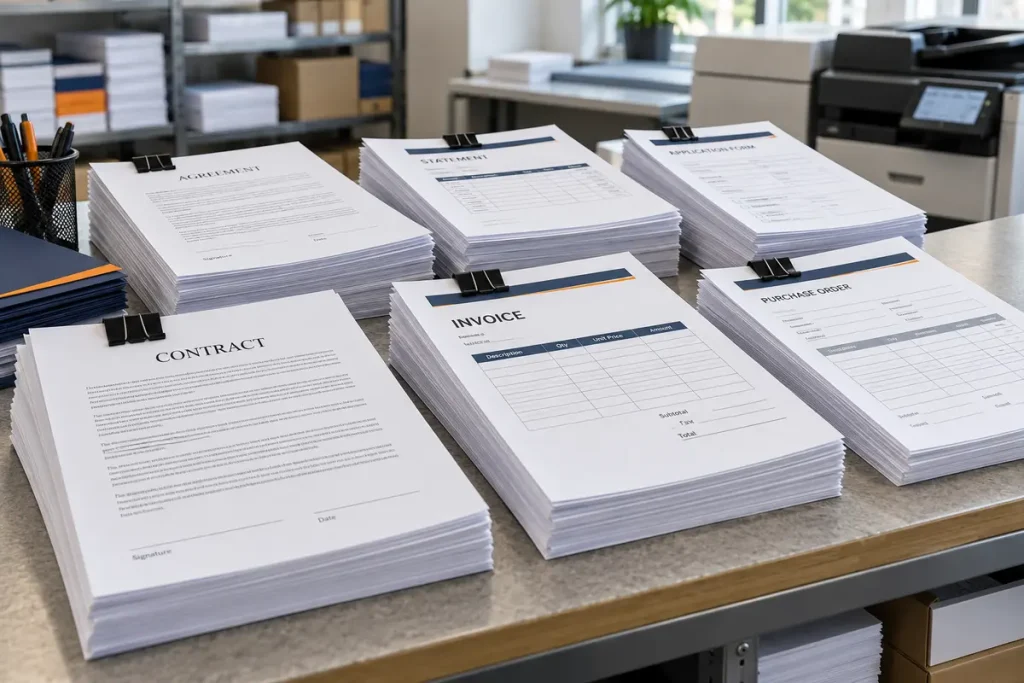
Does your business need professional Binh Chanh printing with VAT invoices? This article sets out the all-in-one service, the cooperation process, invoices and documents, and the timeline commitments of the In Quảng Cáo Q7 workshop.
Printing with VAT invoices for the Binh Chanh area – no more goods printed but documents missing
There is no shortage of small print points around the Binh Chanh area, but finding a place that can issue proper VAT invoices is hard – many facilities lack a legal entity with full tax declarations. Businesses in the area therefore often end up in this situation: the goods are printed fine, the documents are missing, and at month-end accounting chases them.
In Quảng Cáo Q7 is a limited liability company issuing e-invoices for every order – Binh Chanh businesses order printing remotely via Zalo, goods are delivered to the facility, and invoices reach the accounting email within the day.
Every order has an invoice, even small ones
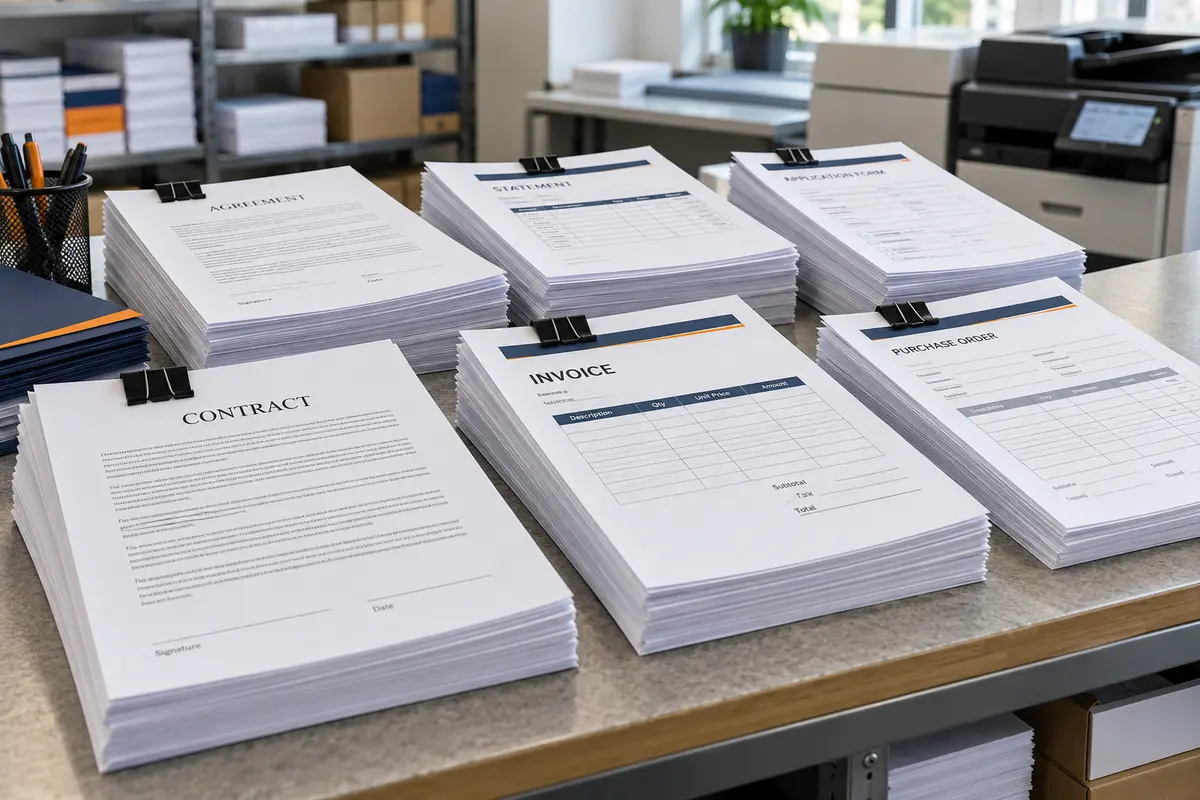
A stack of forms, a roll of labels, a box of business cards – small values still come with full invoices, because for a company every expense needs accounting. Invoicing information is declared once, and later orders apply it automatically.
Transparent listed prices: tax is shown separately in the quote, with no vague “add extra if you want an invoice”.
Ordering from Binh Chanh as conveniently as having a workshop in the area
Send the file via Zalo, approve the sample online, and couriers deliver via the Nguyen Van Linh – National Highway 50 axis to your office or factory. Standard orders placed in the morning are received in the afternoon; urgent orders can be faster, confirmed case by case.
Production customers needing delivery by shift or on a fixed weekly schedule can all be accommodated.
Common print products of customers in the area
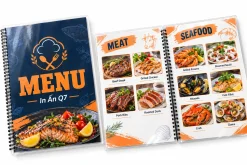
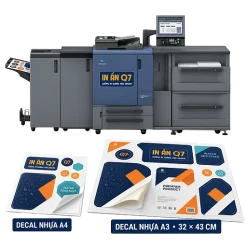
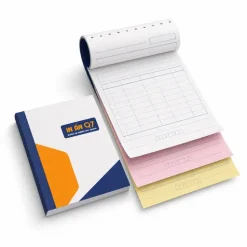
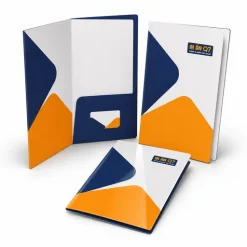
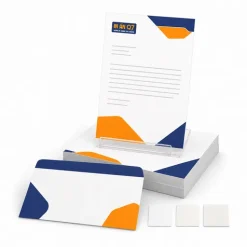
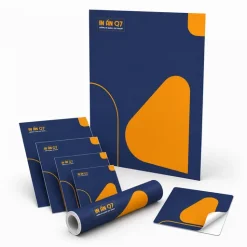
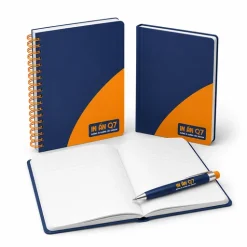
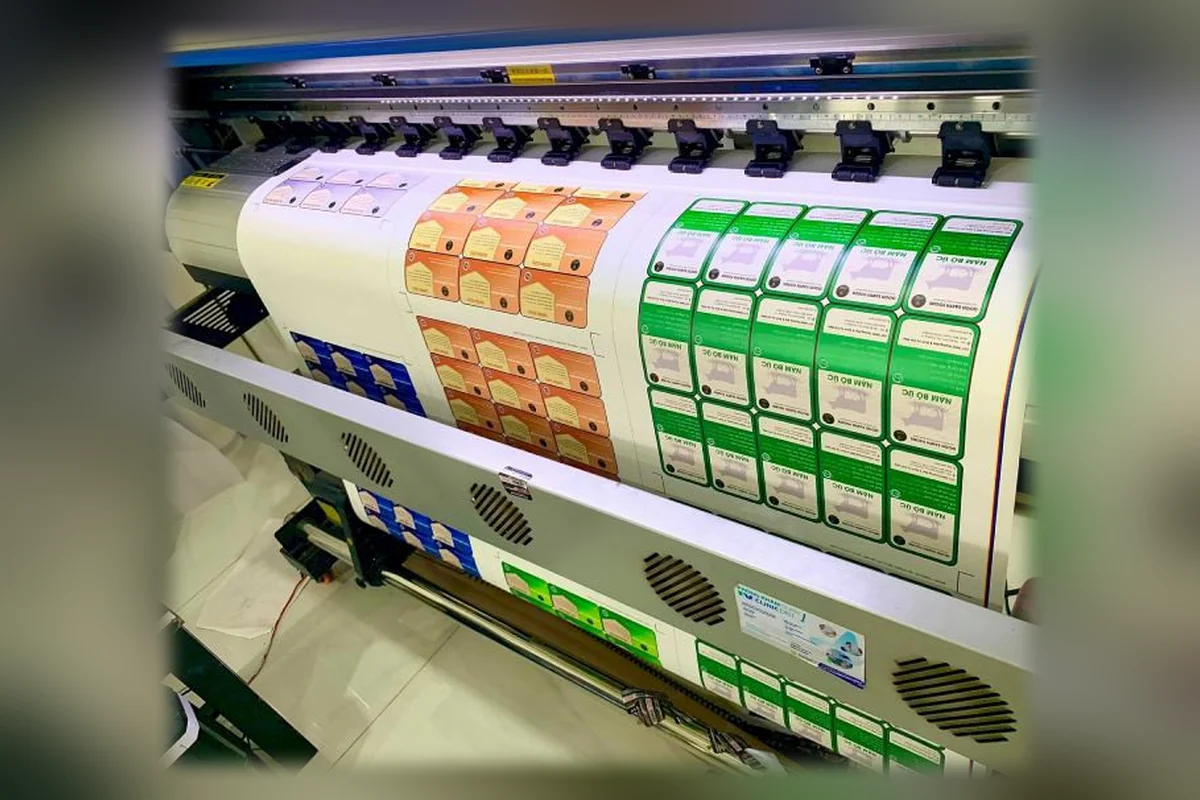
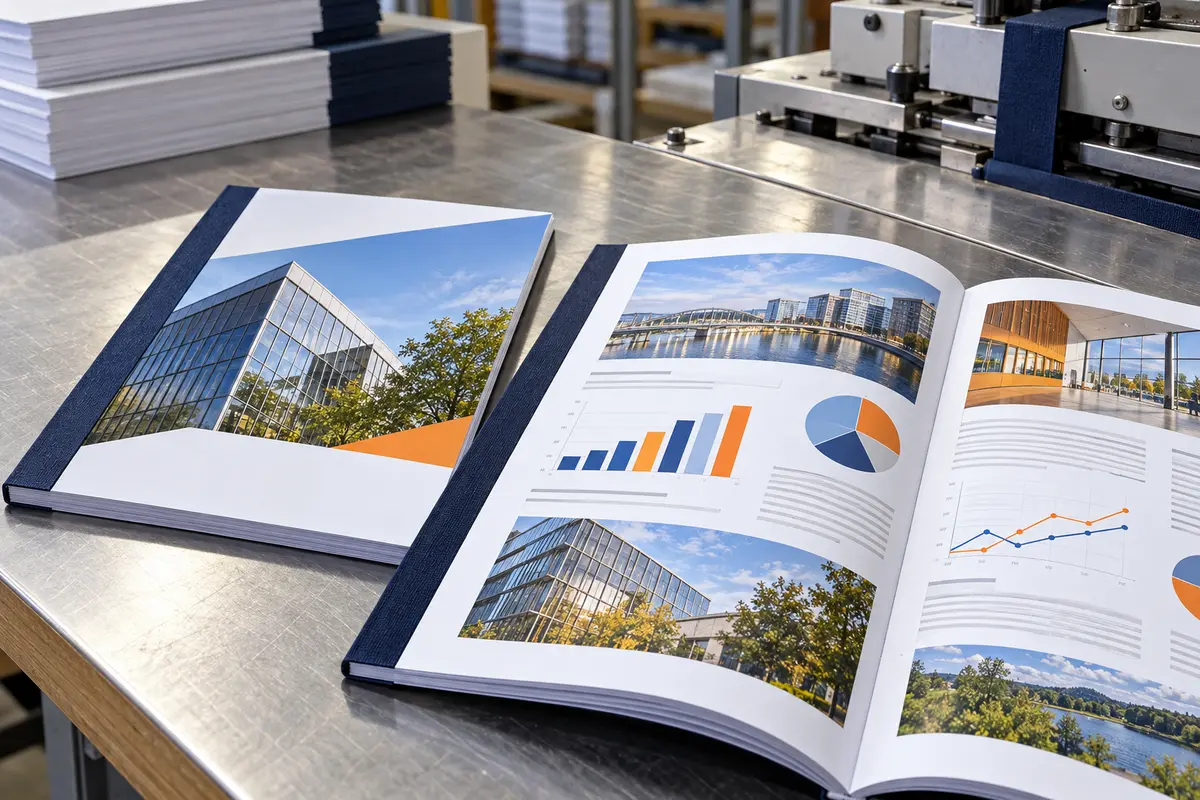
Labels and seal labels for goods leaving the warehouse; internal forms and logbooks; training materials; business cards and catalogues for sales teams – all one contact, one set of invoices.
Frequently asked questions about Binh Chanh printing with VAT invoices
Does Binh Chanh printing with VAT invoices offer contracts and credit terms?
Yes – for businesses ordering regularly, the workshop signs a framework contract with a stable annual price list and supports payment on credit in cycles that suit the company's accounting procedures. Every order comes with a written quote and an electronic VAT invoice.
How long does delivery to the office take?
Office print products and documents are usually delivered the same day, arriving within 1–2 hours within Ho Chi Minh City for standard orders. Products with finishing, such as catalogues and company profiles, get a specific schedule as soon as the file is confirmed and are delivered as committed.
Is the logo colour consistent between print runs?
Yes. The workshop keeps each company's standard CMYK colour profile and prints on the same machine system, so business cards printed this month and catalogues printed next month are in the same brand colour – something very hard to guarantee when printing in many different places.
Order printing at In Quảng Cáo Q7
Whatever print order your company in Binh Chanh needs with a VAT invoice, message Zalo with your tax code – documents are in proper order from the very first order, with no reminders needed.
In Quảng Cáo Q7 direct printing workshop – 49 Mai Van Vinh, Tan Hung Ward, Ho Chi Minh City. Production and delivery hours: Monday – Saturday, 8:00–12:00 and 13:00–18:00 · Consultation & orders via Zalo/hotline: Monday – Saturday 8:00–12:00 and 13:00–20:00, Sunday 14:00–19:00.
See more printing services on the In Quảng Cáo Q7 home page or contact us quickly via the contact page; you can also get directions to the workshop on Google Maps.
Information needed to issue invoices correctly
An invoice is only valid when the buyer's information matches the business registration certificate: full company name, tax code, address on the licence and email for receiving e-invoices. Customers in the Binh Chanh area often send the factory address for receiving goods, while the address on the invoice is the head office in another district. These two addresses need separating right when ordering so the accounting department does not have to request adjustments later.
- Company name: written verbatim, no abbreviations, without dropping the business type.
- Tax code: 10 or 13 digits, check it once more before settling the order.
- Invoicing address: taken from the licence, different from the delivery address in the area.
- Email for receiving invoices: better to use the accounting email instead of the orderer's personal email.
- A contact person for reconciliation when the invoice has small discrepancies.
Once all five items above are sent, the information is saved in the customer record. Later print runs only need the quantity and design, and the invoice automatically takes the correct old information, with no need to declare it again from scratch.
When invoices are issued for print orders
The invoice is issued when the print products are handed over, not when the deposit is received or the file is approved. For print orders with many items delivered in several trips, each trip can come with its own delivery note, but the invoice is still combined once when all goods are delivered, or split per trip if accounting requires it.
| Print order situation | How the invoice is issued |
|---|---|
| Order delivered at once | One invoice after all goods are handed over |
| Orders delivered in several trips during the month | Combined into one invoice at the end of the run or split per trip |
| Orders with an advance deposit | The deposit is recorded with a receipt, the invoice issued on delivery |
| Orders spanning two months | Invoice by the month the goods are handed over |
Whichever method is chosen should be agreed before production. Some businesses need invoices to fall in the right accounting period to record expenses in time, so settling the delivery date also settles the invoice date.
E-invoices and how to receive the files
Invoices are now issued electronically, sent to email as two files together. The PDF file is for viewing and printing out to file in internal records; the XML file is the legally valid version for accounting to load into their software. Keep both files – do not just save the PDF.
- XML file: the original invoice, used for declarations and lookup.
- PDF file: the display version, used to check content and keep paper records.
- Lookup code: enter it on the issuer's website to check the invoice is on the system.
- Receiving time: within one working day after delivery.
If the invoice is not in your email, check the spam folder first and then message back for it to be resent. Issued invoices can still be looked up by code and are not lost if the email goes astray.
Related products
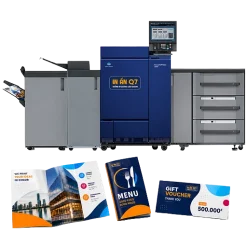
Fast Printing
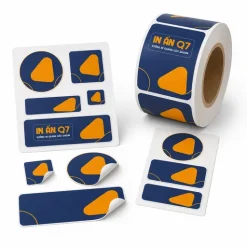
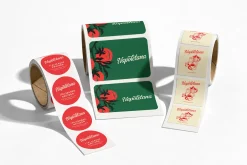
Labels & stickers
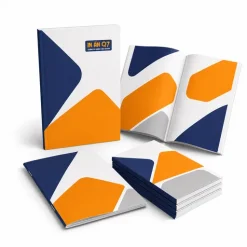
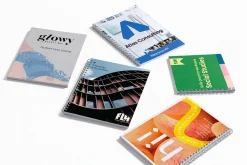
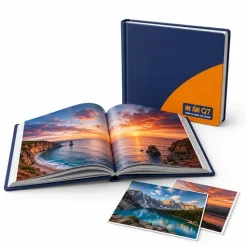
Catalogue – Company Profile
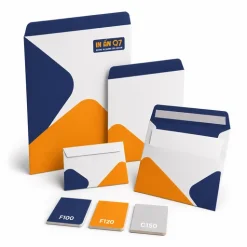
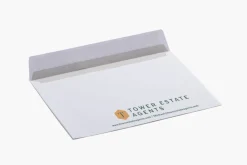
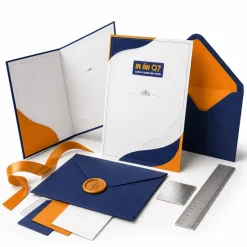
Envelopes
Accompanying documents besides the invoice
A complete record set for the settlement period usually needs more than an invoice. The accompanying documents prove the transaction is real, the goods were received and the money was paid to the right seller. Missing one link in this chain, printing expenses are easily disallowed even if the invoice is valid.
| Paperwork | Role in the records |
|---|---|
| Confirmed quotation | Shows the price agreement before printing |
| Purchase order or order-confirmation message | Proves the need actually arose |
| Signed delivery note | Links the invoice to a specific receipt of goods |
| Payment order or bank statement | Proves payment through the bank |
| Handover minutes (large orders) | Records quantity and quality at acceptance |
This document set is sent with the invoice right on delivery, rather than gathered at year-end. Accounting just files it in the monthly printing expenses folder.
How to write item names on invoices for print products
Item names on the invoice should make it immediately clear what print product it is and how many, not something generic like printing services. Clear naming lets record checkers reconcile against the delivery note without asking again, and helps the business itself look up old orders when it needs to print more.
- Write by print product group: A5 flyers, 16-page catalogues, decal labels.
- Include the main specifications: size, number of pages, paper type, surface finishing.
- Write the quantity in the actual counting unit: sheets, books, rolls, sets.
- Separate lines for items with different unit prices instead of combining into one total line.
If the business has its own item naming convention to match internal material codes, send that convention before issuing. An invoice written with the names the buyer uses saves accounting an editing step.
Bank transfer payment so expenses are recognised
Spending on print products is recognised most smoothly when the money goes through the bank, from the buyer's company account to the seller's company account. Cash is still accepted, but the proof of payment is weaker, especially for high-value print orders combining many items in one handover.
- Transfer from an account in the company's name, not from the orderer's personal account.
- Write the order number or document number in the transfer description for easy reconciliation.
- Keep the payment order or a screenshot of the statement filed with the run's paperwork.
- For orders paid in two instalments, keep both, not just the last one.
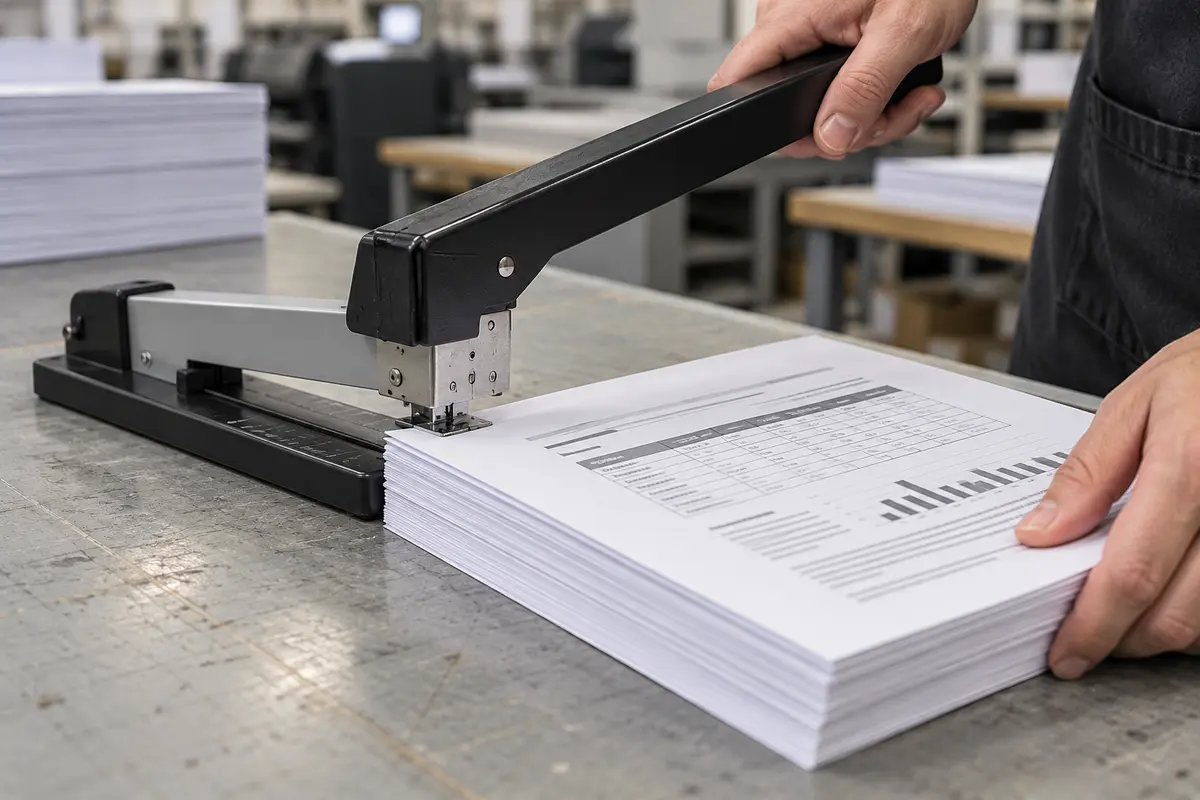
For monthly recurring print runs, many businesses in the area choose to settle accounts once at month-end. This combines many deliveries into one transfer, reducing reconciliation for both sides.
Urgent print orders still get paperwork in the right period
Urgent orders usually arise at month-end, just when accounting is closing the books. Production can run within the day, but paperwork needs a step to settle the buyer's information before the goods leave the workshop; otherwise the paperwork falls into the next month and expenses end up in the wrong period.
| Time milestone | What needs to be done |
|---|---|
| When settling the order | Confirm buyer information and how to split the order |
| Before printing | Approve the file and settle the quantity of each item |
| On delivery | Sign the delivery note, record the quantity actually received |
| On the delivery day | Issue and send the paperwork to the accounting email |
For orders placed before 10:00 a.m., small-quantity items are usually delivered within the day, with the paperwork reaching email in the same session. This milestone applies to items with approved files ready, not redesigned from scratch.
Handling errors in paperwork
Wrong company name, wrong tax code, wrong quantity or wrong unit price can all be handled, differing only in how much hassle is involved. Found within the day is neatest; found after accounting has declared it needs minutes between the two parties before issuing a replacement.
- Wrong buyer information: issue an adjustment or a replacement; the buyer keeps both.
- Wrong quantity or unit price: reconcile against the delivery note and adjust to the quantity actually received.
- Wrong item name: adjust the name to match the buyer's material convention.
- Short delivery, made up later: record the make-up in the next run instead of amending old documents.
To reduce the chance of corrections, a draft of the content is sent to the buyer first for orders with many items. One minute of rereading then saves several days of paperwork later.
Keeping printing records for the settlement period
A print run's records include an electronic part and a paper part. The electronic part is saved in monthly folders on the accounting computer with a backup elsewhere; the paper part is filed in that month's printing expenses folder. This arrangement means looking up an old order takes just a few minutes.
| Document type | Where it is kept | Retention period |
|---|---|---|
| XML and PDF files | Monthly folders, with a backup | Per the business's retention rules |
| Signed delivery notes | Monthly paper folder | Same period as the electronic documents |
| Quotations and order-confirmation messages | Order folders by customer | At least until the end of the financial year |
| Approved print files | Design folders by item | Kept long-term for reprinting |
Approved print files should be kept separate from accounting records. The next run only needs to call up the old file name to go, without rebuilding the design or approving colours again.
Process for ordering printing with documents in Binh Chanh
Customers in Binh Chanh order printing in four steps, with paperwork running in parallel with production so no extra waiting time arises. The workshop is located at 49 Mai Van Vinh, Tan Hung Ward, Ho Chi Minh City, with goods going out to residential areas and factories in the district on a fixed daily route.
- Step 1: send the file or describe the items, quantities and the time the goods are needed via Zalo.
- Step 2: receive a quote, confirm buyer information to prepare for issuing.
- Step 3: approve the proof print or the file, settle the delivery date.
- Step 4: receive the goods with a delivery note; the paperwork is sent to the accounting email within the day.
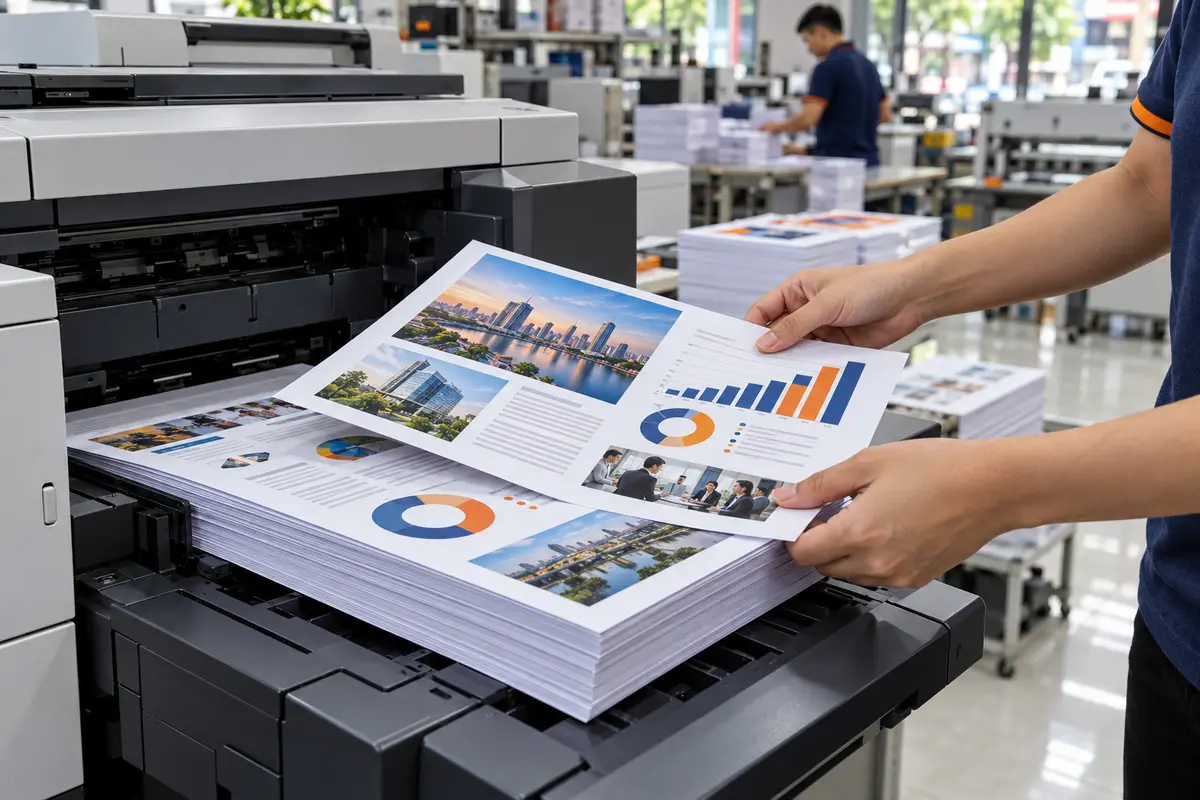
The first order takes a few extra minutes to declare information; later orders only need the quantity and item name. Contact via Zalo to get a quote for the item you need.
Need printing or signage in Ho Chi Minh City?
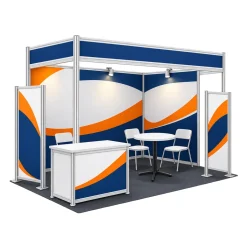
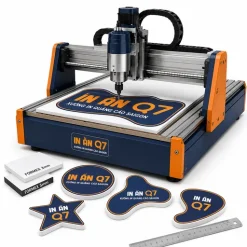
In Quảng Cáo Q7 runs its own print workshop in Tân Hưng Ward (former District 7), Ho Chi Minh City, producing and installing signage, banners, window graphics, exhibition booths and event displays. Send us the size, material, quantity and a photo on WhatsApp and we will get back to you.

Phone: +84 866 511 099 · Also on WeChat
Workshop: 49 Mai Văn Vĩnh, Tân Hưng Ward, Ho Chi Minh City