



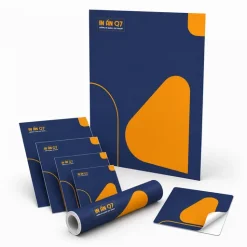









Same-Day Digital Decal Printing – Pre-Cut, Ready to Apply
Oct
Need same-day digital decal printing for your products? Below is a guide to choosing materials, die-cut specifications, lead times and starting prices at the In Quảng Cáo Q7 workshop.
Same-day digital decal printing – send the order in the morning, apply to products by noon
A batch of goods waiting for labels before shipping, a shop about to open needing cup decals, an event this afternoon short of stickers for guests – decal needs always come with the word ‘urgent’. Fortunately, digital printing handles this group of orders very fast: printing straight from the file, die-cutting in one flow, with no waiting for dies.
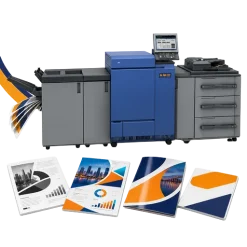
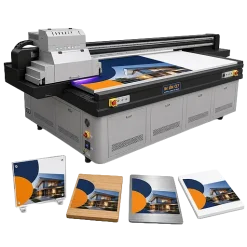
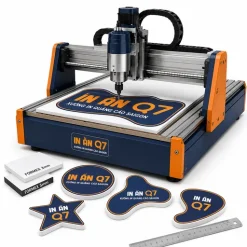
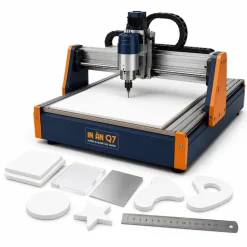
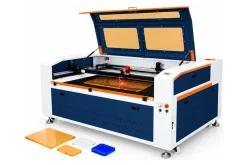
In Quảng Cáo Q7 runs decal printers and cutting machines right at the workshop: orders sent in the morning can usually be collected within a few hours, small orders are ready while you wait in 30–60 minutes – same-day digital decal printing in the true sense.
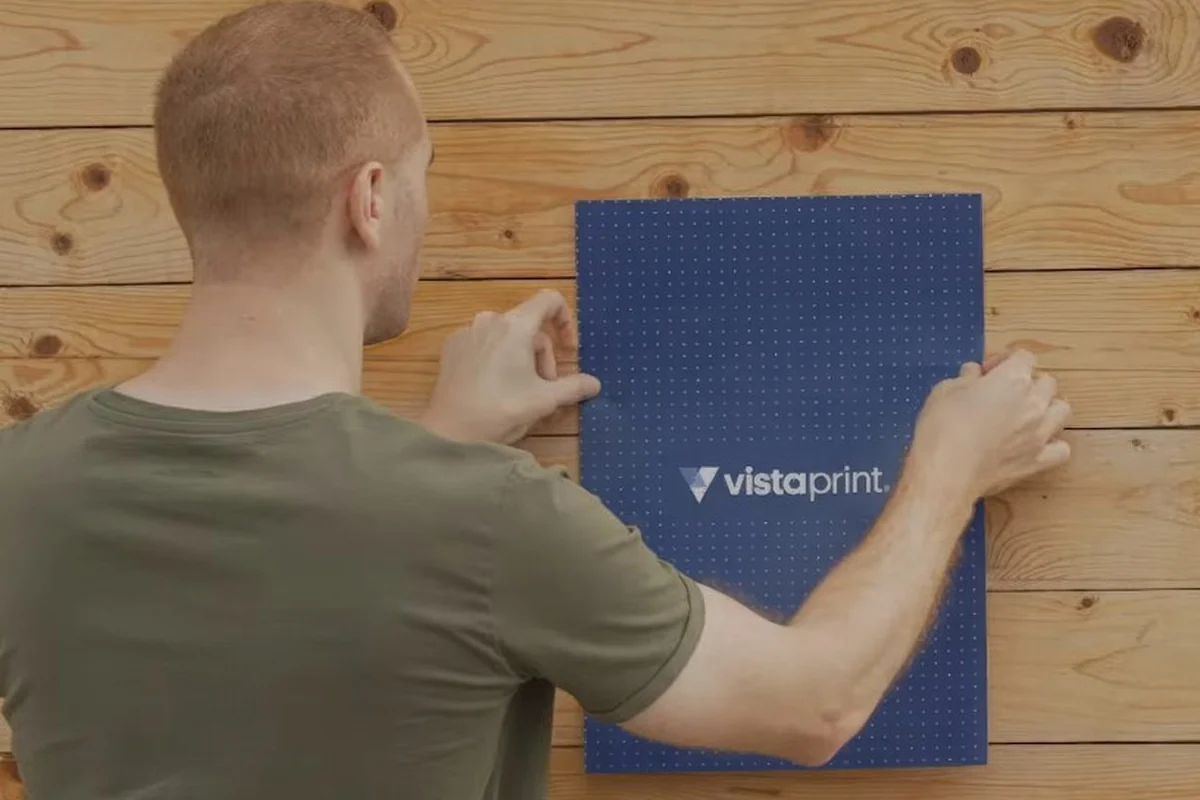
Decal materials in stock at the workshop
Paper decal: cheapest, suits paper boxes and dry products. PVC plastic decal: tough, waterproof, suits bottles, cosmetics and take-away food. Clear decal: see-through background, looks great on glass cups and clear packaging. Eggshell decal: for warranty seal stickers.
Gloss lamination for vivid colour, matte for elegance – both increase resistance to scratching and fading.
Related products
Decal application
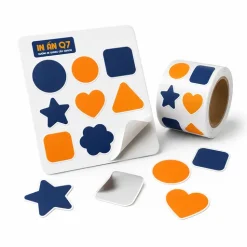
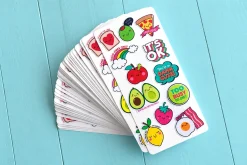
Sticker
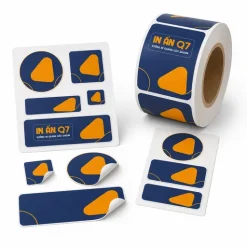
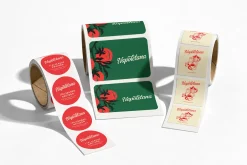
Labels & stickers
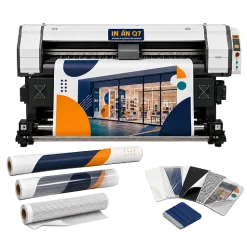
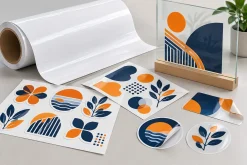
Decal
Die-cut to any design
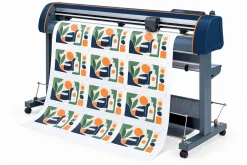
The programmable cutter cuts precisely along the design outline: round, oval, rounded rectangle or a character shape are all possible. Decals are delivered as easy-peel sheets or cut individually, depending on how you use them.
No file yet? Send your logo and size, and a designer will build a label design free of charge the same day – approve it and it gets printed.
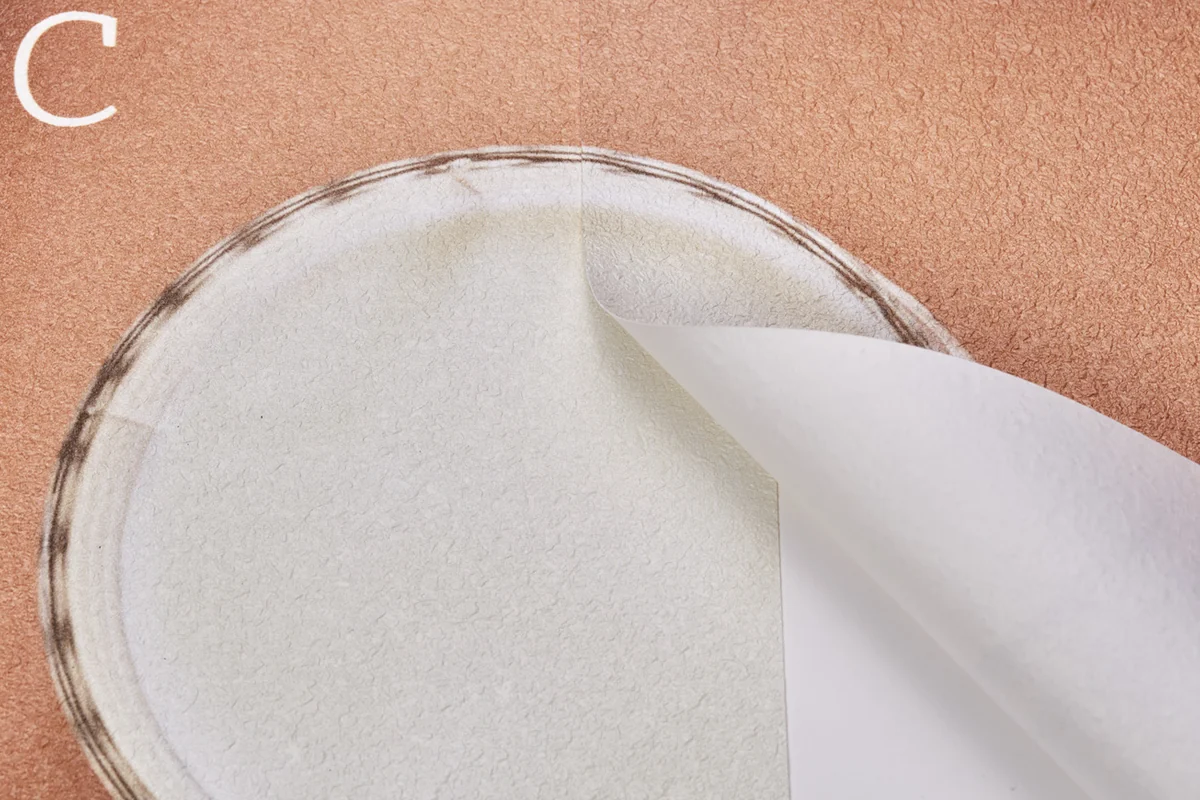
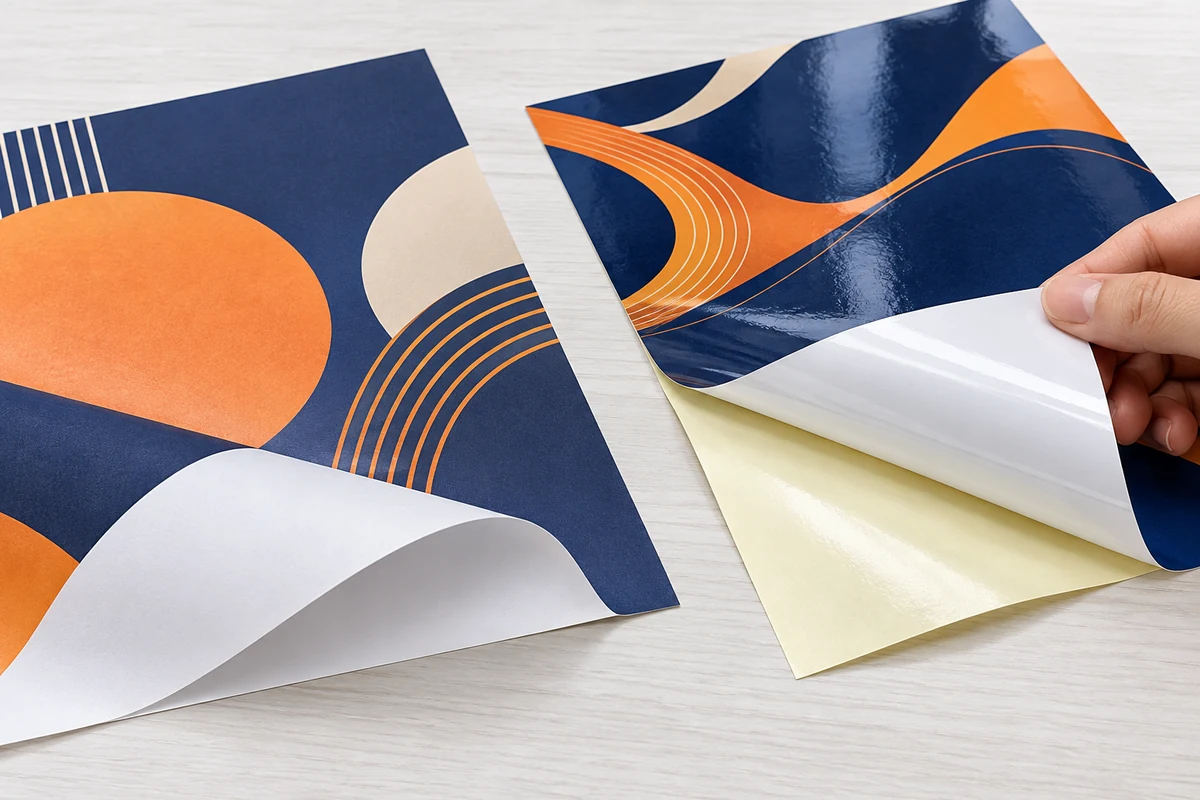
Priced by quantity – no order too small
Digital printing needs no dies, so even one sheet can be printed; the unit price per label decreases with area and quantity. Starting prices are publicly listed, and business customers get a VAT invoice. Reordering only takes a message – the file and specifications are kept on record.
Frequently asked questions about same-day digital decal printing
What is the minimum order for same-day digital decal printing?
There is no minimum – digital printing can run from a single decal sheet, a few dozen labels. Small orders are usually the fastest, ready while you wait during working hours; when you need a large reprint, the unit price per label drops sharply by quantity tier.
Are decal labels waterproof?
It depends on the material: plastic (PVC) decal and clear decal are highly waterproof, suitable for bottles, drink cups and refrigerated goods; paper decal suits dry paper boxes and is the cheapest. Adding gloss or matte lamination makes labels far more colourfast and scratch-resistant.
How do delivery and invoicing work?
Customers can collect from the workshop or the workshop books Grab/Ahamove delivery as soon as the labels come off the press – within Ho Chi Minh City they usually arrive in 1–2 hours. Company orders get an electronic VAT invoice issued the same day.
The steps of a same-day digital decal print order
A decal order goes through more steps than a document order, because after printing there is cutting or die-cutting. The table below describes the journey of a same-day digital decal order so you know where the time goes.
| Step | What is happening | Time |
|---|---|---|
| File check | Check colour mode, resolution, die line and spacing between labels | 5 – 10 minutes |
| Printing | Run the digital printer on the chosen decal | 20 – 50 minutes depending on quantity |
| Let the ink settle | Wait for the printed surface to dry completely before cutting | 10 – 15 minutes |
| Cutting or die-cutting | According to the chosen style out of the 6 | 15 – 60 minutes depending on style and quantity |
| Finished product check | Test-peel one label, check the cut line | 5 – 10 minutes |
| Packing | Keep flat in a hard folder | 5 minutes |
Letting the ink settle is a step many people do not know about. If labels are cut right after printing, the blade easily scratches the printed surface. So for same-day digital decal printing, allow about 10 – 15 extra minutes for this step, especially for labels with areas of deep colour.
What can be done in a day with same-day digital decal printing
The table below helps you know in advance which levels can be done in the day and which should be scheduled for the next day with same-day digital decal printing.
| Number of sheets | Cutting style | Done the same day |
|---|---|---|
| Under 10 sheets | Straight cut | Yes, usually within 1 hour |
| Under 10 sheets | Kiss-cut or through-cut | Yes, about 1 – 1.5 hours |
| Under 10 sheets | Die-cutting to shape | Yes, about 1.5 – 2 hours |
| 10 – 49 sheets | Straight cut or kiss-cut | Yes if the file is confirmed before 14:00 |
| 10 – 49 sheets | Die-cutting to shape | Yes if the file is confirmed before 13:00 |
| 50 – 100 sheets | Any style | Depends on machine slots; the workshop gives a time |
| Over 100 sheets | Any style | Usually the next day |
If your order falls in the last group but you still need part of it right away, the usual approach is to split it into two rounds. The first round gives enough labels for the batch being packed, the second delivers the rest. With same-day digital decal printing done this way, you do not have to wait for the whole order to have labels to use.
Shortening the time for same-day digital decal printing
Most of the extra time is spent on the file and choosing the cut style. The list below shows what helps a same-day digital decal order run fastest.
- Send a PDF or AI file with the die line already drawn on a separate layer, so the workshop does not have to redraw it.
- Keep 3 – 5mm between labels so the blade does not cut into the label next to it.
- Choose a straight cut if the label shape allows, because this is the fastest style.
- State where the labels will be applied so the workshop can suggest a material and avoid changing midway.
- Note how many labels you need right away, if you accept receiving them in two rounds.
- Send company details in advance if you need paperwork.
Of these six steps, the first two save the most. A file without a die line can add 20 – 40 minutes to a same-day digital decal order just to rebuild the cut line, and it is also the most common fault with decal files.
Materials and prices for same-day digital decal printing
Digital decals are printed on three materials, and choosing the right one decides whether the label sticks and lasts where it is applied. The table below shows how to choose for same-day digital decal printing.
| Material | Suitable for applying to | Limited |
|---|---|---|
| Paper decal | Paper boxes, paper bags, labels used indoors | Does not withstand moisture well, wrinkles easily when wet |
| Plastic decal | Plastic boxes, bottles, cups, damp places | Costs more than paper decal |
| Solvent-adhesive plastic decal | Hard-to-stick surfaces that need strong adhesive | Hard to peel off once applied |
| Item | Specification | Starting price |
|---|---|---|
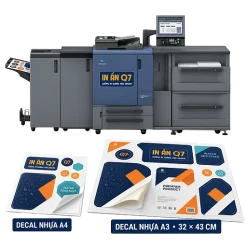
| Digital Decal Printing | A4, A3, 32x43cm | from 17.000đ |
| Label decal cutting | 6 cutting and die-cutting styles | from 2.000đ per sheet |
| Lamination to protect the label surface | Gloss or matte film | from 300đ per sheet |
| Trimming | Per package | from 15.000đ, free from 20 sheets |
The 32x43cm size has a larger area than A3, so it fits more labels on the same sheet. For same-day digital decal orders with small labels in large numbers, choosing this size is usually cheaper than printing many A4 sheets.
Six cut styles and lead times for same-day digital decal printing
Cutting is charged by quantity tier: 1 – 3 sheets, 4 – 9 sheets, 10 – 49 sheets and over 50 sheets. The table below shows the six styles with relative times for same-day digital decal printing.
| Cutting style | Result | Relative time |
|---|---|---|
| Straight cut | Square or rectangular labels, cut individually | Fastest |
| Kiss-cut | Cuts only the face layer, keeps the backing, easy to peel | Fast |
| Through-cut | Cuts each label right off the sheet | Medium |
| Die-cutting to shape | Labels exactly in the designed shape | Slower, needs a proper die line |
| Decal lettering cut | Only the lettering remains, background removed | Slowest with letters that have many strokes |
| Die-cutting with a die | Labels from an existing die | Fast when a suitable die exists |
If the order is urgent, choose a straight cut or kiss-cut. For brand labels that must follow a shape, accept an extra 20 – 40 minutes, and in that case the file cut-off for same-day digital decal printing should be a little earlier.
Checking and applying labels after same-day digital decal printing
Decal labels curl easily and the adhesive side picks up dust easily, so how you check and apply them decides the final result.
- Test-peel one label on receipt to see whether the cut line is clean.
- Clean and dry the surface before applying, especially plastic and glass surfaces.
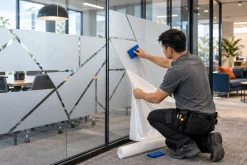
- Apply from one edge and smooth gradually across to the opposite edge to avoid air bubbles.
- Keep labels flat in a hard folder, not rolled and not folded.
- Avoid damp places and direct sunlight, because the adhesive can run and the ink can fade.
- Apply one test label and check its adhesion after a few hours before applying the whole batch.
Test-applying one label is especially important the first time you apply to a new surface. If you find the wrong material was chosen, you can reorder the same day because the workshop accepts small orders, so same-day digital decal printing helps resolve this quickly.
Summary of how to order same-day digital decal printing
The same-day digital decal printing process has the following four steps.
- Send a PDF or AI file with the die line, with the print size, number of sheets, decal material and cut style.
- Receive the quote and time, then confirm so the workshop runs the machine.
- Wait for printing, let the ink settle, then cut; check the finished product by test-peeling one label.
- Collect at 49 Mai Van Vinh, Tan Hung Ward, Ho Chi Minh City or choose ride-hailing delivery.
These four steps apply to both single-sheet orders and orders of several hundred decal sheets.
How long does same-day digital decal printing take?
Orders under 10 sheets with a straight cut are usually done in about 1 hour, kiss-cut or through-cut about 1 – 1.5 hours, shape die-cut about 1.5 – 2 hours. Orders of 10 – 49 sheets are done the same day if the file is confirmed before 14:00.
Why does same-day digital decal printing need a wait before cutting?
Because the printed surface needs about 10 – 15 minutes for the ink to settle. If cut right after printing, the blade easily scratches the printed surface, especially on labels with areas of deep colour.
Which cut style is fastest for same-day digital decal printing?
Straight cutting is fastest, followed by kiss-cutting. Shape die-cutting is about 20 – 40 minutes slower and needs a proper die line in the file. Decal lettering is slowest when the letters have many strokes.
How are large orders handled with same-day digital decal printing?
Split into two rounds. The first round gives enough labels for the batch being packed, the second delivers the rest. State the quantity needed for the first round so the workshop can prioritise it.
Which material should I choose for same-day digital decal printing?
Paper decal for paper boxes and indoor labels, plastic decal for bottles, cups and damp places, solvent-adhesive plastic decal for hard-to-stick surfaces. Tell us where the labels will be applied so the workshop can suggest one, because paper labels in damp places will peel and the whole batch will have to be reapplied.
File requirements for same-day digital decal printing
Decal files differ from document files in needing a die line and spacing between labels. The table below shows the full requirements for same-day digital decal printing.
| Requirement | Specification | Reason |
|---|---|---|
| File format | PDF or AI | Keeps the die line and layout intact |
| Color mode | CMYK | Print colour close to the approved proof |
| Resolution | 300dpi at the exact print size | Logo and small text without jagged edges |
| Die line | Drawn as a line in advance, on a separate layer | The workshop cuts exactly the shape you want |
| Bleed | 3mm around the artwork | No white edge showing round the label |
| Safe zone | 3mm in from the die line | No text lost when cutting |
| Spacing between labels | At least 3 – 5mm | The blade does not cut into the next label |
| Black for small text | Single black K100 | Sharp text, no misregistration |
| Fonts | Convert to outlines | No font errors when opened on another computer |
When a fault is found, staff send a photo of the problem area with a suggested fix and wait for your confirmation. If you accept keeping the file as it is, reply clearly so the same-day digital decal order runs straight away instead of waiting for another exchange.
One last point worth noting: when making labels for a new product line, the safest approach is to print one sample sheet with all the planned cut styles, test-apply them to the actual surface and check again after a few hours. A sample sheet costs very little compared with peeling and reapplying a whole batch. Once settled, order same-day digital decal printing with the approved specifications, keep the sample sheet with the source file, and later orders just mean resending the file with the new quantity.
Order printing at In Quảng Cáo Q7
Does your batch of labels need applying today? Send your file or logo via Zalo now – in a few hours the decals will be neatly die-cut, ready to peel and apply straight onto your products.
In Quảng Cáo Q7 direct printing workshop – 49 Mai Van Vinh, Tan Hung Ward, Ho Chi Minh City. Production and delivery hours: Monday – Saturday, 8:00–12:00 and 13:00–18:00 · Consultation & orders via Zalo/hotline: Monday – Saturday 8:00–12:00 and 13:00–20:00, Sunday 14:00–19:00.
See more printing services on the In Quảng Cáo Q7 home page or contact us quickly via the contact page; you can also get directions to the workshop on Google Maps.
Need printing or signage in Ho Chi Minh City?
In Quảng Cáo Q7 runs its own print workshop in Tân Hưng Ward (former District 7), Ho Chi Minh City, producing and installing signage, banners, window graphics, exhibition booths and event displays. Send us the size, material, quantity and a photo on WhatsApp and we will get back to you.

Phone: +84 866 511 099 · Also on WeChat
Workshop: 49 Mai Văn Vĩnh, Tân Hưng Ward, Ho Chi Minh City