














Tender Document Printing – Company Profiles, A4 Envelopes

Oct
Is your company about to submit a tender and needs tender documents printed in time? This article explains what the set includes, binding specifications, how to package the documents flat and the lead times at the In Quảng Cáo Q7 workshop.
How a tender set differs from an ordinary introductory set
Tender documents have two constraints that ordinary introductory sets do not: they must be submitted in exactly the number of sets the inviting party requires, and on time, not even half a day late. So printing must always be brought forward at least one day before the deadline to leave time to check, sign and stamp each set.
In content, the set leans heavily towards proving capability: introduction of the legal entity, key personnel, equipment, similar projects completed, certificates and financial statements. The similar projects section usually takes the most pages, so when printing tender documents for a company, the page count often falls between 32 and 48 pages.

Printing a company profile for tenders – choosing size, page count and binding
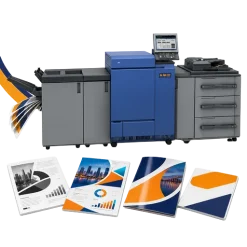
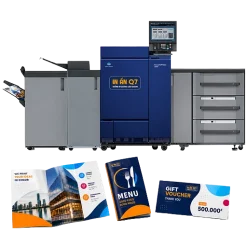
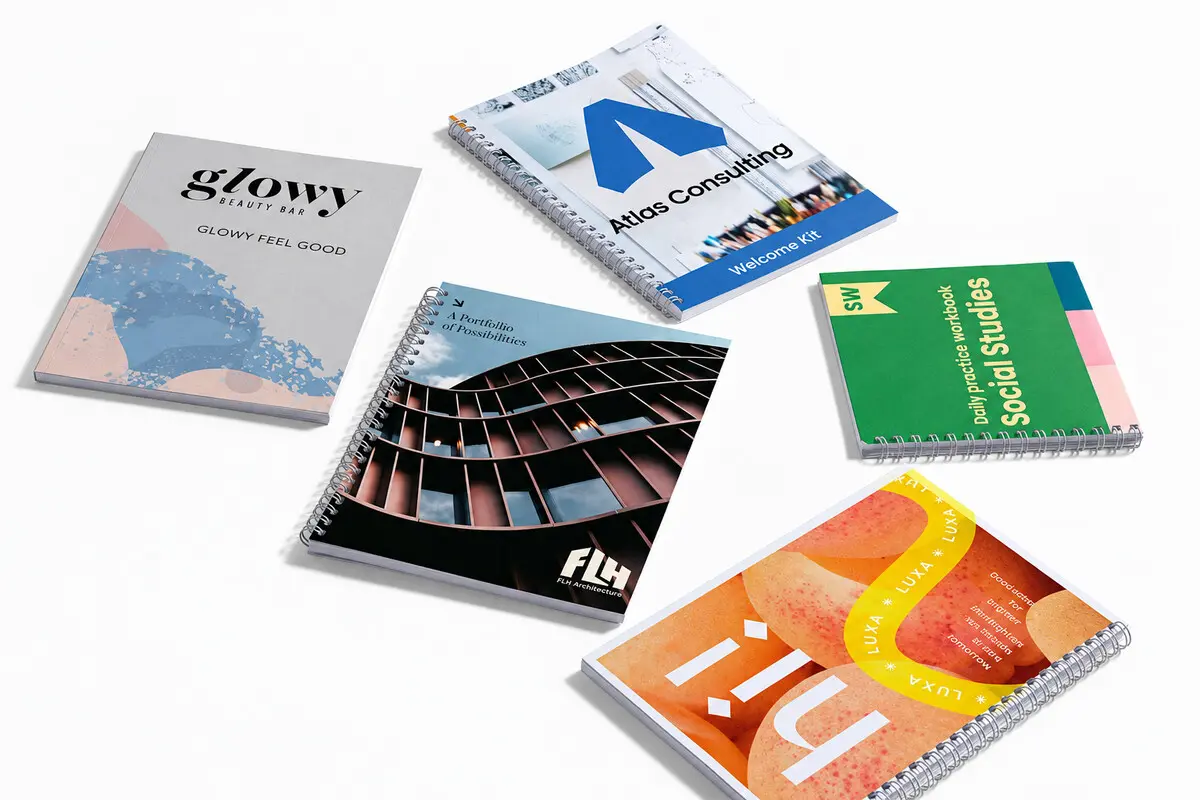
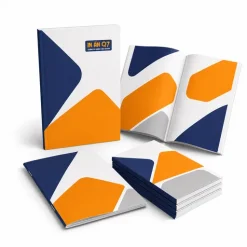
A4 portrait is almost the default choice when printing a company profile for tenders, because tender documents have lots of text and tables and must be filed together with other A4 documents in the same envelope. Page counts from 8 to 76 pages, in steps of 4, including the 4 cover pages.
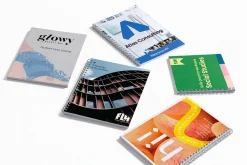
Choose the binding by thickness: saddle stitching for thin sets; perfect binding for thick sets, with a spine that can carry the tender package name so it is easy to find when the inviting party lines up many sets side by side; spiral binding with a clear cover when the document needs to open flat to cross-check data tables; and hardcover when you want the most formal version. Covers usually run on 300gsm Couche paper with matte lamination, inner pages on 150gsm Couche paper.
Printing envelopes for tender documents – fits A4 without folding
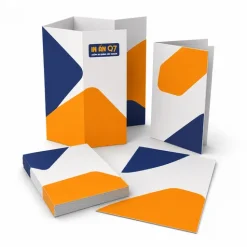
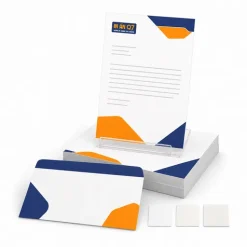
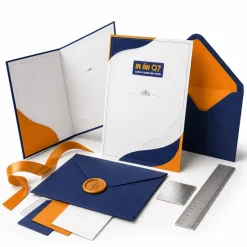
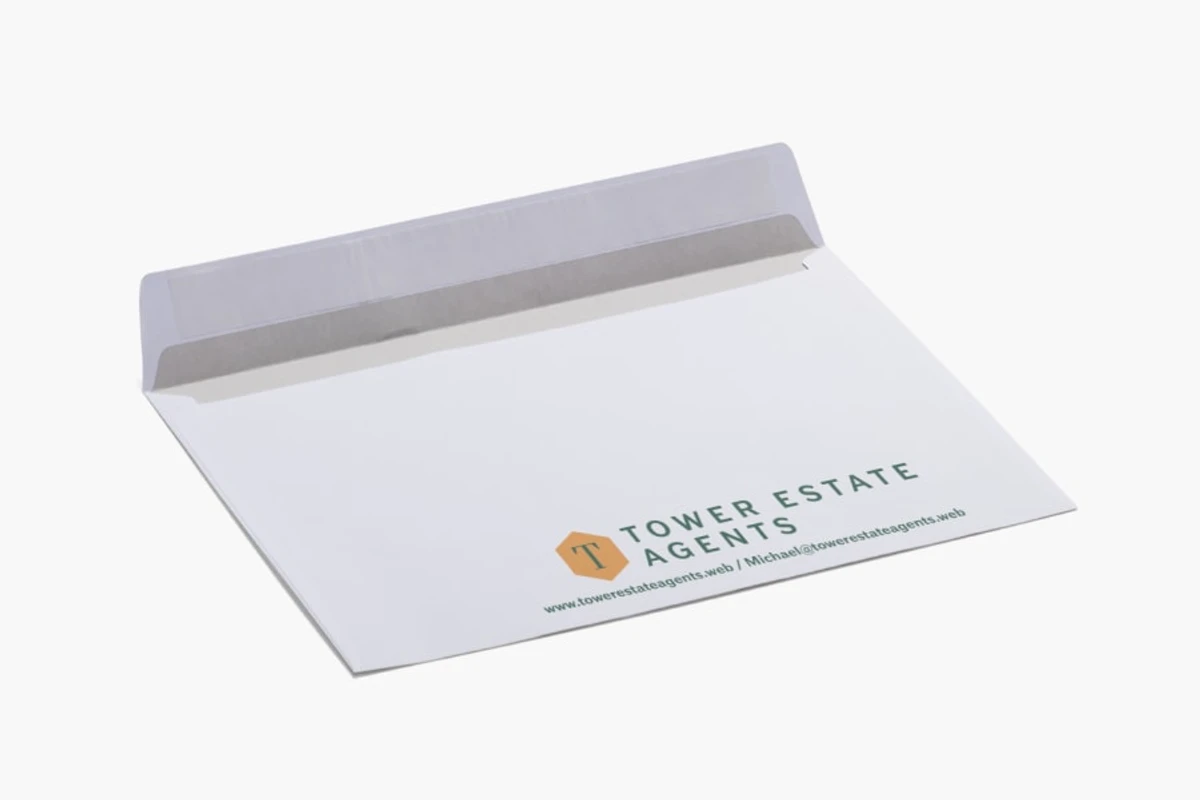
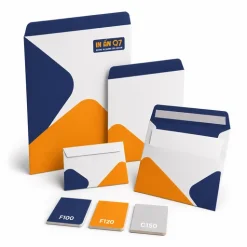
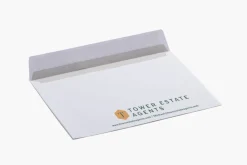
Tender documents must not be folded, because a fold cutting across data tables and the cross-page seal looks very poor. So when printing envelopes for tender documents, choose the A4 25x35cm size – the largest size on the Envelopes page, big enough for an A4 set to go in flat, even when it is already bound.
150gsm Couche paper is the usual weight for this group of envelopes: a smooth surface, deep logo colour and stiffer than Fort paper, so it does not crease when carried around. The front is printed with the logo and legal name, with space left to write the tender package name and the inviting party.
Print schedule counted back from the deadline
The safest approach is to count back from the deadline: subtract one day for signing, stamping and sealing at the company; subtract the binding time at the workshop; what remains is the file cut-off. Tell us the submission date as soon as you send the files; the workshop schedules production around that date and confirms the exact collection time.
If the documents are still waiting for signatures or final figures, send the settled parts first so the workshop can print and bind them, leaving a few pages to swap in later. This shortens the final stage considerably, which is the stage where plans most often fall apart.
Frequently asked questions about printing tender documents for companies
If I need to submit 5 sets, can I print just 5?
Yes. The Catalogue – Profile page accepts small orders, with prices from just a few copies, so printing exactly the number of sets to submit is normal; there is no minimum of hundreds of copies as with offset printing.
Can urgent documents be done the same day?
It depends on the page count and binding style. Thin saddle-stitched sets are usually done the same day; thick perfect-bound sets need time for the glue to dry, so they must be ordered earlier. Message us on Zalo with the page count, number of sets and deadline so the workshop can confirm whether it is feasible before accepting the order.
Do you issue VAT invoices for tender documents?
Yes. Electronic VAT invoices are issued on the same day; you only need to send your invoicing details once and the workshop applies them to later orders.
Order printing at In Quảng Cáo Q7
If you are preparing a tender submission, message us on Zalo with the page count, number of sets and deadline so the workshop can quote and set a print schedule counted back from the submission date – bound and delivered to your office at least one day before the deadline.
In Quảng Cáo Q7 direct print workshop – 49 Mai Van Vinh, Tan Hung Ward, Ho Chi Minh City. Production and delivery hours: Monday – Saturday, 8:00–12:00 and 13:00–18:00 · Orders via Zalo/hotline: Monday – Saturday 8:00–12:00 and 13:00–20:00, Sunday 14:00–19:00. Quick message via Zalo or call 0866.511.099.
See more printing services on the In Quảng Cáo Q7 home page, see all corporate print products or contact us quickly via the contact page; you can also get directions to the workshop on Google Maps.
List of print items in a tender set
A tender set usually includes several print items with different specifications, not just one document. Listing them in advance lets you order printing in one go, avoiding finding out after submission that a part was missing.
| Item | Common specification |
|---|---|
| Main tender document | A4, double-sided, bound |
| Company profile | A4 or square, colour, perfect bound |
| Technical drawings and diagrams | A3 or A2, folded to A4 |
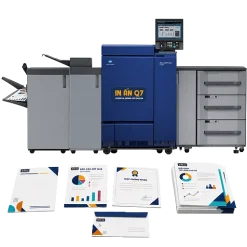
| Price schedules, forms | A4, single-sided for handwriting |
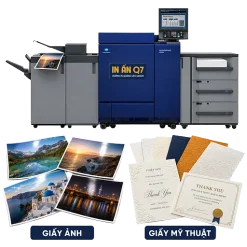
| Divider pages by section | Coloured paper or fine art paper |
| Document envelope | Size that holds A4 unfolded |
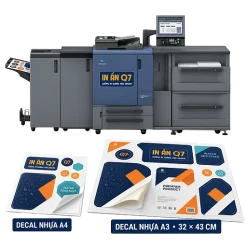
| Label on the outside of the envelope | Paper decal, printed with the tender package name |
Specific requirements on the number of sets, binding and sealing always follow the inviting party's tender documents. Printing follows those requirements exactly, so sending the relevant page when ordering tender printing is the fastest way.
Page numbering and table of contents
Thick tender documents often lose presentation points because page numbers are not continuous between sections. This happens when each section is written by a different person and then combined, each numbered from 1.
- Number the whole document continuously, not restarting for each section.
- Place the page number in the same position on every page, usually the bottom right corner.
- Make sure the table of contents shows the correct page numbers after combining, and check it one last time before printing.
- Folded drawing pages also count in the page numbering; do not skip them.
- Number the appendices separately in the form PL-01 if the tender documents allow.
When combining files, page numbering is redone in one pass on the final PDF. This should be left until last, because adding or removing a page in the middle means every number after it has to be redone.
Related products
Catalogue – Company Profile
Envelopes
Folder
Certificate
Divider pages and index tabs
Tender documents several hundred pages thick need clear dividers so readers can look things up quickly. The three methods below are commonly used; which one to choose depends on the document thickness and the inviting party's requirements.
| Divider method | Suitable for | Advantages |
|---|---|---|
| Coloured paper page | Documents under 150 pages | Cheap, quick to make |
| Fine art paper page printed with the section name | Documents of 150 to 300 pages | Looks more professional |
| Plastic edge tabs | Documents over 300 pages | Can be looked up without opening the book |
| Paper tabs die-cut into the page | Documents with many short sections | Does not add thickness to the book |
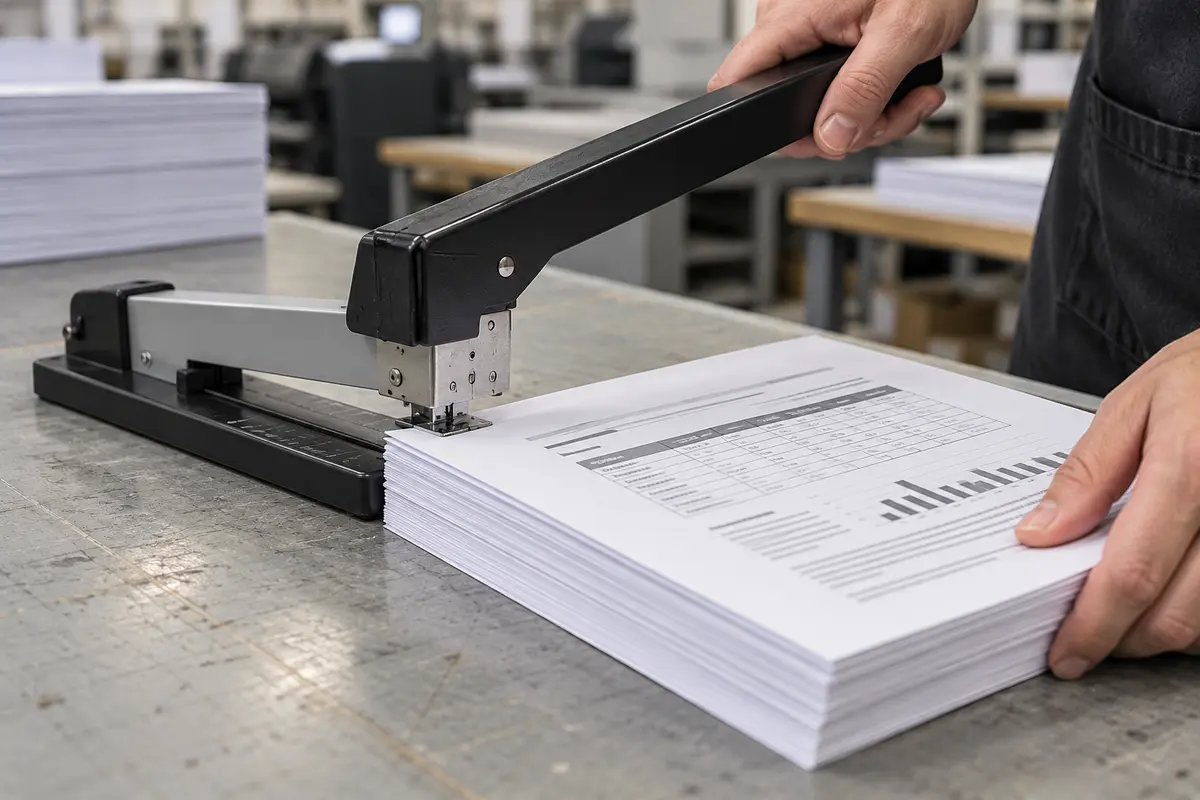
Plastic edge tabs are applied by hand, so add extra time, especially when printing many sets. For urgent tender sets, coloured paper pages are the fastest method that still meets the divider requirement.
Printing large drawings and appendices
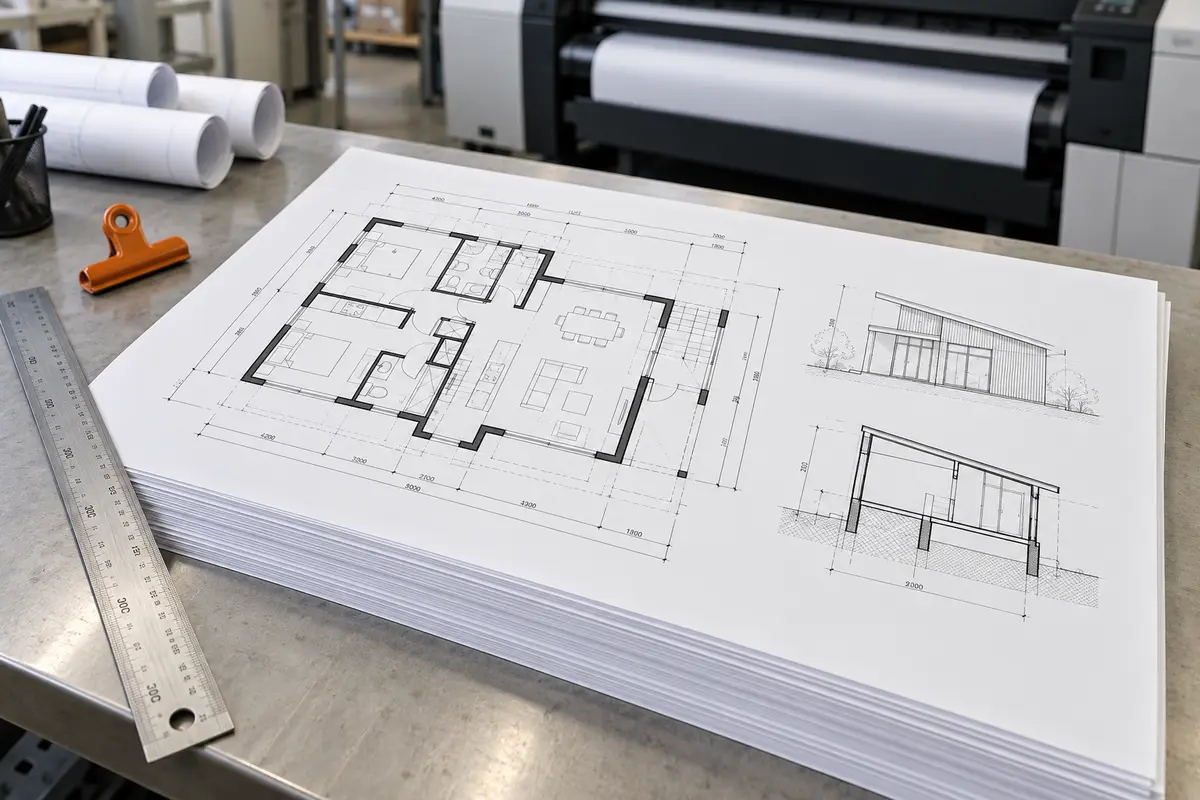
Technical drawings in tender documents are usually A3 or larger, but the document is bound at A4. The solution is to print large and fold to A4, leaving a binding margin so the drawing lines are not caught in the binding when opened.
| Drawing size | How to fold | Binding margin |
|---|---|---|
| A3 | One fold to A4 | 20mm on the left |
| A2 | Two folds to A4 | 20mm on the left |
| A1 | Three folds to A4 | 25mm on the left |
| A0 | Bound separately as an appendix volume | Not folded into the main book |
An A0 drawing folded into an A4 book becomes very thick and creases easily, so it is usually split into a separate appendix volume. This part must also be clearly noted in the tender set's table of contents so readers know where to find it.
Stamping, signing and sealing
Stamping and signing are the company's job, but the way the document is printed affects them. Paper that is too glossy makes stamp ink slow to dry and smudge easily; paper that is too thin lets signatures press through to the back.
- Pages to be signed and stamped should be printed on Fort paper, not on glossy Couche paper.
- Leave enough space at the signature spot, at least 40mm high.
- Print single-sided for pages with many stamps and signatures.
- For documents with many sets, print a few extra signature pages to replace any signed incorrectly.
- Seal exactly as the inviting party requires, using seal stickers if needed.
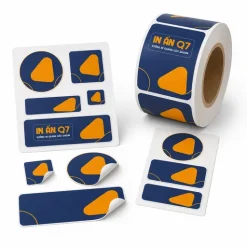
Seal stickers for tender sets are printed on eggshell sticker material, which breaks when peeled and cannot be stuck back. Order them together with the print order so you do not have to look for them separately on the last day.
Number of sets to print and spare copies
The number of tender sets follows the tender documents' requirements, usually one original and several copies. Besides the required number, companies also print an archive copy and spare copies in case something comes up.
| Type of copy | Usual quantity printed | Notes |
|---|---|---|
| Original | 1 set | Clearly mark ORIGINAL on the cover |
| Copy | As required, usually 2 to 4 sets | Clearly mark COPY |
| Internal archive copy | 1 set | Kept at the company |
| Spare copy | 1 set | Used if a main copy has a fault |
| Copy brought to the bid opening | 1 set | Spiral bound to open flat |
The copy brought to the bid opening is usually spiral bound for quick reference on site, unlike the submitted copies, which are perfect bound. When ordering tender set printing, state clearly which set gets which binding so the workshop gets it right the first time.
Distinguishing the original and copies when printing
Marking the original and copies is a small detail but one that gets noticed during evaluation. The three methods below all work, as long as they are consistent across all sets of the same tender package.
- Print text on the cover: ORIGINAL and COPY, in large type, in the same position.
- Use different cover colours for the two types, noting which colour is which.
- Stick a coloured sticker on the spine, handy when many sets are lined up side by side.
- Write the set number on the back cover if there are many copies.
Using different cover colours is the fastest way to sort a pile of documents. This is printed in as part of the tender order, so there is no need to stick labels on by hand at the last minute.
Rush printing when the deadline is close
Tender documents often finalise content on the last day, so printing is often squeezed. The table below shows realistic milestones for different levels of urgency, counted from receipt of the final PDF.
| Urgency level | What can be done | Time |
|---|---|---|
| Within 4 hours | Print, saddle stitch or spiral bind, 1 to 3 sets | Delivered within the half-day |
| Same day | Print, spiral or perfect bind, up to 10 sets | End of the day |
| Overnight | Add plastic tabs, laminated covers | Next morning |
| 2 days | Full set including colour profile | By appointment |
The step that cannot be shortened is binding, because it is done by hand. For urgent tender sets, the solution is to switch to spiral binding instead of perfect binding, because perfect binding needs time to dry.
Keeping documents confidential before bid opening
Tender documents contain prices and technical proposals, so confidentiality is handled as for internal documents. The points below are agreed before the files are received, not negotiated midway.
- Files are received through a single channel, handled only by the person in charge of the order.
- Misprints and surplus copies are destroyed at the workshop immediately, not kept.
- Documents are packed and sealed, opened only at the company or at the submission point.
- A confidentiality agreement is signed if the company requests it.
- Files are deleted after full delivery if the company requests it.
For packages with several bidders taking part, this matters even more. Information about the content of a tender set is not shared with any other party, even if that party is also a customer of the workshop.
Checking documents before sealing
The checklist below takes ten minutes as soon as the goods arrive, before sealing the tender set. This is the last chance to make corrections, so do not skip it even when the deadline is close.
- Count the full number of sets for each type, original and copies.
- Flip quickly through each book for blank or duplicate pages.
- Check page numbers in three places: the beginning, middle and end of the book.
- Compare the table of contents with the actual page numbers of a few sections.
- Check that folded drawings open out without the lines being caught in the binding.
- Check that the envelope and outer label show the correct tender package name.
If a fault is found at this step, only a few pages need reprinting and can be swapped into the book if it is spiral bound. With a perfect-bound book, replacing pages means rebinding the whole book, so checking early matters even more.
Ordering tender document printing for companies
Workshop at 49 Mai Van Vinh, Tan Hung Ward, Ho Chi Minh City, receives files online and delivers to your office or to the submission point. Send your request via Zalo with four pieces of information to get a quote within working hours.
- Information 1: expected page count, colour pages and black-and-white pages.
- Information 2: number of sets for each type, original and copies.
- Information 3: binding style and how sections are divided.
- Information 4: the deadline, to set a print schedule counted back from it.
Even without the final file, a quote can be given based on the expected page count and adjusted when the final version arrives. Large drawings and tender envelopes are quoted separately so the company can check them easily.
Need printing or signage in Ho Chi Minh City?
In Quảng Cáo Q7 runs its own print workshop in Tân Hưng Ward (former District 7), Ho Chi Minh City, producing and installing signage, banners, window graphics, exhibition booths and event displays. Send us the size, material, quantity and a photo on WhatsApp and we will get back to you.

Phone: +84 866 511 099 · Also on WeChat
Workshop: 49 Mai Văn Vĩnh, Tân Hưng Ward, Ho Chi Minh City