










Certificate Printing District 7 – A4 Foil Stamped, With Frame, Small Runs

Oct
Does your company need District 7 certificate printing? This article sets out the A4 size, three paper types, foil stamping – embossing finishes, frame options and how to print from a name list at the In Quảng Cáo Q7 workshop.
Certificate printing right in District 7
Certificates, certificates of merit and internal commendation certificates are usually tied to a specific date: a year-end review, an award ceremony, a training course closing ceremony. That schedule cannot be moved, so printing must be sure to be on time.
The In Quảng Cáo Q7 workshop has its machines at 49 Mai Van Vinh, Tan Hung Ward, so District 7 certificate printing orders from companies around Phu My Hung, Tan Hung, Tan Quy and Tan Phong are printed and delivered straight within the area, in time for the event.

Three paper types and how they feel in hand
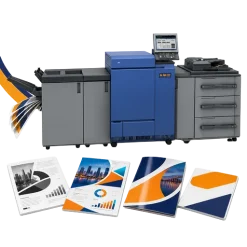
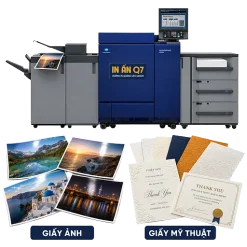
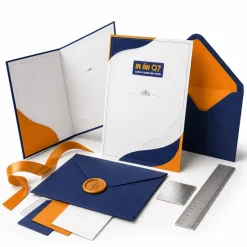
Fort 250gsm is the common version: a matte ivory-white surface that can be signed with a fountain pen, suited to internal commendation certificates and course completion certificates in large quantities. Photo Paper has a glossy surface with deep, sharp colours, suited to versions with photos or full colour backgrounds.
Fine Art Paper is the most formal version: the surface has raised texture and a soft sheen, thick in hand, with text and borders standing out strongly. This is also the paper often paired with foil stamping because the textured background makes the metallic foil stand out more.
Related products
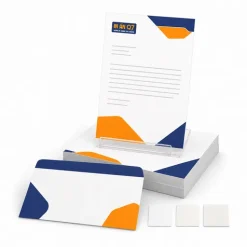
Certificate
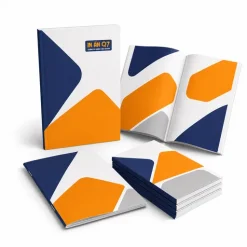
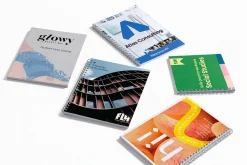
Catalogue – Company Profile
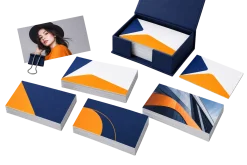
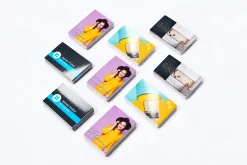
Business cards
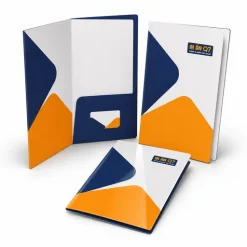
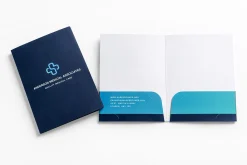
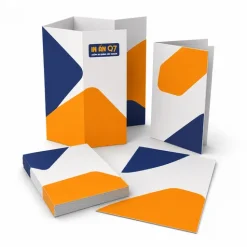
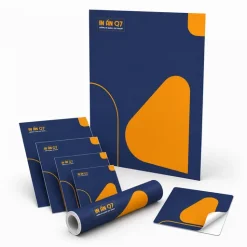
Folder
Foil stamping, embossing and embossed seals
Foil stamping uses gold or silver metallic foil hot-stamped onto the printed paper surface: logo foil stamping only stamps the logo, border foil stamping runs a metallic line around the four edges. Embossing makes text or patterns stand right out from the paper surface, with a ridge you can feel.
The embossed seal is a round seal pressed in relief in the corner, usually placed over the signature to prevent forgery – often used for agent certificates and partner certificates. These finishing styles are done on the paper surface after printing.
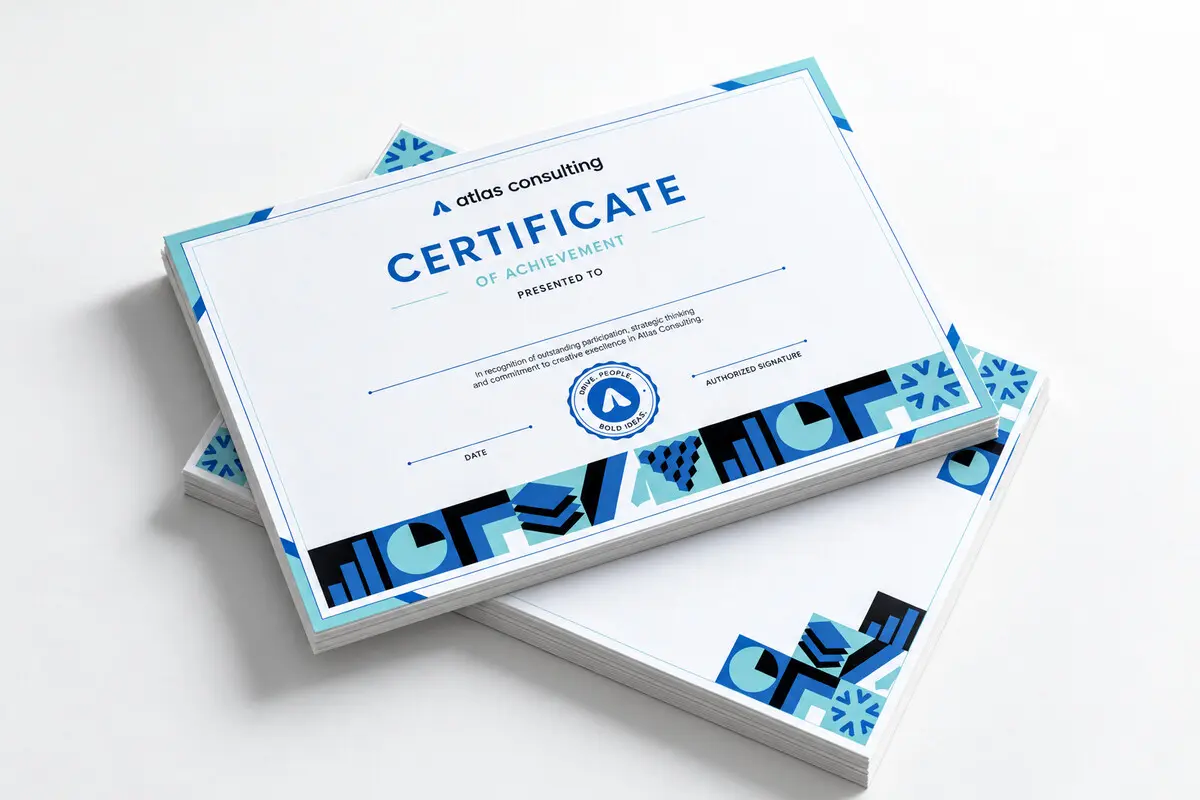
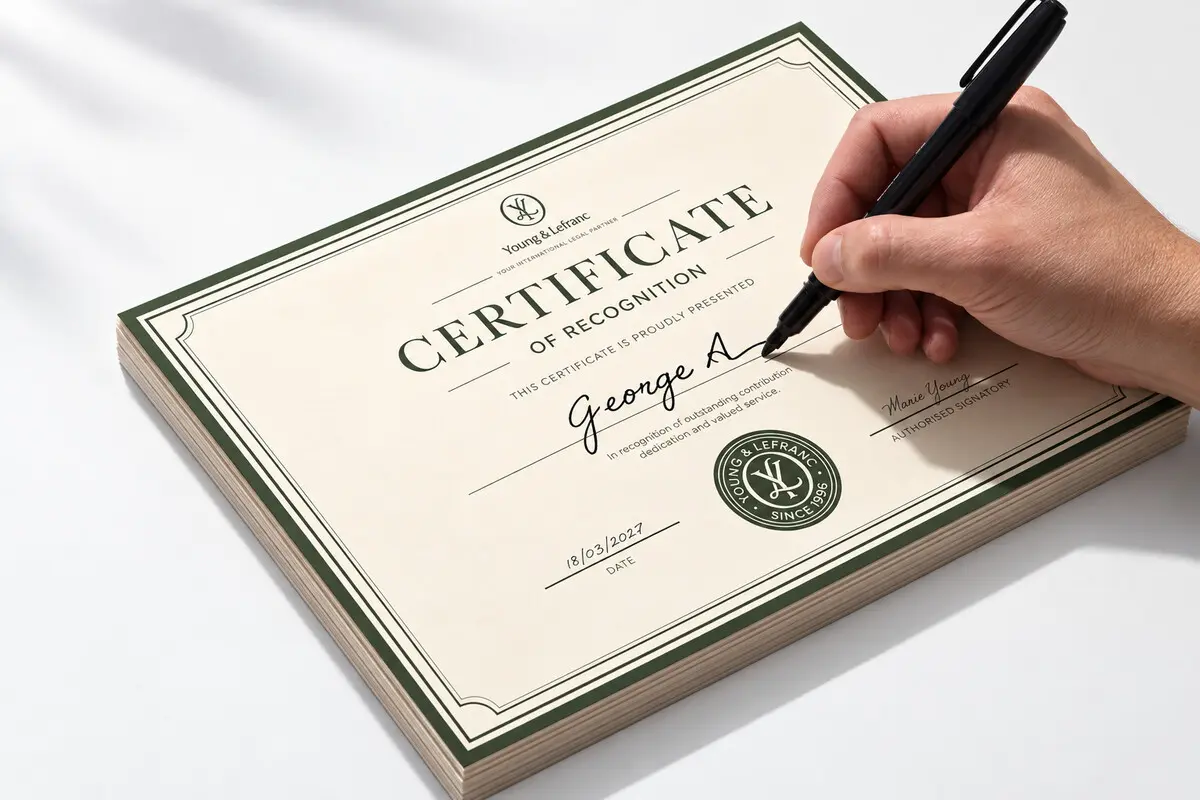
Names pre-printed, space left for handwriting and hanging frames
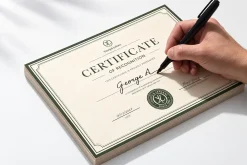
The version with recipients' names pre-printed has one name per sheet, merged from a list file and printed in one pass – send an Excel file with names and job titles. The version with space left for the name is printed with the name blank to fill in by hand at the ceremony, used when the list is not settled.
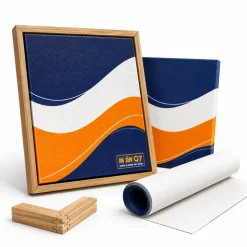
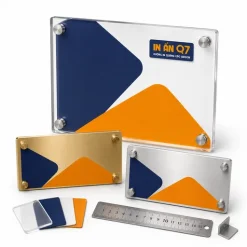
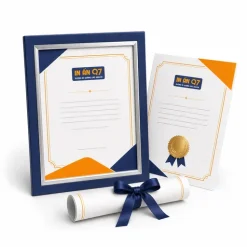
The frame is an option right on the page: choose with a frame and you receive the version already mounted, ready to hang; choose without a frame and you receive just the certificate. The finished size is A4, portrait or landscape depending on the design file.
Frequently asked questions about District 7 certificate printing
Do you take orders for 15 sheets for a year-end review?
Yes. The page runs on digital printing so it accepts very small quantities, with no zinc plates needed as with offset printing.
How are framed versions delivered?
Framed versions have a glass front so the workshop packs each one individually. Tell us the event date so the workshop can schedule delivery at least one day ahead.
What if I do not have a template?
Send the logo, certificate content and the signer's name; the workshop builds a preview for approval. The approved template is kept so later rounds only need a new name list.
Choosing materials for District 7 certificate printing
Certificates can be printed on many different paper types, and choosing the right type makes the printed sheet suit how it will be used. The table below shows the options for District 7 certificate printing.
| Paper type | Feel | Suitable for | Starting price |
|---|---|---|---|
| Fine Art Paper | Textured, the most formal | Certificates presented by hand, awards | from 12.000đ |
| Couche paper 250 – 300gsm | Flat, vivid colours, stiff | Certificates with multi-coloured ornaments | from 9.800đ |
| Fort paper 180 – 250gsm | Ordinary, easy to write on by hand | Certificates where names are filled in by pen | from 8.000đ |
| Photo Paper | Deepest colours | Certificates with a photo of the recipient | from 12.000đ |
If the certificate will have names filled in by pen after printing, you should choose Fort paper because pen ink does not spread. If names are printed directly, Fine Art Paper or Couche paper both work. When ordering District 7 certificate printing, state how it will be used so the workshop can suggest the paper.
Size and quantity for District 7 certificate printing
The table below shows commonly used sizes with typical quantities for District 7 certificate printing.
| Size | Suitable for | Usual order quantity |
|---|---|---|
| A4 portrait | Course certificates, attendance certificates | 10 – 200 sheets |
| A4 landscape | Certificates of merit, partner certificates | 10 – 200 sheets |
| A3 portrait or landscape | Certificates hung in offices | 1 – 20 sheets |
| Smaller than A4 | Certificate cards, membership cards | 20 – 500 sheets |
- Top-up orders after the list is settled are usually only 1 – 10 sheets, and the workshop still accepts them.
- For training courses, print an extra 5 – 10% as a spare in case names are written wrongly.
- If recipients' names are printed directly, send the file with the list already merged in the correct order.
Printing each person's name directly is the part most likely to cause issues. You should check the name list before sending, because once District 7 certificate printing is done, correcting one name means reprinting that whole sheet.
Timing for District 7 certificate printing
The workshop at 49 Mai Van Vinh, Tan Hung Ward, Ho Chi Minh City is right within the District 7 area, so District 7 certificate printing orders have an advantage on timing. The table below shows reference times.
| Quantity | Printing time | With trimming |
|---|---|---|
| Under 10 sheets | 15 – 30 minutes | Add 10 – 20 minutes |
| 10 – 50 sheets | 30 – 50 minutes | Add 20 – 40 minutes |
| 50 – 200 sheets | 50 – 90 minutes | Add 40 – 60 minutes |
| Over 200 sheets | The workshop gives a specific time | The workshop gives a specific time |
Delivery within District 7 takes about 10 – 40 minutes from when the goods leave the workshop. Because the distance is short, many customers choose to drop by and see paper samples before settling, especially when doing District 7 certificate printing for the first time for a new programme.
Layout of a sheet in District 7 certificate printing
A certificate has a fairly fixed layout, and arranging all the parts makes the printed sheet look standard. The table below shows the parts usually included in District 7 certificate printing.
| Content part | Usual position | Layout notes |
|---|---|---|
| Logo and name of the issuing organisation | At the top, centred or left-aligned | Logo at 300dpi, not stretched |
| Name of the certificate type | The largest line on the sheet | Use the most prominent font size |
| Name of the recipient person or organisation | Middle of the sheet | Leave enough space for long names |
| Recognition text | Below the name | Short sentences, easy to read |
| Date and place | At the bottom | State the full date clearly |
| Signature and title | Bottom right corner or both sides | Leave space for handwritten signatures and stamps |
| Certificate number | Bottom left corner | Useful when it needs to be looked up later |
| Decorative border | Around the edges of the sheet | Keep it at least 10mm from the edge |
The two areas that often get cramped are the recipient's name and the space for the signature with the stamp. For District 7 certificate printing, you should leave these two areas wide, because long names or large stamps will overlap the text if the layout is too tight.
File requirements for District 7 certificate printing
The table below shows the file requirements that apply to District 7 certificate printing.
| Requirement | Specification | Reason |
|---|---|---|
| File format | PDF or AI | Keeps the layout on every computer |
| Color mode | CMYK | RGB colours on screen are always brighter than the print |
| Resolution of logo and patterns | 300dpi at the exact print size | No jagged edges |
| Minimum font size | Larger if printing on Fine Art Paper | Paper texture makes very small text hard to read |
| Text black | Single black K100 | Sharper text |
| Bleed | 3mm on each side | No white border left after cutting |
| Safe zone | 3mm in from the edge | Decorative borders not lost when trimmed |
| Name list merged in advance | One file, in the correct order | No need to merge at the workshop |
| Fonts | Convert to outlines | No font errors when opened on another computer |
If you do not have a laid-out file yet, the workshop also takes on the layout from the content you provide and sends a preview for approval. Then District 7 certificate printing and the layout are handled by the same point of contact.
Finishing and care after District 7 certificate printing
Certificates have two main uses: given to recipients to keep, or hung at the office. These two uses need different finishing levels.
| Use | Recommended finishing level | Reason |
|---|---|---|
| Handed to the recipient to keep | Leave the paper surface as is | Keeps the paper texture and original feel |
| Handed over, then framed by the recipient | Leave the paper surface as is | The glass frame already protects the print |
| Hung in an office long-term | Framed behind glass or plastic-laminated | Dust-proof and moisture-proof |
| Used at the counter, touched a lot | Plastic laminating | Can be wiped with a damp cloth |
| Kept in files for many years | Matte lamination or leave as is | Avoids finger marks when flipped through |
- Plastic lamination in A5 – A4 – A3 from 3.000đ per sheet, film lamination from 300đ per sheet.
- Keep the certificate flat in a rigid cover, not rolled up and not folded.
- Avoid humid places and direct sunlight.
If the sheet will be mounted in a glass frame, film lamination or plastic lamination is not needed. When doing District 7 certificate printing for a ceremony, you should print a few extra sheets as a spare in case someone is added close to the time.
Summary of how to order District 7 certificate printing
The District 7 certificate printing process has the following four steps.
- Choose the material by how it will be used, settle the size and layout.
- Send a CMYK PDF file with the list of names already merged, along with the quantity and cutting requirements.
- Print a test sheet to check the colours and the longest name, then confirm the whole run.
- Collect at the workshop or choose delivery, sending company details if you need paperwork.
These four steps apply to both a one-sheet top-up order and an order of several hundred sheets for a course.
Which paper should be used for District 7 certificate printing?
Fine Art Paper is the most formal, from 12.000đ. Couche Paper 250 – 300gsm is flat with vivid colours, from 9.800đ. Fort Paper 180 – 250gsm suits names filled in by pen, from 8.000đ. Photo Paper is used when the sheet has a photo of the recipient.
How long does District 7 certificate printing take?
Orders under 10 sheets print in 15 – 30 minutes, 10 – 50 sheets take 30 – 50 minutes, 50 – 200 sheets take 50 – 90 minutes. If trimming is included, add 10 – 60 minutes. Delivery within District 7 takes about 10 – 40 minutes.
Does District 7 certificate printing accept an order of one sheet?
Yes. We run digital printers, so no plates are needed and there is no minimum quantity. Supplementary orders of a few sheets after the list is finalised are very common.
Can District 7 certificate printing print each person's name directly?
Yes. Merge the list of names into one PDF file in the correct order and send a single file. Print a test sheet with the longest name on the list to check that it fits the frame.
Should District 7 certificate printing use plastic lamination?
Only laminate when the printed sheet will be hung long-term or touched a lot. For sheets given to recipients to keep or to be mounted in a glass frame, leaving the paper surface as is suits best. Plastic lamination from 3.000đ per sheet.
Common mistakes in District 7 certificate printing
Most problems with certificates do not come from the printer but from the name list and the layout. The table below shows common mistakes in District 7 certificate printing, with how to avoid them.
| Mistake | Sign | How to avoid it |
|---|---|---|
| Names with wrong diacritics or in the wrong order | Only discovered once the sheets are printed | Check the list twice before sending the file |
| Names too long, spilling out of the frame | Text touches the decorative border | Leave the name area wide, test-print the longest name |
| Too little space left for the stamp | The stamp lands on the text | Leave a separate space for the stamp |
| Wrong date when the schedule is moved | The printed sheet cannot be used | Check the date again before running the whole batch |
| Decorative border too close to the edge | The border is cut unevenly on one side | Keep the border at least 10mm from the edge |
| Logo stretched out of proportion | The logo looks distorted | Keep the original proportions, use a vector file |
| Small text on Fine Art Paper | Text disrupted by the paper texture | Increase the font size or switch to Couche paper |
When a mistake is detected, staff send a photo of the error location with a suggested correction and wait for your confirmation. Thanks to this step, most mistakes are caught before running the machine, so District 7 certificate printing orders rarely need reprinting.
For programmes held periodically, you should keep the original file set with one approved sample sheet and the printed name list of each period. That way the next District 7 certificate printing is just a matter of updating the list and quantity, without rebuilding the layout.
Keeping the name list of each period also helps avoid printing duplicates or missing recipients. This is a mistake hard to detect if relying only on memory, especially when the programme has many rounds a year and each round you do supplementary District 7 certificate printing for a few more sheets.
Order printing at In Quảng Cáo Q7
If your company in District 7 needs certificates or certificates of merit printed, send the content and name list via Zalo so the workshop can build a sample and quote by paper type and frame option – delivered to your office before the presentation date.
In Quảng Cáo Q7 direct print workshop – 49 Mai Van Vinh, Tan Hung Ward, Ho Chi Minh City. Production and delivery hours: Monday – Saturday, 8:00–12:00 and 13:00–18:00 · Orders via Zalo/hotline: Monday – Saturday 8:00–12:00 and 13:00–20:00, Sunday 14:00–19:00. Quick message via Zalo or call 0866.511.099.
See more printing services on the In Quảng Cáo Q7 home page, see all corporate print products or contact us quickly via the contact page; you can also get directions to the workshop on Google Maps.
Need printing or signage in Ho Chi Minh City?
In Quảng Cáo Q7 runs its own print workshop in Tân Hưng Ward (former District 7), Ho Chi Minh City, producing and installing signage, banners, window graphics, exhibition booths and event displays. Send us the size, material, quantity and a photo on WhatsApp and we will get back to you.

Phone: +84 866 511 099 · Also on WeChat
Workshop: 49 Mai Văn Vĩnh, Tân Hưng Ward, Ho Chi Minh City