






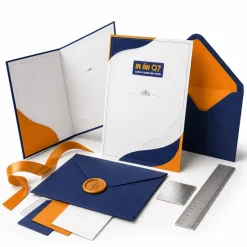




Presentation folder styles: glued pockets, tuck pockets and box spines
Sep
Types of Document Folders: Glued Pocket, Tuck Pocket and Box Spine
When approving a folder proof, the person ordering usually only looks at the cover colour and logo. But what decides whether the document set looks tidy lies in the part few people notice: the type of inside pocket, the pocket height, and whether the cover has a spine. This article explains the common folder specifications so you can choose correctly from the start and avoid reprinting.
The inside pocket – the detail that decides how much paper the folder holds
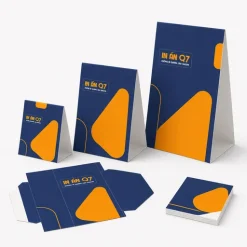
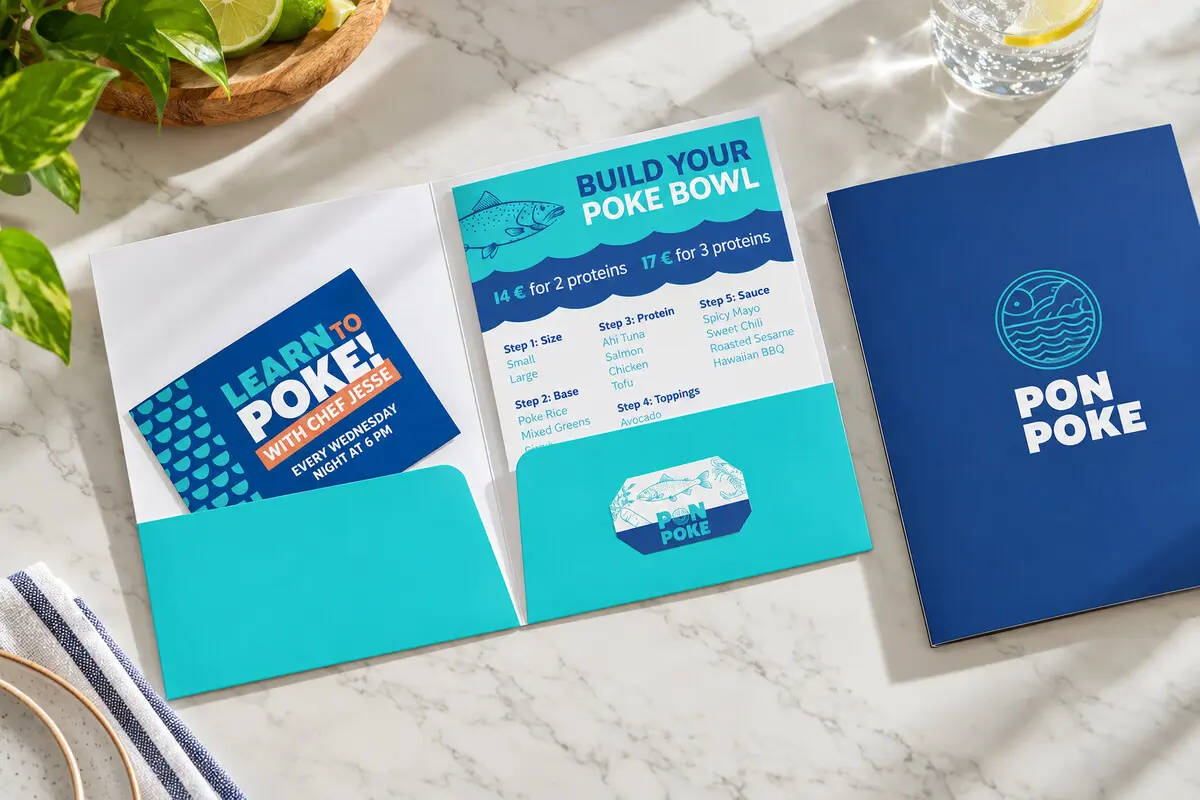
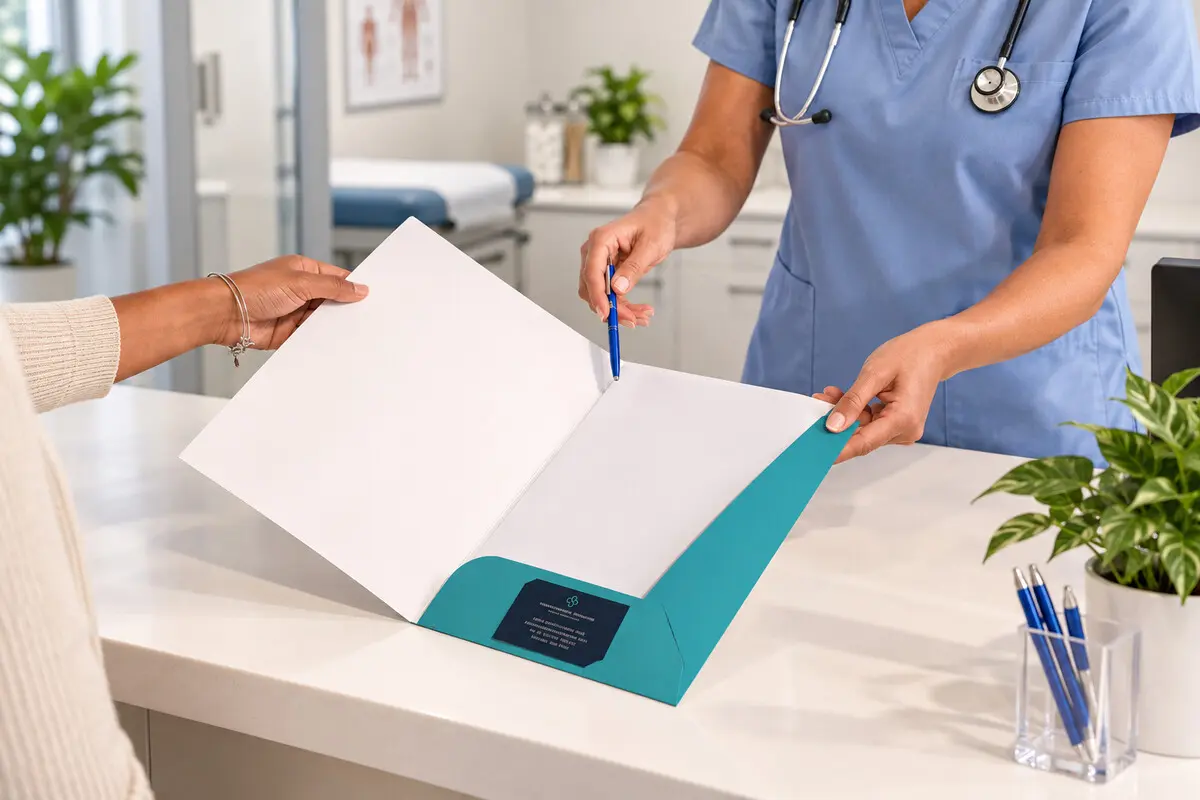
The folder pocket is the part of the paper folded up from the bottom or side edge of the cover and glued to form a compartment. With the same cover size, changing the pocket type changes the function entirely.
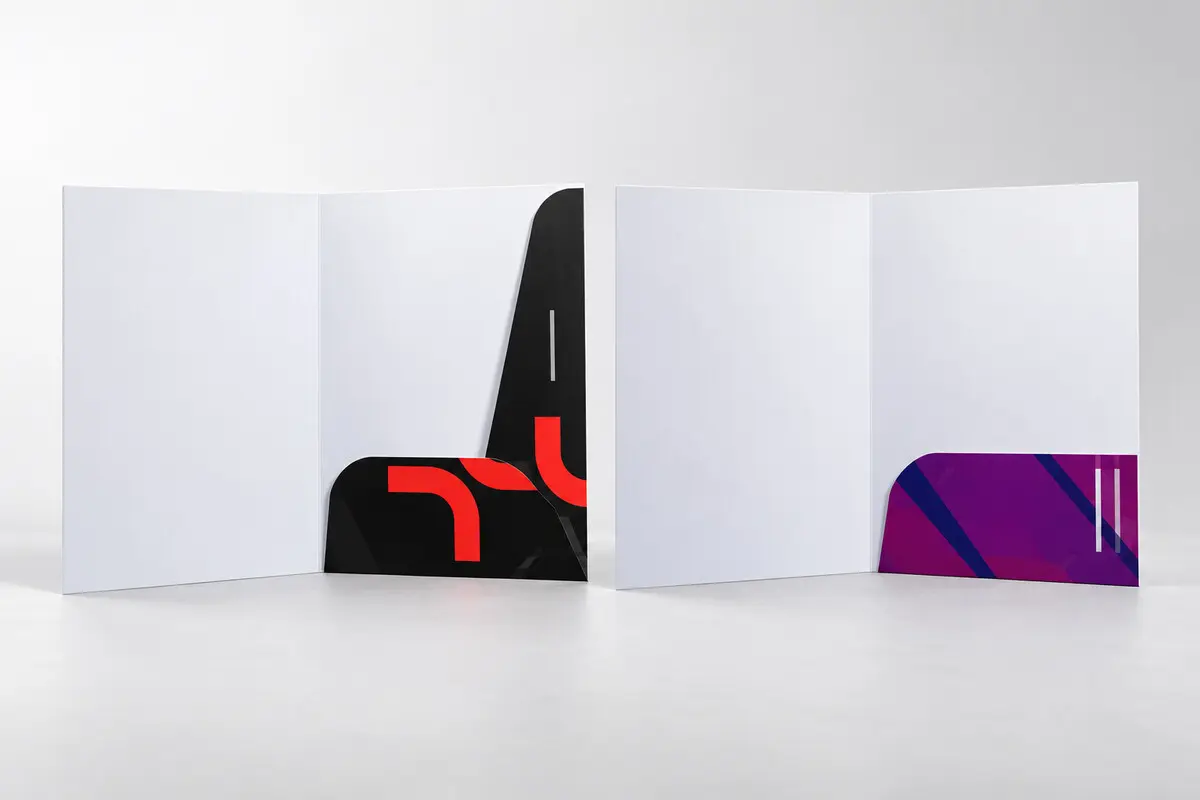
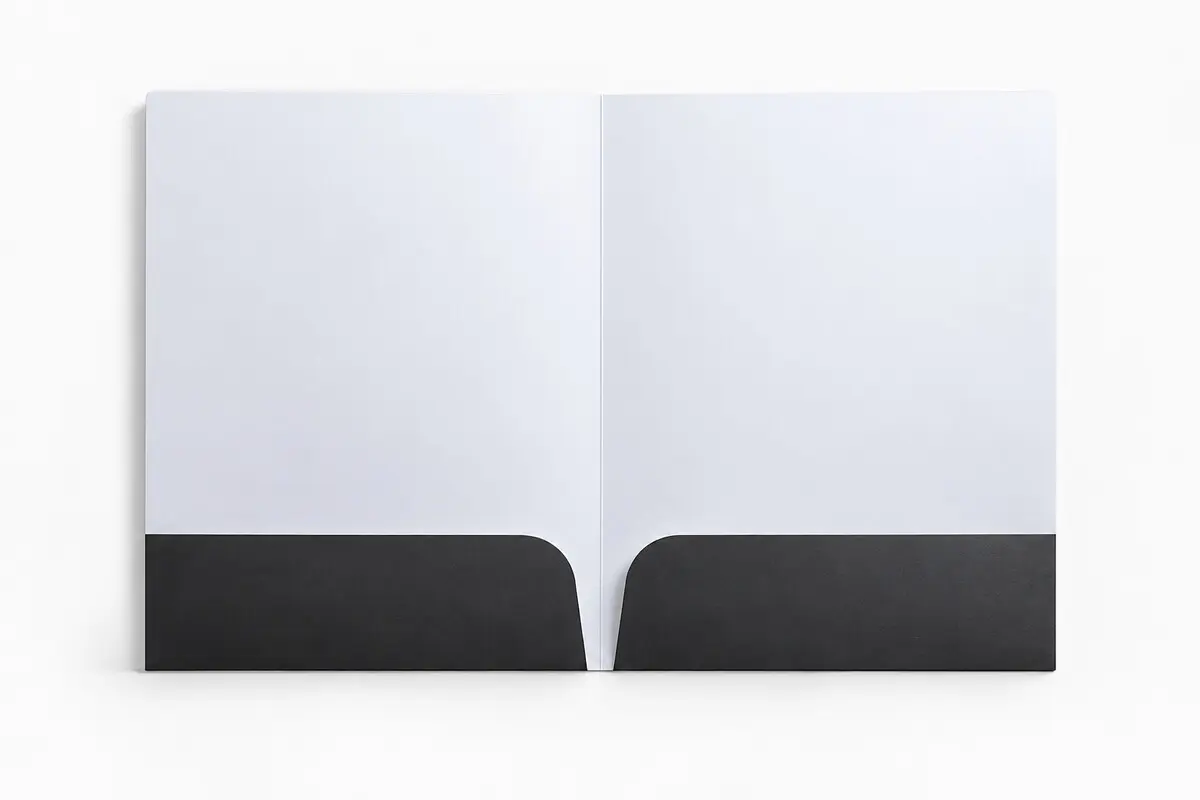
Glued pocket with a rounded edge
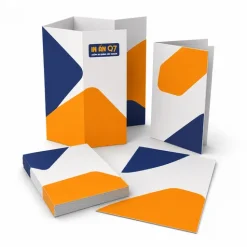
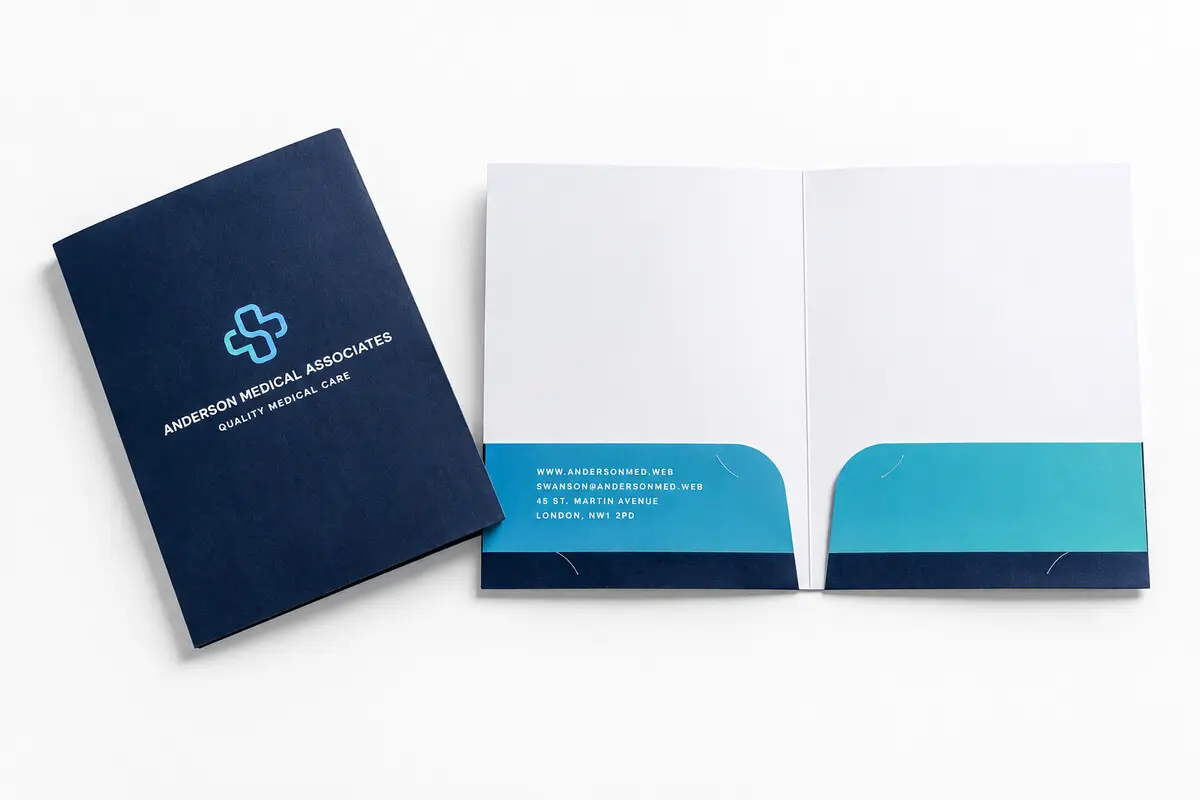
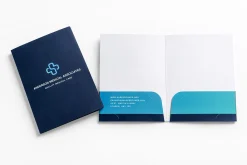
A low pocket folded up from the bottom edge, with a curved pocket opening. The most economical type, quick to slip papers in and out, suited to document sets of 10–20 A4 sheets – quotes, short contracts, introductory leaflets.
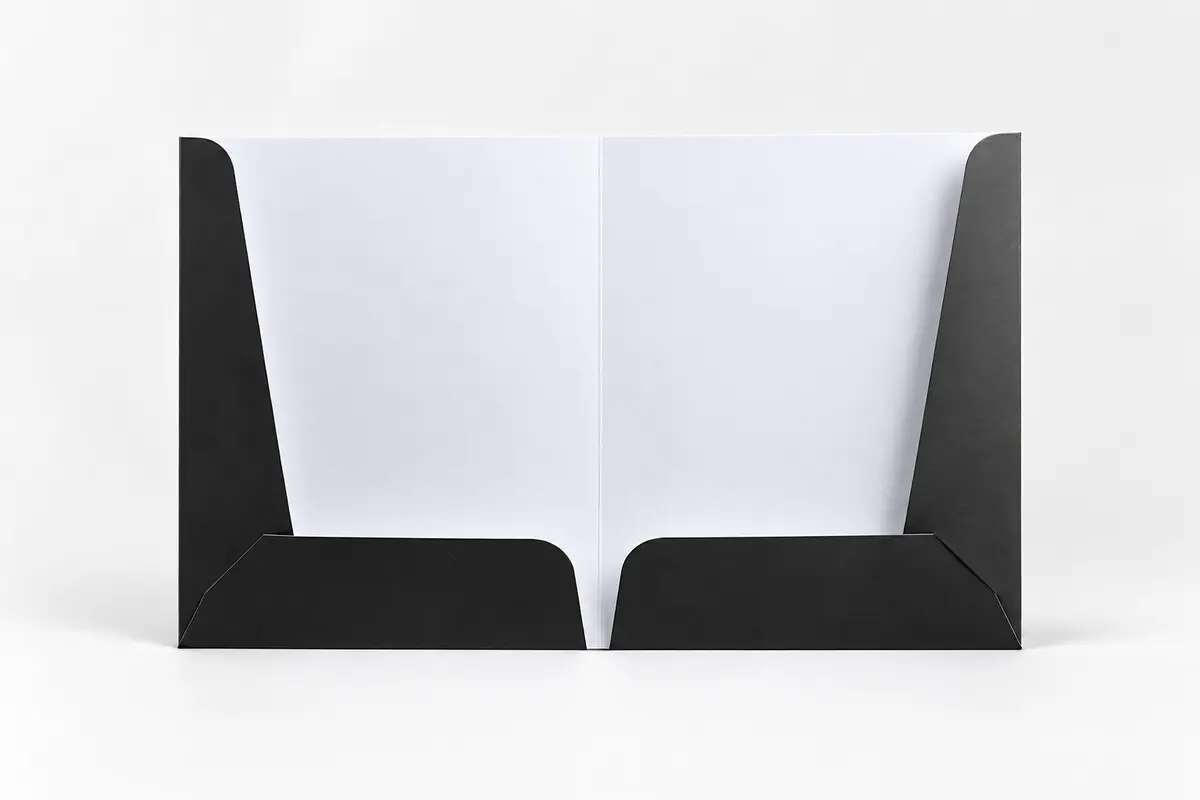
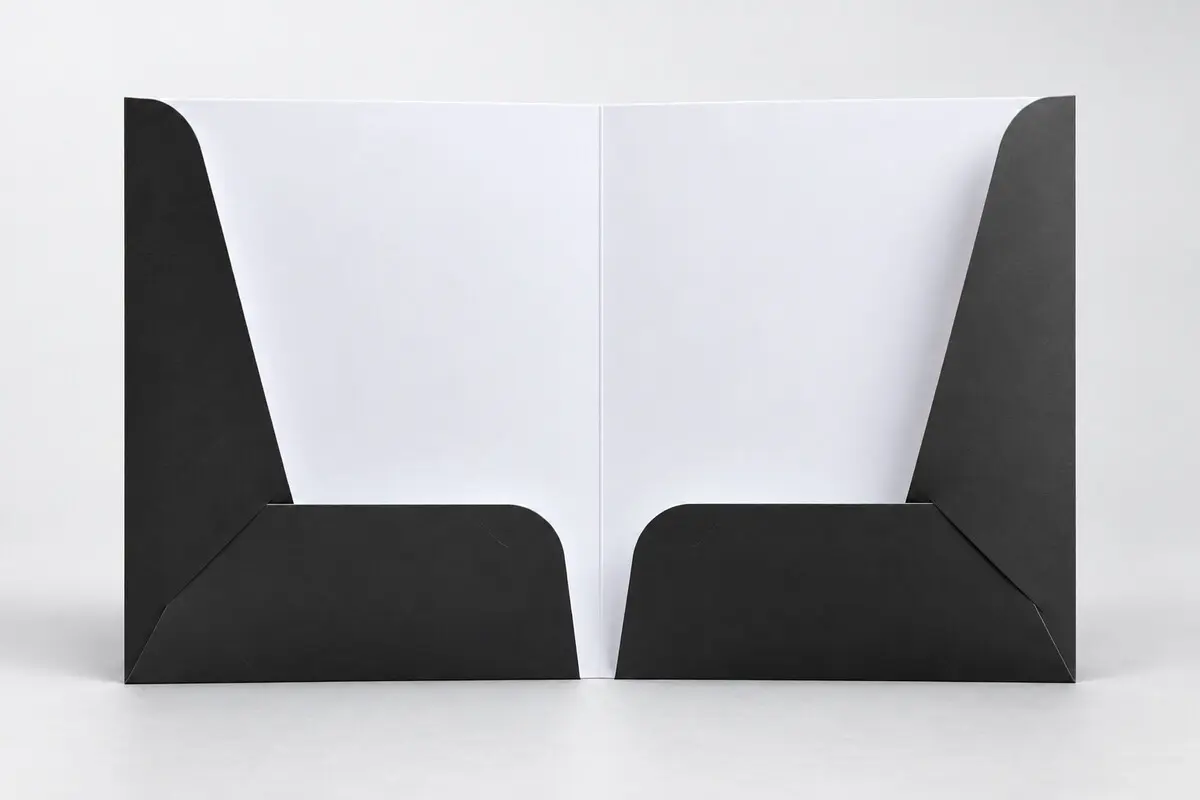
Tuck pocket with side flaps
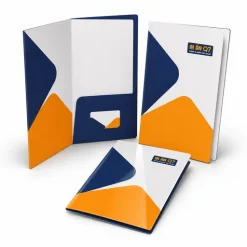
A tall pocket, with a diagonal flap rising to almost half the page height and wings that hug the edges of the documents. It holds paper much more securely: turn the cover upside down and the paper still does not fall out. Used for thick document sets or documents carried around often.
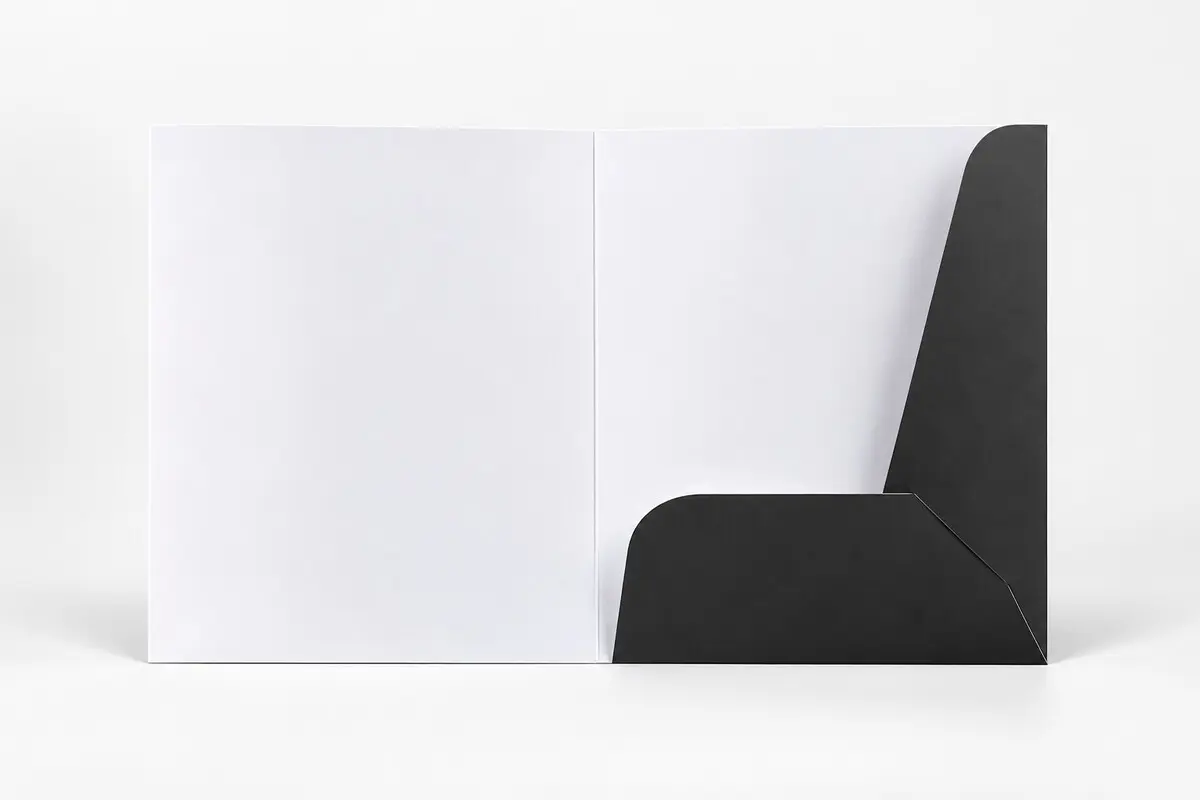
Single-pocket folder
Only one side has a pocket, the other side is left blank. Lighter, saves paper, and the blank side becomes a place to print the work process or a short introduction that customers read as soon as they open the cover.
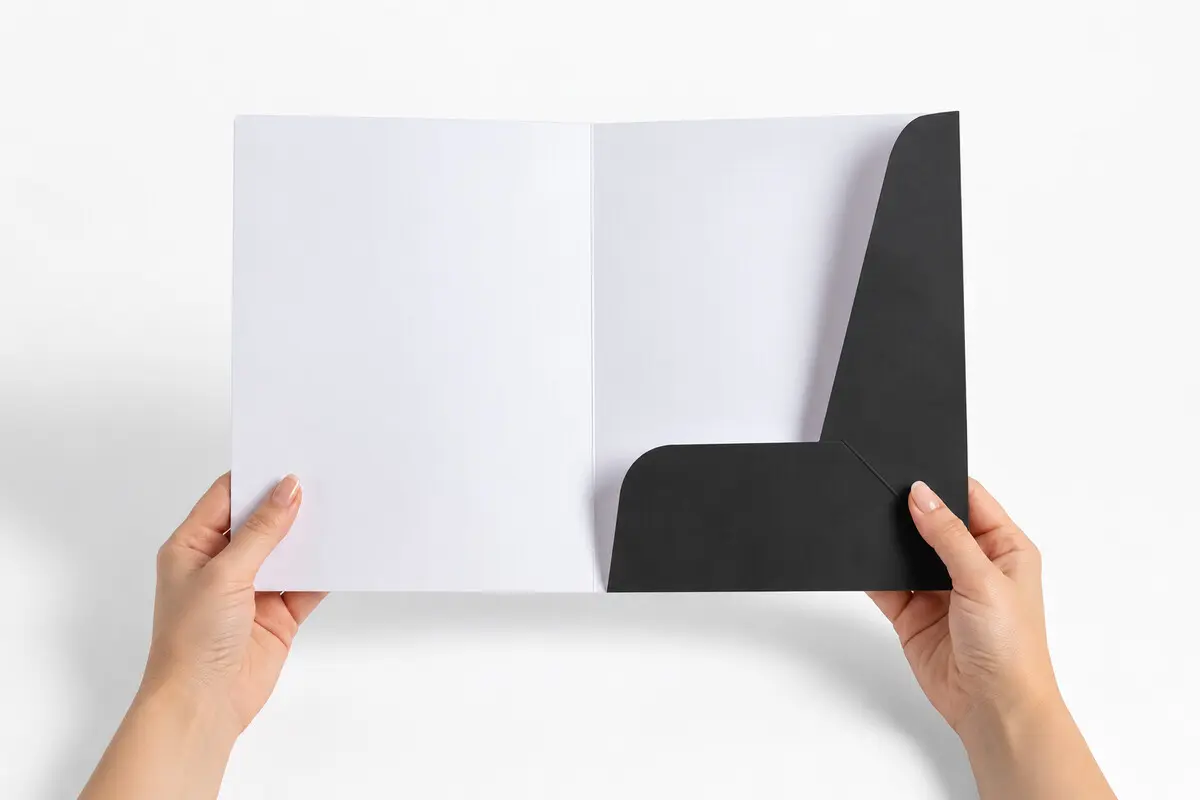
Business card slots
Two small die-cut slits on the pocket opening to insert a business card. A small detail, but it keeps the contact details of the person in charge right in the document set so they do not get lost.
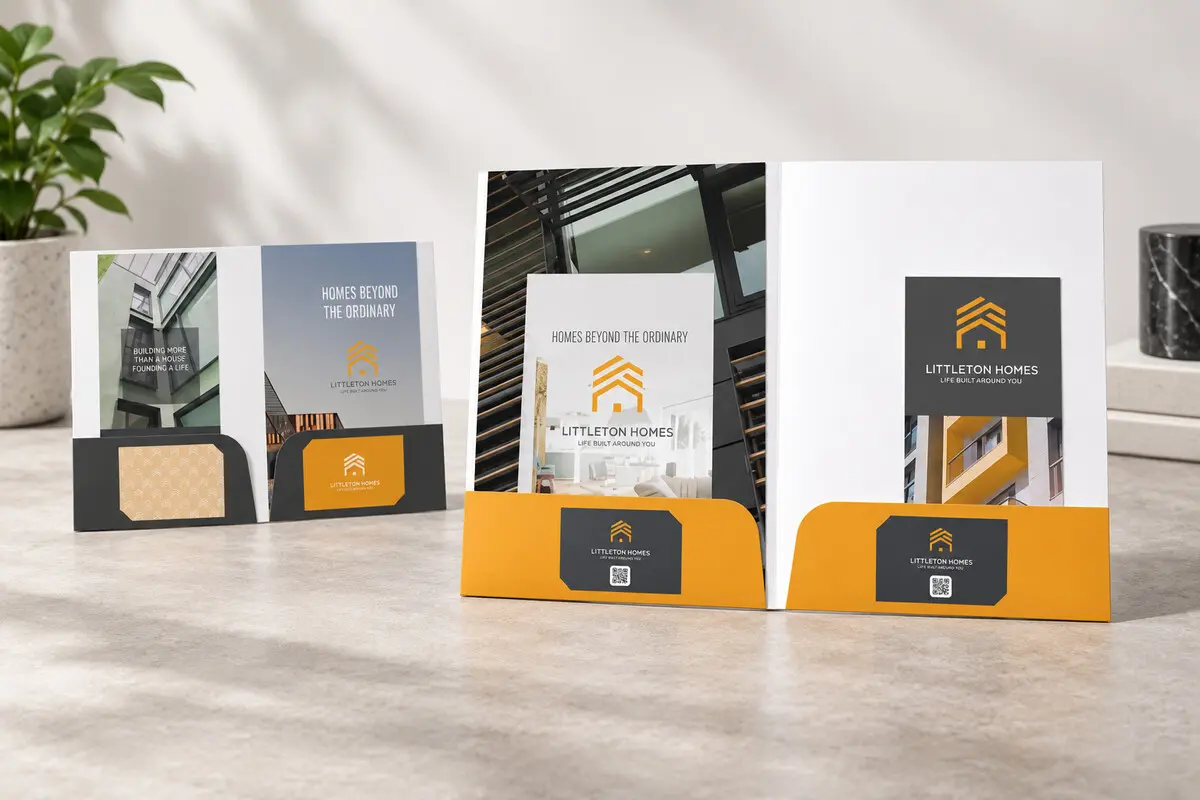
Regular folder or box-spine folder?
A regular folder folds in half and lies flat when closed. A box folder has an extra crease forming a spine of about 0.5 cm at the cover fold and the bottom of the pocket, so the cover can expand to hold a thick stack of documents without warping the cover or bursting the glued edges. The practical boundary: under 20 A4 sheets a regular folder is enough; with catalogues, drawings or material samples included, make a box spine.
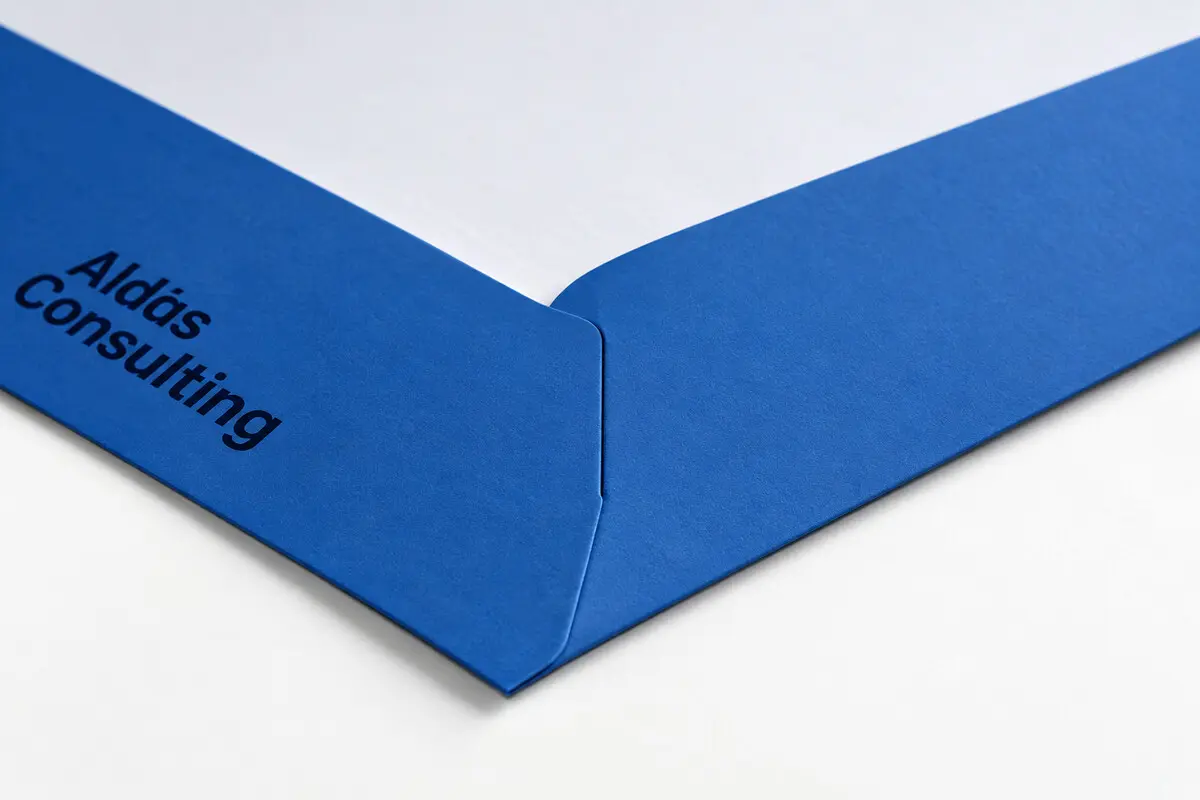
C300 Paper and why thicker is rarely needed
C300 is 300 gsm Couche paper, with one smooth side for colour printing. Below this level the cover is soft and the pocket sags when it has paper inside. Above it the cover is stiffer but the crease cracks easily when folded and the cost rises considerably while the feel in the hand is almost the same. For folders, 300 gsm is the familiar balance point for most print workshops.
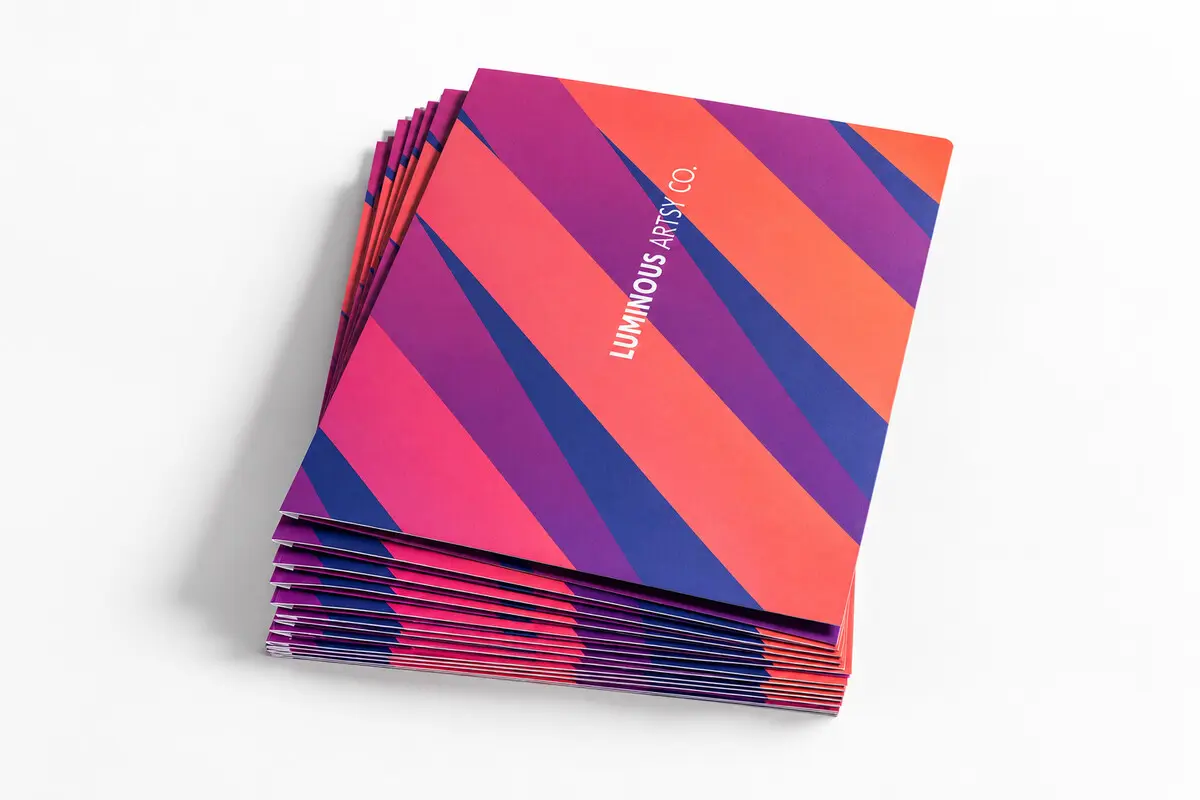
Matte lamination and gloss lamination
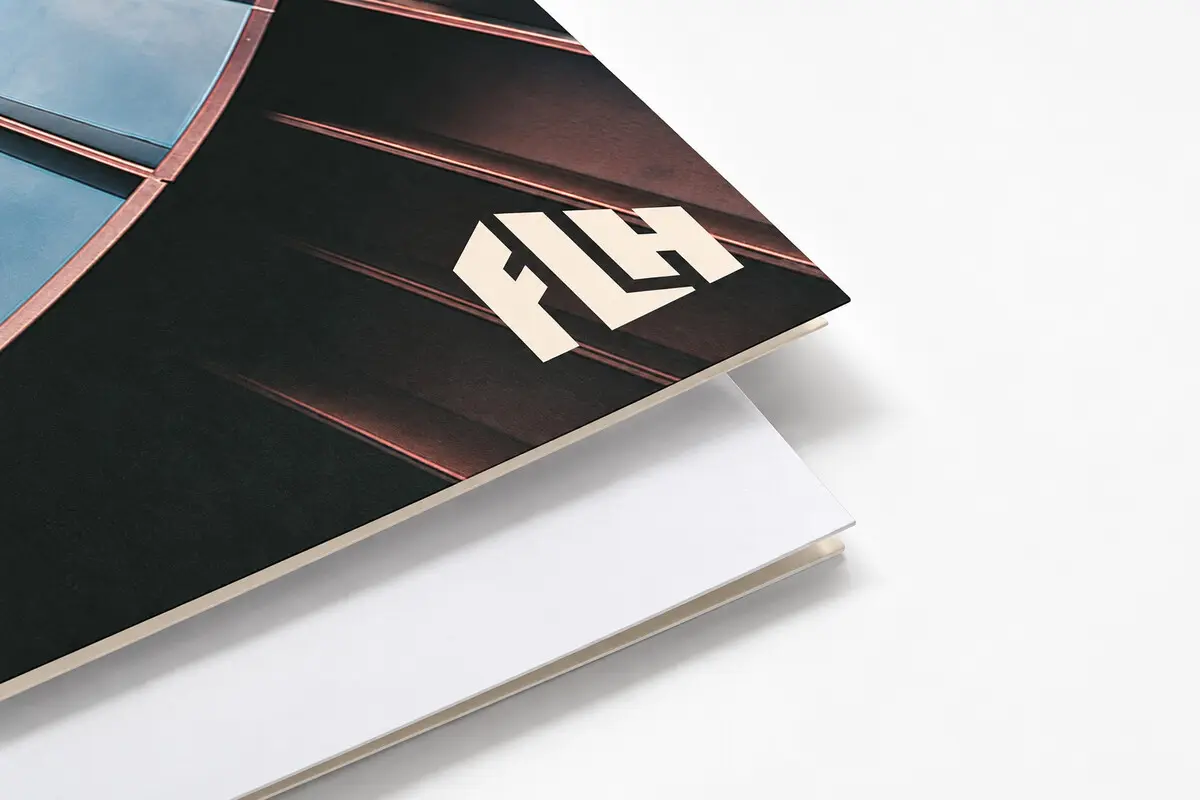
Lamination is a thin plastic film pressed onto the paper after printing. For folders it is almost mandatory, because the cover is handled constantly – without lamination, the ink scratches and the paper stains very quickly.
Matte lamination: a non-reflective surface, smooth to the touch, looking subdued and premium – a familiar choice for company profiles in architecture, law and healthcare. Glossy lamination: a mirror-gloss surface, with vivid, rich colours – suits image-heavy designs, warm colours, the food and retail industries. It can be laminated on one or both sides depending on the inside design.
Standard size and print quantity
The common size is 22 × 31 × 7 cm: wider than an A4 sheet (21 × 29.7 cm) just enough for the paper to sit inside, with 7 cm being the pocket height. Print quantities are usually tiered at 200 – 500 – 1,000 – 2,000 – 5,000 sets. The unit price drops noticeably with quantity because the plate and cutting die costs are spread out – which is why many companies combine folders into the same print run as business cards and catalogues.
Folders in real use
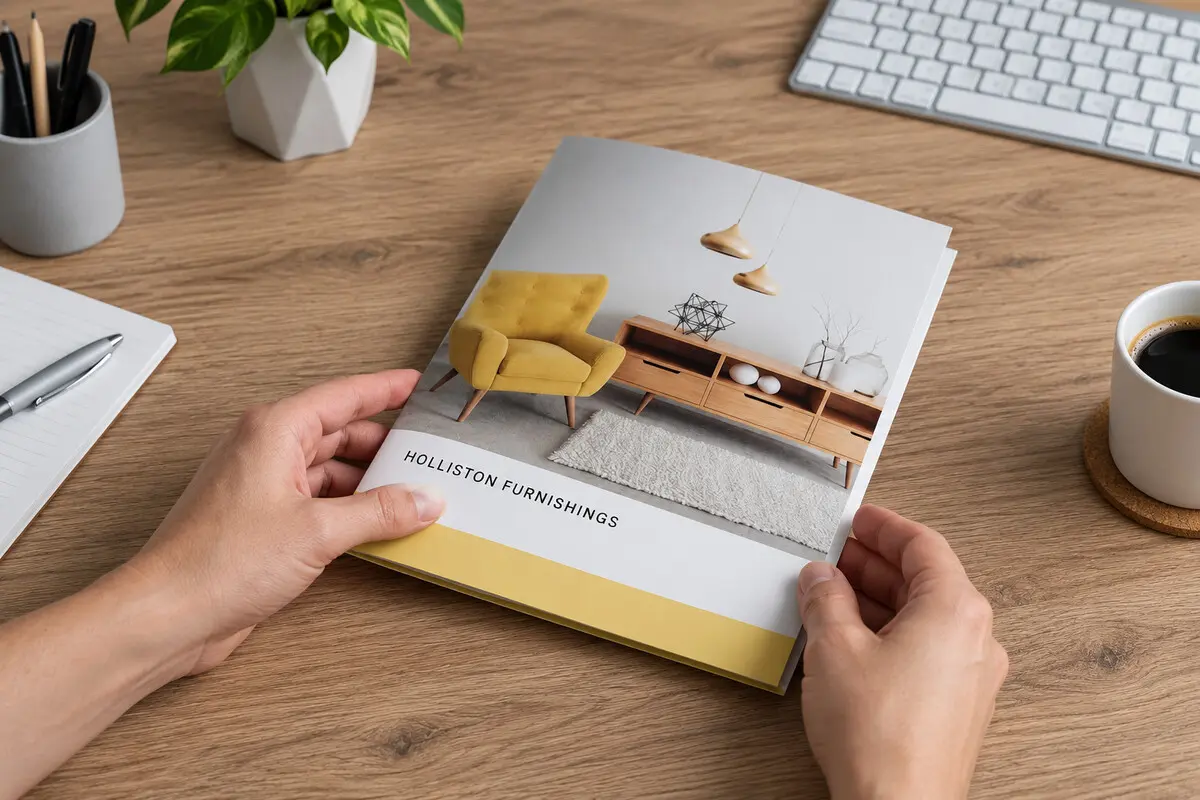
What the most highly rated document sets have in common is not an elaborately printed cover, but that the papers inside lie flat, the corners are not bent, and the company logo is still intact after much handling. Choosing the right pocket type and the right lamination from the start is the cheapest way to achieve that.
Need a quote or want to order folders?
See specifications, quantity tiers and prices on the Folder product page. Or message on Zalo / call 0866.511.099 — we will quote within 30 minutes during working hours. In Quảng Cáo Q7, 49 Mai Van Vinh, Tan Hung Ward, Ho Chi Minh City.
Document folder materials other than C300 Paper
C300 Paper is the most familiar weight for document folders, but not the only material. The paper type decides two things you notice right away when holding it: whether the cover springs back when opened or lies softly, and whether the print colours look deep or pale. The table below lists the materials we run for this item.
| Material | Weight | Characteristics as a folder | Commonly used for |
|---|---|---|---|
| Couche Paper | 250 – 350 gsm | Coated surface, colours come out vivid and deep | Document sets introducing services, image-heavy covers |
| Bristol Paper | 300 – 350 gsm | One side glossy and one side rough, stiffer than Couche of the same weight | Folders for contracts, covers with few images |
| Ivory Paper | 300 – 400 gsm | Coated outside, uncoated ivory-white inside | Folders that can be written on inside |
| Kraft Paper | 300 – 350 gsm | Natural brown, uncoated, print colours sink in | Document sets for brands going the rustic way |
| Fine art paper | 250 – 320 gsm | Embossed texture, absorbs ink, prints lightly | Project document sets, small quantities |
| Embossed-line laminated Couche paper | 300 gsm | Line texture running in one direction after lamination | Folders that need an unusual surface feel |
Weights under 250 gsm make the pocket flap crease when folded, while above 400 gsm the fold line cracks if not creased deeply enough. Around 300 gsm is the range where both the cover and the pocket flap hold up, which is also why C300 Paper has become the default for most orders.
Related products
Folder
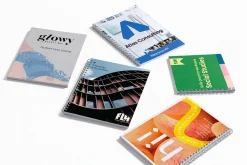
Catalogue – Company Profile
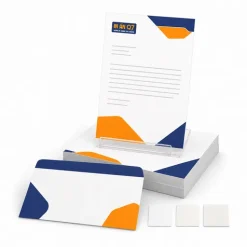
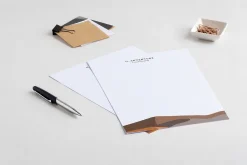
Letterhead
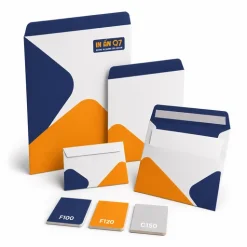
Envelopes
Additional finishing for document folders
Finishing changes how the folder opens and holds paper, so this part needs to be settled before laying out the file, because each item takes up part of the cover area.
- Deep creasing along the paper grain: straight folds without cracking the coating, mandatory for every folder of 300 gsm and up.
- Corner rounding with a 5 mm radius: cover and pocket flap corners do not curl after passing through several hands.
- Diagonal business card slits on the pocket flap: 48 mm slits for 90 x 50 mm landscape cards, die-cut in the same pass as the outline.
- Two pen holes punched at the pocket edge: 12 mm holes 25 mm from the top edge.
- Window cut-out on the cover: reveals the project name printed on the first sheet inside, with the window border 6 mm from the crease.
- Foil stamping for the logo: minimum stroke 0.3 mm, do not stamp over the fold crease.
- Embossing or debossing: creates relief on the cover; the back of the cover will be correspondingly recessed.
- Glued or sewn box spine: a 5 mm spine holds about 40 sheets, a 10 mm spine about 90 sheets of 70 gsm Fort Paper.
- Bottom gluing instead of side gluing: the pocket can expand when holding a lot, used for folders accompanying thick catalogues.
Creasing and corner rounding are two items always included. Foil stamping, embossing and window cut-outs are charged by the number of die runs, so the cost per folder drops quickly as the print quantity increases.
Laying out the document folder file before sending to the workshop
This item is die-cut, so the file must include a pre-drawn die line, not just the artwork. A missing die line is the most common reason an order has to wait an extra day.
- Die lines and crease lines drawn on two separate, clearly named layers, in thin strokes of a 100 percent spot colour.
- Send the flat layout at the full open size, not a 3D mock-up image of the finished product.
- 3 mm bleed from the die line for all background colours and images running to the edge.
- A 5 mm safety margin from the crease line; text and logos should not straddle the fold.
- CMYK colour mode, fonts converted to curves, images 300 dpi or more at actual size.
- Inside and outside split into two separate pages, with the same orientation and size.
- Note the desired paper grain direction if the design has a dark background running vertically.
- Foil stamping, embossing and window cut-out areas drawn separately with notes on the last page.
When the customer does not yet have a flat layout, we send a blank template at the exact size and pocket type chosen to place the artwork on. This template includes the die lines, crease lines and safety areas, so the design does not shift when it goes on the die-cutting machine.
Print quantity and delivery time
The quantity decides the printing method and therefore the delivery time. This item always takes longer than flat printing because die-cutting and gluing have to wait until the ink is dry.
| Quantity | Printing method | Typical lead time | Notes |
|---|---|---|---|
| 20 – 100 pieces | Digital, die-cut with an existing die | 1 – 2 days | Uses the workshop's existing dies, no die-making fee |
| 100 – 500 pieces | Digital or offset | 2 – 3 days | The two printing methods are close in cost at this threshold |
| 500 – 2,000 pieces | Offset | 3 – 4 days | Even colour between sheets, noticeably lower price level |
| Over 2,000 pieces | Offset, die-cut and glued in batches | 4 – 5 days | Custom cutting die if the pocket type is not in stock |
The price list by material, pocket type and quantity tier is listed on the product page folder. Orders are often combined with catalogues and profiles, letterhead or envelopes to share one die setup and one delivery.
Common mistakes when making document folders
The mistakes below recur in files customers send, and most only show up once the finished items have been die-cut. Reading through them before sending the file saves a round of reprinting.
| Mistake | Consequence on the finished product | How to avoid it |
|---|---|---|
| Logo placed across the crease line | The logo strokes crack white right at the fold | Move the logo inward, at least 5 mm from the crease line |
| Dark background on both sides, unlaminated | Finger marks and scratches after passing through a few hands | Matte laminate or change the background to a light colour |
| Choosing paper under 250 gsm | The pocket flap creases and the cover does not spring back when opened | Go up to 300 gsm, the safe threshold |
| Not stating the paper grain direction | Folds ripple when folded across the grain | Note the grain direction in the file or let us choose |
| Business card slit cut to the wrong size | Cards slip out or cannot be inserted | 48 mm slit for 90 x 50 mm cards |
| No bleed on the background colour | Thin white border along an edge after die-cutting | Extend the background 3 mm beyond the die line |
| Spine too narrow for the number of sheets to hold | The cover cannot close, paper edges stick out | Allow 5 mm of spine for every 40 sheets of 70 gsm Fort Paper |
| QR code placed close to the crease line | Scanners cannot read it because the code is folded | Move the code to the middle of a flat face, leaving 8 mm on each side |
Quick Q&A before ordering
Below are the questions customers often message our workshop about before ordering, answered briefly according to what we actually do.
| Question | Answer |
|---|---|
| What is the minimum order? | From 20 pieces per design, digitally printed and die-cut with an existing die |
| Do I have to pay a die-making fee? | No, if the pocket type and size are within the workshop's set of existing dies |
| What is the common finished size? | Closed size 220 x 310 mm to hold A4 paper; the open size depends on the pocket type |
| How many A4 sheets does it hold? | Flat glued pocket about 25 sheets, 5 mm spine about 40 sheets, 10 mm spine about 90 sheets |
| Can the inside be left plain white? | Yes, leaving the inside white is a common way to allow handwritten notes on it |
| Do you reprint an old design exactly? | Yes, we keep source files and dies by customer name, so reordering does not incur layout fees |
| How long does delivery take? | Inner city delivery the same day after finishing; customers outside the city are shipped by intercity bus |
| Can I see a real sample before the batch runs? | Yes, we die-cut one sample for the customer to check the pocket type and colour before running the whole batch |
Order document folder printing at our workshop
We print document folders for companies, sales departments, consultancies and schools in District 7 and neighbouring districts. The ordering process has four steps; customers send the file or content via Zalo.
- Send the flat layout or the content with the logo, stating the pocket type and number of sheets to hold.
- Receive the blank template with the finished measurements and delivery time.
- Confirm the test die-cut sample, and we run the whole batch exactly according to the confirmed version.
- Pick up at the workshop at 49 Mai Van Vinh, Tan Hung Ward, Ho Chi Minh City or get inner-city delivery.
For other printed items for businesses, see corporate products; ordered together, they share one die setup and one delivery.
Storage and transport after printing
The finished goods are delivered as sheets already die-cut and creased, with the tuck pocket or glued pocket assembled at the workshop before packing. The batch is laid flat in cartons, without straps tied across the surface, because tight straps leave marks on the lamination.
- Keep them lying flat, printed side up; do not stand the whole batch upright in a narrow box.
- Avoid damp storage; paper that absorbs moisture makes the cover curl and the tuck pocket gape open.
- Take them out in thin bundles; do not pull one sheet from the middle of the stack because the edges will scratch.
- Keep about five unfolded pieces as reference copies for the next order.
Document folders left over after a campaign can still be reused if the content printed on the cover has no dates. This is why dates and event names are usually printed on a loose insert inside rather than directly on the cover, so the old batch of document folders can be used for the next round without reprinting.
Need printing or signage in Ho Chi Minh City?
In Quảng Cáo Q7 runs its own print workshop in Tân Hưng Ward (former District 7), Ho Chi Minh City, producing and installing signage, banners, window graphics, exhibition booths and event displays. Send us the size, material, quantity and a photo on WhatsApp and we will get back to you.

Phone: +84 866 511 099 · Also on WeChat
Workshop: 49 Mai Văn Vĩnh, Tân Hưng Ward, Ho Chi Minh City