
Business Card Printing Trung Son – Box of 100, Ready in 24 Hours
Oct
Do you need Trung Son business card printing for your company? This article sets out the 90x55mm specification, the number of boxes that can be ordered at each time option, paper types and finishing, and starting prices at the In Quảng Cáo Q7 workshop.
Business card printing for the Trung Son area – close enough to drop by and collect mid-session
The Trung Son residential area lies right next to the former District 7 boundary; from Road 9A or the Nguyen Van Cu extension, cross the bridge and you reach the In Quảng Cáo Q7 workshop at 49 Mai Van Vinh, Tan Hung Ward. Because the distance is short, customers in this area usually send the file first and then drop by to collect, without waiting for a courier.
Demand for Trung Son business card printing comes largely from clinics, consulting firms and representative offices in the area – groups that change staff often and so frequently order a few boxes individually for new people.
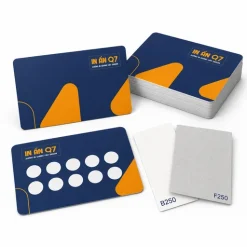
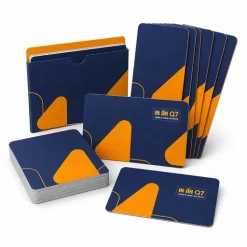
One box of 100 cards, 90x55mm
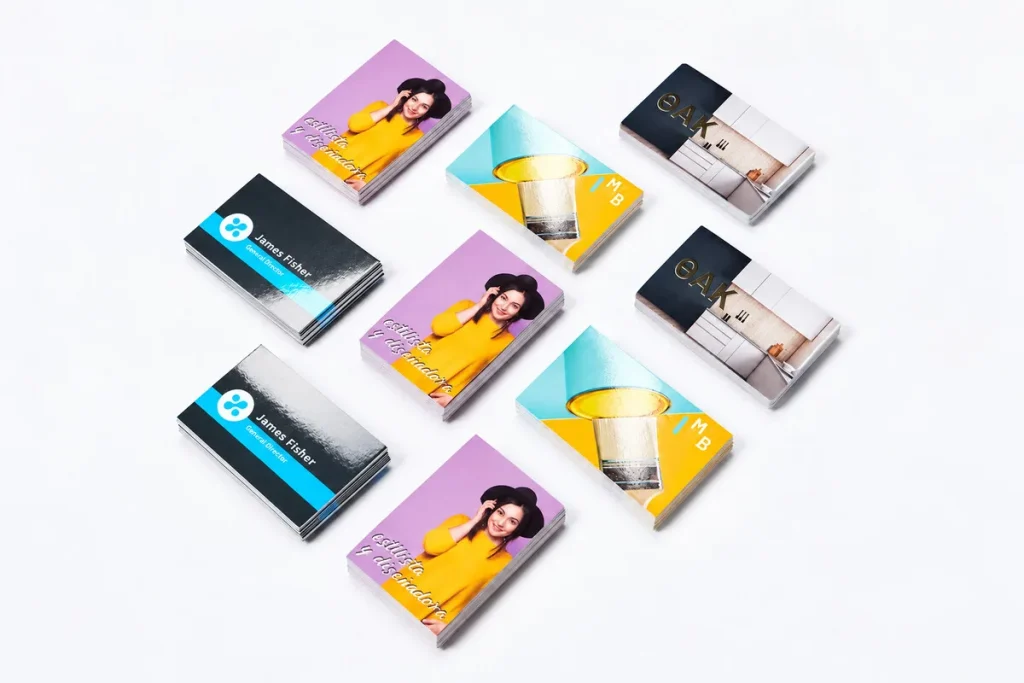
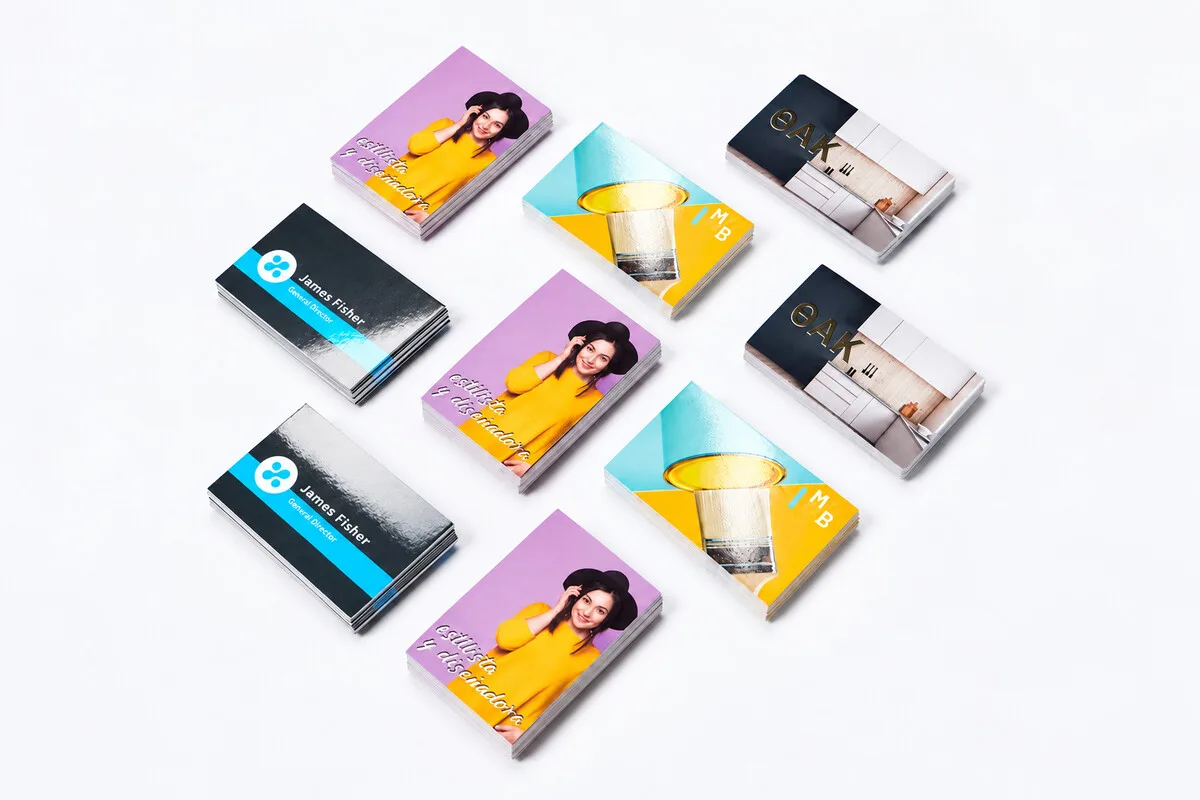
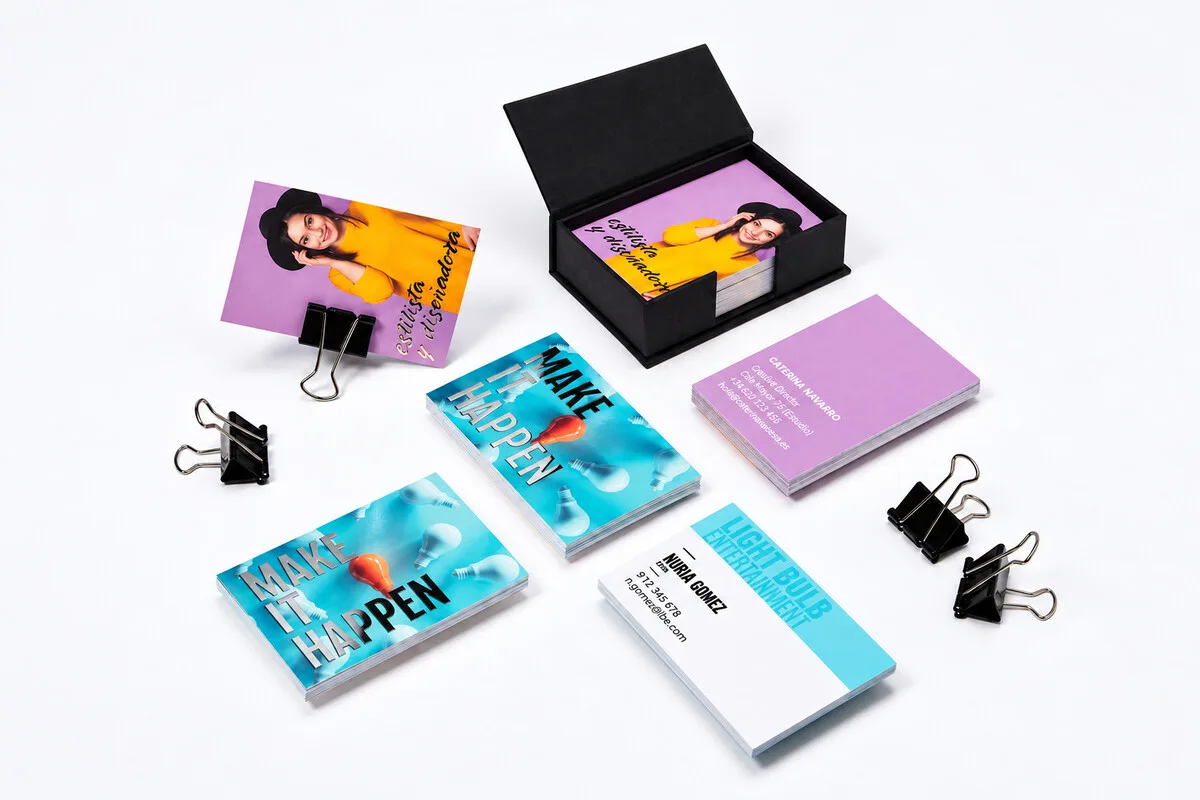
The finished size is 90x55mm, with four standard square corners or rounded corners as you choose. A box always has exactly 100 cards, so to calculate quantity, simply multiply the number of people by the number of boxes per person. From 120.000đ for the first box.
The smallest level is 1 box, on the 24-hour Express option – well suited to printing for just one new staff member. There is no minimum of dozens of boxes like offset printing.
Paper and surface
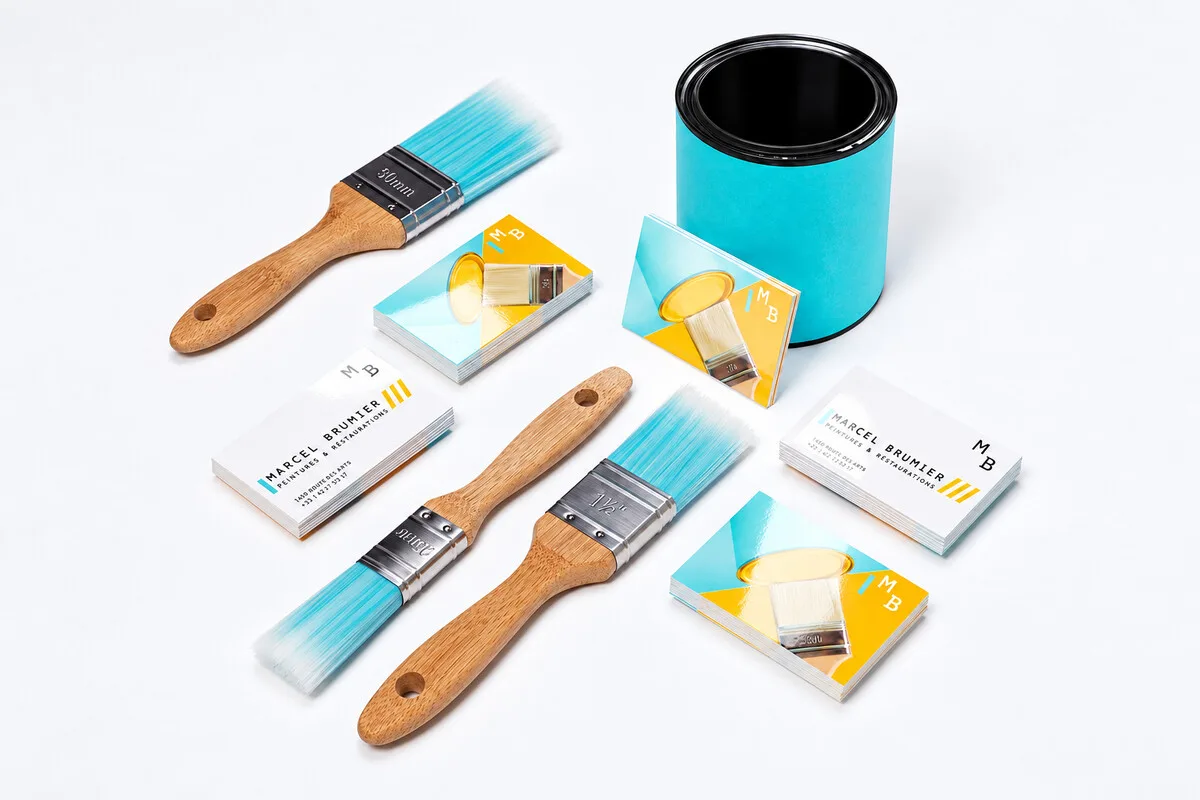
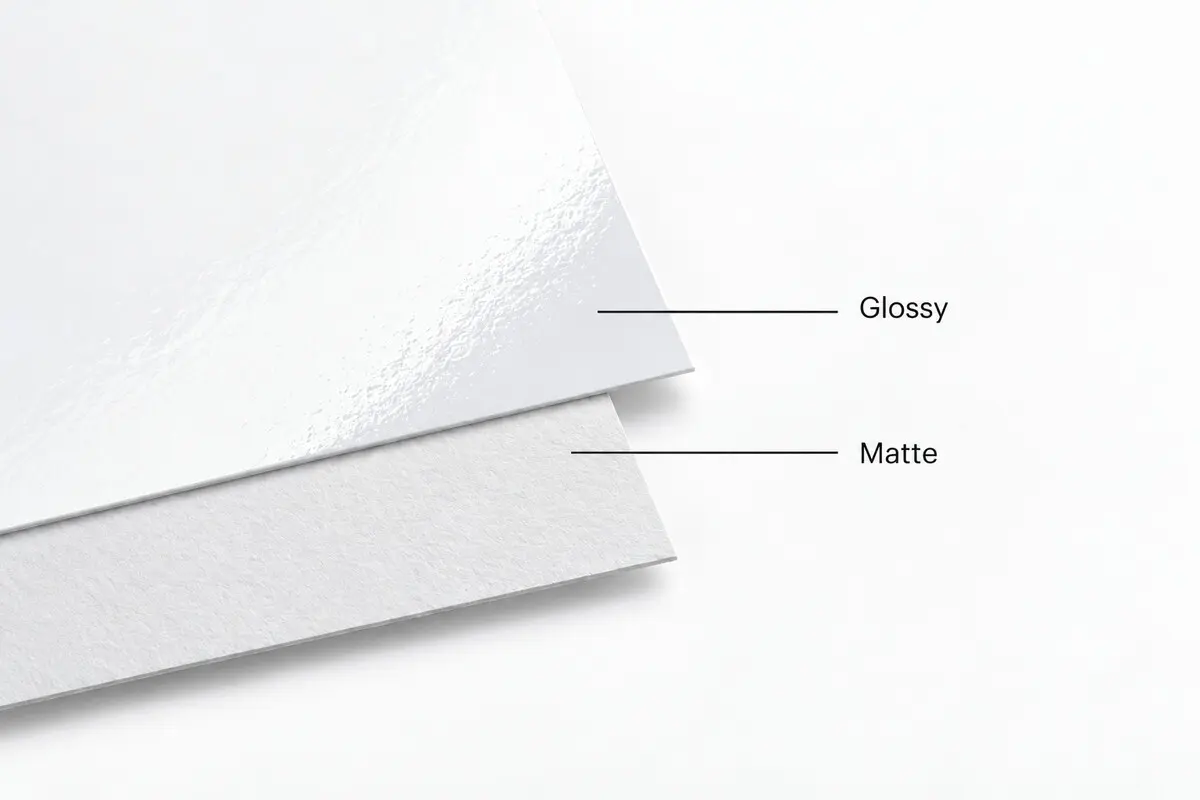
The standard type is Couche 300gsm – commonly called C300 – thick enough to feel firm in hand yet still fitting neatly in a card holder. On this paper there are two lamination styles: matte for a smooth surface, subdued colours and no fingerprints; gloss for deep colours and a mirror shine, standing out when the design has photos.
For something different, the workshop also works with natural brown Kraft paper, textured Fine Art Paper and two-layer laminated thick paper that is much stiffer. These three types, along with foil stamping, spot UV or custom-shape cutting, are quoted by design.
Preparing files and collection times
Send files as PDF or AI, with 3mm bleed around all four edges, and text and logo at least 4mm from the finished edge so they are not trimmed. Send the logo in vector format or high-resolution transparent-background PNG; QR codes should be at least 15x15mm so phones can scan them at hand-held distance.
The 24-hour Express option accepts 1 to 10 boxes, the 72-hour Economy option accepts 5 to 100 boxes. Trung Son customers usually choose the 24-hour option for individual orders and drop by to collect, and the 72-hour option when printing a whole batch for the company.
Frequently asked questions about Trung Son business card printing
Can I collect directly at the workshop?
Yes, and Trung Son customers often choose this. Send the file via Zalo first; the workshop prints it and messages you when it is ready to collect, so you do not have to sit and wait.
How is printing many names on the same design charged?
Each name is a separate print file, so each person gets one box. Send the list of names, job titles, phone numbers and emails; the workshop builds them all on the same template and sets the number of boxes equal to the number of people.
Can I see real paper samples before settling?
Yes. The workshop has real samples of matte- and gloss-laminated Couche, Kraft paper and Fine Art Paper for you to hold and compare – the Trung Son area is close, so dropping by to look and settle on the spot is very convenient.
Order printing at In Quảng Cáo Q7
If you are in the Trung Son area and need business cards printed, send the file via Zalo and drop by 49 Mai Van Vinh to collect when the workshop messages that it is ready – just a few minutes' ride – or let the workshop deliver to your office.
In Quảng Cáo Q7 direct print workshop – 49 Mai Van Vinh, Tan Hung Ward, Ho Chi Minh City. Production and delivery hours: Monday – Saturday, 8:00–12:00 and 13:00–18:00 · Orders via Zalo/hotline: Monday – Saturday 8:00–12:00 and 13:00–20:00, Sunday 14:00–19:00. Quick message via Zalo or call 0866.511.099.
See more printing services on the In Quảng Cáo Q7 home page, see all corporate print products or contact us quickly via the contact page; you can also get directions to the workshop on Google Maps.
Information usually on a business card
A business card is only 90x55mm, so every extra line of information takes space from another line. The list below shows what is almost always included, and what can be dropped if space is already tight.
| Information | Necessity |
|---|---|
| Person's name and job title | Always included |
| Company name and logo | Always included |
| Phone number | Always included |
| Always included | |
| Address | Included if customers need to come in person |
| Website | Included if the website is active |
| Short service list | Put on the back if needed |
| QR code | Instead of long information |
Business cards for salespeople usually prioritise the phone number in the largest font after the name. Business cards for technical or admin roles instead usually prioritise email, because customers contact them more through that channel.
Three commonly used layout styles
The layout decides whether the recipient reads the information in a second or two or has to search for it. The three styles below account for most business cards in use, each suited to a different purpose.
- Balanced style: logo at the top, name in the middle, contact information at the bottom. Easy to read, works for every industry.
- Vertical split style: a colour band on the left holds the logo, the rest is information. Looks neat, suited to companies with a clear identity.
- Minimalist style: only name, job title and one phone number, with plenty of white space. Suited to premium services.
- Portrait style: the business card turned vertically – uncommon, so memorable, but hard to fit into a card wallet.
Every style needs one main focal point, usually the person's name or the logo. A business card with three or four parts in the same large font size has no focal point, and the recipient has to read everything to know what the main information is.
Common layout mistakes
The six mistakes below appear frequently on self-designed business cards. All six are visible as soon as you print one test card and hold it, so the sample approval step is worth doing.
| Mistake | Symptom | How to fix |
|---|---|---|
| Cramming in too much information | Small text, no white space | Drop rarely used lines, move them to the back |
| Logo too large | Takes up all the space for information | Shrink the logo, keep clear space around it |
| Text close to the edge | Detail lost after cutting | Keep 4mm from the edge |
| Using more than three font sizes | Cluttered, no focal point | Limit to two or three sizes |
| Photo background behind text | Text hard to read | Blur the background or switch to a plain background |
| Light text colour on a light background | Faint when printed | Increase the contrast |
Light text colour is a mistake that is hard to spot on screen because screens emit their own light. Printed on paper, the same colour comes out lighter, so business card test prints are always printed on the exact paper type to be used.
Related products
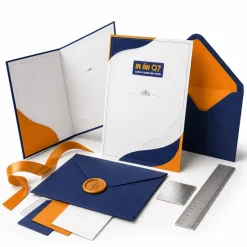
Business cards
Envelopes
Letterhead
Folder
Fonts and readability
A business card is read at close range but only for a few seconds. So the font needs to be clear at small sizes, not decorative.
- Sans-serif fonts read most clearly at small sizes, used for contact information.
- Serif fonts are used for the person's or company's name, giving a traditional feel.
- Script fonts are only for the logo or name, not for phone numbers.
- Keep a maximum of two fonts on one card; more becomes cluttered.
- Phone numbers should use a font with clear digits, to avoid confusing the digit 1 with the letter l.
Fonts need to be embedded or converted to outlines when exporting the file. Without this step, a printer without the font substitutes another one and the business card layout shifts from the approved version.
QR codes instead of long information
When there is a lot of information but little space, a QR code is a neat way to move the long part to the recipient's phone. The code leads to a website, Zalo page, map or contact card that can be saved to contacts.
| QR code leads to | Use |
|---|---|
| Company website | Recipient sees the services right away |
| vCard contact card | Saved to contacts with one tap |
| Address map | Directions to the shop |
| Zalo or Facebook page | Direct messaging |
| Price list catalogue | Instead of an accompanying flyer |
QR codes on business cards need to be at least 15x15mm with a white border around them. Placing the code on a dark background or shrinking it too much are the two reasons phones cannot scan it.
Business cards by role in the company
A company usually needs several different business card designs rather than one shared design. The difference is in which information is highlighted, while the brand identity stays the same so the whole set remains consistent.
| Role | Highlighted information | Notes |
|---|---|---|
| Business owner | Name and job title | Usually the minimalist version |
| Sales | Large phone number | Service list on the back |
| Technical, projects | Email and extension number | Rarely needs a back side |
| Reception, admin | Switchboard number and address | Use a shared design without names |
| New staff | Shared design while waiting for a personal one | Print a small quantity first |
A shared design without names is what many companies use for new staff during probation. Once confirmed, a personal design is printed, avoiding throwing away a whole box of business cards when staff do not continue.
Business cards for shop owners and household businesses
Business cards for household businesses have a different purpose from company business cards: customers keep them to order again, not for filing. So the highlighted part is the phone number and the goods, not the job title.
- State the goods or service clearly right under the shop name.
- Phone number and Zalo in a large, easy-to-see size.
- Print a small map on the back or a QR code leading to a map.
- Leave a blank box to handwrite the order number or appointment date.
- Use a colour scheme matching the shop's signboard so customers recognise it.
The handwriting box is a small detail but turns the business card into an appointment card. For repair shops, spas or shops taking pre-orders, this replaces a separately printed item.
Cases that require a redo
Business cards are tied to contact information, so changing the information means reprinting. The five cases below are common reasons, and knowing in advance means the order before them can be a smaller quantity.
| Case | Part to be corrected |
|---|---|
| Phone number changed | The whole design |
| Moving address | Designs showing the address |
| Changing the logo or brand name | The whole brand identity set |
| Changing job title | Only that person's design |
| Adding a new contact channel | Added to the layout |
When they know they are about to move, many people order a small quantity for the waiting period and print the full amount later. The layout is kept, so the next print only edits one line rather than laying out the whole business card again.
Collection and delivery in the Trung Son area
The Trung Son area lies right next to the workshop at 49 Mai Van Vinh, Tan Hung Ward, Ho Chi Minh City so customers can drop by to collect directly or have goods delivered to their premises. This item is small and compact so it always goes by motorbike, with no time restrictions.
| How to receive | Order deadline | Time |
|---|---|---|
| Delivered to your premises | Before 11:00 | Afternoon of the same day |
| Delivered to your premises | Before 15:00 | Next morning |
| Collect at the workshop | Before 14:00 | End of the day |
| With foil stamping or embossing | The day before | After 1 to 2 days |
For urgent orders needed within the session, lamination is the step that decides the timing. Items without lamination are about half a day faster than the table above.
Colours and how to choose a tone
Colour on a business card has to do two things at once: suggest the trade and keep the text readable. The table below shows common tones by industry, for reference when there is no brand identity yet.
| Industry | Common tones | Printing notes |
|---|---|---|
| Construction, engineering | Dark blue, grey, orange | Dark backgrounds should be matte-laminated |
| Healthcare, clinics | Light blue, white | Keep plenty of white space |
| Food and drink, cafés | Brown, cream, green | Kraft paper gives a warmer tone |
| Spa, beauty | Light pink, beige, white | Avoid backgrounds so light that text fades |
| Finance, consulting | Navy blue, charcoal grey | White text on a dark background needs enough thickness |
| Fashion, creative | Black, white, one accent colour | Black backgrounds show fingerprints easily |
The business card's colour scheme should match the signboard and the sales page, so customers immediately recognise the same place. Different colours across channels is a common mistake in shops that design each part separately.
- Limit to two main colours plus one accent colour.
- Text on coloured backgrounds needs clear contrast; check it with a test print.
- Special spot colours are only approximated with digital printing.
Once you have brand colour codes, send them in CMYK instead of sending a logo image. Matching from the numbers gives a closer result than matching by eye from a compressed image.
Ordering business card printing for the Trung Son area
Send your request via Zalo with the four pieces of information and you will have a quote within working hours. If you do not have a design file, send the logo and text content; the layout is done at the workshop and a preview is sent.
- Information 1: number of boxes, number of designs and the content of each design.
- Information 2: preferred paper type and surface.
- Information 3: single-sided or double-sided, and whether corners are rounded.
- Information 4: the date you need it and the premises address.
A preview is always sent back to proofread names, phone numbers and emails. One wrong character on a box of business cards means reprinting the whole box, so two minutes of rereading at this step is worth it.
Need printing or signage in Ho Chi Minh City?
In Quảng Cáo Q7 runs its own print workshop in Tân Hưng Ward (former District 7), Ho Chi Minh City, producing and installing signage, banners, window graphics, exhibition booths and event displays. Send us the size, material, quantity and a photo on WhatsApp and we will get back to you.

Phone: +84 866 511 099 · Also on WeChat
Workshop: 49 Mai Văn Vĩnh, Tân Hưng Ward, Ho Chi Minh City