







Company Brochure Printing District 1 – A4 Tri-Fold, Matte-Laminated Couche

Oct
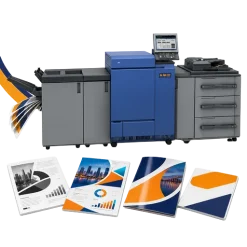
Does your company need District 1 company brochure printing? This article sets out the three sizes A5, A4 and A3, four Couche paper weights, fold styles and offset printing quantity levels at the In Quảng Cáo Q7 workshop.
Brochure printing for District 1 offices
From the In Quảng Cáo Q7 workshop at 49 Mai Van Vinh, Tan Hung Ward to central District 1, go along Nguyen Huu Tho then through Khanh Hoi. Cartons of brochures in large quantities need a delivery time arranged within the building's permitted receiving hours.
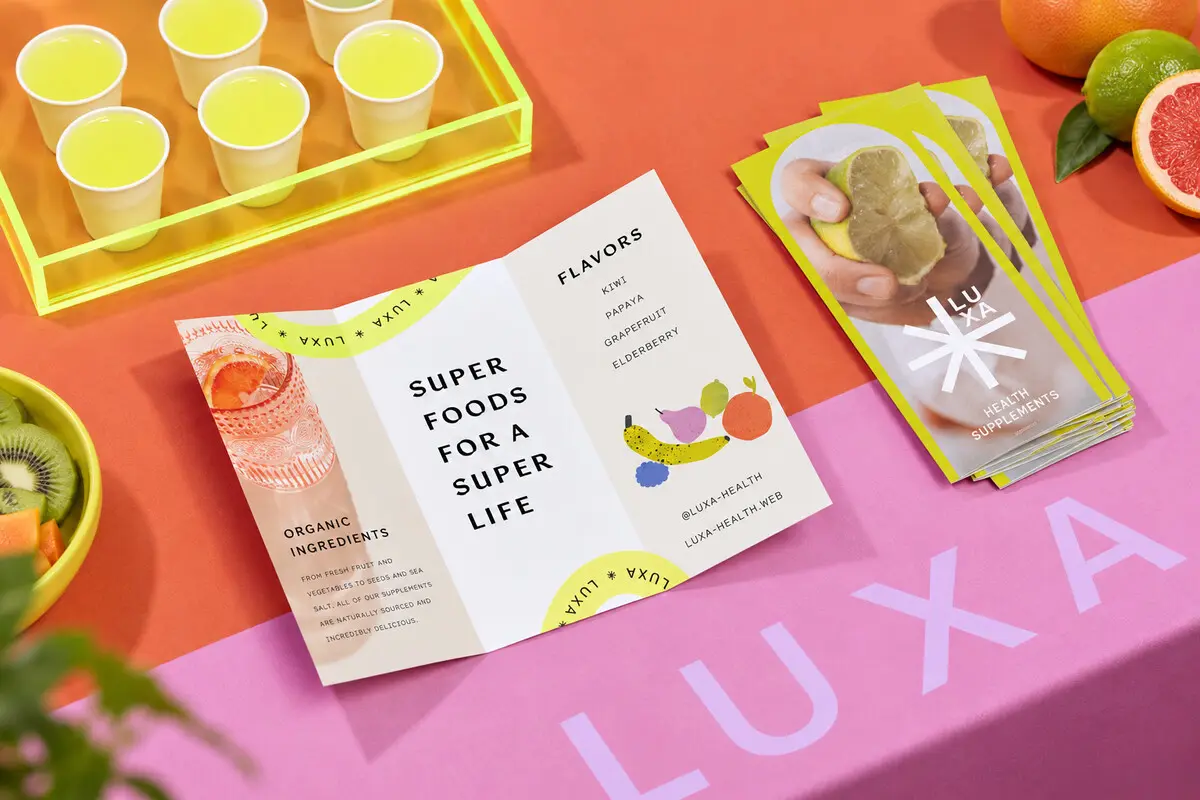
Customers for District 1 company brochure printing include service, travel and consulting companies and showrooms – the group that needs a compact introduction for customers to take home after a meeting. Tri-fold brochures are ordered most because they fit a jacket pocket while still having room for six content panels.
Folded in two, folded in three or A3 folded down
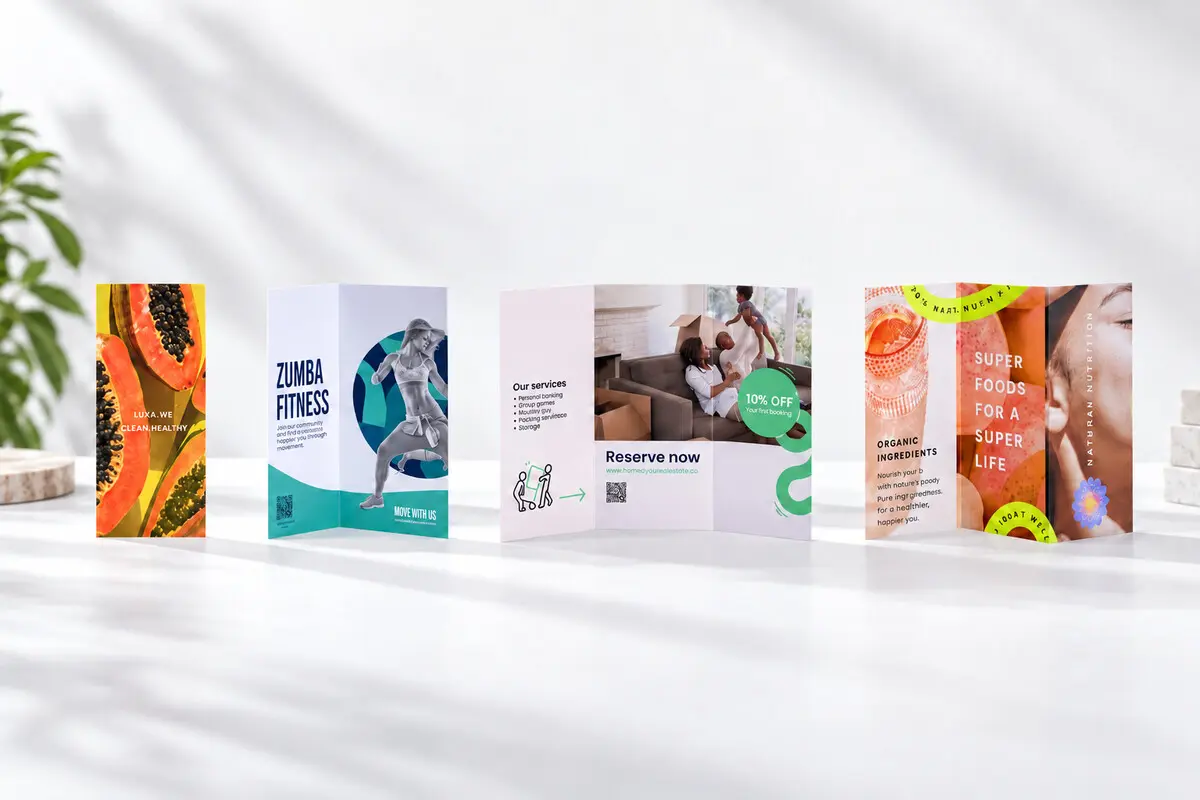
A4 bi-fold brochures divide the sheet into two panels per side, a simple layout suited to short introductions. A4 tri-fold brochures divide it into three panels per side – when opened, one side presents seamlessly, suited to introducing a service process in order or a range of service packages.
The A3-to-A4 fold takes an A3 sheet folded in half to A4; when opened it has twice the presentation space of a normal A4 sheet – used when you need a service package comparison table or a map. A5 is for single-sheet hand-out versions.
Paper and surfaces for offices
Couche 150gsm and 200gsm are the two levels chosen most by central offices: thick enough that the folded sheet does not crumple when customers put it in a bag, yet still light enough to distribute in large quantities. Couche 300gsm is stiff like card, used for desk versions at reception.
Matte lamination gives a smooth surface, deep colours and does not show fingerprints – suited to the identity of service and consulting companies. Gloss lamination gives rich, light-catching colours, suited to versions with many destination or product photos.
Fold scoring and quantity levels
Versions with folds should always choose the Scoring option: a scoring die presses a recessed line in advance so the paper folds in the right place and the ink does not crack at the fold. Paper from 200gsm upwards cracks very easily when folded without scoring, so scoring is almost mandatory.
Flyers and brochures run on offset printing, with levels starting from 500 sheets and rising to 1,000, 2,000, 3,000, 4,000, 5,000, 6,000, 10,000 and 20,000 sheets. The unit price per sheet drops fast at higher levels because the prepress cost is spread over more sheets.
Frequently asked questions about District 1 company brochure printing
How is delivery made into District 1 high-rises?
Give us the recipient's name, phone number and the building's permitted receiving hours; the workshop arranges the delivery time within that window.
Can an English version be printed alongside?
Yes. The two versions share images and layout, differing only in the text; printed in the same round, the colours of both versions match.
What should I note when designing a tri-fold brochure?
Each panel must have the correct width because the panel folding inside is slightly narrower. Message us on Zalo so the workshop can send the template file before you design, or send the content for the workshop to lay it out for you.
Order printing at In Quảng Cáo Q7
If your office in District 1 needs brochures printed, send the file or content via Zalo so the workshop can quote by size, paper, fold style and quantity, then arrange a delivery time to your building.
In Quảng Cáo Q7 direct print workshop – 49 Mai Van Vinh, Tan Hung Ward, Ho Chi Minh City. Production and delivery hours: Monday – Saturday, 8:00–12:00 and 13:00–18:00 · Orders via Zalo/hotline: Monday – Saturday 8:00–12:00 and 13:00–20:00, Sunday 14:00–19:00. Quick message via Zalo or call 0866.511.099.
See more printing services on the In Quảng Cáo Q7 home page, see all corporate print products or contact us quickly via the contact page; you can also get directions to the workshop on Google Maps.
Brochures in a business's printed materials set
Businesses in District 1 usually have three introduction items at three levels: flyers for wide distribution, brochures to hand over in short meetings, and catalogues to give partners after in-depth work. These three levels do not replace each other but are used for three different situations.
The brochure is the middle level and also the most used, because most first meetings only need a few minutes of introduction. A six-panel tri-fold is enough to talk about the company, the main service groups and how to get in touch.
Compared with a catalogue, a brochure is more compact so customers can take it home without it feeling heavy. Compared with a flyer, it has enough room to explain more clearly and feels firmer when handed over in a formal meeting.
| Item | Usage situation | Annual quantity |
|---|---|---|
| A5 flyer | Distributed at fairs, wide distribution | 1,000 to 3,000 copies |
| Tri-fold brochure | Short meetings, clipped in folders | 500 to 2,000 copies |
| Slim catalogue | Handed over after the first meeting | 300 to 500 copies |
| Full catalogue | Given to partners, capability profiles | 100 to 300 books |
| Electronic version | Emailed before the meeting | Not printed |
Many businesses clip brochures into folders together with quotations, so these two items should be ordered in the same round. The folded brochure size must be smaller than the folder's inner size, otherwise the edges get bent when inserted.
Size and fold style for meetings
A4 tri-fold is the most common size because when folded it is exactly the right size to fit into a folder and an A5 envelope. This size is also the cheapest because the paper runs through the machine at A4 size.
The roll fold tri-fold is the style readers are most familiar with: opened from right to left, the three inner panels appear at once. The accordion style opens into a Z shape, giving a different feel and suiting content with three steps.
The square bi-fold is a more striking choice, used when the business wants its brochure to stand out from the rest on the meeting table. In return it uses more paper and needs a separate cutting die.
| Size and fold style | Folded size | Features |
|---|---|---|
| A4 roll fold tri-fold | 99x210mm | Common, fits folders |
| A4 accordion tri-fold | 99x210mm | Opens into a Z shape |
| A4 bi-fold | 148x210mm | 4 panels, like a slim booklet |
| Square bi-fold | 210x210mm | Striking, uses more paper |
| A3 four-panel fold | 105x297mm | Lots of content, thick at the folds |
For brochures clipped in folders, the A4 tri-fold size is the safest choice. The square size looks good but does not fit neatly into standard folders, so it is usually used when handed over separately rather than clipped in the set.
Related products
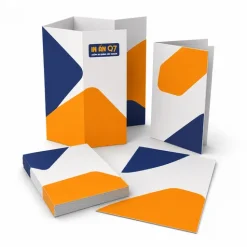
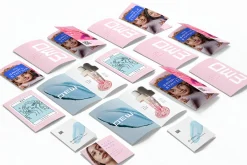
Leaflet / Brochure
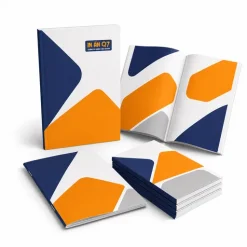
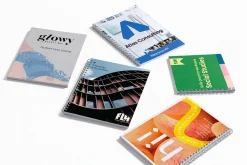
Catalogue – Company Profile
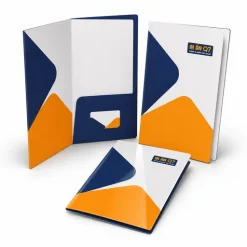
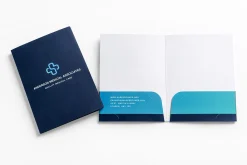
Folder
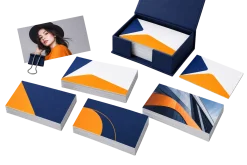
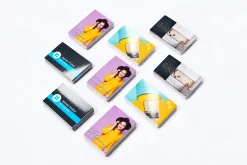
Business cards
Keeping to brand colour standards
Businesses with a brand identity specify colours by exact codes, and brochures have a lot of background colour area so tone shifts are very noticeable. Especially when the sheet is placed next to the same company's folder and business cards.
The solution is to print the whole set in one round, using the same paper batch and the same machine setup. When printing separately is necessary, the approved sample from the previous round is used as the reference for the next.
Colour codes should be sent in CMYK rather than sending a logo image. Pantone spot colours are only approximated when printed with four process colours; if the brand colour must be exact, an extra spot colour needs to be printed and this part is quoted separately.
- Send CMYK colour codes, not just a logo image.
- Print the whole set in one round to use the same paper batch.
- Keep the approved sample as the standard for later rounds.
- Approve the proof under white light, not under yellow light.
- State clearly which colours must be exact and which can vary.
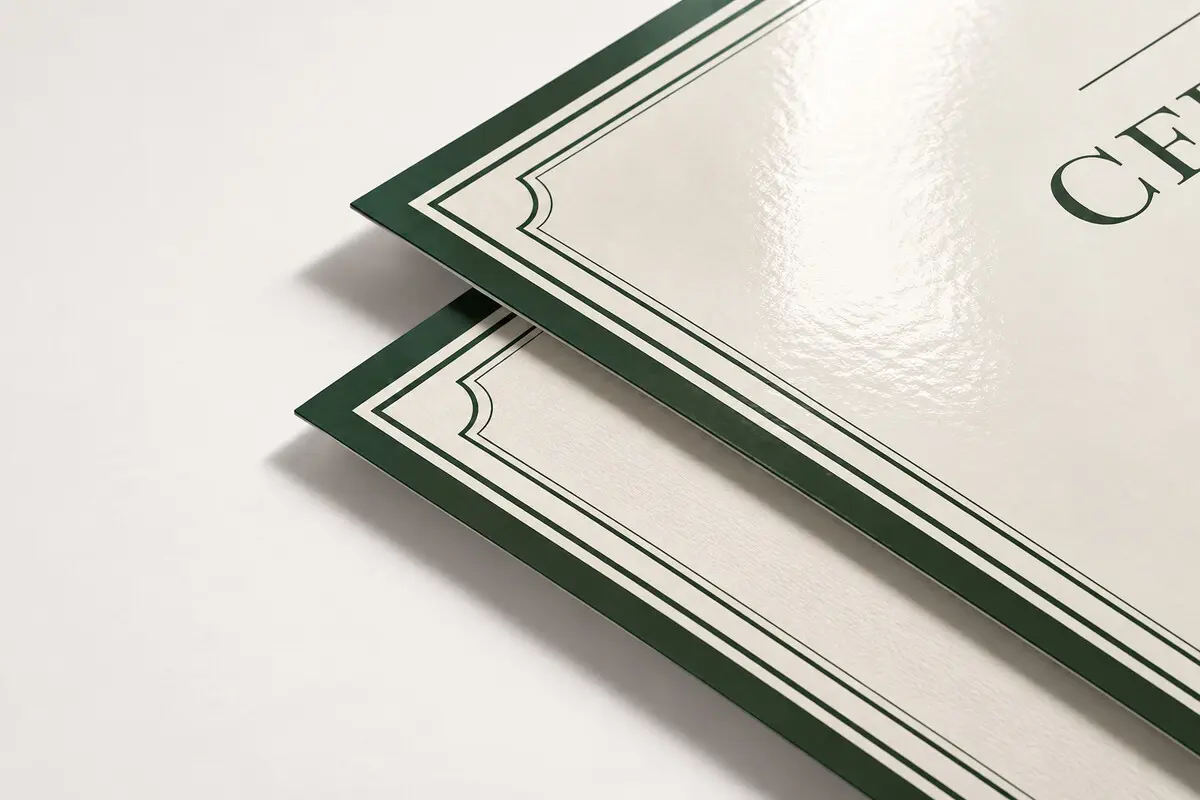
One point often overlooked is that the same colour code gives different shades on gloss paper and uncoated paper. So a brochure printed on Couche paper and a quotation printed on Fort paper will not match in tone, and this is a property of the material, not a printing fault.
Content across six panels and the reader's order
The six panels of a tri-fold brochure are not equal. Readers see the front cover first, open it to see the three inner panels at once, and the back is the panel viewed last or not at all.
The cover should have the company name, one positioning line and one main image. This is not the place to list services, because recipients only look for a second or two to decide whether to open it.
The three inner panels are the main content and should be laid out as one continuous page, not as three separate columns. A table or image running across two panels makes the content flow, as long as it avoids the fold zone.
The back holds contact information, address, QR code and one line about capability. The panel folding inside is the weakest, so use it for secondary content such as client lists or certifications.
- Cover: company name, one positioning line, one main image.
- Three inner panels: main content, laid out as one continuous page.
- Panel folding inside: secondary content, reference lists.
- Back: contacts, address, QR code, one line on capability.
- Avoid placing important text within 3mm of the fold.
For brochures used in meetings, the presenter usually opens it and points to each part. So the order of the three inner panels should match the sequence the presenter wants to lead through, from left to right.
Paper, lamination and scoring
Business brochures usually use Couche paper 150 to 200gsm. 150gsm is common; 170 to 200gsm feels firmer in hand when handed over in a formal meeting.
From 170gsm upwards, folds need to be scored first, meaning a recessed line is pressed along the fold before folding. Without scoring, the ink layer at the fold cracks into white streaks, very visible on dark backgrounds.
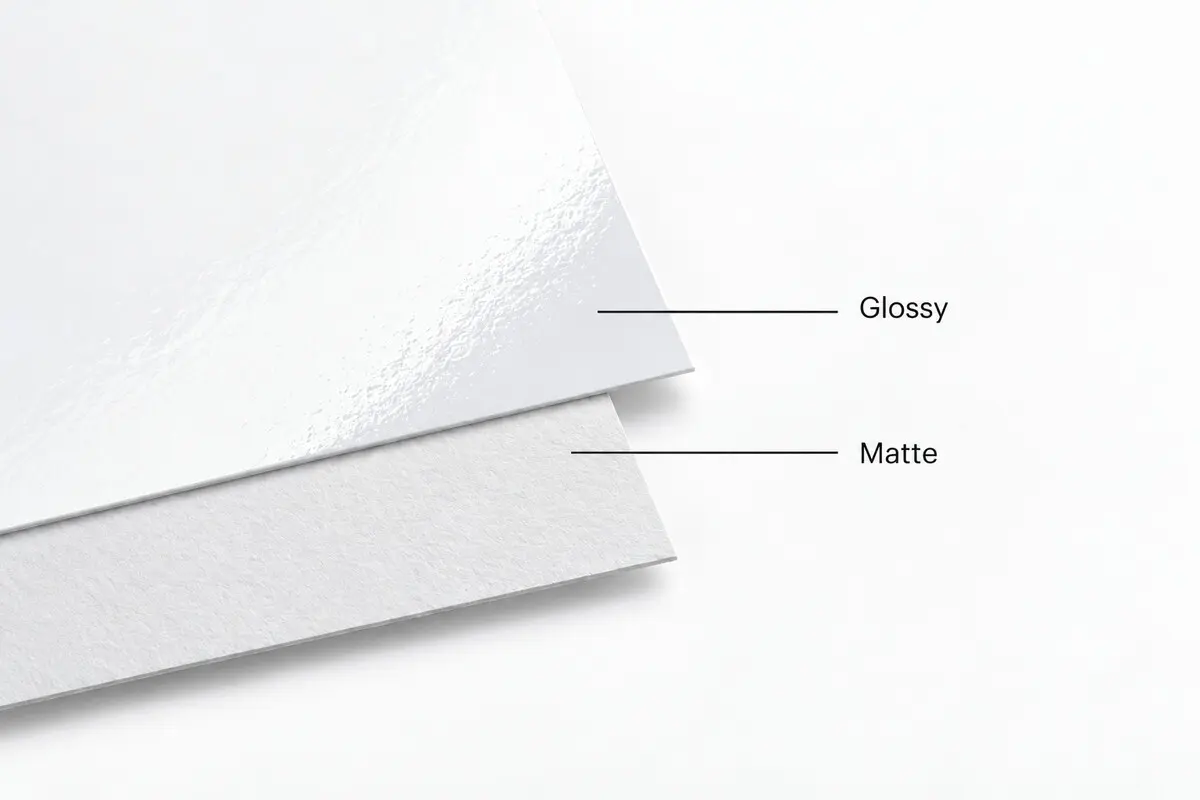
Lamination is optional. Matte lamination gives a smooth surface with few fingerprints, suited to brochures handed around a lot. Gloss lamination makes colours more vivid but shows fingerprints clearly, especially on dark backgrounds.
| Weight | Creasing | Lamination | Used for |
|---|---|---|---|
| 150gsm | Not needed | Option | Standard grade |
| 170gsm | Scoring recommended | Matte lamination | Handed over in formal meetings |
| 200gsm | Scoring mandatory | Matte lamination | Premium version |
| 250gsm | Scoring mandatory | Matte lamination | Bi-fold only |
Paper over 250gsm should only be folded in two, not three, because three thick layers stacked together stop the brochure folding flat. When you need thick paper yet many panels, switch to a slim saddle-stitched catalogue.
An electronic version sent before the meeting
Businesses in District 1 often send an electronic version by email before the meeting, then hand over the printed version on site. Both versions should be exported from the same file but are not entirely identical.
The printed version uses CMYK, has bleed and is laid out by fold panels. The electronic version should be converted to RGB for brighter colours on screen, with bleed removed, and re-laid out page by page so it is not cut off when viewed on a phone.
File size also needs handling. Print files are heavy because images are at 300dpi; the electronic version with images compressed to 150dpi is usually only a few megabytes yet still sharp on screen.
- Printed version: CMYK, 300dpi, with bleed, laid out by fold panels.
- Electronic version: RGB, 150dpi, laid out page by page.
- Add links to the website and contact email in the electronic version.
- Keep both versions in the same folder, clearly named so they are not sent by mistake.
Re-laying out the electronic version page by page is a step often skipped. A printed tri-fold exported directly to PDF shows three cramped columns on a phone, and recipients have to zoom in to read it.
Quantity and redo cycle
Brochures have a layout cost so they are usually used for six to twelve months. The quantity is calculated by the rhythm of customer meetings and conference attendance, not by the total number of customers.
A business meeting five customers a week needs about two hundred and sixty copies a year, but usually prints more to pre-clip into folders and to distribute at conferences. Five hundred to two thousand copies is the common range.
The threshold for switching to offset printing is around one thousand copies. Because this threshold is not high, many businesses combine the whole year's quantity into one round and receive by quarter.
| Quantity | Technology | Time | Price level |
|---|---|---|---|
| 50 to 300 copies | Digital printing | 1 to 2 days | Highest |
| 300 to 1,000 copies | Calculate both ways | 2 to 3 days | Medium |
| 1,000 to 3,000 copies | Offset printing | 3 to 4 days | Clear reduction |
| Over 3,000 copies | Offset printing | 4 to 5 days | Lowest |
Combining the whole year's quantity should only be done when the content has no prices and no year. Brochures with a year printed are out of date by January of the next year even with plenty left in stock.
Common mistakes and how to approve a fold mock-up
The five mistakes below account for most cases where a round of brochures has to be reprinted. All five show up right away on a fold mock-up on the right paper type, so this step should not be skipped even when goods are needed urgently.
The first mistake is text or logo falling into the fold zone, broken up or smudged at the fold. The zone to avoid is three millimetres on each side of the fold, and wider for thick paper.
The second mistake is the panel folding inside not being narrower than the other two, so the sheet does not fold flat and the edge bulges. The third is laying out the three inner panels as three disjointed columns even though they open at the same time.
The fourth mistake is choosing paper over 170gsm without scoring the folds, so the ink cracks into white streaks. The fifth is a folded size larger than the folder's inner size, so the edges get bent when inserted.
| Mistake | Consequence | How to avoid it |
|---|---|---|
| Text falling into the fold | Broken up, smudged | Leave 3mm around the fold |
| Inner folding panel not narrower | Sheet does not fold flat | 2mm narrower |
| Three inner panels laid out disjointedly | Looks patched together | Lay out as one continuous page |
| Thick paper without fold scoring | Ink cracks into white streaks | Score the folds before folding |
| Folded size larger than the folder | Edges get bent when inserted | 5mm smaller than the folder's inner size |
The quickest check is to open and fold the mock-up a few times, then try inserting it into a real folder. These two actions take a minute but detect all five mistakes above.
Delivery and ordering brochure printing in District 1
Workshop at 49 Mai Van Vinh, Tan Hung Ward, Ho Chi Minh City, and from here into District 1 via Kenh Te Bridge. Brochures are packed in cartons by quantity; orders of many cartons need a scheduled time to use the goods lift when delivering into high-rises.
- Information 1: finished size and fold style.
- Information 2: quantity, paper weight and lamination level.
- Information 3: design file with colour codes, or content and separate images.
- Information 4: the date you need it, building name, floor and recipient.
A fold mock-up is delivered before running a large round, folded in the chosen style on the right paper type. Send your request via Zalo to receive a brochure quote split into printing, folding and lamination.
Need printing or signage in Ho Chi Minh City?
In Quảng Cáo Q7 runs its own print workshop in Tân Hưng Ward (former District 7), Ho Chi Minh City, producing and installing signage, banners, window graphics, exhibition booths and event displays. Send us the size, material, quantity and a photo on WhatsApp and we will get back to you.

Phone: +84 866 511 099 · Also on WeChat
Workshop: 49 Mai Văn Vĩnh, Tân Hưng Ward, Ho Chi Minh City