
Turnkey Company Profile Design and Printing From 20 Pages
Oct
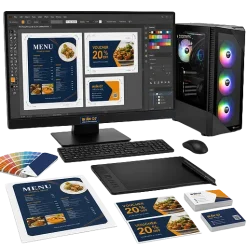
Your company has the content but no print files? The In Quảng Cáo Q7 workshop takes on company profile design and printing together with other office print products under one point of contact – layout, a preview sent for approval, then printing and binding on site.
Why combine design and printing in one place
When design is done in one place and printing in another, most of the time is lost passing files between the two: the designer exports a file in the wrong colour mode, without bleed or at the wrong finished size; the printer sends back correction requests; that loop can last several days before the machine runs the first sheet.
Combining them under one point of contact removes that loop entirely. The person doing the layout knows in advance how the book will be bound, how much the spine takes and what lamination the cover has, so the file is built correctly from the start. For company profile design and printing, this is the biggest difference, because profiles are usually urgent and have many pages.
Process: send content, approve the preview, print
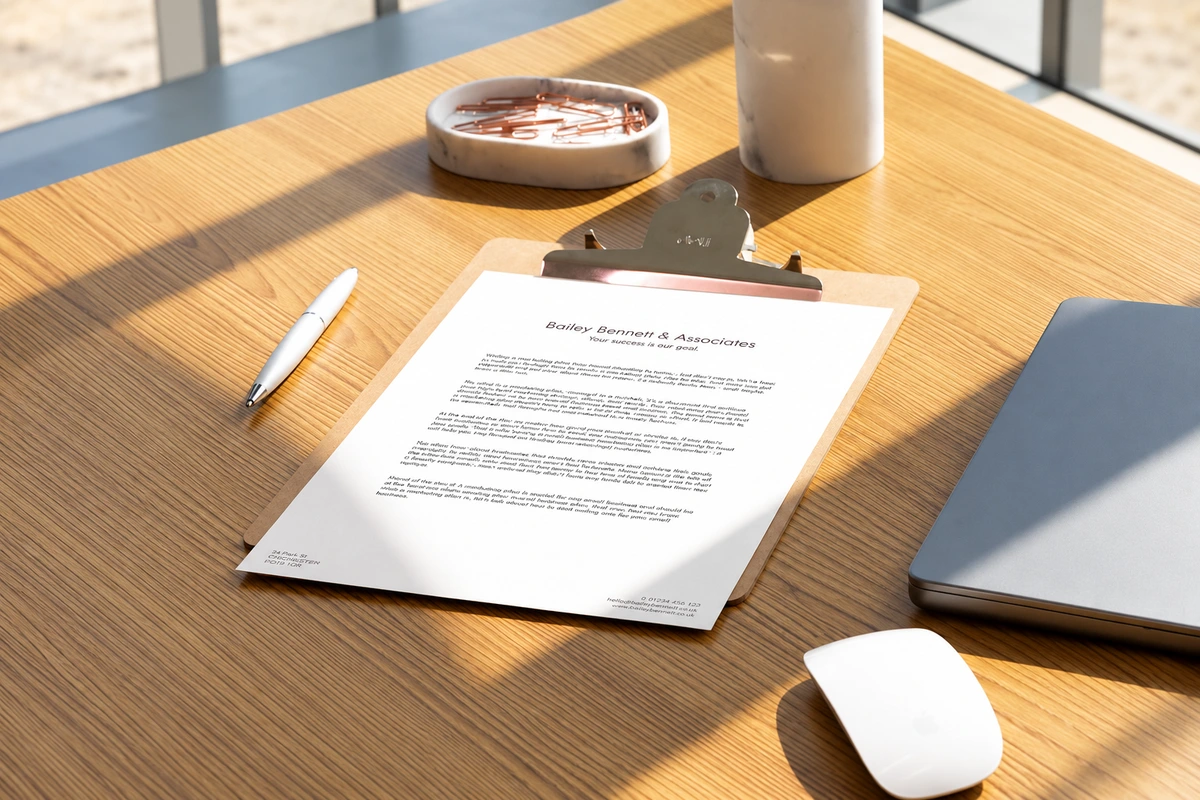
Step one, you send the content section by section and the photo folder via Zalo; if you have brand identity files, send them too so the workshop uses the exact colour codes and fonts. Step two, the workshop lays out the pages and sends back a PDF preview for approval – this is the time to correct text, reorder pages or replace photos.
Step three, once you approve, the file goes to press and then on to finishing: lamination, die-cutting, folding, binding. The approved design is kept on file, so next time you only need to tell us what to change, without rebuilding from scratch.
Related products
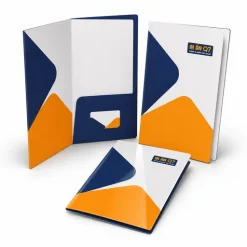
Catalogue – Company Profile
Business cards
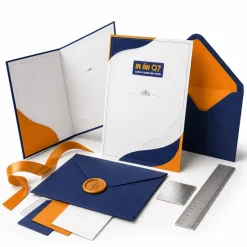
Certificate
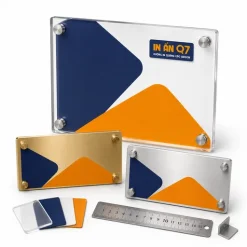
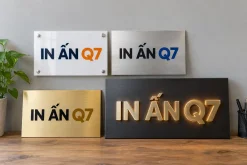
Company nameplates
Other print products also available with design
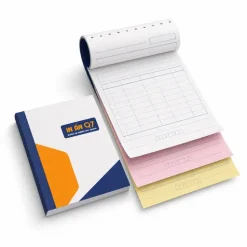
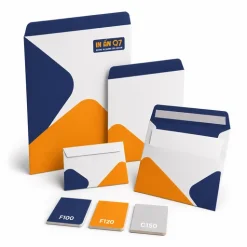
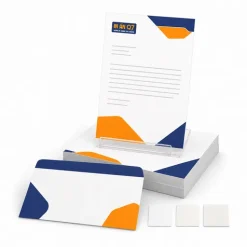
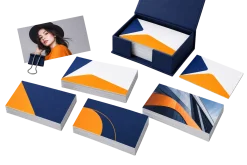
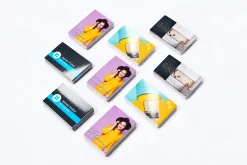
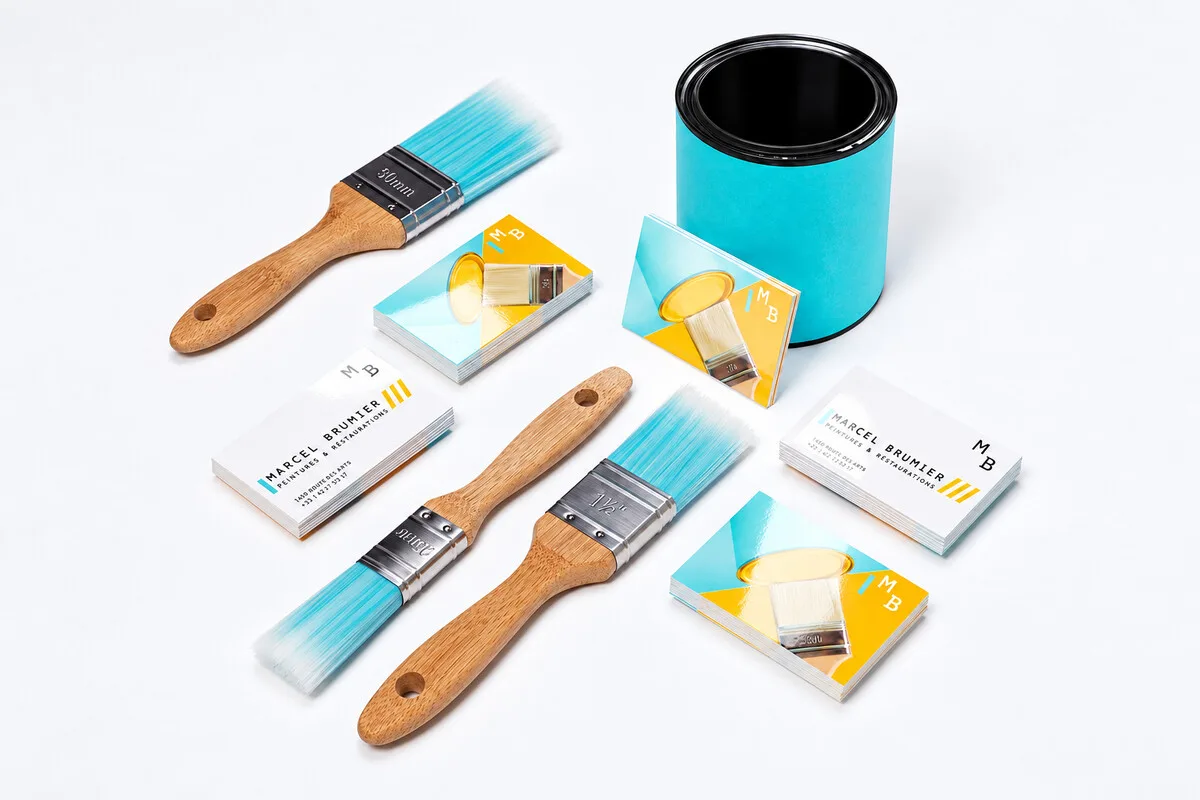
Besides company profiles, the workshop designs and prints company business cards from the staff list you send, one consistent design for everyone; designs and prints company brochures as folded leaflets introducing your services, with panels laid out exactly along the folds; and designs and prints company letterhead with the header and footer in the correct layout for official documents.
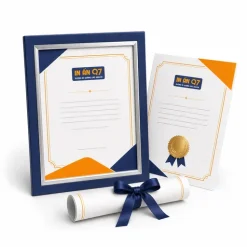
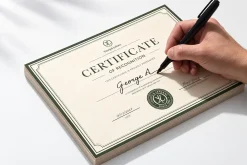
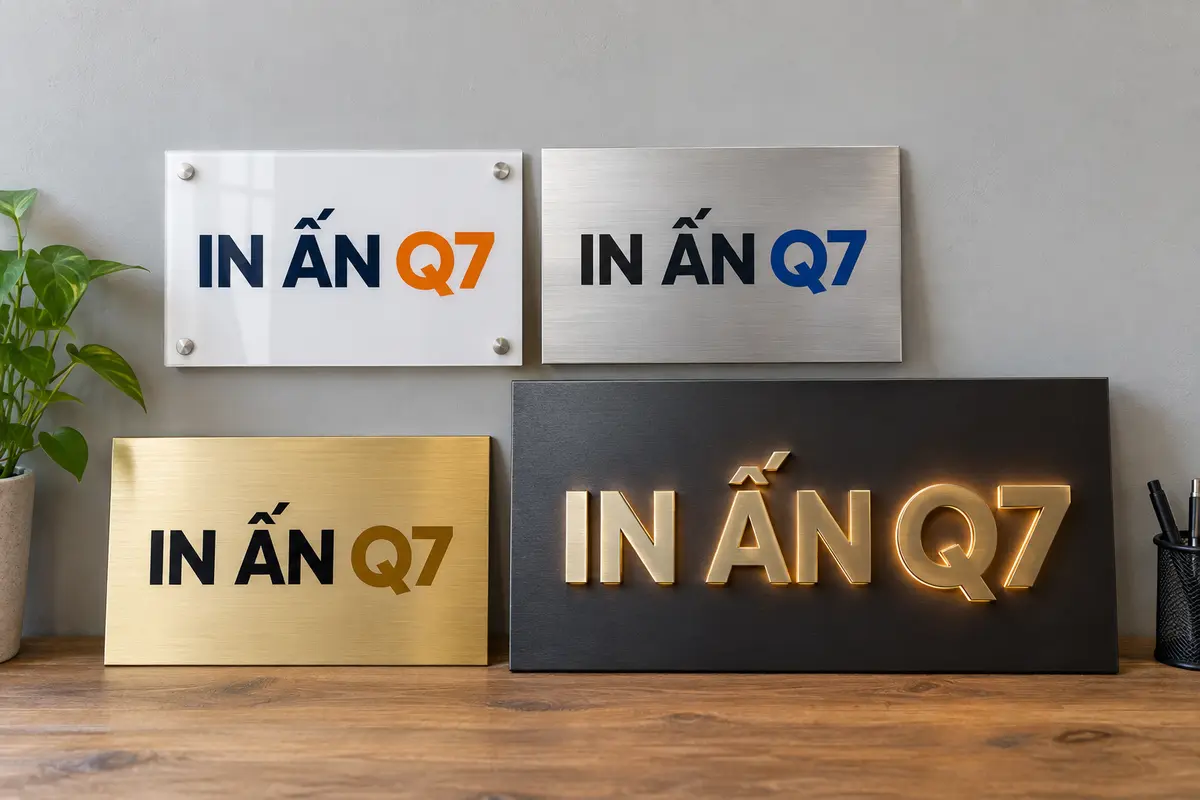
The awards and office signage group is the same: we design and print company certificates from the certificate content and signatory; and design company name plates to your brand identity, with the exact fonts and colour codes, then UV-print them onto acrylic or Alu panels.
What to prepare for the fastest design stage
Send the logo as a vector file (AI, EPS, PDF) or a high-resolution PNG with a transparent background; a screenshot logo or one taken from a social media profile picture will pixelate when printed large. Send original photo files, not compressed versions sent through messaging apps.
Send text as a Word file or plain text so the workshop can paste it straight into the layout, avoiding typos from retyping. If the company has its own rules about the legal name, tax code or how the address is written, state them clearly from the start so the preview is right the first time.
Frequently asked questions about company profile design and printing
Is design charged separately?
Yes. The design fee depends on the amount of layout work and is quoted together with the printing quote, before the workshop starts. Products with existing templates, such as business cards or letterhead, are very quick to set up.
How many rounds of changes are included?
The preview is sent for your comments and corrections to get the content right; the number and scope of changes are agreed when quoting, so you know in advance and nothing extra comes up midway. Details are on the workshop's design service policy page.
Do I get the design files?
Yes. After printing, you receive the final files to keep and use for future print runs, even if you print elsewhere.
Content to prepare for company profile design and printing
What determines the quality of the profile is not the layout but the content you provide. For company profile design and printing, the more complete the items below, the fewer rounds of changes later.
| Content item | Format to send | Note |
|---|---|---|
| Company name and legal information | Text, with a scan of the business licence | Scan at 300dpi, straight and well lit |
| Company logo | Vector file or 300dpi image | Avoid a logo taken from a photo of a business card |
| Cover letter | Text | Keep it short, under one page |
| Introduction to business activities | Text | Grouped by service |
| List of completed projects | Table with project names and dates | Sorted by date, newest first |
| Project photos and staff photos | Original photos at 300dpi | 2 – 4 photos per project are enough |
| Certificates and qualifications | Scans | Print in colour so red stamps show clearly |
| Contact information | Text | Double-check the phone number and email |
| Brand identity colours | Colour codes if available | Helps the profile match the brand identity |
A missing vector logo and missing original photos are the two most common gaps. In company profile design and printing, these two items directly affect the sharpness of the cover, so prioritise finding the right originals before sending.
Approval process for company profile design and printing
Because layout and printing are in the same place, the layout is built for the binding style you have chosen. The table below shows the steps in company profile design and printing.
| Step | What happens | What you need to do |
|---|---|---|
| Receiving content | The workshop checks what is complete or missing and asks for more | Send content following the table above |
| Settling specifications | Size, page count, paper type, binding style | Confirm or state your preferences |
| Preview layout | Build the layout from the content and brand colours | Wait for the preview |
| First round of approval | You comment on the layout and content | Gather comments into one message |
| Revisions based on comments | Update the layout | Confirm the revision |
| Print one test set | Check cover and photo colours on the actual paper | Approve or describe how the colour is off |
| Print the full batch and bind | Run the press, then finishing | Arrange how to receive the order |
The fastest way through company profile design and printing is to gather all comments into one message per round, rather than sending them one by one. Each gathered round of changes is usually handled within a few hours, while scattered comments tend to make the layout get adjusted back and forth.
Common specifications for company profile design and printing
The table below shows common specifications for each part of the profile in company profile design and printing.
| Part of the set | Common specification | Finishing |
|---|---|---|
| Cover | Colour on 250 – 300gsm Couche paper | Matte lamination |
| Cover letter and table of contents | Colour A4, 120gsm Fort paper | Not needed |
| Introduction and services | Colour A4, 150gsm Couche paper | Not needed |
| Project list | Colour A4 or A3 | A3 if the table has many columns |
| Project photos | Colour A4 or A3, Couche paper | Not needed |
| Certificates and licences | Colour A4 | Not needed |
| Appendices and reports | Black and white A4, double-sided | Not needed |
| Whole set | A4 portrait | Perfect binding or spiral binding with a clear cover |
Typical page counts are 16 to 40 pages for an introductory profile and 60 to 150 pages for a tender submission. In company profile design and printing, tell us how it will be used so the workshop can suggest a suitable page count and binding style.
Lead times for company profile design and printing
Layout takes more time than printing, and depends on whether the content is complete. The table below shows reference milestones for company profile design and printing.
| Size of the set | First layout | Each round of changes | Printing and binding |
|---|---|---|---|
| 16 – 24 pages | 1 – 2 working days | A few hours | Same day |
| 24 – 40 pages | 2 – 3 working days | A few hours | Same day |
| 40 – 80 pages | 3 – 4 working days | Half a day | Same day |
| 80 – 150 pages | 4 – 6 working days | Half a day to one day | Same day or the next day |
The milestones above count from when the content is complete. If you are still waiting for project photos or certificate scans, it will take longer. So when doing company profile design and printing for a tender deadline, you should start at least a week ahead.
Source files and archive copies for company profile design and printing
Once the profile is finished, you should keep all the items below so next time you can update rather than start from scratch.
| What to keep | What it is for |
|---|---|
| Final printed PDF file | Reorder exactly the approved version |
| One printed sample set | Compare colours for the next print run |
| Specification notes | Keep the same size, paper, number of sides and binding style |
| Folder of original photos used | Update the new set without hunting for photos again |
| Project list as a table | Add new projects next time |
| Invoicing details | No need to resend with every order |
- Name files by company name plus version and date.
- Also keep a plain-text copy of the content, because the text is the easiest part to update.
For companies that submit tenders several times a year, the cheapest approach is to keep the framework and only update the project list and photos. Each later round of company profile design and printing then becomes just a short update.
Related prices for company profile design and printing
Printing and finishing are charged according to the table below, decreasing by quantity tier. Layout is quoted separately by page count and the amount of content.
| Service | Specification | Starting price |
|---|---|---|
| Black & white document printing | A4, A3, 1 – 2 sided printing | from 2.000đ |
| Color document printing | A4, A3, 1 – 2 sided printing | from 7.000đ |
| Colour printing on Fort paper 80 – 250gsm | A4, A3, 1 – 2 sided printing | from 8.000đ |
| Colour printing on Couche paper 150 – 300gsm | A4, A3, 1 – 2 sided printing | from 9.800đ |
| Binding | A4 portrait or landscape, 6 styles | from 2.000đ per copy |
| Gloss or matte lamination | 1 – 2 sided lamination | from 300đ per sheet |
| Trimming | Per package | from 15.000đ, free from 20 sheets |
Because profiles are ordered by the number of sets needed, the unit price per set decreases by quantity tier. In company profile design and printing, settle the number of sets at once rather than ordering many small runs, because each order is a separate finishing run.
Summary of how to order company profile design and printing
The company profile design and printing process has the following four steps.
- Send content following the table above, with a vector logo and original 300dpi photos.
- Settle the specifications: size, page count, paper type and binding style.
- Approve the layout, gathering comments into one message per round.
- Approve one test set, then confirm the full print run and send company details for the paperwork.
These four steps apply to both a 16-page and a 150-page set.
How long does company profile design and printing take?
A 16 – 24 page set takes 1 – 2 working days for the first layout, 24 – 40 pages 2 – 3 days, 40 – 80 pages 3 – 4 days. Each round of changes takes a few hours to a day. Printing and binding are usually done the same day.
What do I need to send for company profile design and printing?
Legal information with a scan of the business licence, a vector logo, a cover letter, an introduction to your business activities, a project list as a table, original 300dpi photos, certificate scans, contact information and brand colour codes if available.
How many rounds of changes are included in company profile design and printing?
The number of rounds is agreed when quoting, depending on the page count and amount of content. The way to save rounds is to gather comments into one message per round, rather than sending many separate messages during the day.
Is there a test print before company profile design and printing?
Yes. After the layout is approved, the workshop prints one test set on the actual paper to be used so you can check the cover and project photo colours. Once you approve, the whole batch is printed to the agreed specifications.
How do I update for the next round of company profile design and printing?
Keep the final PDF, one printed sample set, the specification notes, the folder of original photos and the project list as a table. Next time you only need to update the project list and photos, keeping the old framework.
Five points to remember for company profile design and printing
Keep these five points so next time is easier.
- Send a vector logo and original 300dpi photos from the start in company profile design and printing.
- Gather comments into one message per round; this is the most effective way to shorten company profile design and printing.
- Approve one test set before running the whole batch.
- Keep the final PDF and one printed sample set after company profile design and printing.
- Start at least a week before the deadline if the set is over 40 pages.
These five points are all you need to prepare. Layout, printing and binding are all done in one place, so you deal with a single point of contact from sending the content to receiving the finished set.
Order printing at In Quảng Cáo Q7
Send your content, logo and photos via Zalo; the workshop quotes both design and printing from the start, then builds a preview for approval – once approved, it is printed and bound on site, with no files passed back and forth between two places.
In Quảng Cáo Q7 direct print workshop – 49 Mai Van Vinh, Tan Hung Ward, Ho Chi Minh City. Production and delivery hours: Monday – Saturday, 8:00–12:00 and 13:00–18:00 · Orders via Zalo/hotline: Monday – Saturday 8:00–12:00 and 13:00–20:00, Sunday 14:00–19:00. Quick message via Zalo or call 0866.511.099.
See more printing services on the In Quảng Cáo Q7 home page, see all corporate print products or contact us quickly via the contact page; you can also get directions to the workshop on Google Maps.
Need printing or signage in Ho Chi Minh City?
In Quảng Cáo Q7 runs its own print workshop in Tân Hưng Ward (former District 7), Ho Chi Minh City, producing and installing signage, banners, window graphics, exhibition booths and event displays. Send us the size, material, quantity and a photo on WhatsApp and we will get back to you.
Phone: +84 866 511 099 · Also on WeChat
Workshop: 49 Mai Văn Vĩnh, Tân Hưng Ward, Ho Chi Minh City