






Colour Printing on Couche Paper – Vivid Photos, Accurate Ink | In Quảng Cáo Q7
Oct
Want colour printing on Couche paper at the best quality? This article guides you through choosing paper, preparing files and ordering quickly at the In Quảng Cáo Q7 workshop.
Colour printing on Couche paper – the paper that makes product photos look as good as on screen
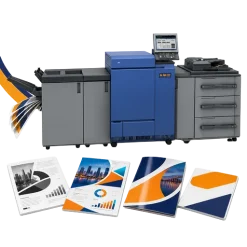
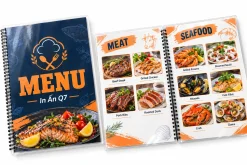
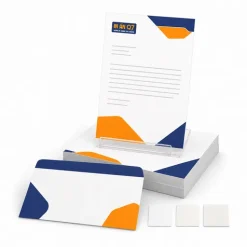
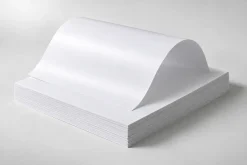
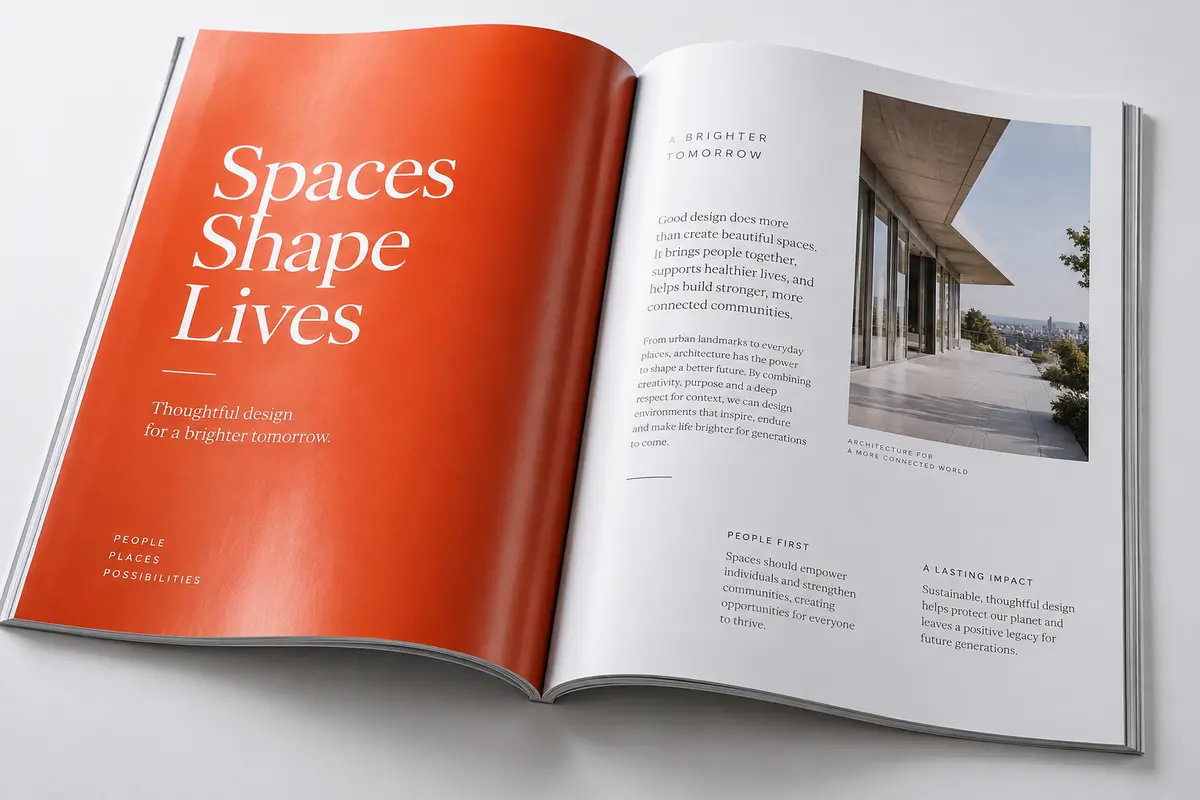
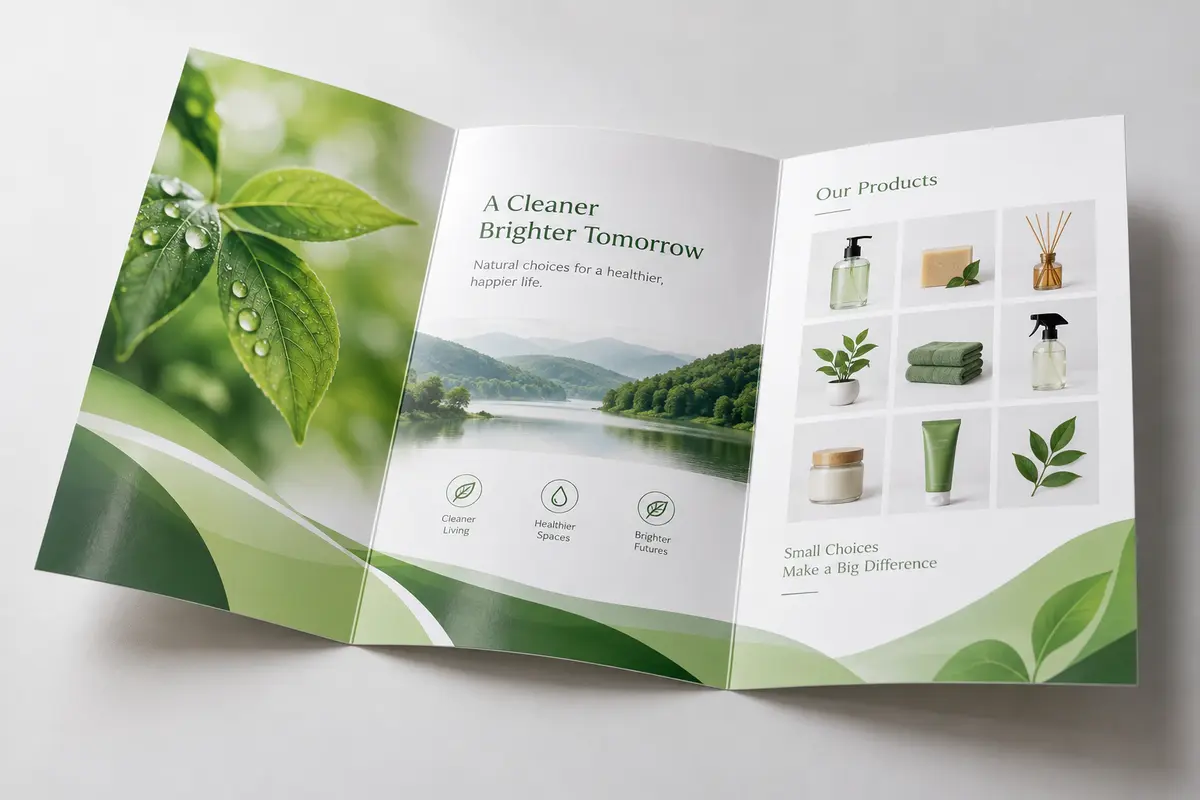
Couche paper is the number one choice for advertising print products with images: the smooth coated surface keeps ink on the paper surface instead of soaking in deeply, so colours come out vivid, photos sharp and details not flat. Flyers, catalogues, posters, menus, file covers – most of the beautiful marketing print products you have held were printed on Couche.
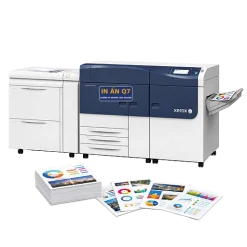
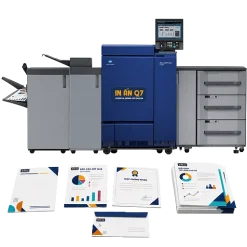
At In Quảng Cáo Q7, Couche paper is available in the full range of weights from 128gsm to 300gsm, with fast digital printing collected within the day or offset printing for large orders – through one contact point, the workshop advises the most cost-effective option for each order.
Choosing the Couche weight by print product
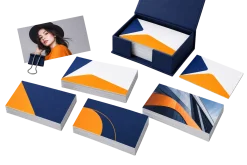
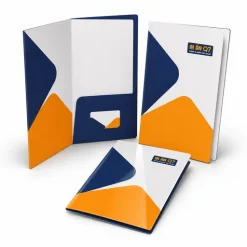
Couche 128–150gsm: flyers, folded leaflets, catalogue inner pages – thin yet sturdy enough, low cost for volume printing. Couche 200–250gsm: catalogue covers, menus, indoor posters – firm in the hand, edges curl less. Couche 300gsm: business cards, cards, premium file covers – thick, and even more durable with gloss or matte lamination.
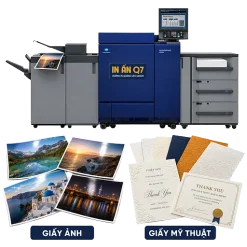
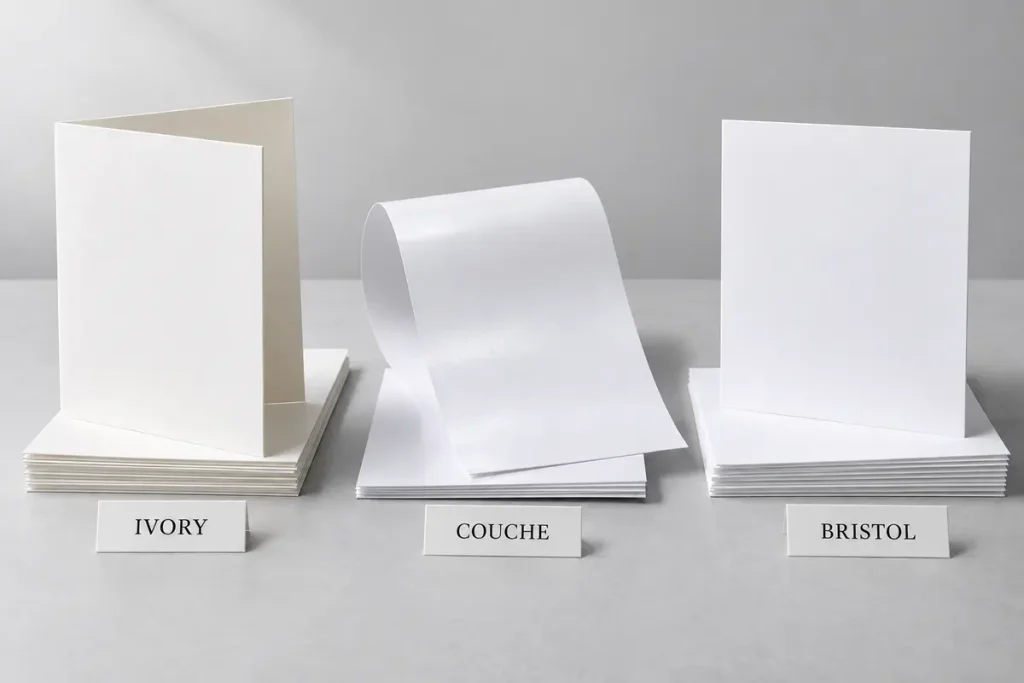
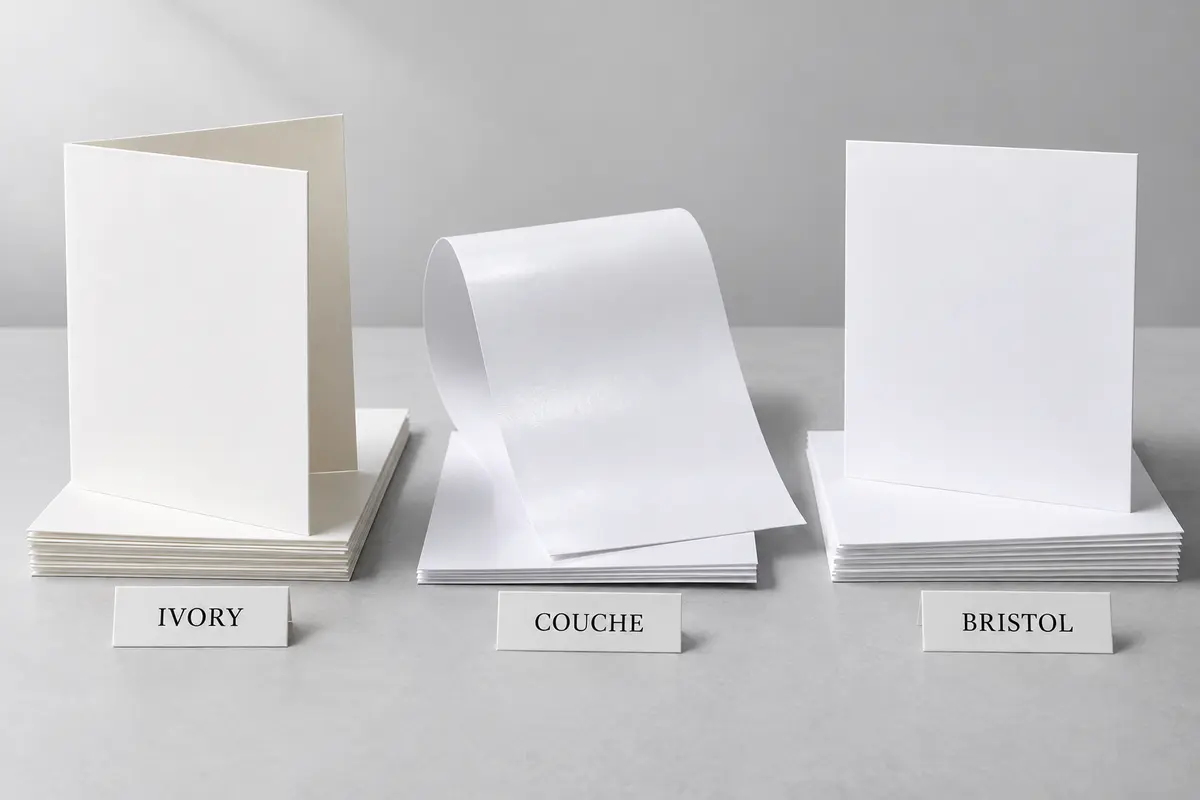
Couche has two surfaces: gloss for vivid photos and matt for a subdued, elegant style – the workshop has samples of both for customers to compare directly.
Related products
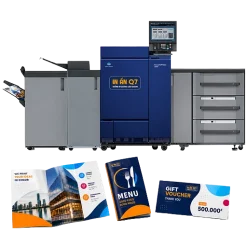
Fast Printing
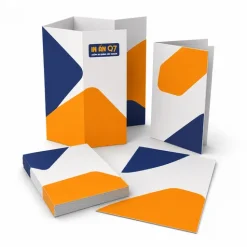
Leaflet / Brochure
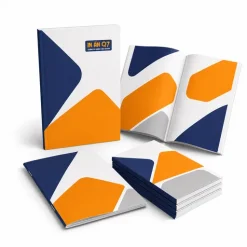
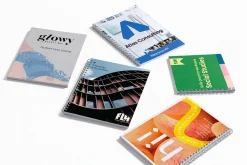
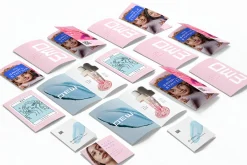
Catalogue – Company Profile
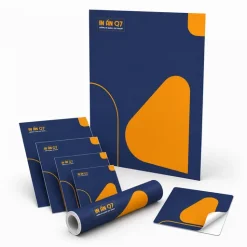
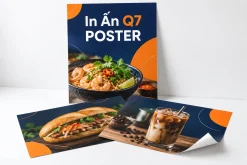
Poster
Tips for files to print the best colour on Couche
Use CMYK colour mode from the design stage so printed colour does not shift from the file; photos should reach 300dpi at actual size; dark backgrounds should have a 3mm bleed to avoid white edges when trimmed. If the file is in RGB, the workshop converts the colour mode and warns in advance of areas whose tone may change.
For orders where brand colour matters, test print one copy on the exact paper before running the quantity – the workshop supports quick on-the-spot tests.
Fast printing or offset – the workshop works it out for you
Below about a thousand sheets, digital printing is cheaper and faster because there is no plate fee; at larger quantities, offset gives a much lower unit price per sheet. Customers just give the quantity, and the workshop quotes both options side by side with delivery times so you can compare yourself.
The four Couche paper weights and what to use them for
When colour printing on Couche paper, the weight is the choice that decides how the print feels in the hand. The workshop runs four levels.
| Weight | Feel | Commonly used for |
|---|---|---|
| Couche 150gsm | Thin but glossy, vivid colour | Handout flyers, folded leaflets |
| Couche 200gsm | Holds its shape, sharp photos | Single-page menus, brochures, catalogue inner pages |
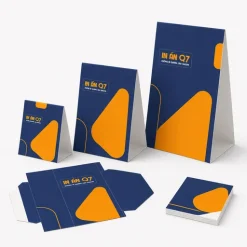
| Couche 250gsm | Thick, a premium feel | Table price stands, catalogue covers |
| Couche 300gsm | The thickest, like hard card | Company profile covers, hanging price boards, cards |
All four levels come in A4 and A3, single- or double-sided, from 9.800đ. The 150gsm level is the most popular choice for flyers because it is both cheap and takes colour well.
Why Couche paper gives more vivid colour
The surface of Couche paper has a thin coating, so ink stays on the paper surface instead of soaking into the paper fibres.
| Criterion | Couche Paper | Fort Paper |
|---|---|---|
| Surface | Coated, smooth and slightly glossy | Rough, uncoated |
| Print colour | Vivid, high contrast | Deep, soft, leaning natural |
| Photo sharpness | Height | Lower, because ink soaks into the paper fibres |
| Writing on it with a pen | Difficult, ink smudges easily | Easy to write on |
| Feel in the hand | Like commercial flyers | Like office paper |
Therefore colour printing on Couche paper suits image-heavy print products. For text-heavy documents that need notes, choosing Color Printing on Fort Paper is more suitable.
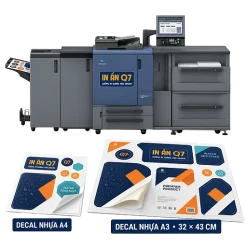
A4 and A3 sizes for colour printing on Couche paper
| Size | Approximate size | Commonly used for |
|---|---|---|
| A4 | 21 x 29.7 cm | Flyers, single-page menus, file covers, brochures |
| A3 | 29.7 x 42 cm | Wall price boards, small posters, notice boards |
For finished pieces smaller than the paper size, such as cards or vouchers, lay out many on one A3 sheet and then Trimming — more economical than printing many separate A4 sheets.
Single- or double-sided
| Option | Advantages | Note |
|---|---|---|
| Single-sided | Blank back for notes or mounting | Uses twice the sheets if there is a lot of content |
| Double-sided | Halves the number of sheets | Couche 150gsm may show through if both sides have dark backgrounds |
For double-sided flyers, go up to Couche 200gsm or more so the back content does not show through. This is a common point to note when doing colour printing on Couche paper on thin weights.
Finishing after colour printing on Couche paper
| Stage | Used for | From |
|---|---|---|
| Laminated | Covers, menus, business cards; gloss or matte film | 300đ |
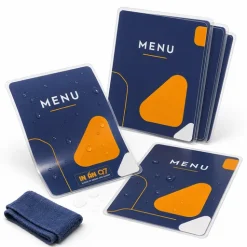
| Plastic pouch lamination | Single-sheet menus, hanging boards that need waterproofing | 3.000đ |
| Trimming | Finished pieces smaller than the paper size | 15.000đ, free from 20 sheets |
| Binding | Multi-page catalogues and company profiles | 2.000đ per book |
Couche paper is coated, so lamination bonds very well. The standard order is print, laminate, then cut — laminating while the sheet is still full size gives an even film and sharper cut edges.
Preparing files for colour printing on Couche paper
- PDF or AI, CMYK, at least 150dpi.
- 3mm bleed on each edge, 3mm safe zone inside the cut line.
- Text converted to outlines so fonts aren't substituted on another computer.
- Photos in the file should be originals, not images downloaded from social media that have been compressed.
- State the Couche weight, size, number of printed sides and quantity clearly.
- If the finished piece is smaller than the paper size, state the finished size to cut.
Colour on screen always differs from printed colour. The workshop accepts orders from 1 sheet, so you can test print one copy and see the real colour before running the whole batch — especially for product photos that need accurate colour.
Common mistakes with colour printing on Couche paper
| Mistake | Consequence | How to avoid it |
|---|---|---|
| RGB file | Colors differ from the on-screen preview | Convert to CMYK |
| Low-resolution images | Pixelated images, most visible on A3 | Use original images at 300dpi |
| Text too close to the edge | Text lost after cutting | Keep text 3mm from the edge |
| Choosing 150gsm for double-sided printing with dark backgrounds | The back content shows through | Go up to 200gsm or more |
| Choosing Couche for documents that need pen notes | Pen ink smudges | Use Fort paper |
| Touching the middle of the printed surface | Leaves fingerprints | Hold sheets by the edges |
Who often orders colour printing on Couche paper
| Customer group | Item | Weight often chosen |
|---|---|---|
| Eateries, cafés | Menus, price lists | 200 or 250gsm |
| Clothing and cosmetics shops | Promotional flyers | 150gsm |
| Construction companies | Company profile covers | 300gsm |
| Agents, distributors | Product catalogues | 200gsm inner pages, 300gsm cover |
| Spas, clinics | Service price lists | 250gsm |
| Events | Small posters, signage boards | 250gsm in A3 |
Summary of colour printing on Couche paper
- Four weights: Couche 150, 200, 250 and 300gsm.
- A4 and A3 sizes, single- or double-sided, from 1 sheet, from 9.800đ.
- The coated surface gives more vivid colour and sharper photos than Fort paper.
- Double-sided flyers should use 200gsm or more so the back does not show through.
- Lamination bonds very well on Couche paper; laminate first, cut afterwards.
- Files need CMYK, 300dpi, a 3mm bleed and original photos.
Preparing files for colour printing on Couche paper
- PDF or AI, CMYK, at least 150dpi.
- 3mm bleed on each edge, 3mm safe zone inside the cut line.
- Text converted to outlines so fonts aren't substituted on another computer.
- Photos in the file should be originals, not images downloaded from social media that have been compressed.
- State the Couche weight, size, number of printed sides and quantity clearly.
- If the finished piece is smaller than the paper size, state the finished size to cut.
Colour on screen always differs from printed colour, because screens emit light while paper reflects it. The workshop accepts orders from 1 sheet, so you can test print one copy before running the whole batch — especially when doing colour printing on Couche paper for product photos that need accurate colour.
Common mistakes with colour printing on Couche paper
| Mistake | Consequence | How to avoid it |
|---|---|---|
| RGB file | Colors differ from the on-screen preview | Convert to CMYK |
| Low-resolution images | Pixelated images, most visible on A3 | Use original images at 300dpi |
| Text too close to the edge | Text lost after cutting | Keep text 3mm from the edge |
| Choosing 150gsm for double-sided printing with dark backgrounds | The back content shows through | Go up to 200gsm or more |
| Choosing Couche for documents that need pen notes | Pen ink smudges on the coated surface | Use Fort paper |
| Touching the middle of the printed surface | Leaves fingerprints | Hold sheets by the edges |
The most common mistake with colour printing on Couche paper is using compressed photos. Couche paper shows detail very clearly, so poor-quality photos are exposed more than when printing on rough paper.
Finishing after colour printing on Couche paper
| Stage | Used for | From |
|---|---|---|
| Laminated | Covers, menus, business cards; gloss or matte film | 300đ |
| Plastic pouch lamination | Single-sheet menus, waterproof hanging boards | 3.000đ |
| Trimming | Finished pieces smaller than the paper size | 15.000đ, free from 20 sheets |
| Binding | Multi-page catalogues and company profiles | 2.000đ per book |
Couche paper is coated, so the film bonds very well. The standard order is print, laminate, then cut — laminating while the sheet is still full size gives an even film and sharper cut edges.
Who often orders colour printing on Couche paper
| Customer group | Item | Weight often chosen |
|---|---|---|
| Eateries, cafés | Menus, price lists | 200 or 250gsm |
| Clothing and cosmetics shops | Promotional flyers | 150gsm |
| Construction companies | Company profile covers | 300gsm |
| Agents, distributors | Product catalogues | 200gsm inner pages, 300gsm cover |
| Spas, clinics | Service price lists | 250gsm |
| Events | Small posters, A3 direction boards | 250gsm |
What they have in common is print products that need striking images viewed by customers up close. That is when colour printing on Couche paper gives clearer results than uncoated paper.
Summary of colour printing on Couche paper
- Four weights: Couche 150, 200, 250 and 300gsm.
- A4 and A3 sizes, single- or double-sided, from 1 sheet, from 9.800đ.
- The coated surface gives more vivid colour and sharper photos than Fort paper.
- Double-sided flyers should use 200gsm or more so the back does not show through.
- Lamination bonds very well; laminate first, cut afterwards.
- Files need CMYK, 300dpi, a 3mm bleed, and original photos.
Frequently asked questions about colour printing on Couche paper
Which paper weight should I choose for colour printing on Couche paper?
It depends on the use: handouts use thin 128–150gsm paper to keep costs down, while items for display or handing to important guests use 200–300gsm for stiffness and elegance. The workshop has real paper samples in every weight for you to compare in hand before deciding.
Can I get one test print to approve first?
Yes – for orders where colour matters, the workshop always recommends one test print on the exact paper to be used. Customers can approve it in person at the workshop or receive a photo of the test taken under standard lighting via Zalo, and the full run starts only after it is confirmed.
Will the printed colour be exactly the same as on screen?
Screens display in RGB while printers use CMYK, so there is always some difference, especially in vivid blues and oranges. Design files set up in CMYK give the closest result; the workshop checks the file and warns in advance about colour areas that may shift.
How much does colour printing on Couche paper cost?
From 9.800đ per sheet, varying by weight, A4 or A3 size and number of printed sides.
Which weight should I choose for colour printing on Couche paper?
Handout flyers use 150gsm; menus and brochures use 200gsm; table price stands 250gsm; file covers 300gsm.
How does Couche paper differ from Fort paper?
Couche has a coated surface, so colour is more vivid and photos sharper, but it is hard to write on with a pen. Fort is rough, with more subdued colour, and can be written on.
Can I get colour printing on Couche paper in small quantities?
The workshop accepts orders from 1 sheet. For small quantities, digital printing makes more sense than offset because there is no plate cost.
Can lamination be done after colour printing on Couche paper?
Yes, and Couche paper is the material lamination bonds to best. Laminate while the sheet is still full size, then cut.
Does double-sided printing on Couche 150gsm show through?
It can, if both sides have dark backgrounds. In that case go up to 200gsm or more.
How much does colour printing on Couche paper cost?
From 9.800đ per sheet, varying by weight, A4 or A3 size and number of printed sides.
Which weight should I choose for colour printing on Couche paper?
Handout flyers 150gsm; menus and brochures 200gsm; table price stands 250gsm; file covers 300gsm.
Can I get colour printing on Couche paper in small quantities?
The workshop accepts orders from 1 sheet. For small quantities, digital printing makes more sense than offset because there is no plate cost.
Can lamination be done after colour printing on Couche paper?
Yes, and Couche paper is the material lamination bonds to best. Laminate while the sheet is still full size, then cut.
Does double-sided colour printing on Couche paper 150gsm show through?
It can, if both sides have dark backgrounds. In that case go up to 200gsm or more.
I need colour printing on Couche paper for product photos; is the colour accurate?
The machines keep colour even between copies. You should test print one sheet to see the real colour before running the whole batch.
Order printing at In Quảng Cáo Q7
If you need colour printing on Couche paper, send the file via Zalo so the workshop can advise on the weight and quote starting prices by quantity – real paper samples are always available at the workshop for you to check.
In Quảng Cáo Q7 direct printing workshop – 49 Mai Van Vinh, Tan Hung Ward, Ho Chi Minh City. Production and delivery hours: Monday – Saturday, 8:00–12:00 and 13:00–18:00 · Consultation & orders via Zalo/hotline: Monday – Saturday 8:00–12:00 and 13:00–20:00, Sunday 14:00–19:00.
See more printing services on the In Quảng Cáo Q7 home page or contact us quickly via the contact page; you can also get directions to the workshop on Google Maps.
Need printing or signage in Ho Chi Minh City?
In Quảng Cáo Q7 runs its own print workshop in Tân Hưng Ward (former District 7), Ho Chi Minh City, producing and installing signage, banners, window graphics, exhibition booths and event displays. Send us the size, material, quantity and a photo on WhatsApp and we will get back to you.

Phone: +84 866 511 099 · Also on WeChat
Workshop: 49 Mai Văn Vĩnh, Tân Hưng Ward, Ho Chi Minh City