





Digital Printing District 8 – Small Runs at Fair Prices, True-to-File Color
Oct
Are you looking for a reliable District 8 digital printing service? The article below sums up the full scope of services, how to order, turnaround times and starting prices at the In Quảng Cáo Q7 workshop so you can decide quickly.
Digital printing for the District 8 area – technology suited to small businesses
Business in the former District 8 area is characterised by flexibility: sellers change promotions every week, production facilities put out small trial batches, eateries change menus by season. This way of operating needs matching printing technology – able to print small runs, change content quickly, without forcing you to bulk up quantities.
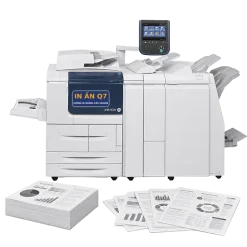
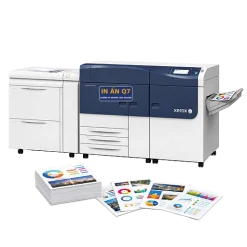
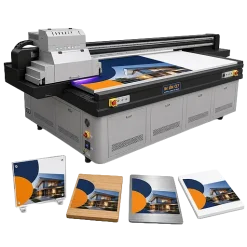
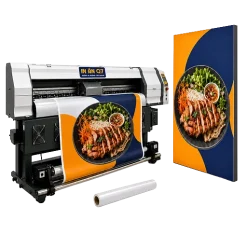
That is exactly digital printing: printing straight from the file without printing plates, even one copy runs, content can be changed freely between batches. In Quảng Cáo Q7 brings this technology right up to the District 8 area – just one bridge away.
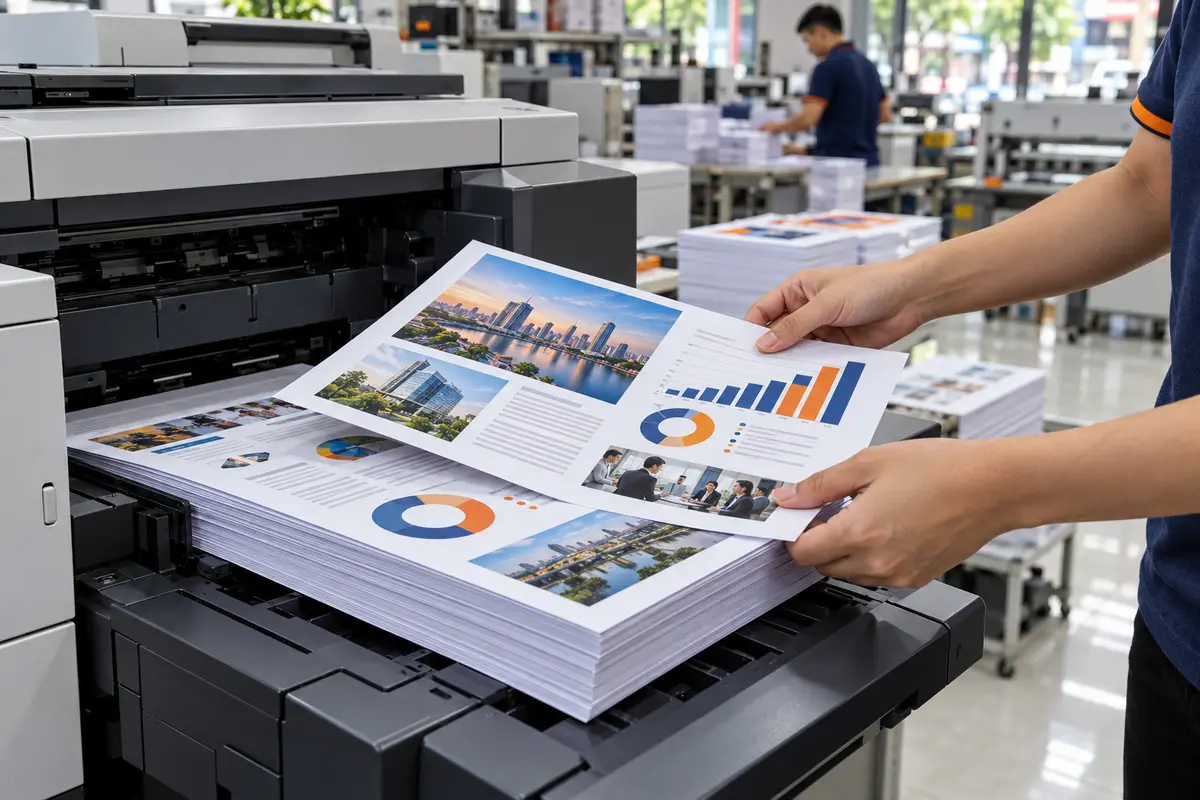
The real strengths of digital printing
Speed: no time spent making plates, so orders run right away and are collected within the day. Flexibility: print 50 trial copies, and if you like them print another 5,000 – colours the same across both batches. Personalisation: sequential numbering, individual names on each coupon – things offset printing cannot do.
The only limit is that very large orders are cheaper on offset – in that case the workshop tells you proactively so you can choose.
Applications for District 8 customers
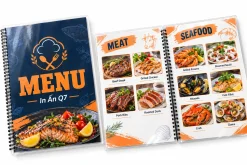
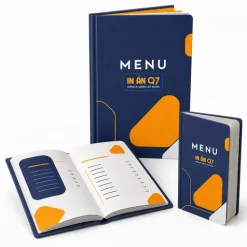
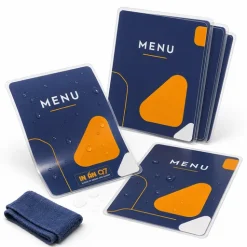
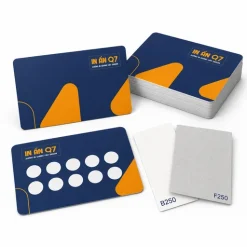
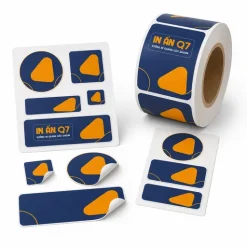
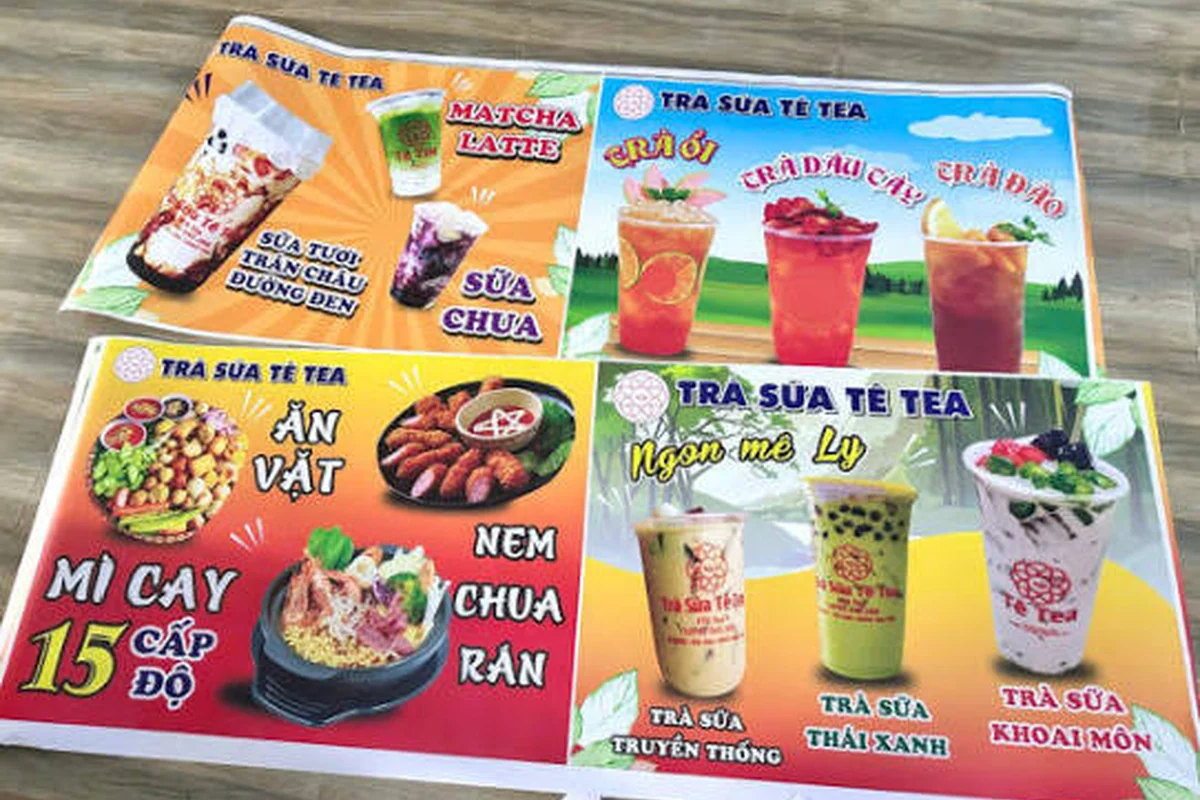
Numbered gift vouchers for promotions; small-batch labels for facilities testing new products; seasonal menus for canal-side eateries; documents and forms printed in exactly the number needed, reprinted when they run out, no paper stock left over.
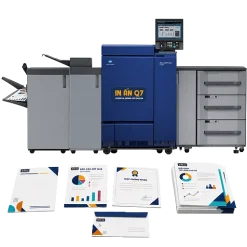
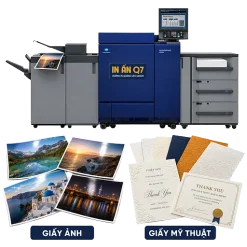
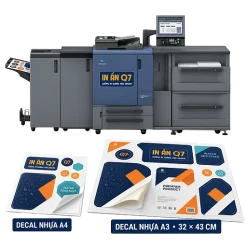
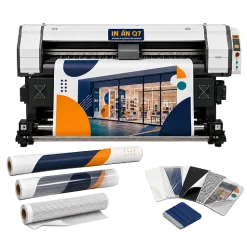
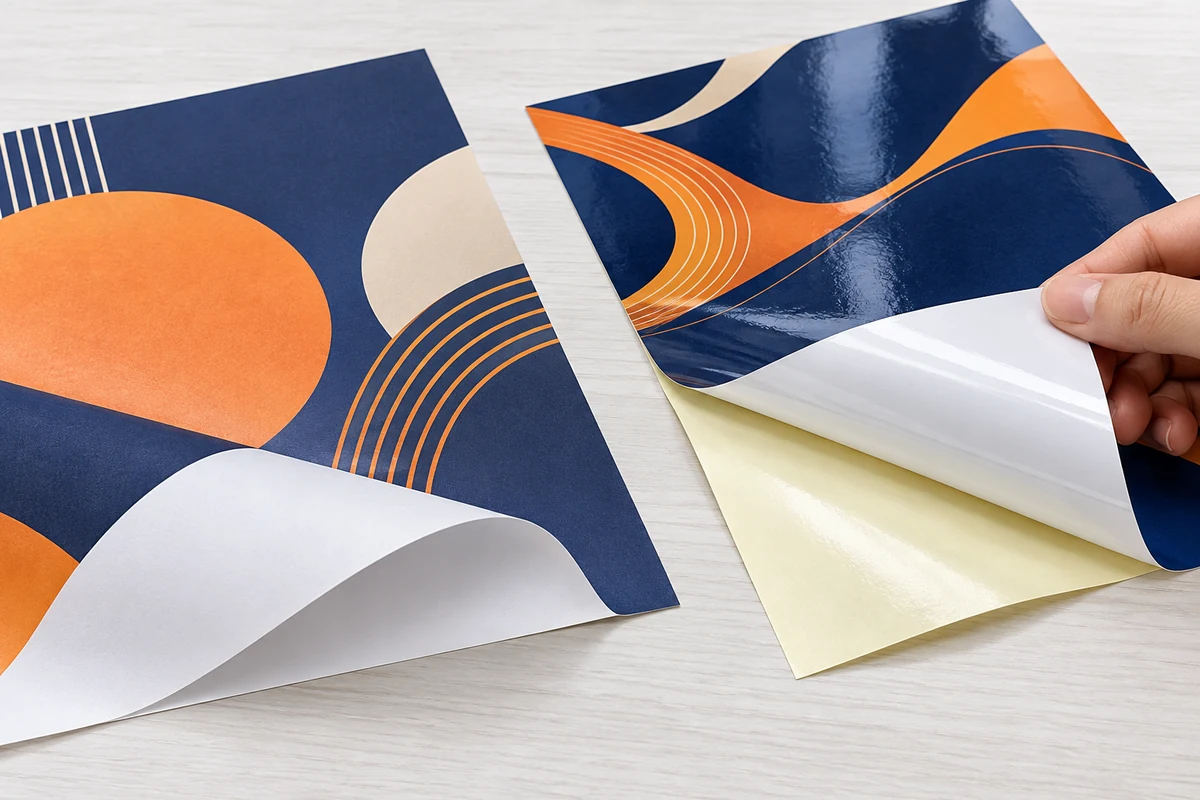
A full range of materials: Couche paper, Fort paper, Bristol, paper – plastic – clear decal, fine art paper.
Easy to order, quick to receive
Send files via Zalo – starting-price quotes within minutes – delivered across the bridge within hours or drop by the workshop to collect on the spot. Electronic VAT invoices for household businesses and companies.
Frequently asked questions about District 8 digital printing
Do I need to book in advance for District 8 digital printing?
Not necessarily – customers can send the file and receive the goods the same day. However, if you know in advance when you need the goods (an event, a meeting, an opening), send the file half a day early so the workshop can give it machine priority and be sure of making the time, especially for orders with lamination or binding.
Can I order printing without a design file?
Yes. The workshop's designers lay out the pages from a Word file, photos or the content you send via Zalo; business cards, leaflets and labels have ready-made templates, so setting up the file is very quick. The finished file is sent back for you to keep for the next print run.
How do payment and invoicing work?
Individual customers pay by bank transfer or cash on delivery. Business customers receive an electronic VAT invoice the same day; just send your invoicing details once and the workshop applies them automatically to later orders.
Order printing at In Quảng Cáo Q7
Does your business model need flexible printing by week or by batch? Digital printing was born for exactly that – message Zalo so the workshop can advise the most economical configuration.
In Quảng Cáo Q7 direct printing workshop – 49 Mai Van Vinh, Tan Hung Ward, Ho Chi Minh City. Production and delivery hours: Monday – Saturday, 8:00–12:00 and 13:00–18:00 · Consultation & orders via Zalo/hotline: Monday – Saturday 8:00–12:00 and 13:00–20:00, Sunday 14:00–19:00.
See more printing services on the In Quảng Cáo Q7 home page or contact us quickly via the contact page; you can also get directions to the workshop on Google Maps.
How digital printing works
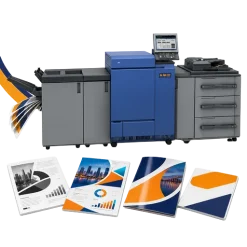
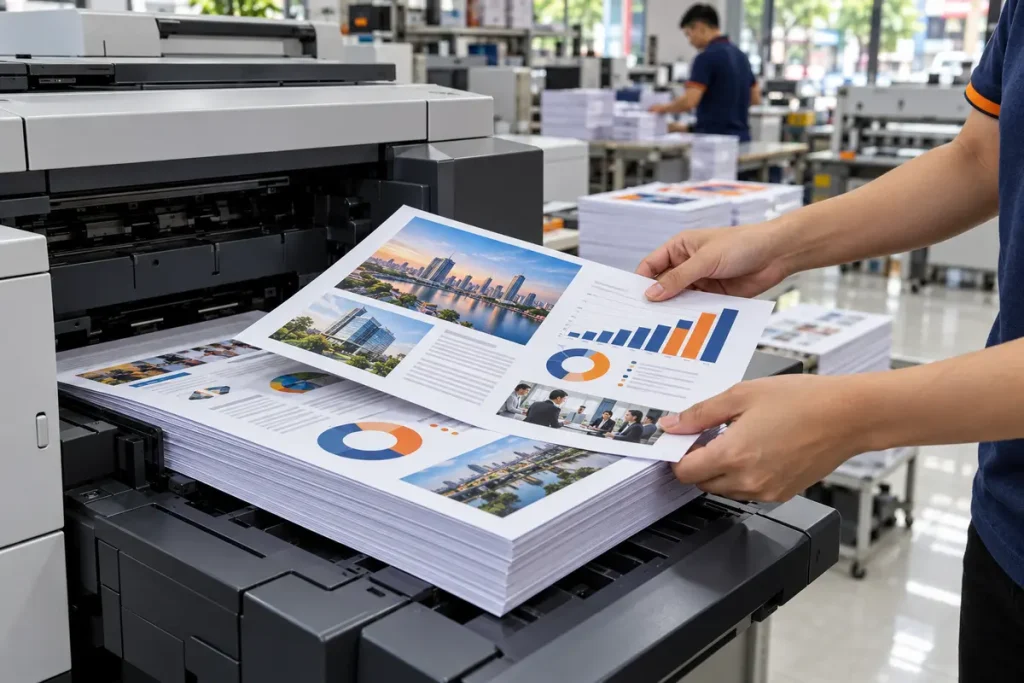
Digital printing sends the file straight from the computer to the printer, without the plate-making step of offset printing. Because plate-making is skipped, each copy can be different and any quantity can run. This is why this technology suits small orders and urgent orders.
| Stage | Digital printing | Offset printing |
|---|---|---|
| Preparing | Load the file, choose the paper | Make plates, set up the press |
| Time to start running | A few minutes | A few hours |
| Minimum quantity | 1 copy | A few hundred copies or more |
| Each copy different | Yes | No |
| Price per copy at large quantities | Drops slightly | Drops sharply |
The two technologies do not replace each other but complement each other. Orders under a few hundred copies run on digital printing; orders of a few thousand copies or more run on offset, with a clearly lower price per copy.
Quantity levels: when digital printing is cheaper
The crossover point between the two technologies lies at around a few hundred copies, depending on size and paper. Below that point, digital printing is cheaper because it does not carry plate-making costs. Above it, the plate cost is spread over many copies so offset wins.
| Item | Point for switching to offset |
|---|---|
| A5 flyer | About 1,000 sheets |
| Business cards | About 1,000 pieces |
| 16-page catalogue | About 300 books |
| Decal labels | About 2,000 pieces |
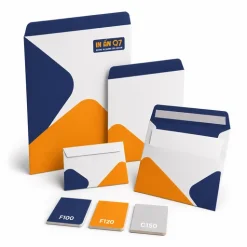
| Envelopes, letterheads | About 1,000 pieces |
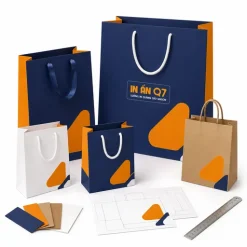
| Paper bags | About 500 pieces |
The points in the table are reference levels, not fixed, because they also depend on the number of colours and the level of finishing. When you send a specific quantity, the quote is calculated both ways in parallel for direct comparison.
Materials that run on digital presses
Not every material can go into a digital press, because the paper must withstand heat when the ink is dried and be flat enough for the machine to feed. The list below is the group that runs stably, enough for most items of small business customers.
- Couche paper from 100 to 300gsm, for flyers, catalogues, menus.
- Fort paper 70 to 120gsm, for documents, forms, notebooks.
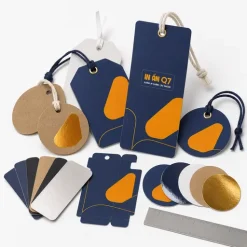
- Bristol and thick fine art paper, for business cards, cards, hang tags.
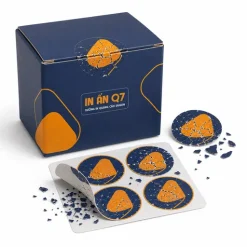
- Paper decal and plastic decal in sheets, for medium-quantity labels.
- Kraft paper, for paper bags and plain packaging.
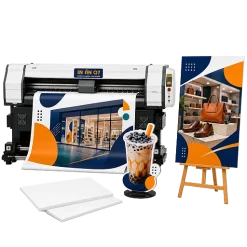
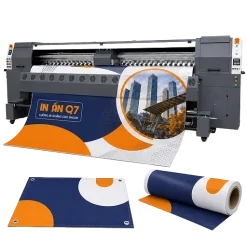
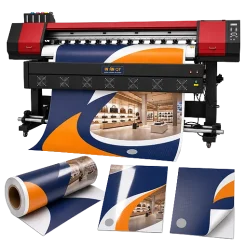
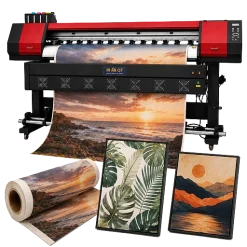
Materials outside the list such as Hiflex banner, Backlit Film or Canvas run on large-format printers – also digital machines but using different ink and print heads. When sending a request, just describe how it will be used; which machine can run it is handled at the workshop.
Related products
Fast Printing
Decal application

Leaflet / Brochure
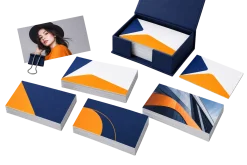
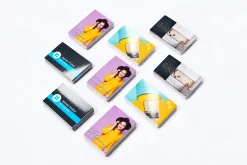
Business cards
Print sizes and margins
Standard-format digital presses run up to extended A3, so larger items are tiled from several pieces or moved to a large-format machine. Margins are a detail often overlooked, leading to prints with text cut off near the edge.
| Finished size | How it runs | Margin on each side |
|---|---|---|
| A6 to A4 | Several pieces imposed on one sheet | 3mm |
| A3 | One piece per sheet | 3mm |
| Square or unusual sizes | Imposed then die-cut to the die | 3mm |
| Sizes larger than A3 | Large-format printer | 5mm |
| Die-cut labels | Imposed according to the cutting die | 2mm |
For items with a colour background running to the edge, the background is extended past the cut line. Without this step, prints often show a thin, uneven white border on one or two edges.
Colour limits of digital printing
Digital printing reproduces common images and colour backgrounds well, but a few colour groups are hard to match perfectly. Knowing this limit in advance helps settle expectations from the proof print, instead of comparing colours with the screen and finding them different.
- Special spot colours by Pantone code are only close, not exact matches.
- Orange, dark green and purple often shift slightly compared with the screen.
- Large black areas easily show sheen and streaks if the paper is not laminated.
- Metallic gold and silver cannot be printed with regular ink and need foil stamping.
- Two print runs far apart in time may differ slightly due to different paper lots.
The solution is to print a proof on the exact material and use that as the standard sample for later runs. The standard sample is kept at the workshop for press setup, so later runs come out closest to the approved run.
Post-print finishing for digital printing orders
A print coming off the machine is not yet a finished product. Finishing decides how long an item lasts and whether it looks solid. For small-quantity digital printing orders, finishing often takes more time than the printing itself.
| Step | Used for | Extra time |
|---|---|---|
| Glossy lamination | Menus, catalogue covers, hang tags | Half a day |
| Matte lamination | Business cards, brochures, indoor posters | Half a day |
| Rounded corners | Menus, cards, vouchers | A few hours |
| Die-cutting to the die | Labels, paper boxes, unusual shapes | 1 to 2 days |
| Folding, stapling | Folded leaflets, thin documents | A few hours |
| Perfect binding, thread sewing | Catalogues, books | 1 to 2 days |
| Foil stamping | Cards, premium covers | 2 days |
When asking about time for a digital printing order, ask about finishing too. Printing may be done in the morning, but waiting for lamination and die-cutting means the goods still come out the next day.
Preparing files for digital printing
Correct files are what let a digital printing order run right away without rework. The five items below can be checked in a few minutes before sending, and missing any of them leads to a round of back-and-forth corrections.
- Export to PDF, embed fonts or convert text to outlines.
- Use CMYK colour mode, not RGB.
- Images in the file at 300dpi for A4 and smaller.
- Leave 3mm bleed and extend colour backgrounds past the trim line.
- Set the correct finished size; do not send an A4 file for an A5 item.
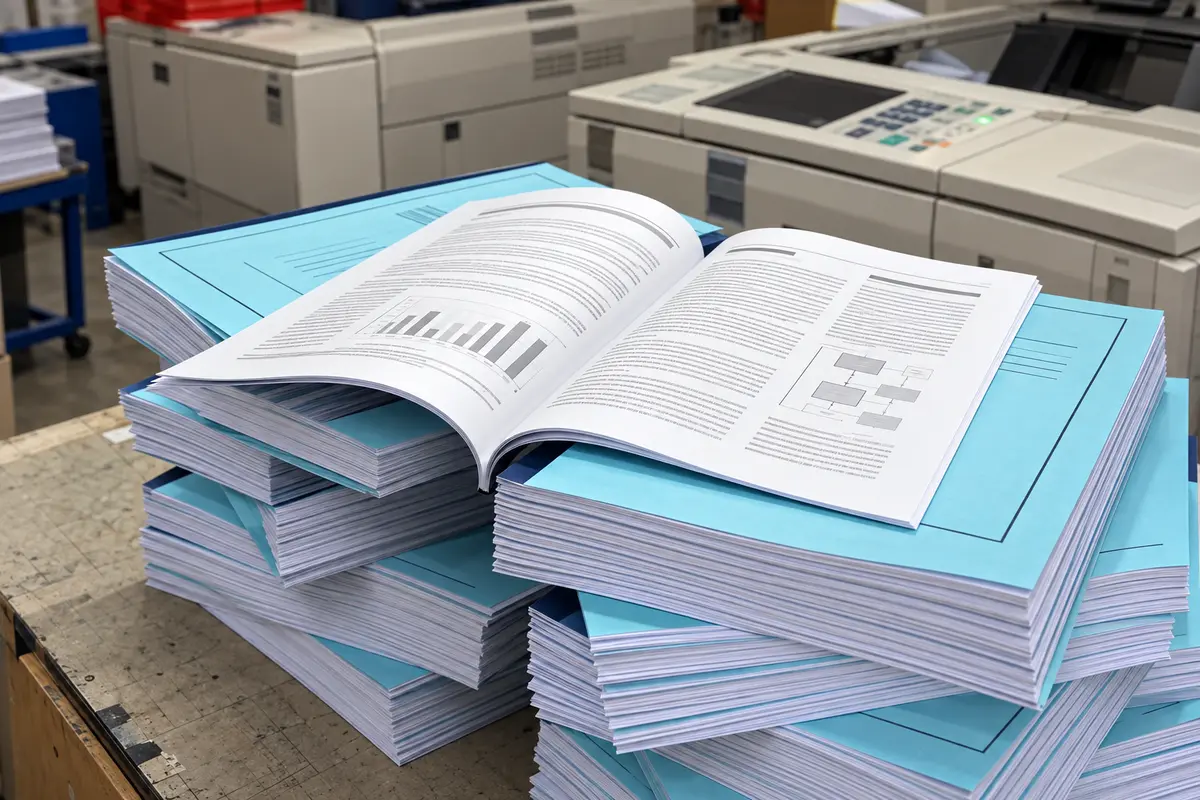
Customers without a design file send the text content and logo; the layout is done at the workshop and then a preview is sent. This step is not charged separately for common items.
Items District 8 customers order most
District 8 has many household businesses, warehouses and small production facilities along Pham The Hien, Ta Quang Buu and Duong Ba Trac. The most-ordered items lean towards sales support and warehouse management, unlike the office group in the central area.
- Product labels and carton labels, printed by production batch.
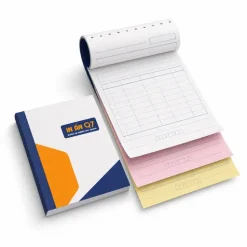
- Bound delivery notes and receipts with sequential numbering.
- Stock cards and asset tags stuck on shelves and equipment.
- A5 flyers distributed around residential areas, printed in batches.
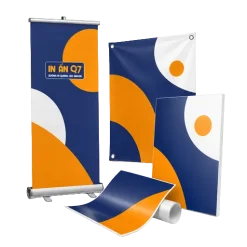
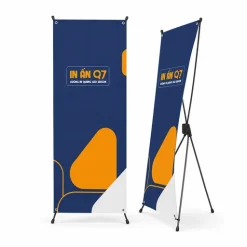
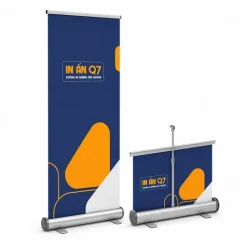
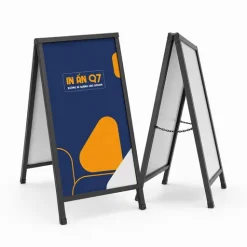
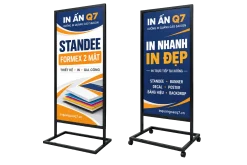
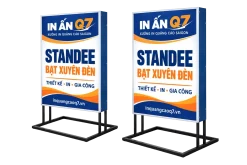
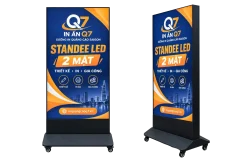
- Standees and hanging banners for shop promotions.
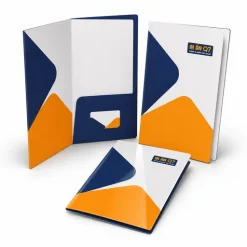
- Business cards and file folders for sales teams meeting clients.
Most of the items above run on digital printing because each batch is not large and content changes monthly. Items used steadily all year switch to offset once enough quantity is pooled.
Delivery from the workshop to District 8
Workshop at 49 Mai Van Vinh, Tan Hung Ward, Ho Chi Minh City, from here to District 8 goes via Nguyen Van Cu Bridge or Chanh Hung Bridge depending on the destination. The delivery route runs every day, so small goods ordered in the morning arrive within the day, with no need for customers to come over themselves.
| District 8 area | Route | Delivery time |
|---|---|---|
| Pham The Hien, Ta Quang Buu | Via Chanh Hung Bridge | Same day |
| Duong Ba Trac, Nguyen Thi Tan | Via Nguyen Van Cu Bridge | Same day |
| Binh Dong, Ben Binh Dong | Via Cha Va Bridge | Same day |
| Binh Hung area bordering District 7 | Nguyen Van Linh Street | Same day |
| Area bordering Binh Chanh | Via National Highway 50 | Same day to 1 day |
Large-format goods such as standees and Formex boards are delivered by small truck, with times arranged in advance because some routes in District 8 have narrow sections. Small goods go by motorbike and can be delivered at any working hour.
Common errors in first-time digital printing orders
Most reprints of digital printing orders come from the six errors below, and all six can be spotted right on the proof print. First-time customers should go through this list before confirming the full quantity, because fixing at this step takes only a few minutes.
| Mistake | Sign to recognise | How to avoid it |
|---|---|---|
| RGB file | Printed colour noticeably paler than the screen | Export the file in CMYK |
| Low-resolution images | Images look grainy up close | Use 300dpi images for small sizes |
| No bleed margin | Thin white border at the edge | Extend the background 3mm past the cut line |
| Text close to the edge | Part of the text lost after cutting | Keep text 5mm from the edge |
| Fonts not embedded | Text switches font on another computer | Convert text to outlines |
| Wrong finished size | Print shrunk or enlarged | State the size clearly when ordering |
The proof print of a digital printing order is always printed on the chosen material, not on ordinary paper, so customers see the exact colour and gloss of the finished product. For items with finishing, the sample is also laminated or one piece is test die-cut.
- Samples are delivered to the customer's address; no need to come to the workshop to see them.
- Confirm the sample by message and the remaining quantity runs next.
- The approved sample is kept as the standard for later digital printing runs.
This approach takes an extra half day on the first run but removes the risk of reprinting the whole batch. From the second run, sample approval is no longer needed if the content and material stay the same.
Ordering digital printing for the District 8 area
District 8 customers send requests via Zalo with three pieces of information: item, quantity and the date the goods are needed. Quotes come back during working hours, including prices for both digital and offset printing if the quantity is near the switching point.
- Step 1: send the file or text content with the logo.
- Step 2: receive a quotation by material and finishing level.
- Step 3: approve the preview, receive a proof print for items needing colour matching.
- Step 4: receive the goods at the shop or warehouse with complete documents.
Large-quantity documents from 1.000đ per copy. Returning customers have the files and specifications of each run saved; next time just message the item name and quantity.
Need printing or signage in Ho Chi Minh City?
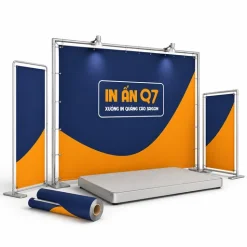
In Quảng Cáo Q7 runs its own print workshop in Tân Hưng Ward (former District 7), Ho Chi Minh City, producing and installing signage, banners, window graphics, exhibition booths and event displays. Send us the size, material, quantity and a photo on WhatsApp and we will get back to you.

Phone: +84 866 511 099 · Also on WeChat
Workshop: 49 Mai Văn Vĩnh, Tân Hưng Ward, Ho Chi Minh City