


Choosing the size and base for tabletop standees
Sep
Choosing the Size and Base for a Desktop Standee
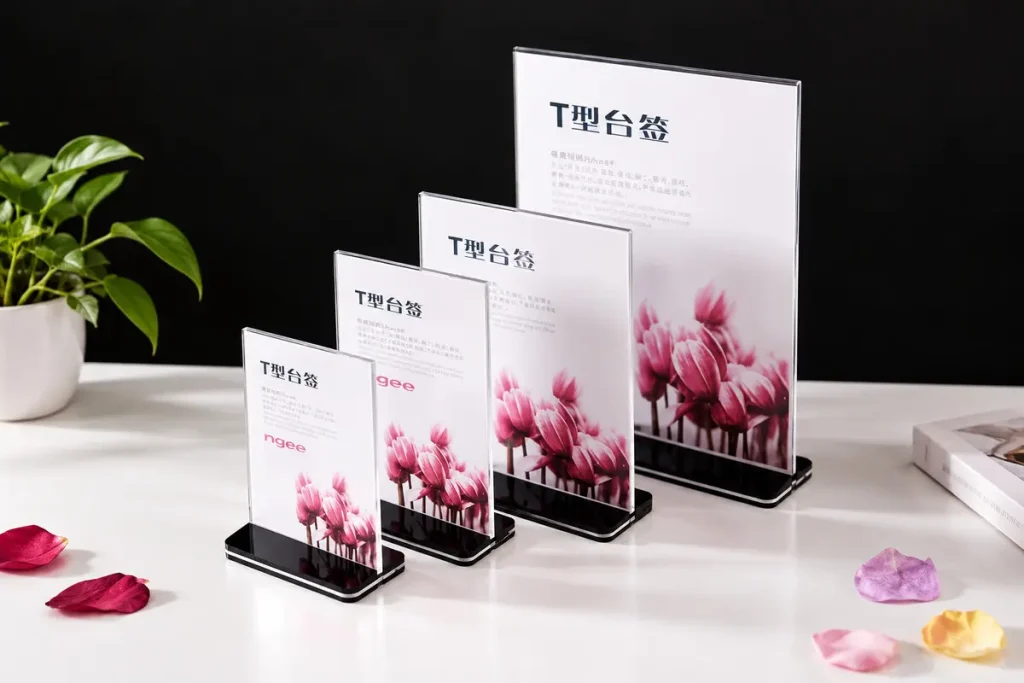
The desktop standee is the cheapest item among point-of-sale advertising materials, so it is often ordered out of habit: always A5, always a T-shaped acrylic (Mica) base. But the three sizes A6 – A5 – A4 hold very different amounts of information, and the three base types give different stability. This article helps you settle those two things before designing.
Three sizes and how much information each holds
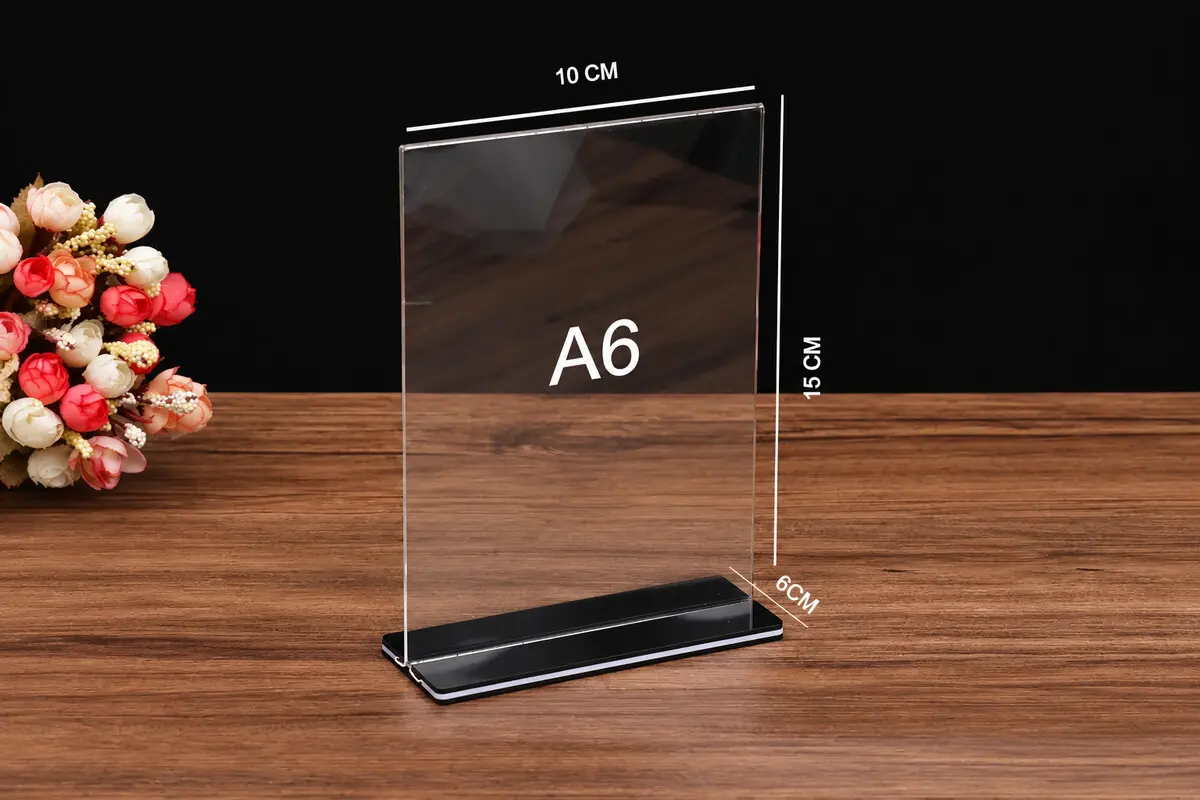
A6 (10 × 15cm) takes up as much space as a glass of water and holds one-line content: a table number, a payment QR code, a line of instructions, the price of one dish. The advantage is that several can sit on the same counter without looking cluttered.
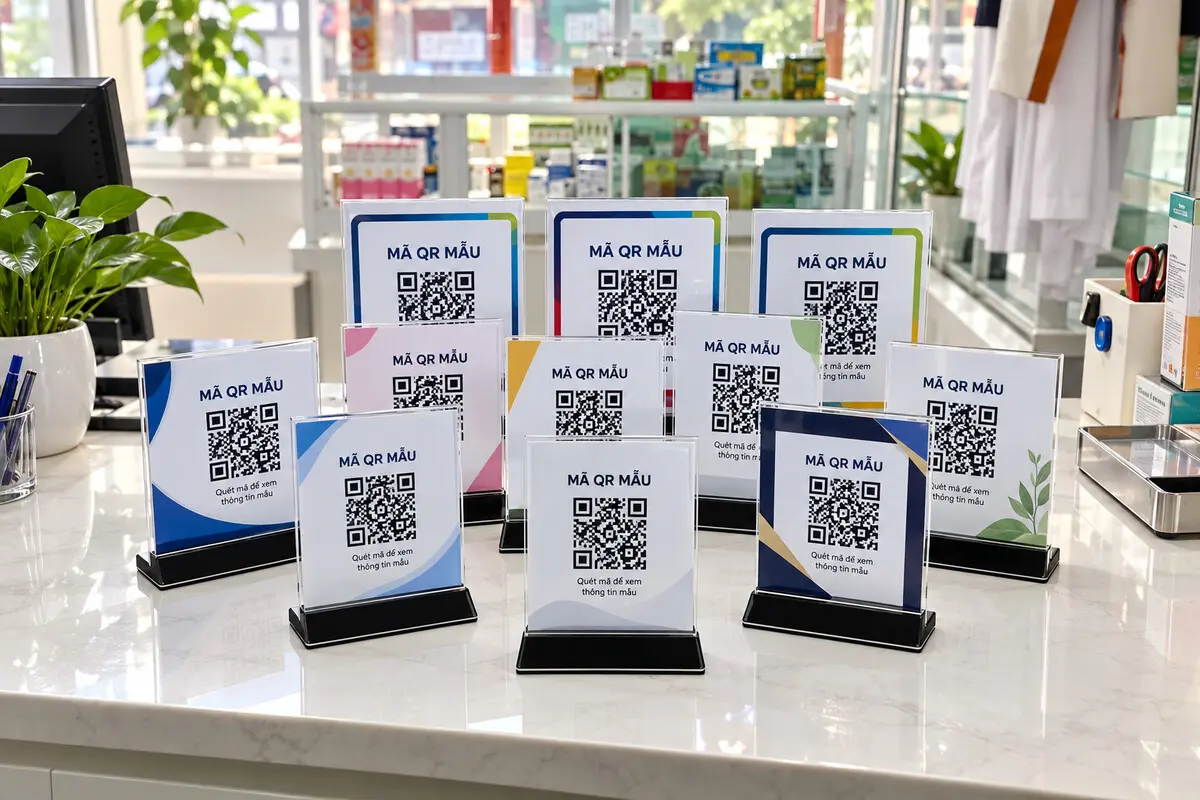
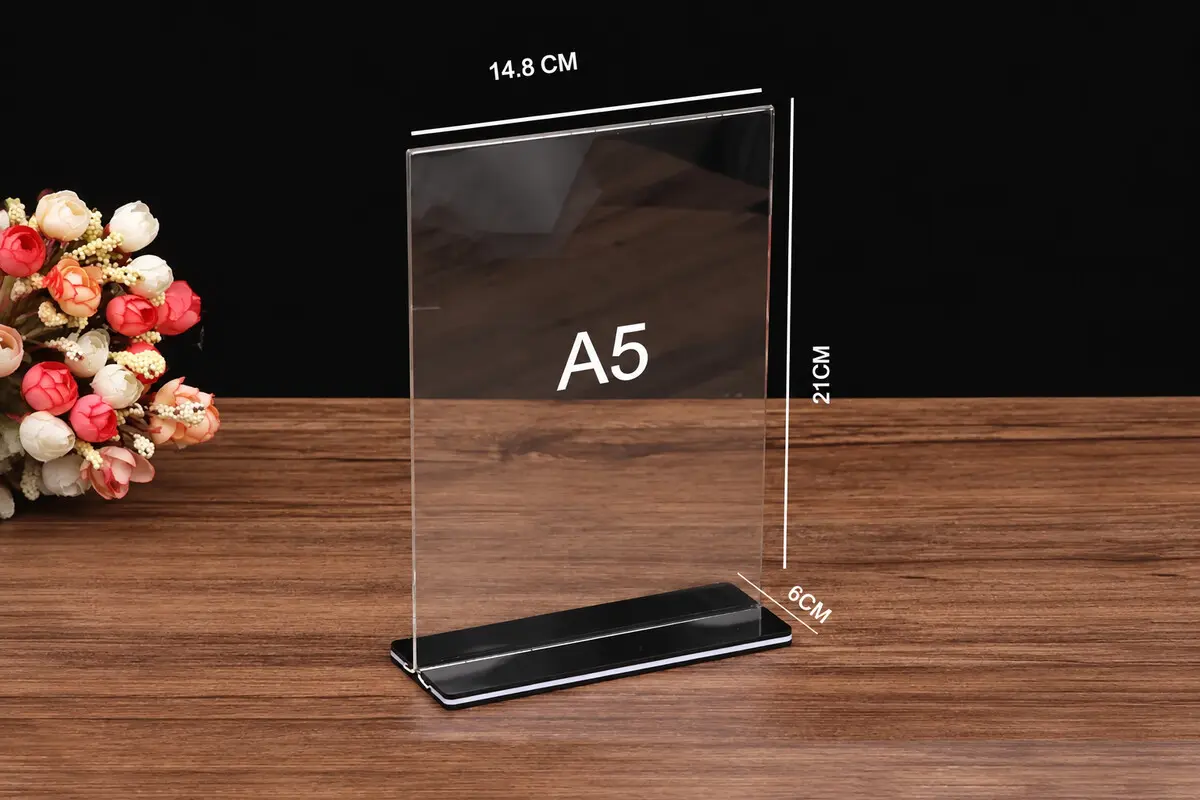
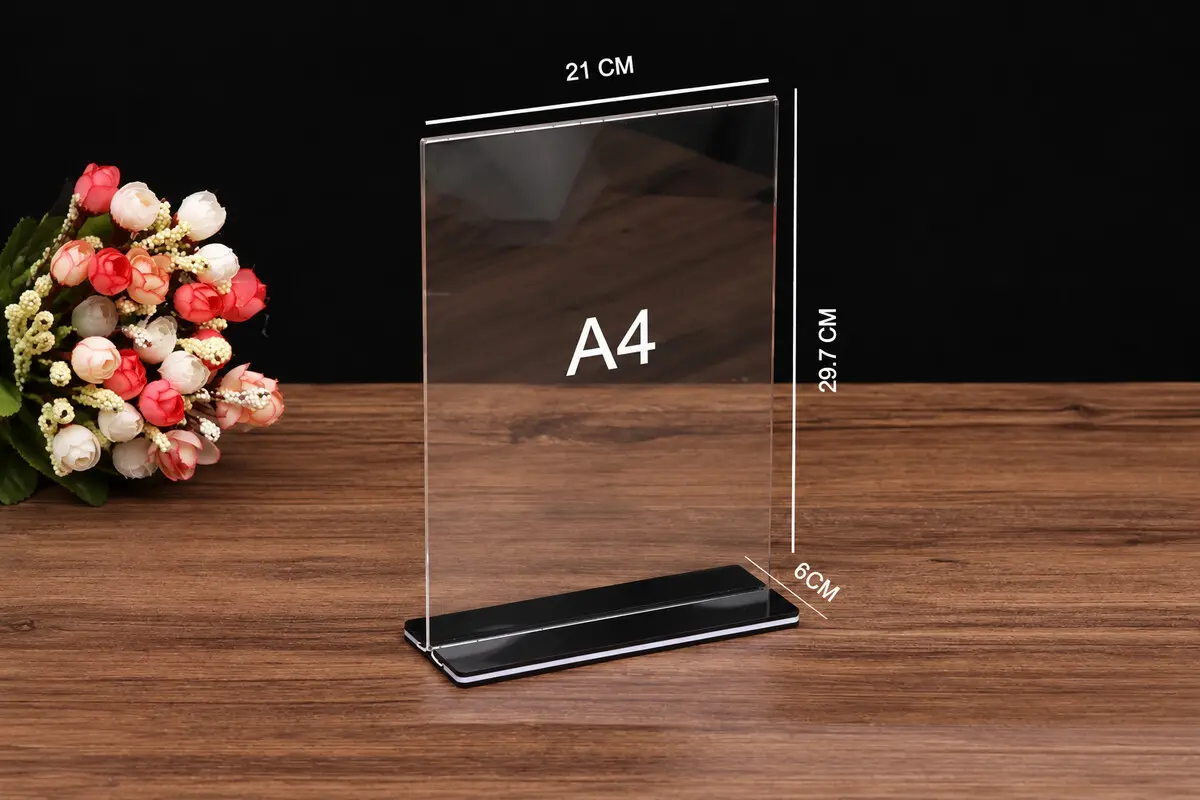
A5 (14.8 × 21cm) is the most common size – enough for a promotion with a headline, a few lines of conditions and a QR code. A4 (21 × 29.7cm) is used when the content has many lines: a full menu, rules board, multi-item notices. Because it is large, it should be placed at the reception desk or the end of the bar, not in the middle of a dining table.
Three base types
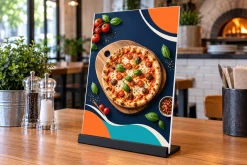
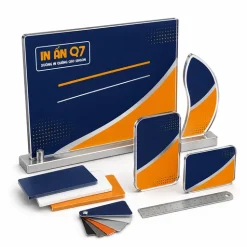
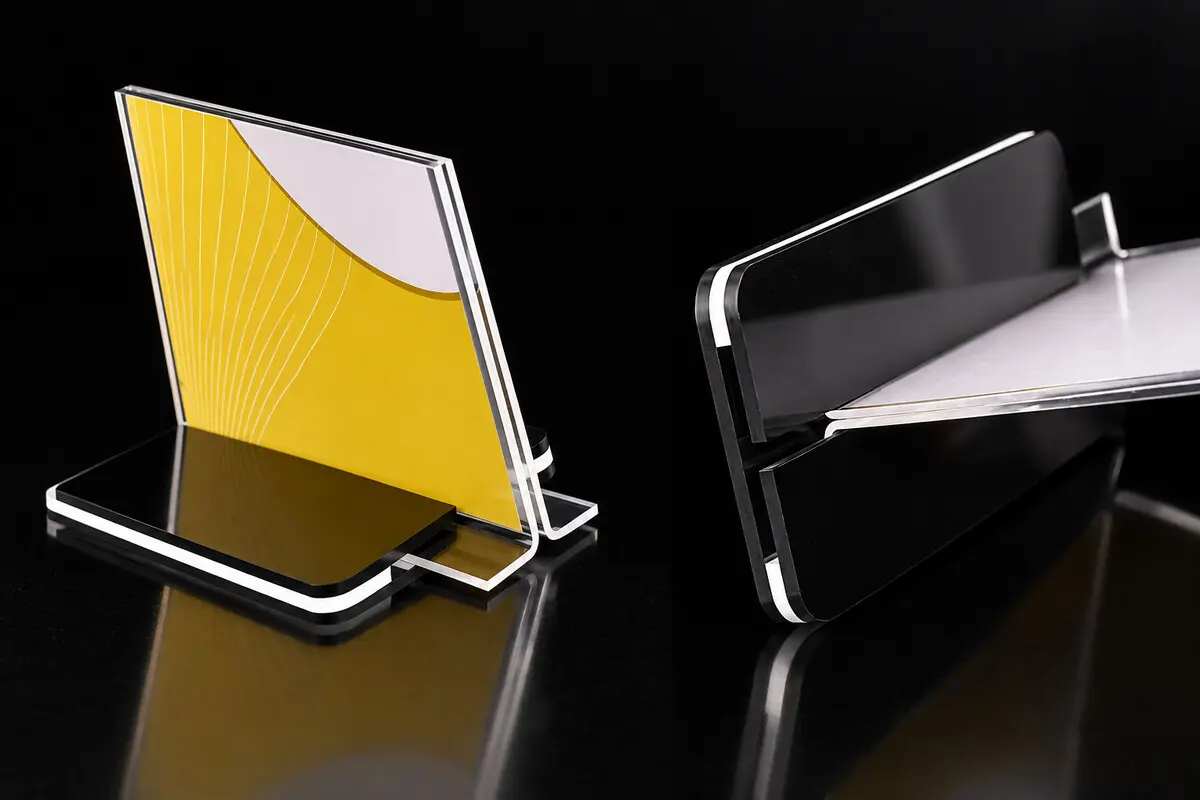
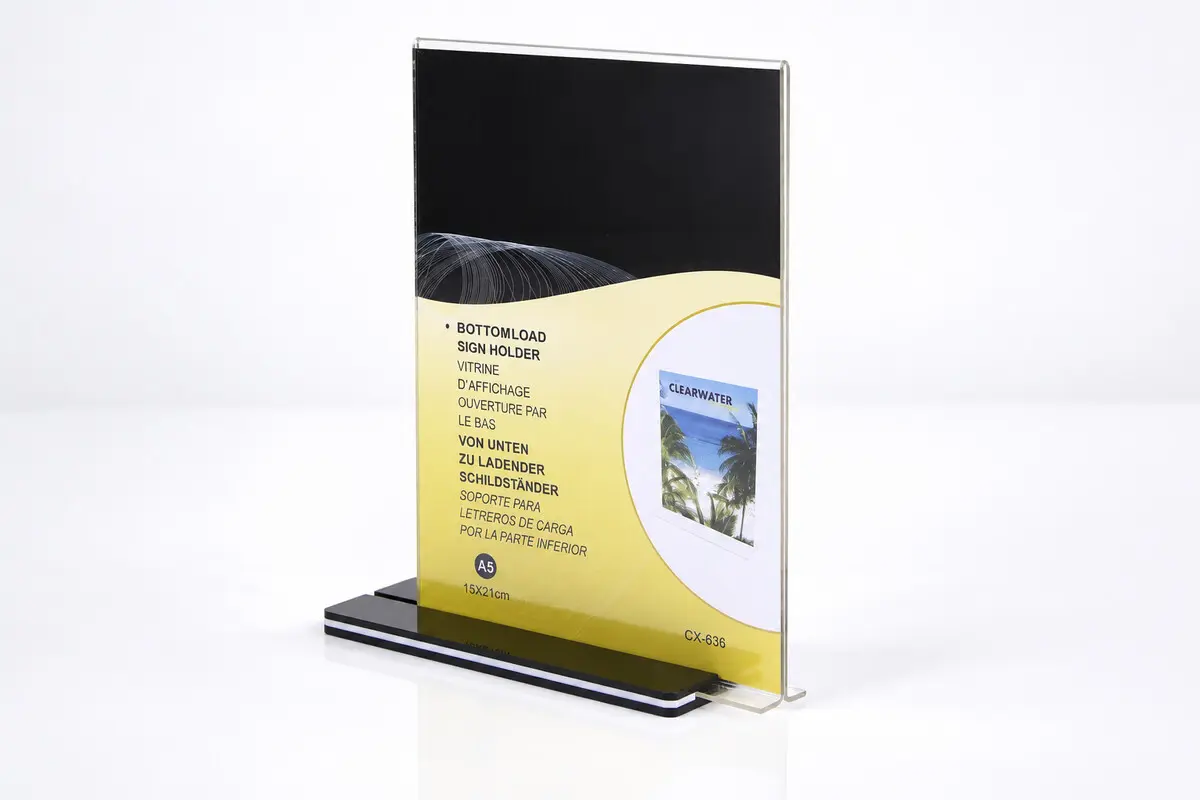
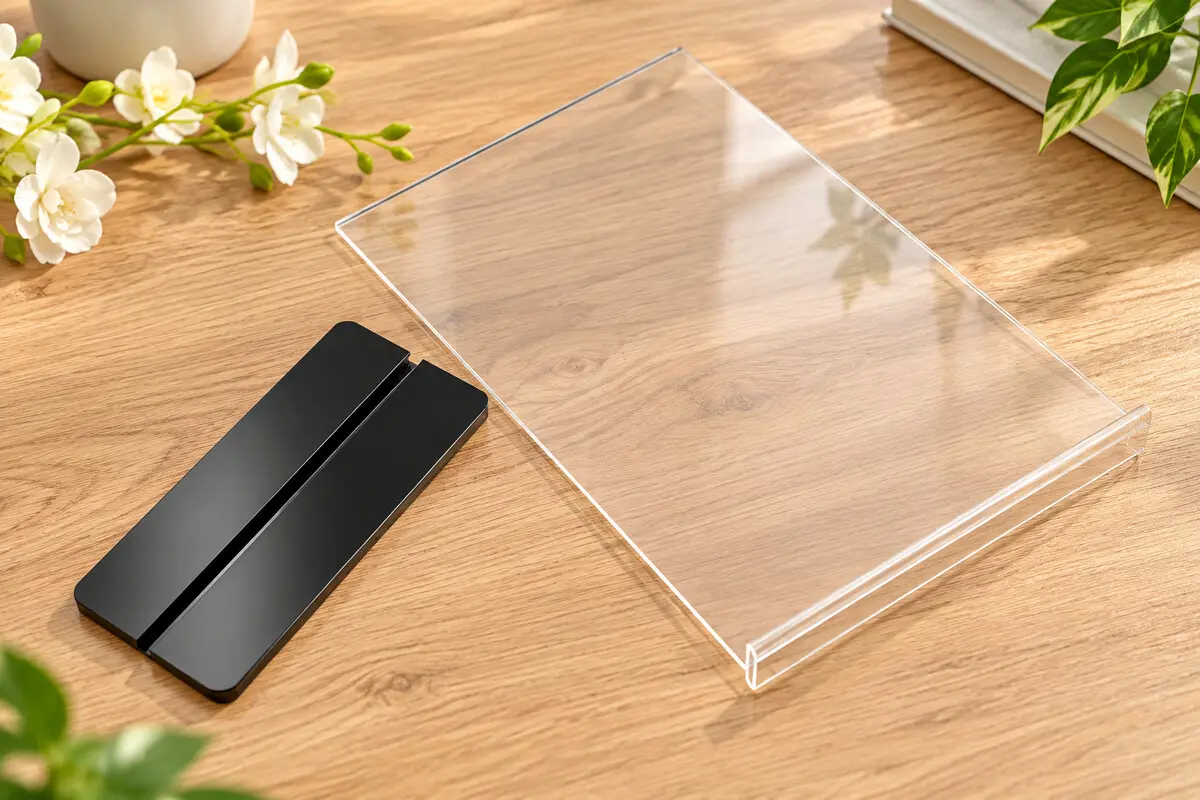
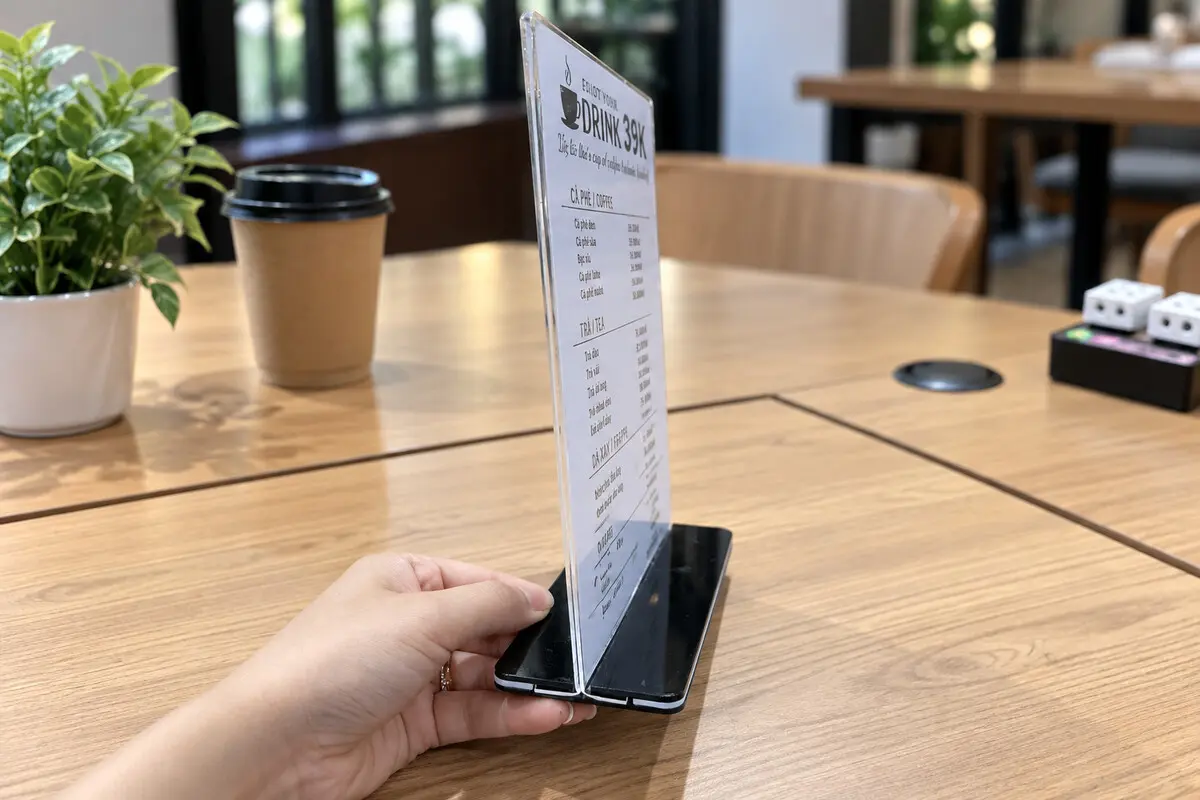
T-shaped the most common: a clear acrylic (Mica) sheet fixed perpendicular to a long horizontal base, with the print slid into the slot between two acrylic layers. The base is about 6cm high and heavy enough not to fall over when someone brushes past.
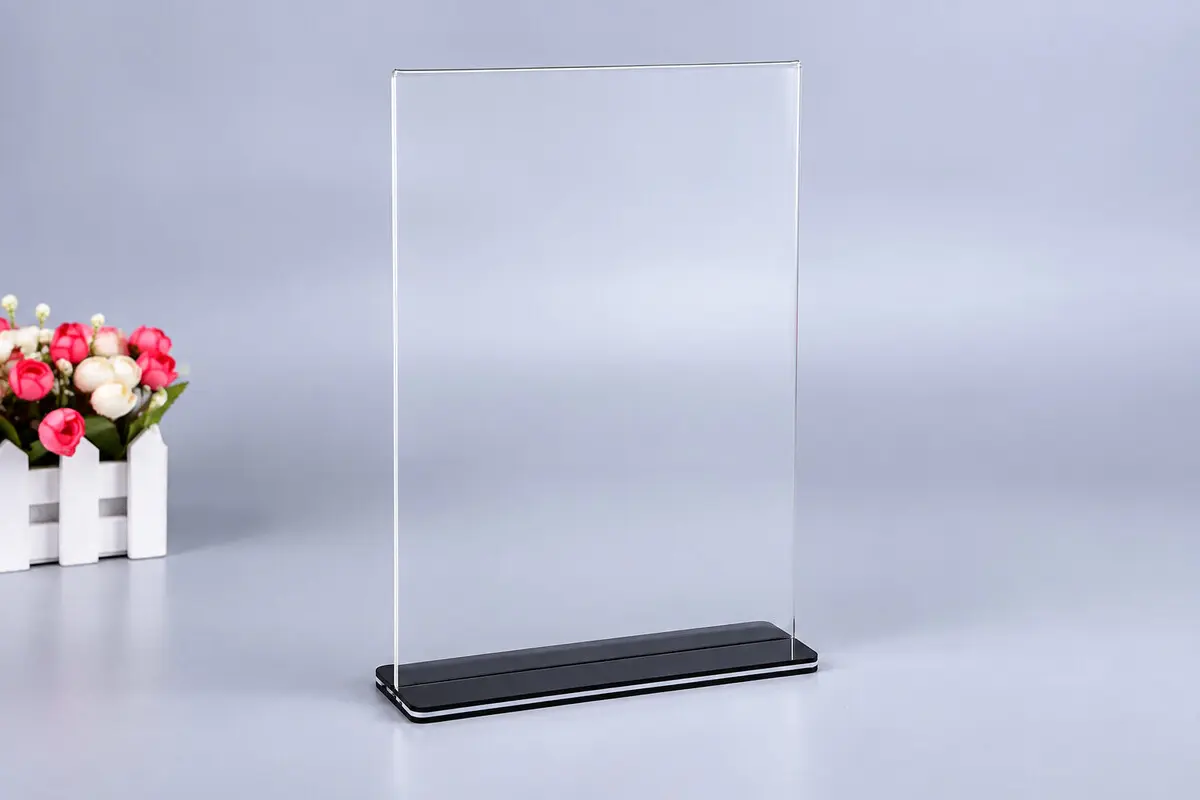
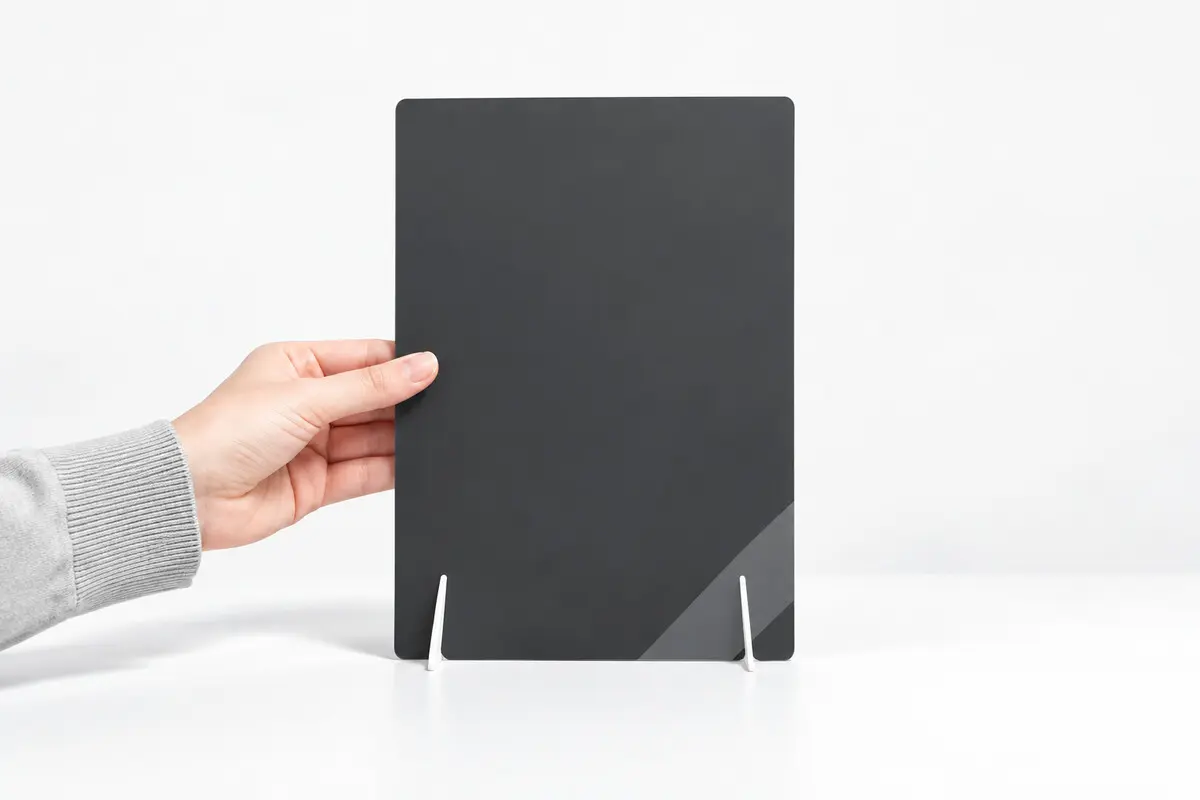
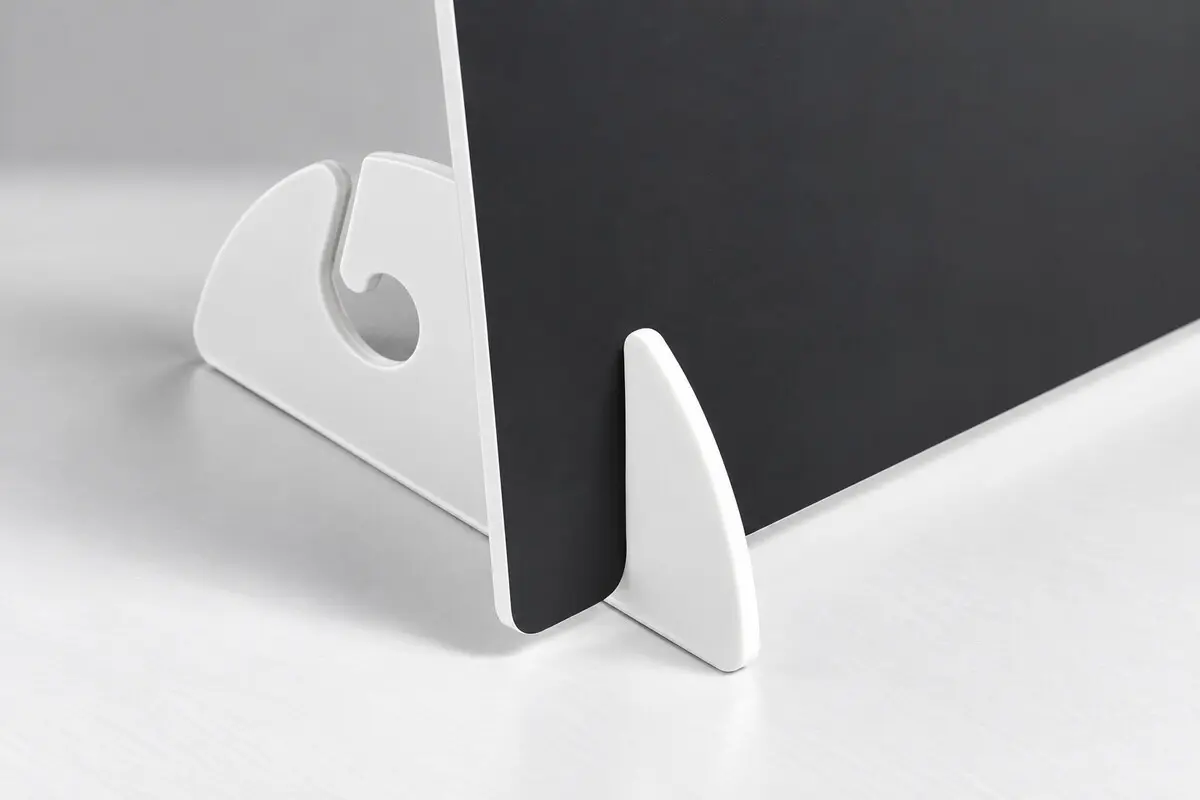
Separate support feet are two small plastic pieces clipped onto the bottom edge of the print – light, compact and cheaper, but less stable, so suited to places with few knocks. Slide-in base has grooves on both sides, with the print slid in from the top; it holds more firmly and does not shift when the table is wiped.
Why desktop standees are always printed double-sided
The clear acrylic (Mica) base leaves both sides visible, so people sitting opposite can also see the print. If only one side is printed, half the people around the table will be looking at blank white paper. Both sides can carry the same content, or the back can be used for different content: menu on the front – QR code on the back; promotion on the front – how to take part on the back.
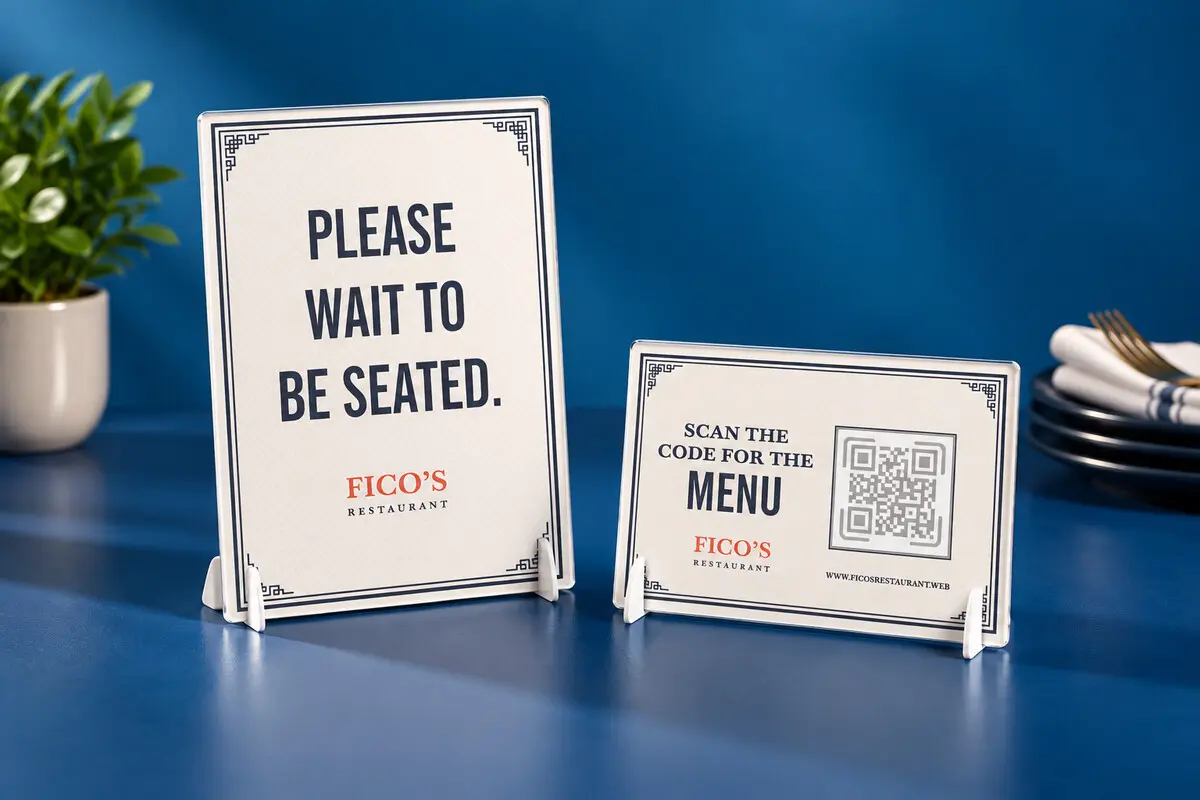
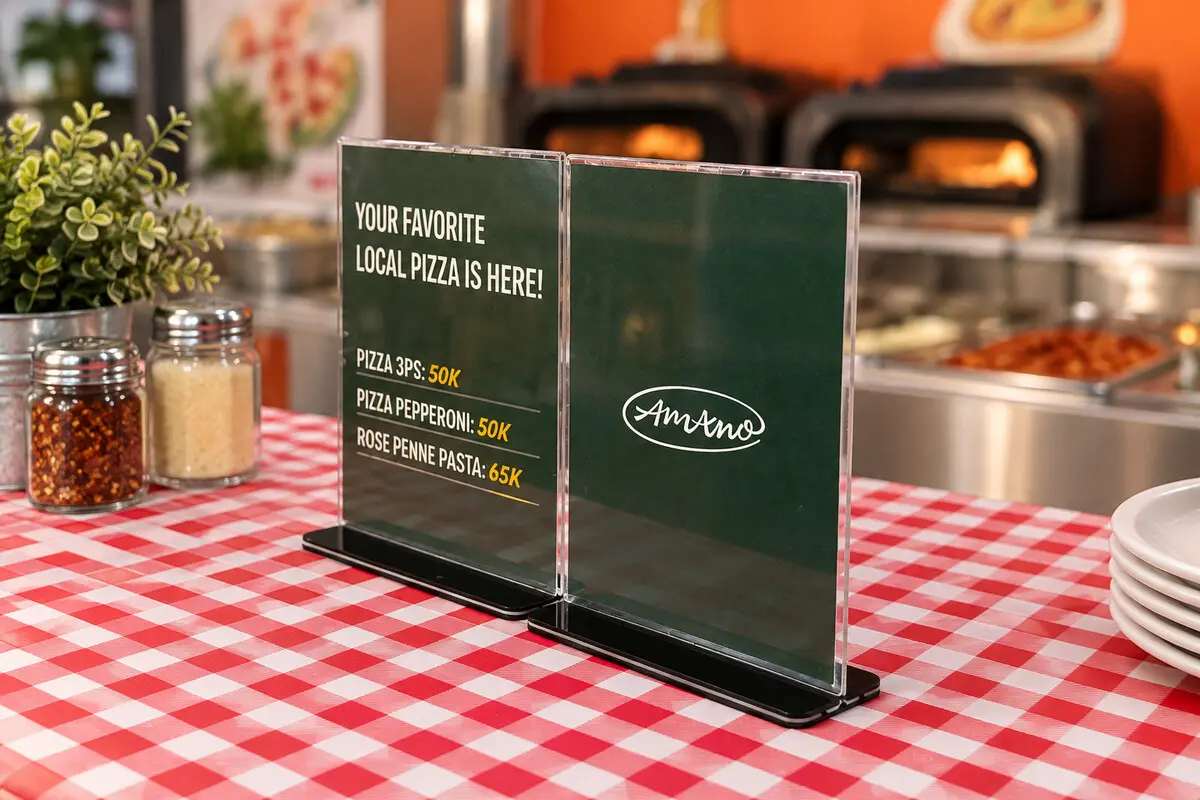
As for paper, C200 is 200 gsm Couche – about twice as thick as office printing paper, stiff enough to stand straight in the base slot without bending, and the Couche surface gives vivid, sharp colours.
Two things often forgotten when receiving goods
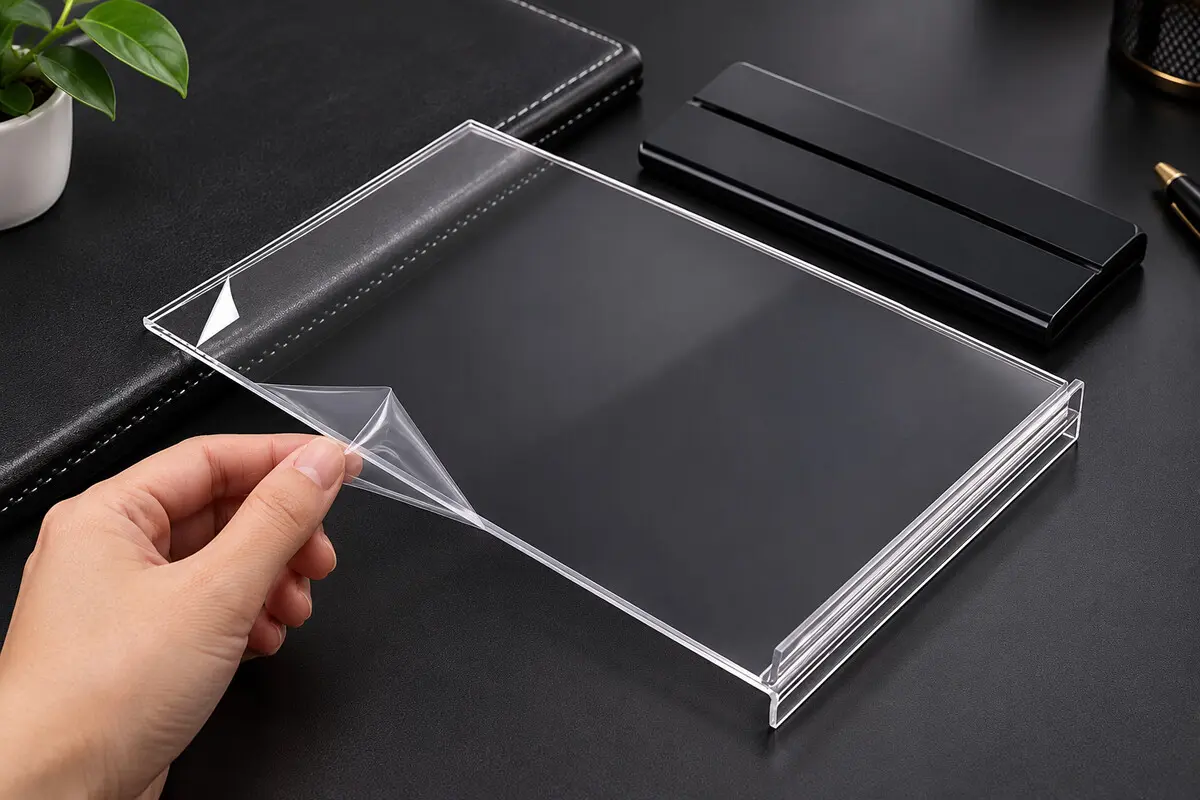
One: new acrylic (Mica) sheets always have a protective plastic film on both sides. If it is not peeled off, the acrylic looks cloudy and scratched, and many people think the goods are faulty. Two: when designing, the bottom edge of about 1cm sits inside the base slot and will be hidden – do not place text there.
Four common content groups
Menus and price lists at restaurants and cafés. Promotions at salons, spas and retail shops. QR code for payment, viewing the online menu or following the fanpage. Notices and rules at hotel receptions, offices and clinics.
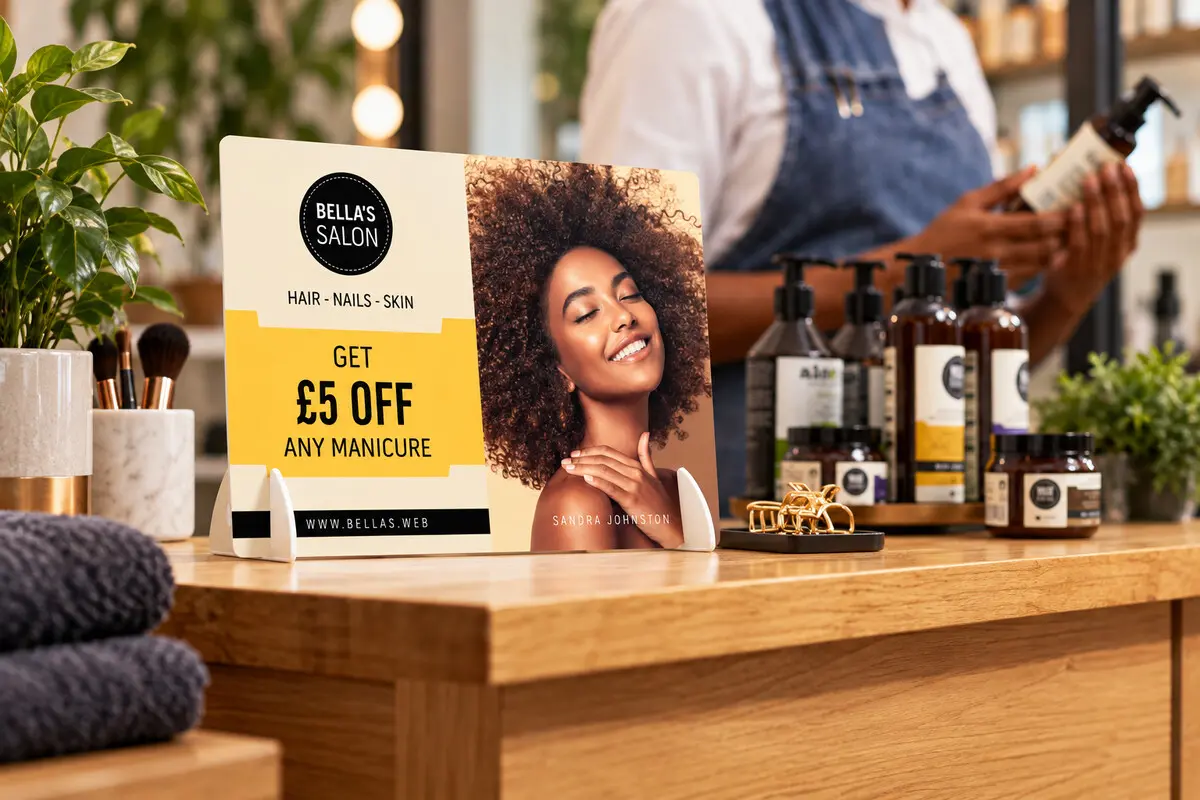
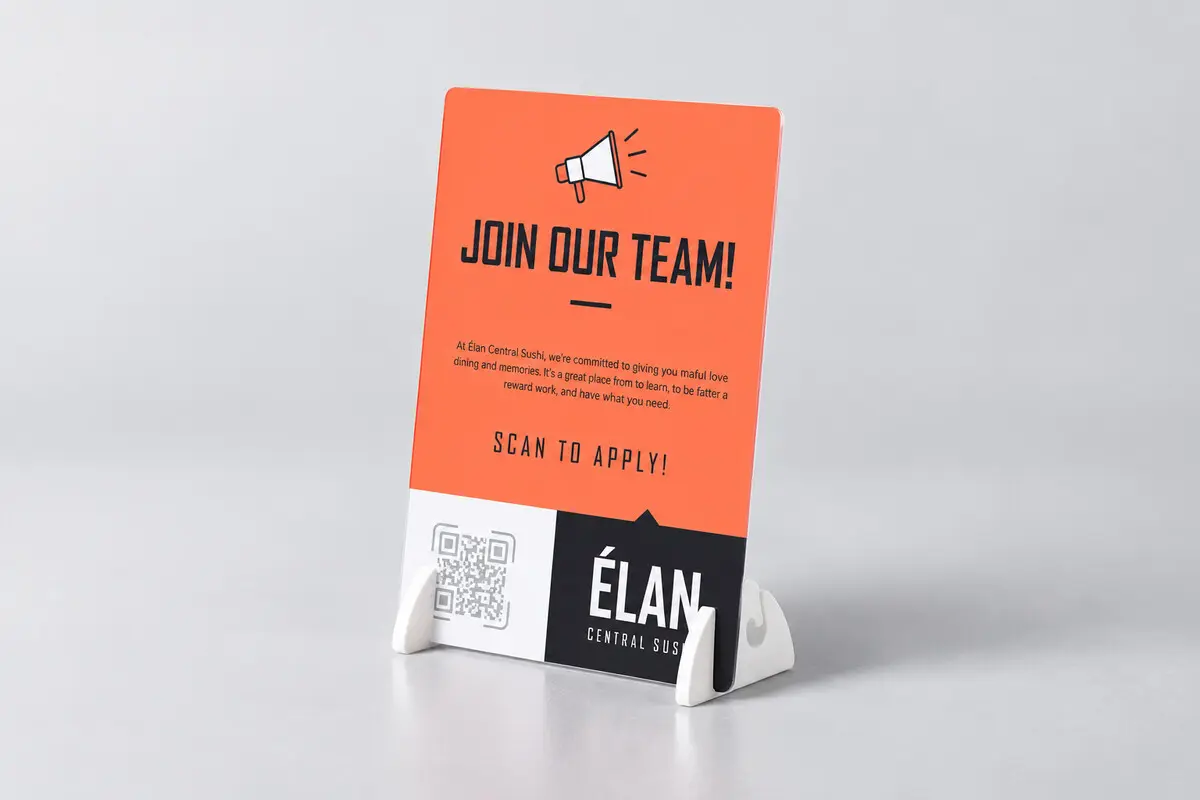
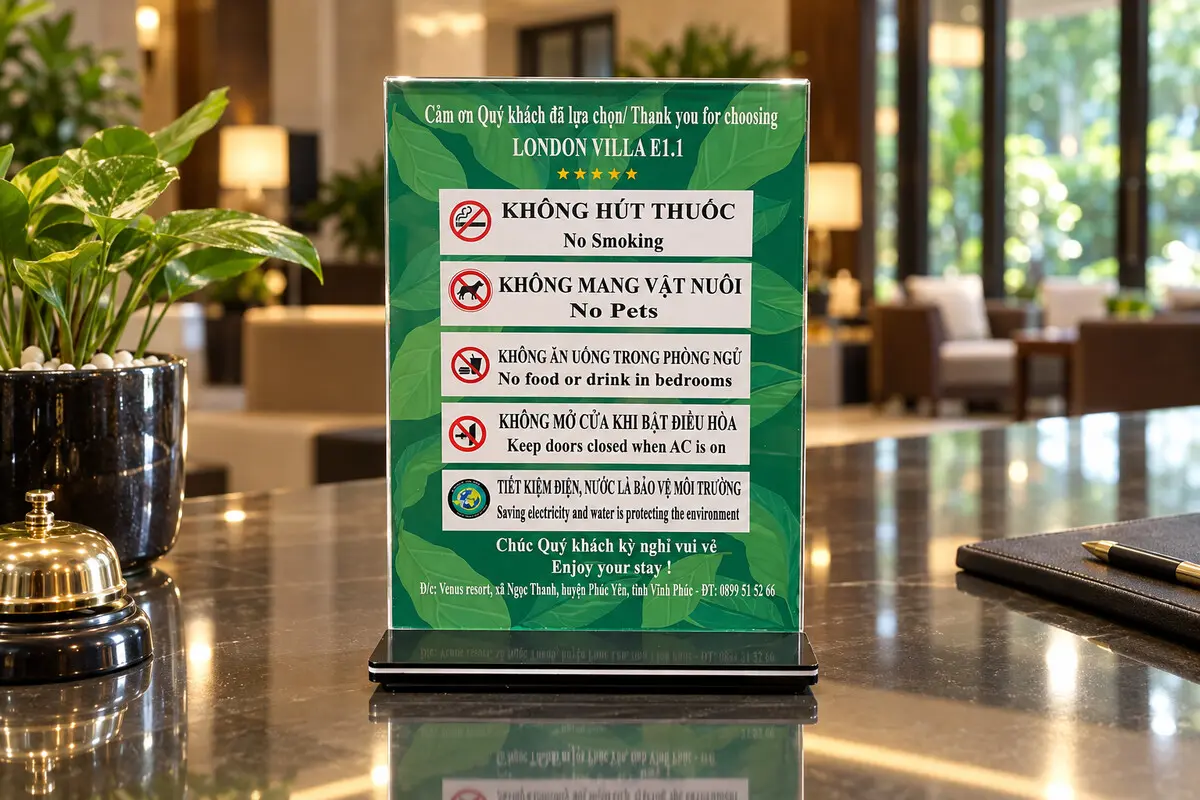
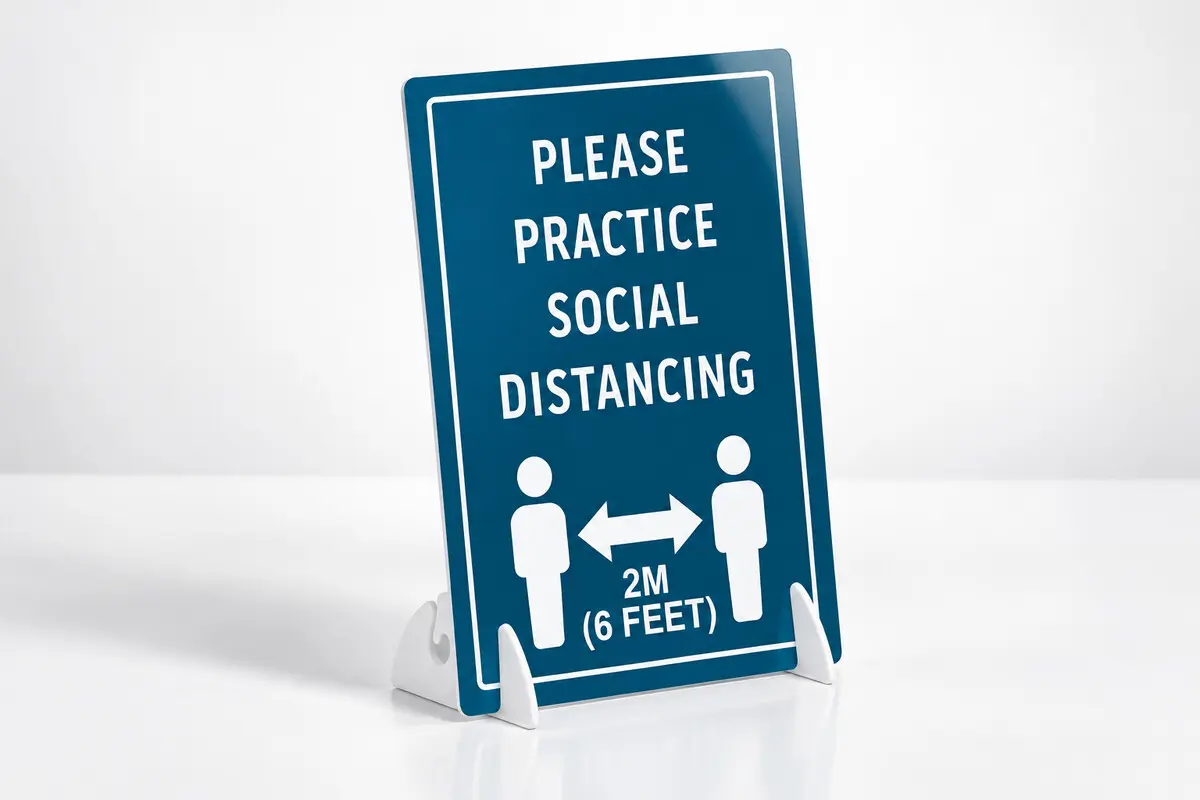
What all four groups have in common is that the content changes monthly, while the base lasts for many years. So after buying the full set the first time, later batches only need new print sheets – pull out the old sheet and slide in the new one, which takes about five seconds.
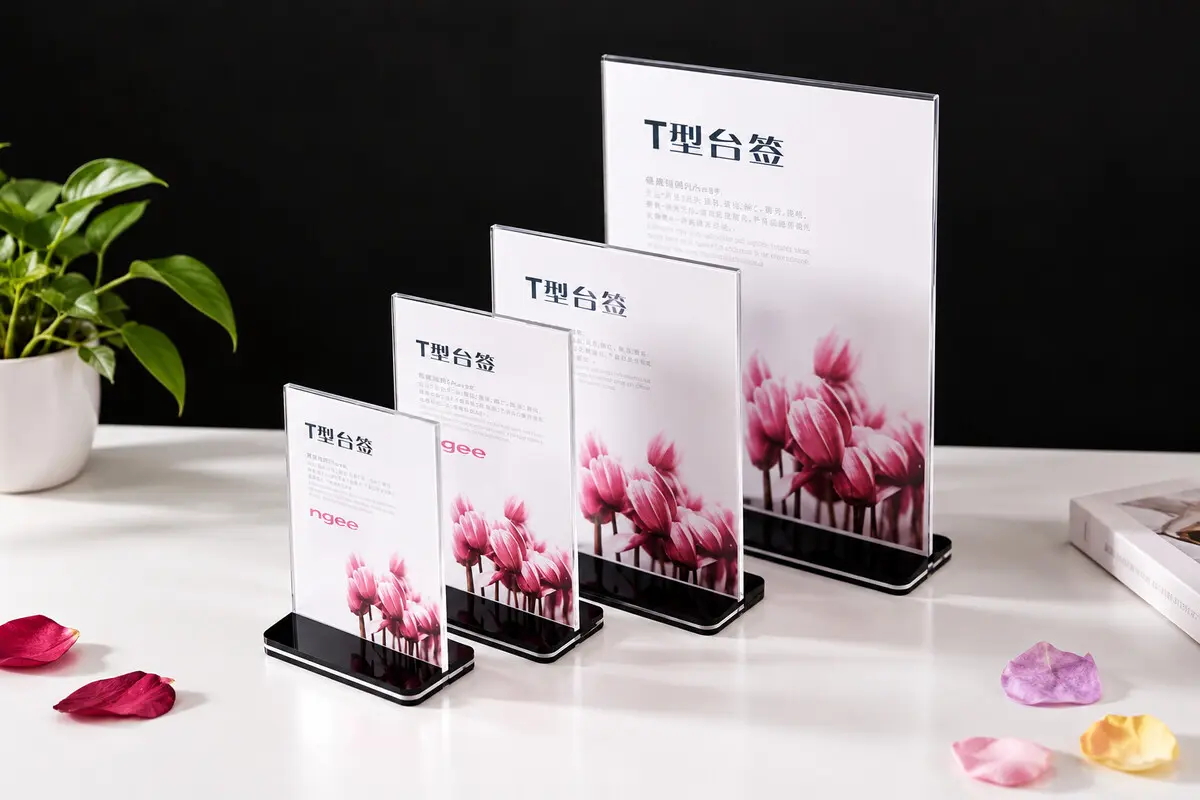
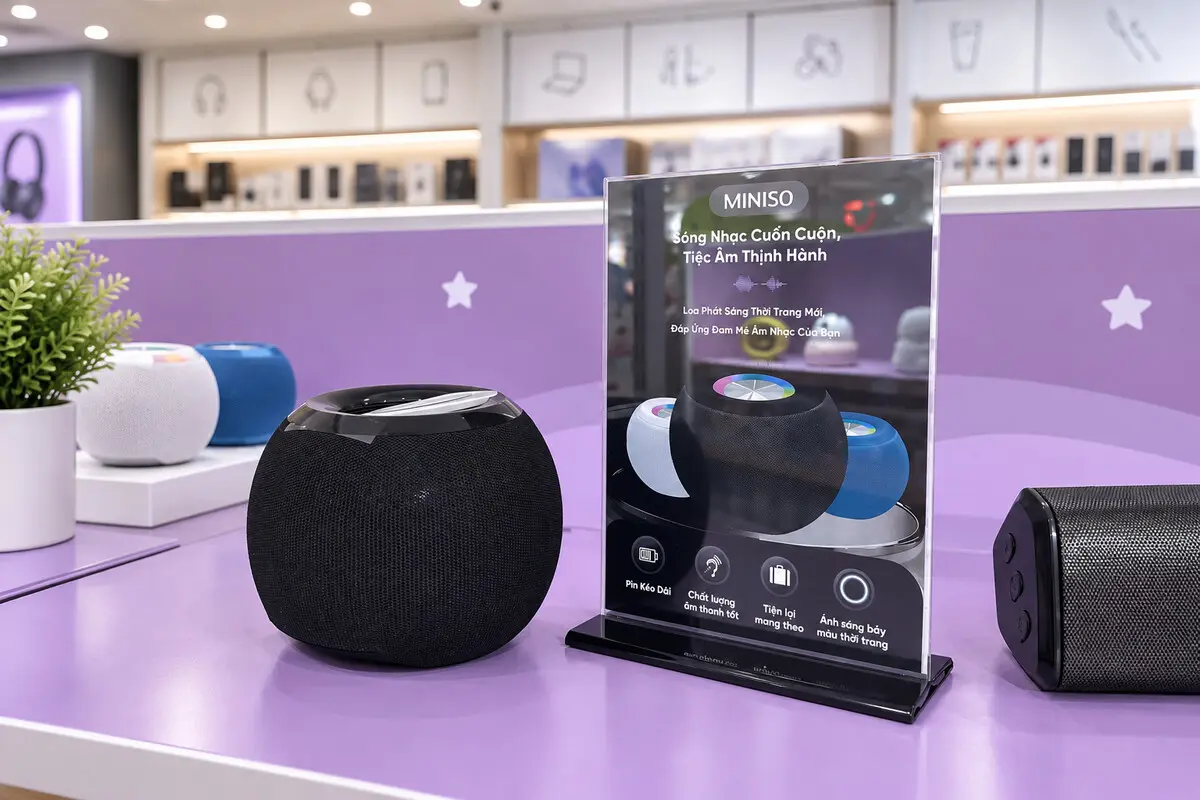
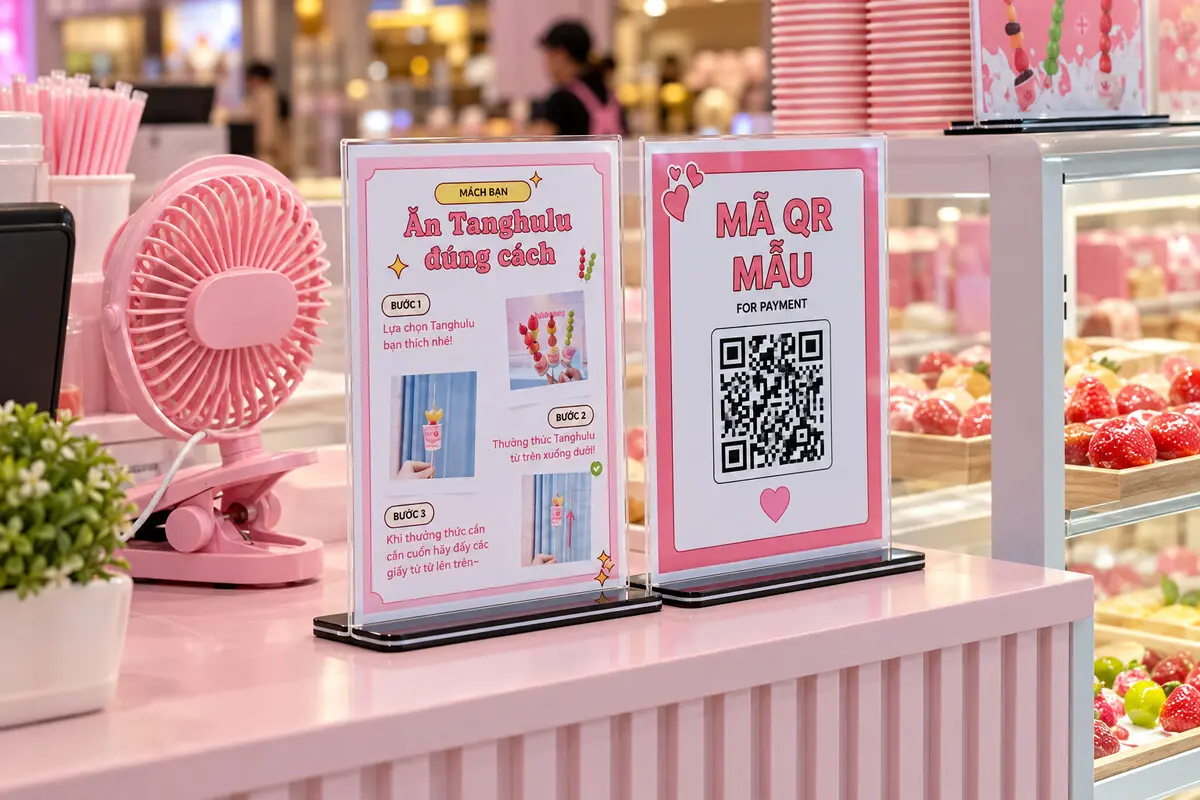
Need a quote or want to order desktop standees?
See the three sizes A6 – A5 – A4 and three price levels (full set / print only / stand only) on the Desktop Standee product page. Or message on Zalo / call 0866.511.099 — we will quote within 30 minutes during working hours. In Quảng Cáo Q7, 49 Mai Van Vinh, Tan Hung Ward, Ho Chi Minh City.
Related products
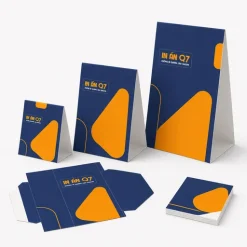
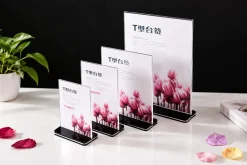
Tabletop standees
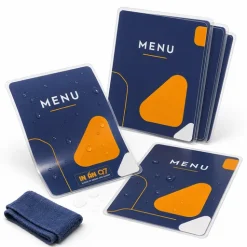
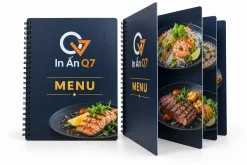
Menu
Menu
Menu
Choosing the size by placement in the shop
The size of a desktop standee should be chosen by the reading distance and the actual free space on the table, not by how much information you want to cram in.
| Placement | Suitable size | Recommended content | Estimated quantity |
|---|---|---|---|
| Customer tables | A6 | Table numbers, QR codes for ordering | By number of tables |
| Cashier counter | A6 | Payment QR code, thank-you message | 1 piece |
| Order counter | A5 or A4 | Promotional dishes, combos of the day | 1 to 2 pieces |
| Product display shelves | A6 | Item name, price, ingredients | By number of items |
| Spa and salon reception desks | A5 | New services, loyalty programs | 1 to 2 pieces |
| Event reception tables | A4 | Check-in instructions, maps | 1 to 2 pieces |
The A6 size takes up as much space as a glass of water, so several can be placed on the same counter without clutter. The A4 size should only be used where there is plenty of free space; placed on a table for four, it blocks the view between diners.
Cafés and milk tea shops usually place a desktop standee on every table, so the quantity is the number of tables plus a few spares. Spas and salons only need one or two at the reception desk.
Three base types and how to choose
The base decides how firmly the board stands and how quickly the content can be changed. The three types below are the most used.
- L-shaped acrylic (Mica) stand: the most compact, supports one side, suits tables against a wall and cashier counters.
- A-shaped acrylic (Mica) stand: stands double-sided, suits tables in the middle of the room where customers sit on both sides.
- T-shaped acrylic (Mica) stand: round or square base, heavier, less easily knocked when wiping the table.
- Print slot: a wide slot lets you pull it out and change it quickly, a tight slot holds more firmly.
- Acrylic (Mica) thickness: thicker means heavier and more stable; A4 sizes should use the thick type.
- Base underside: should have an anti-slip pad for glass or stone table tops.
The base lasts for many years; only the print sheet is consumable. So the first batch should be a full set, and later batches only the printing, pulling out the old sheet to replace it.
If the shop often wipes tables with a wet cloth, choose a stand with a wider, heavier base. Light stands get knocked askew every time the table is wiped, and staff have to keep straightening them.
Presenting content on a small size
The small size makes every layout mistake obvious. The general rule for desktop standees: one message per sheet; if you want to say two things, make two sheets.
- The main line takes up about a third of the height, readable from about one metre away.
- Minimum font size: 10pt for A6, 12pt for A5 and A4.
- Leave a 5 mm margin around the edges; the bottom is hidden by the base slot by about one centimetre.
- QR code at least 25 mm per side so seated customers can scan it.
- Dark text on a light background is easier to read than light text on a dark background under a shop's warm lighting.
- Matte lamination to reduce fingerprints, because customers often pick it up to read.
The bottom of the print is always partly hidden by the stand slot. Moving content up and leaving space at the bottom is the simplest way to avoid losing text, especially on A6, which already has little room.
If the shop changes content weekly, build a template file that keeps the same layout and only change the text and dish photos. Each change only takes a few minutes.
Double-sided or single-sided printing
By default, desktop standees are printed double-sided so customers can read them from any direction. But it is not always necessary.
| Placement | Should be printed in | Reason |
|---|---|---|
| Tables against a wall | Single-sided | Nobody sees the back |
| Tables in the middle of the room | Double-sided | Customers sit on both sides |
| Cashier counter | Single-sided | Customers only stand on one side |
| Long tables with many people | Double-sided | Customers sit facing each other |
| Display shelves against a wall | Single-sided | Viewed only from the front |
| Round tables | Double-sided | Customers sit around the table |
Many shops print the two sides with different content: one side menu or QR code, the other the current offer. One sheet serves two purposes, at no extra cost compared with printing both sides the same.
See the finished product at Tabletop Standee, or larger standing boards at A-Frame Standee. For printed items for shops, see Restaurants & Shops.
Four common content groups
The four content groups below make up most of the desktop standee orders we receive. Use them as a reference for what to print for your shop.
| Content group | Where used | Change cycle |
|---|---|---|
| Table numbers, QR codes for ordering | Customer tables | Almost never changes |
| Payment QR code | Cashier counter | Does not change |
| New dishes, combos, happy hours | Order counter, table tops | Weekly or monthly |
| Rules, short notices | Counter, entrance | As the situation requires |
| Dish prices and ingredients | Display shelves | When the menu changes |
| Customer loyalty programmes | Reception desk | Quarterly |
Fixed groups such as table numbers and QR codes should be printed once in good quality and carefully laminated because they are used for years. Weekly-changing groups can be printed thinner and discarded after each campaign.
Separating these two groups is the clearest way to save: you do not have to reprint the table numbers each time the promotion changes, nor use an expensive sheet for content that only runs for two weeks.
Quick Q&A when ordering
This section gathers the questions we receive most when customers order desktop standees for the first time.
- What's the minimum order? Yes, from one set, with no minimum quantity.
- Are bases sold separately? Yes, you can order just the stand or just the print.
- Does the A4 size stand firmly? The acrylic (Mica) base is heavy enough for A4 indoors; outdoors with wind, switch to a floor-standing board.
- Is single-sided printing cheaper? Yes, for tables against a wall single-sided is enough.
- How is the content changed? Just reorder the print, pull out the old sheet and slide the new one into the old stand.
- How soon is it ready? Usually 1 working day.
- Do you make custom sizes? Yes, tell us the desired size and we will quote.
Former District 7, Nha Be, District 4 and District 8 get door-to-door delivery. Other districts of Ho Chi Minh City are delivered according to the day's vehicle schedule.
If you do not have a file yet, send your logo and content via Zalo; the design team will lay it out at the exact size and send a preview. Printing starts only after approval.
Compared with other display boards
The desktop standee sits at the smallest end of the display board group. The table below shows where it stands compared with other types, so you know when to use a larger one.
| Board type | Placement | Reading distance | When to choose |
|---|---|---|---|
| Tabletop standees | Table tops, counters | Under 1 meter | Short information right at the seat |
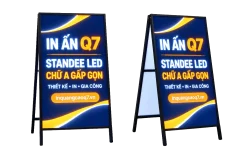
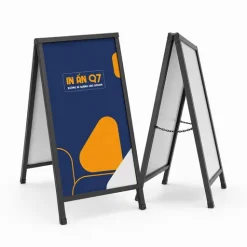
| Floor-standing A-frame board | Sidewalks, entrances | 2 to 5 metres | Draws customers in from outside |
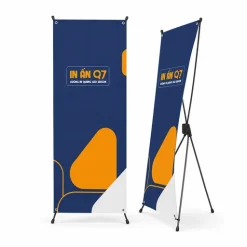
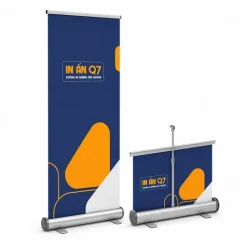
| Roll-up standee | Lobbies, events | 2 to 4 metres | Indoor display |
| Wall posters | Partitions, facades | 1 to 4 metres | Content kept for a long time |
| Menu board hung over the counter | Above the order counter | 1 to 3 metres | Full menu |
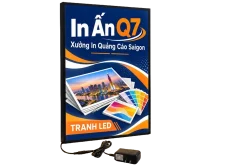
| Light-up picture panels | Partitions, counters | 1 to 3 metres | Needs to stand out, insert can be changed |
Many shops combine them: an A-frame board on the pavement to draw customers in, a counter board for the full menu, and desktop standees for QR codes and current offers. Each type does its own job.
If the budget is limited and you can only choose one type, the table-top group usually gives the highest return on cost. Customers who have already sat down are the group most likely to order more.
Summary of the points to remember
A summary of the points to remember when ordering desktop standees, so you do not have to reread the whole article.
- The three usual sizes are A6, A5 and A4; A6 is used most on table tops.
- Three acrylic (Mica) base types: L-shaped, A-shaped and T-shaped, chosen by where the table stands.
- Tables against a wall are printed single-sided, tables in the middle of the room double-sided.
- Leave space at the bottom of the print because the base slot hides a section.
- Matte lamination reduces fingerprints.
- The base lasts for many years; later batches only need the printing.
- The quantity is the number of tables plus a few spares.
For any other questions, message us on Zalo with a photo of the table top or counter. We can advise on a suitable size and base type at a glance.
Two things to check when receiving goods
The two things below are often forgotten when receiving goods; discovered late, they can only be fixed with the next print run.
- Check the flip direction of the two sides: double-sided desktop standees must flip on the vertical edge; flipping on the wrong edge makes the back upside down.
- Count the number of bases: print sheets and bases are packed separately; with a base missing, the print sheet just lies flat.
- Try sliding a sheet into a base as soon as you receive it, to check the slot fits.
- Check the bottom to see whether the base slot hides any text.
- Check the colour between sheets if you ordered many; the same batch must match in colour.
- Keep one sample sheet so the next order can be placed correctly.
If you find something different from the approved proof, tell us within twenty-four hours with photos. If the fault is ours, we reprint free of charge.
For spelling mistakes in a file the customer has approved, reprinting is charged, so the proof approval step should have two people reading it, not just the person who built the file.
When to order more desktop standees
Many shops order desktop standees once and never again. In practice there are a few moments when you should order more or replace them so the existing spots are not wasted.
- Adding tables: each new table needs another desktop standee set if you use table numbers.
- Changing the menu: sheets with old prices must be replaced; the bases stay the same.
- Running a new promotion: order extra print sheets for that campaign; no need to buy new sets.
- Changing the payment QR code: changing accounts means reprinting every sheet with the code.
- Old sheets stained or warped: desktop standees that get water spilled on them should be replaced right away.
- Opening a branch: order for both locations in one batch so the colours match.
The simplest way is to order about ten percent extra print sheets from the first batch. A sheet damaged midway can be replaced right away without waiting for the next print run.
For shops with several branches, print for all locations in one batch. The colours between desktop standee sheets will be consistent and the price per sheet is also lower.
In short, a desktop standee set has two separate parts: the print sheet and the acrylic (Mica) base. Choose the right size and base type from the start, and later batches only need the printing. That is also the most economical way to order desktop standees for shops that change content often.
Need printing or signage in Ho Chi Minh City?
In Quảng Cáo Q7 runs its own print workshop in Tân Hưng Ward (former District 7), Ho Chi Minh City, producing and installing signage, banners, window graphics, exhibition booths and event displays. Send us the size, material, quantity and a photo on WhatsApp and we will get back to you.

Phone: +84 866 511 099 · Also on WeChat
Workshop: 49 Mai Văn Vĩnh, Tân Hưng Ward, Ho Chi Minh City